


The Event App by EventsAir
500M + oyuncunun güvendiği Android Oyun Platformu, BlueStacks ile PC'de oynayın.

Sayfa Değiştirilme tarihi: Dec 9, 2025
Play The Event App by EventsAir on PC
Simply install the app and enter your Event App code provided by your event organizer. It’s that easy!
Key features:
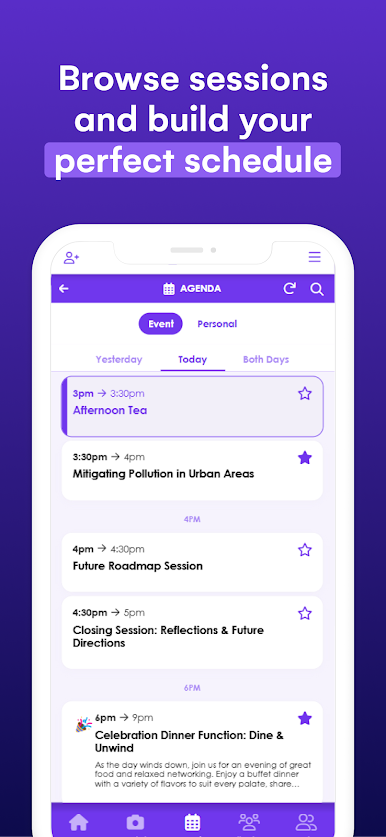
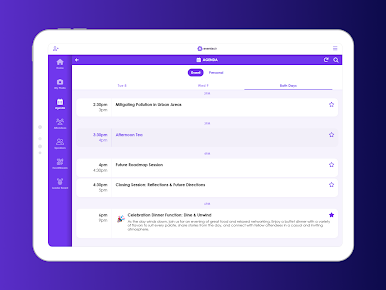
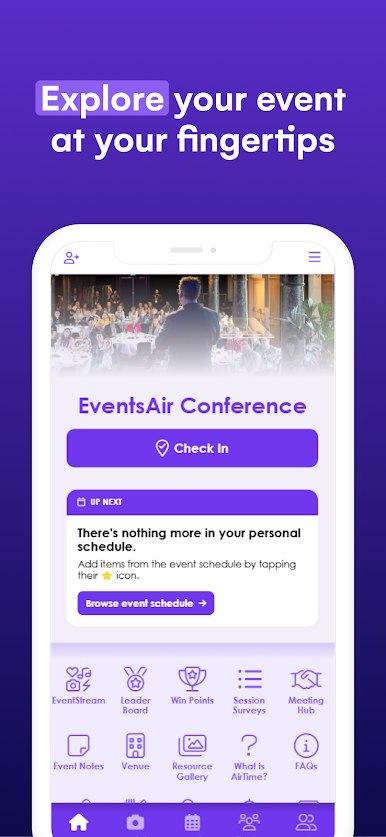
– Personalized schedules: Access sessions, speakers, and event details at a glance.
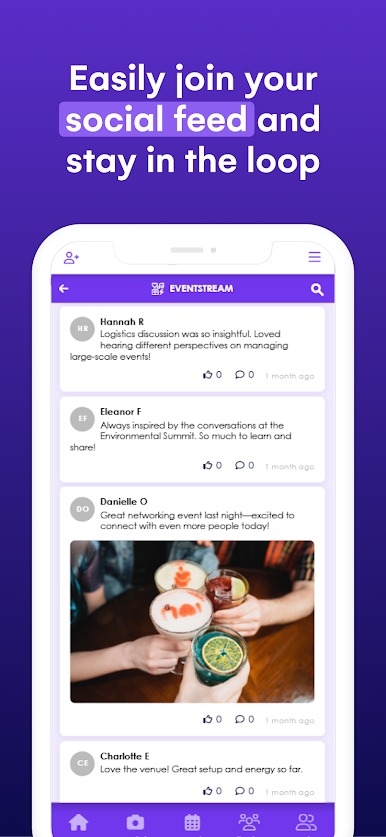
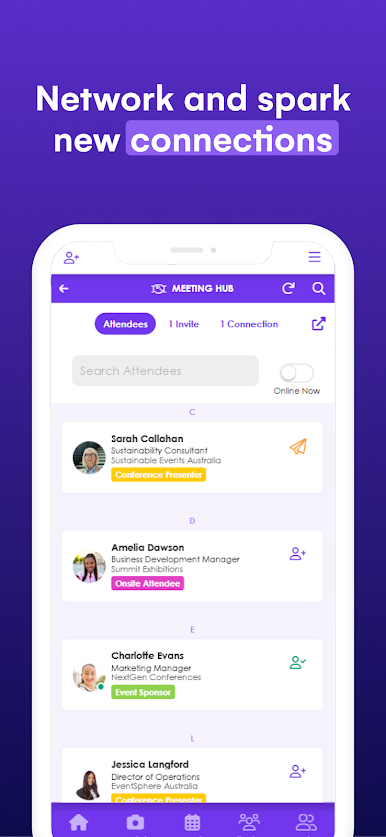
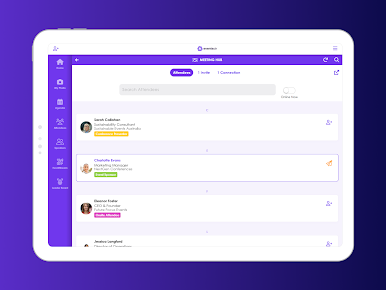
– Networking made easy: Connect with attendees, schedule meetings, and exchange contact details.
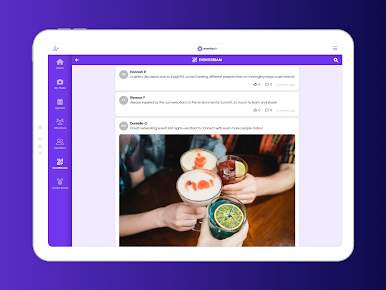
– Live interaction: Join live polling, Q&A, and session feedback in real time.
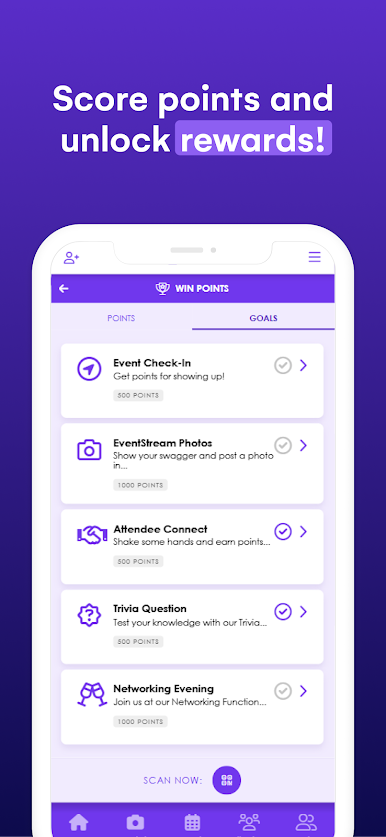
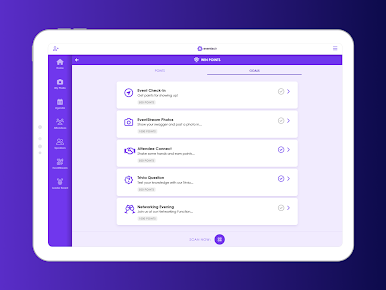
– Gamification & leaderboards: Earn points, complete challenges, and compete for rewards.
– On-demand content: View presentations, videos, and event materials anytime.
– Real-time updates: Stay informed with instant notifications and announcements.
– Essential event information: Quickly find key details like Wi-Fi passwords, dress codes, travel info, and FAQs.
– Virtual & hybrid support: Engage remotely with live streaming and interactive tools.
If you’re having any trouble with your event app, please contact your event organizer or event staff directly, as they will be best suited to assist.
The Event App by EventsAir oyununu PC'de oyna. Başlamak çok kolay.
-
BlueStacks'i PC'nize İndirin ve Yükleyin
-
Play Store'a erişmek için Google girişi yapın ya da daha sonraya bırakın.
-
Sağ üst köşeye The Event App by EventsAir yazarak arayın.
-
The Event App by EventsAir uygulamasını arama sonuçlarından indirmek için tıklayın.
-
(iEğer Adım 2'yi atladıysanız) The Event App by EventsAir uygulamasını yüklemek için Google'a giriş yapın.
-
Oynatmaya başlatmak için ekrandaki The Event App by EventsAir ikonuna tıklayın.

