


Pocket AutoML
Играйте на ПК с BlueStacks – игровой платформе для приложений на Android. Нас выбирают более 500 млн. игроков.

Страница изменена: Jun 4, 2023
Играй Pocket AutoML На ПК
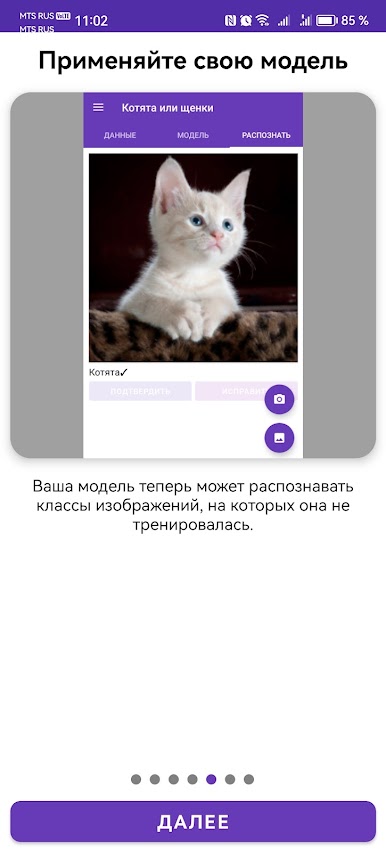
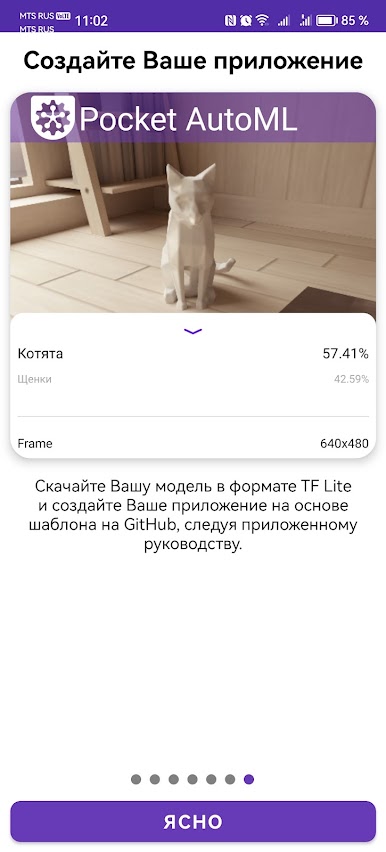
• Приложение может экспортировать модели в формате TensorFlow Lite, таким образом пользователь может создать на их основе собственное Android приложение, следуя предоставленному руководству.
• Профессионалы в области компьютерного зрения или глубокого обучения также могут использовать это приложение как инструмент для быстрого создания прототипов, применяющих transfer learning на их задачах без единой строчки кода.
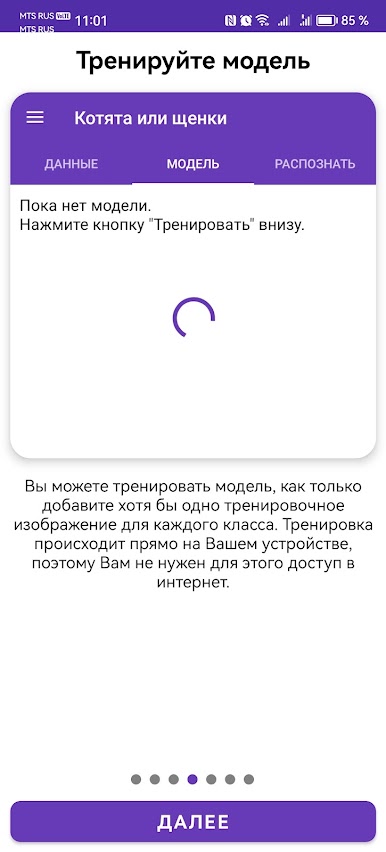
• Приложение тренирует модель прямо на Вашем устройстве за секунды (для набора данных, содержащего десятки изображений).
• Приложение сохраняет Вашу конфиденциальность: Ваши изображения никуда не загружаются, так как и тренировка моделей, и распознавание происходит на Вашем устройстве.
• Приложению не нужно подключение к Интернету ни для тренировки моделей, ни для распознавания изображений.
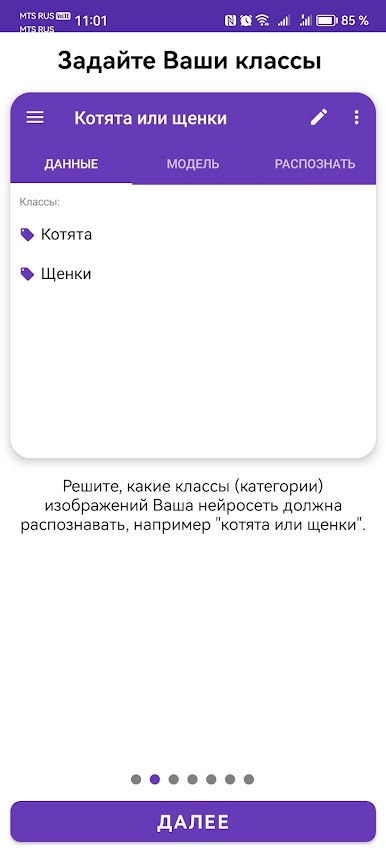
• Лишь несколько изображений каждого класса может быть достаточно для тренировки модели, которая будет в состоянии правильно распознавать изображения (т.н. few-shot learning).
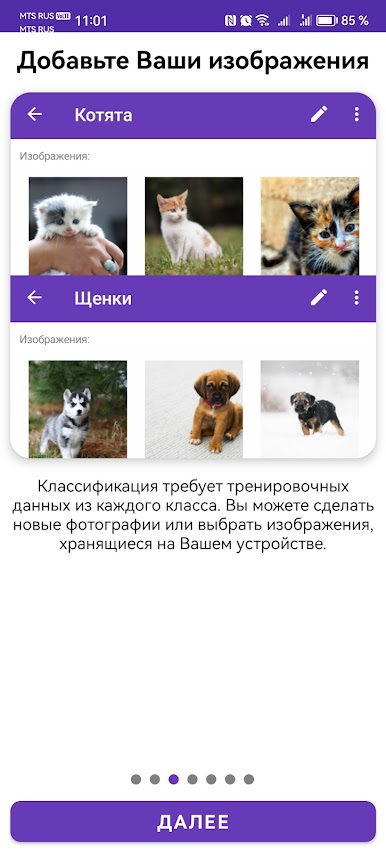
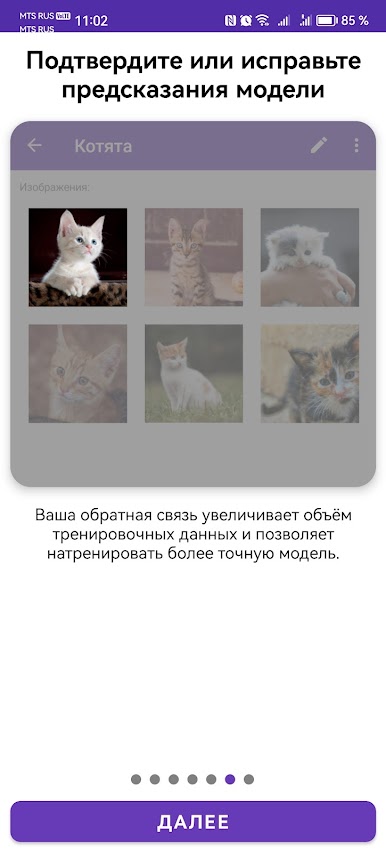
Играйте в игру Pocket AutoML на ПК. Это легко и просто.
-
Скачайте и установите BlueStacks на ПК.
-
Войдите в аккаунт Google, чтобы получить доступ к Google Play, или сделайте это позже.
-
В поле поиска, которое находится в правой части экрана, введите название игры – Pocket AutoML.
-
Среди результатов поиска найдите игру Pocket AutoML и нажмите на кнопку "Установить".
-
Завершите авторизацию в Google (если вы пропустили этот шаг в начале) и установите игру Pocket AutoML.
-
Нажмите на ярлык игры Pocket AutoML на главном экране, чтобы начать играть.

