


FaithNOW
Spiele auf dem PC mit BlueStacks - der Android-Gaming-Plattform, der über 500 Millionen Spieler vertrauen.

Seite geändert am: May 1, 2025
Play FaithNOW on PC
——
▷ Already a Member? Sign-In to access your subscription.
▷ New? Subscribe in the app to get instant access.
FaithNOW offers auto-renewing subscriptions.
You'll receive unlimited access to content on all your devices. Payment is charged to your account at confirmation of purchase. Pricing varies by location and is confirmed prior to purchase. Subscription automatically renews unless canceled at least 24 hours before the end of the current billing period, or the trial period (when offered). Cancel anytime in Account Settings.
For more information see our:
-Terms of Service: https://faithnow.com/pages/terms-of-service
-Privacy Policy: https://faithnow.com/pages/privacy-policy

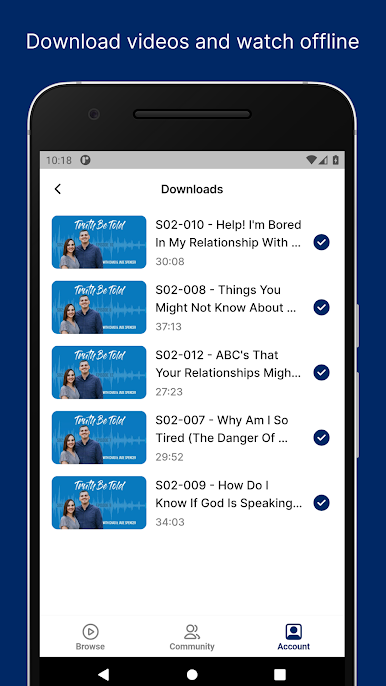
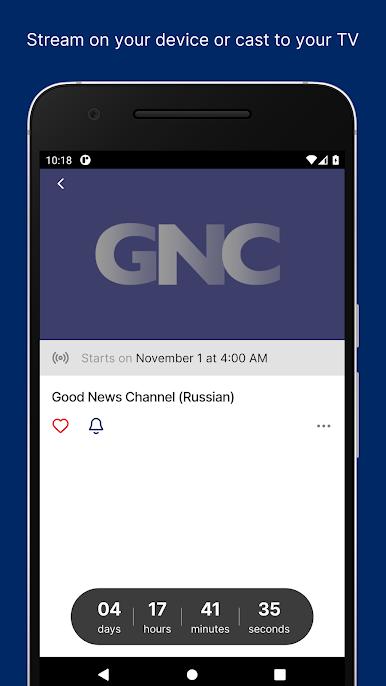

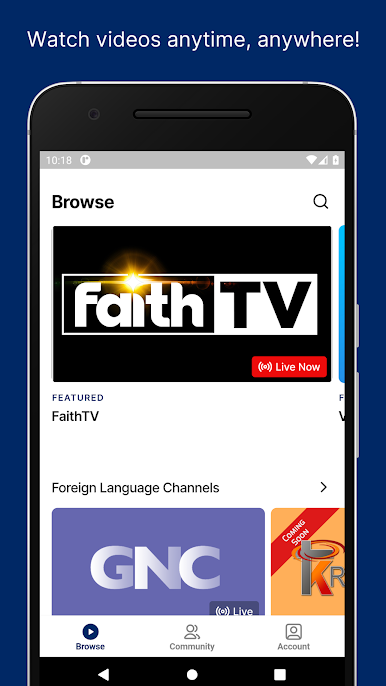
Spiele FaithNOW auf dem PC. Der Einstieg ist einfach.
-
Lade BlueStacks herunter und installiere es auf deinem PC
-
Schließe die Google-Anmeldung ab, um auf den Play Store zuzugreifen, oder mache es später
-
Suche in der Suchleiste oben rechts nach FaithNOW
-
Klicke hier, um FaithNOW aus den Suchergebnissen zu installieren
-
Schließe die Google-Anmeldung ab (wenn du Schritt 2 übersprungen hast), um FaithNOW zu installieren.
-
Klicke auf dem Startbildschirm auf das FaithNOW Symbol, um mit dem Spielen zu beginnen

