


Hill Climb Racing
Spiele auf dem PC mit BlueStacks - der Android-Gaming-Plattform, der über 500 Millionen Spieler vertrauen.

Seite geändert am: Aug 6, 2026
Spiel Hill Climb Racing auf deinem PC oder Mac
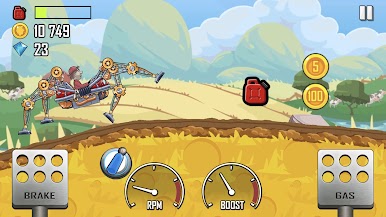
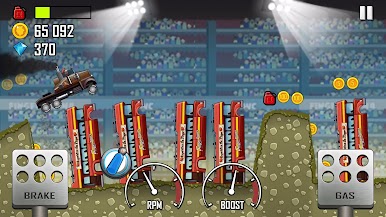
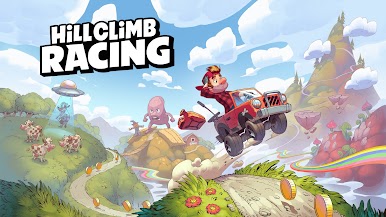
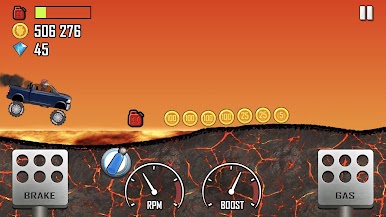
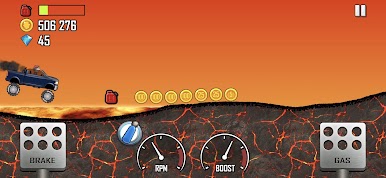
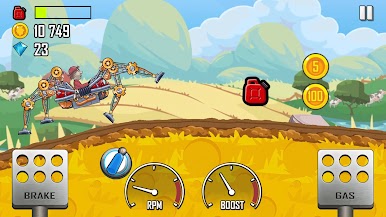
Niemand hat gesagt, dass es leicht werden würde, aber das ist Gewinnen nie. Willst du hardcore Rennaction mit einzigartigen Herausforderungen, dann lade Hill Climb Racing für Android herunter und erlebe den Rausch von Autorennen, gemixt mit Offroad-Spaß. Wähle aus zahllosen verrückten Fahrzeugen – es gibt alles, vom Pickup Truck bis hin zu Segways und Tourbussen.
Bringe dein Racing auf den nächsten Level, indem du die Bluestacks Android Emulator App für deinen Laptop oder Computer nutzt. Diese tolle App erlaubt es dir, jede Android App virtuell auf deinem Computer zu nutzen. Kein Augenzukneifen mehr, um Boni zu sehen, oder sich Sorgen machen um fast leere Akkus. Installiere Hill Climb Racer auf Windows XP, 7 oder 8 und schon bist du bereit, bis zu den Bergen und weiter zu reisen.
Du kannst Hill Climb Racing auch in deinem Browser auf deinem PC oder Smartphone spielen, ohne es herunterzuladen. Klicke und spiele sofort!

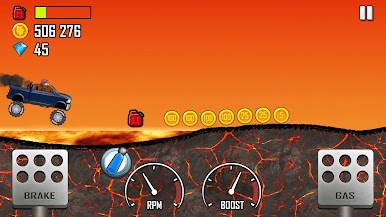
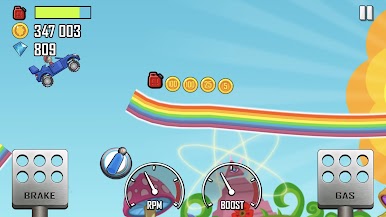
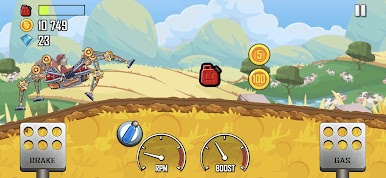
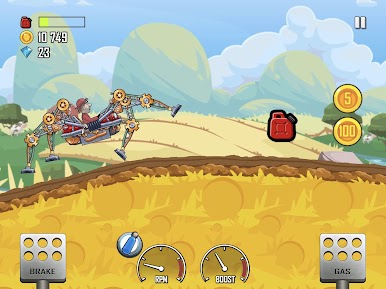


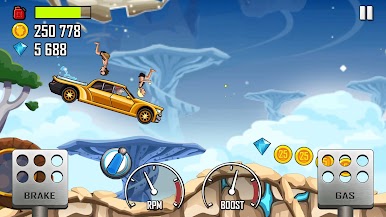
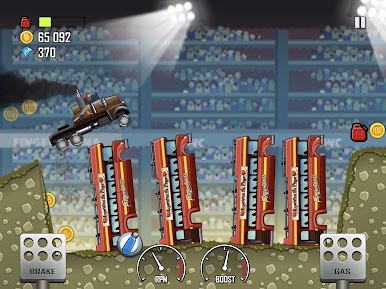
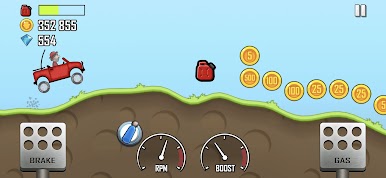
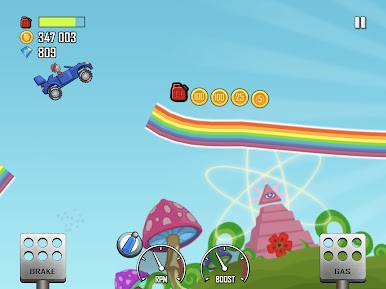

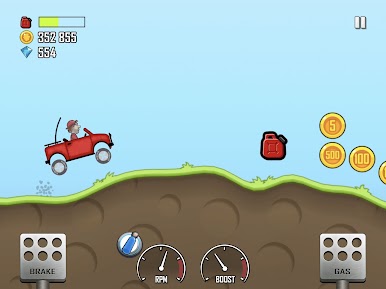
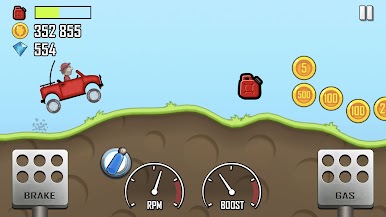
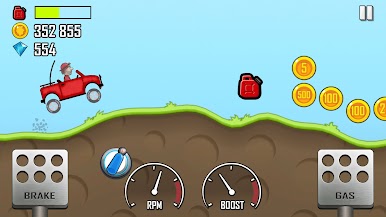
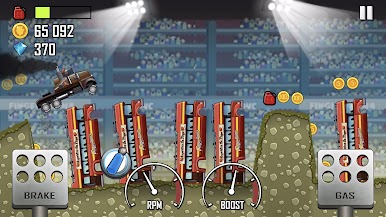
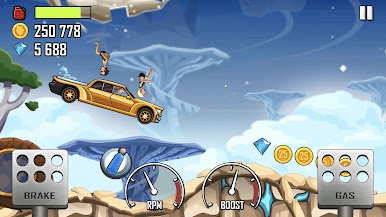
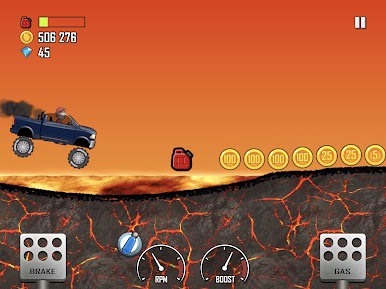
Spiele Hill Climb Racing auf dem PC. Der Einstieg ist einfach.
-
Lade BlueStacks herunter und installiere es auf deinem PC
-
Schließe die Google-Anmeldung ab, um auf den Play Store zuzugreifen, oder mache es später
-
Suche in der Suchleiste oben rechts nach Hill Climb Racing
-
Klicke hier, um Hill Climb Racing aus den Suchergebnissen zu installieren
-
Schließe die Google-Anmeldung ab (wenn du Schritt 2 übersprungen hast), um Hill Climb Racing zu installieren.
-
Klicke auf dem Startbildschirm auf das Hill Climb Racing Symbol, um mit dem Spielen zu beginnen

