


Solitaire Card Game Classic
Spiele auf dem PC mit BlueStacks - der Android-Gaming-Plattform, der über 500 Millionen Spieler vertrauen.

Seite geändert am: Oct 22, 2025
Spiele Solitaire Card Game Classic für PC
Wenn Sie Ihren Hintergrund, Ihre Karten usw. anpassen möchten, viel Spaß! Verleihen Sie dem Spiel eine persönliche Note.
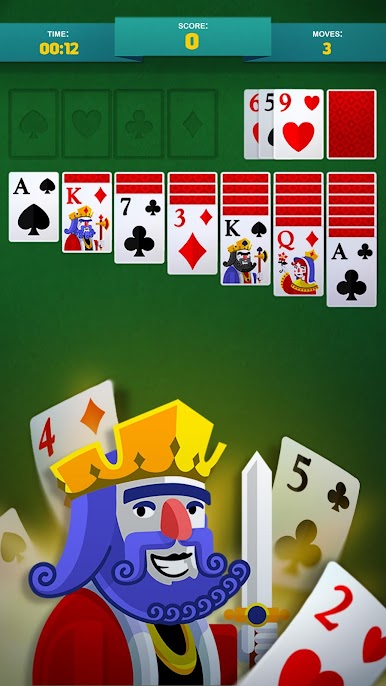
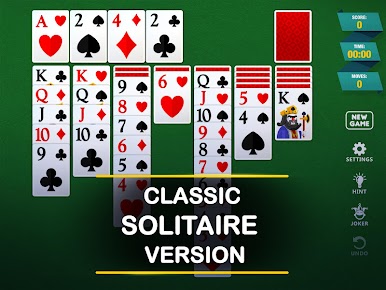
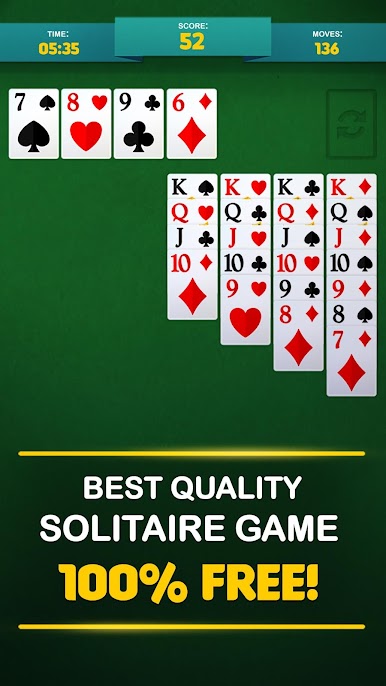
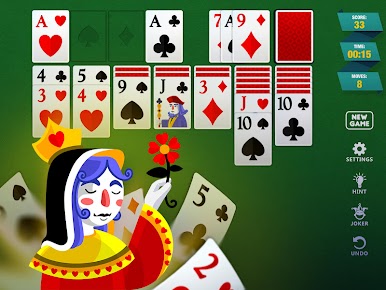
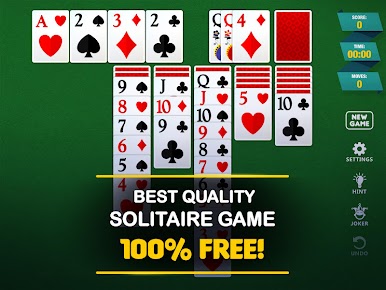
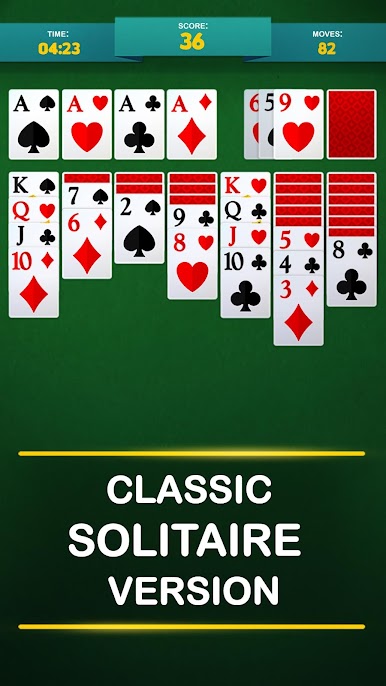
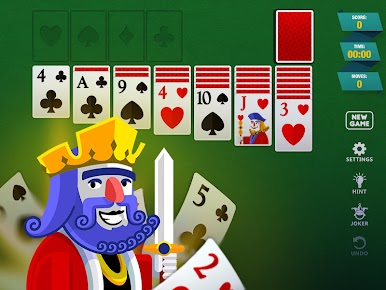
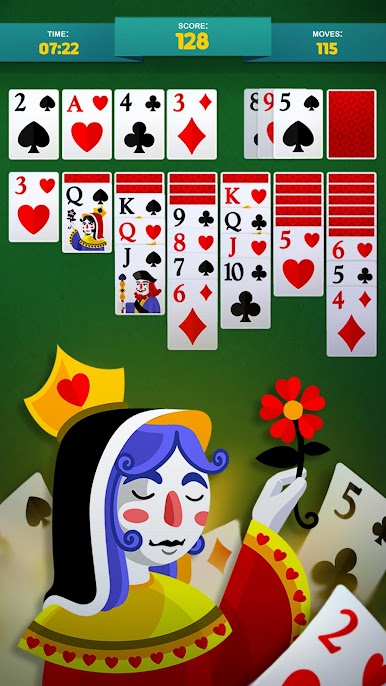
Klassisches Solitaire wird auch Klondike oder Patience genannt. Hier können Sie Ihr Glück in den Spielmodi „Ziehen 3“ und „Vegas“ versuchen.
HAUPTFUNKTIONEN:
* 3 Karten ziehen
* 1 Karte ziehen
* Hintergrundfarben, Kartenhintergründe und mehr
* Schöne, gestochen scharfe und gut lesbare Karten
* Clevere Hinweise
* Effiziente, schnelle und intelligente Spieloberfläche
* Sie können tippen oder ziehen, um die Karte zu platzieren
* Standard-Klondike-Wertung mit oder ohne Vegas
* Sehr umfassende Statistiken
* Unbegrenztes Rückgängigmachen
* Magisches Spiel! Probieren Sie es aus und haben Sie Spaß!
* Auto-Vervollständigen-Option am Ende des gelösten Spiels
* Optionen für Links- und Rechtshänder;
* Kartenanimationen
* Ton ein/aus
Jetzt herunterladen!
- Entspann dich und hab Spaß mit unserem fantastischen Spiel.
- Benutze deinen Verstand und bringe dein Solitaire-Spiel in Form wie nie zuvor.
- Wir hören dir immer zu und verbessern dein Solitaire-Spiel.


Spiele Solitaire Card Game Classic auf dem PC. Der Einstieg ist einfach.
-
Lade BlueStacks herunter und installiere es auf deinem PC
-
Schließe die Google-Anmeldung ab, um auf den Play Store zuzugreifen, oder mache es später
-
Suche in der Suchleiste oben rechts nach Solitaire Card Game Classic
-
Klicke hier, um Solitaire Card Game Classic aus den Suchergebnissen zu installieren
-
Schließe die Google-Anmeldung ab (wenn du Schritt 2 übersprungen hast), um Solitaire Card Game Classic zu installieren.
-
Klicke auf dem Startbildschirm auf das Solitaire Card Game Classic Symbol, um mit dem Spielen zu beginnen

