

Cinema FV-5 Lite
500M + oyuncunun güvendiği Android Oyun Platformu, BlueStacks ile PC'de oynayın.

Sayfa Değiştirilme tarihi: Oct 30, 2025
Run Cinema FV-5 Lite on PC or Mac
What’s better than using Cinema FV-5 Lite by FGAE Apps? Well, try it on a big screen, on your PC or Mac, with BlueStacks to see the difference.
About the App
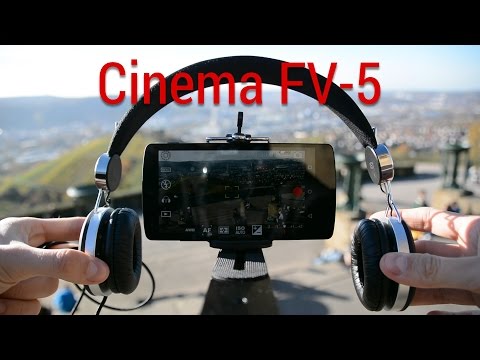
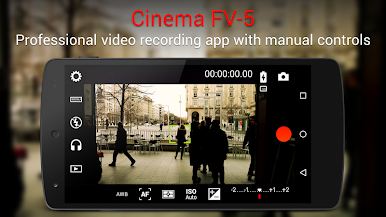
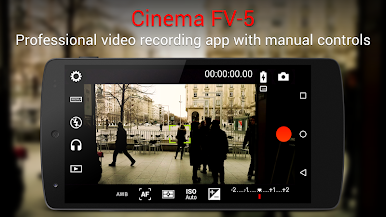
If you love capturing videos and wish your phone gave you more control, Cinema FV-5 Lite might just be what you’re looking for. Designed for folks who want to shoot like professionals or just up their video game, this app hands you the manual camera tools usually found on high-end gear. With everything at your fingertips—from exposure to focus—you can really fine-tune your shots and let your creative side loose.
App Features
-
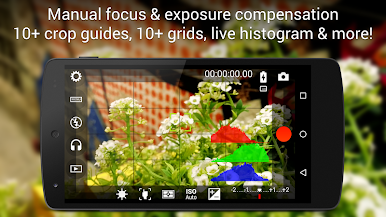
Manual Controls Galore
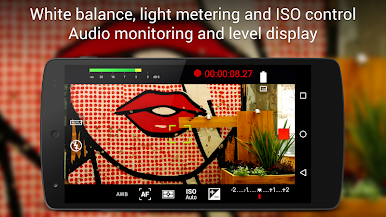
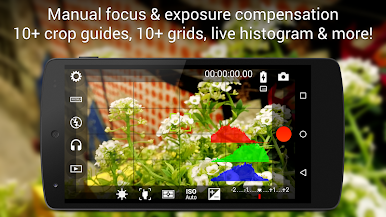
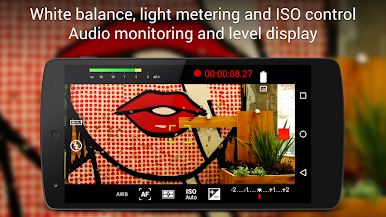
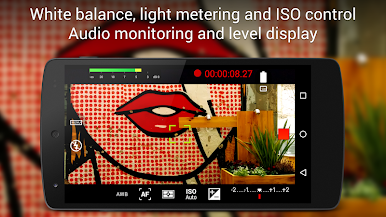
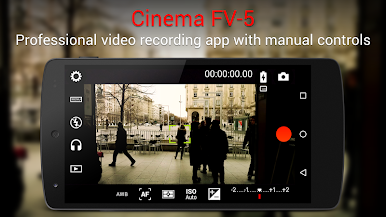
Adjust settings like ISO, exposure, white balance, and light metering with just a few taps. You can tweak these even while recording, so you’re always in charge of the look and feel of your video. -
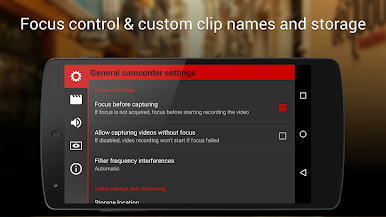
Flexible Focus Options
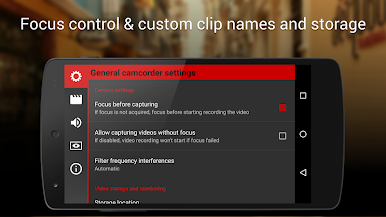
Switch between autofocus, macro, touch focus, and infinity modes. There’s even a focus lock you can use before or during a shoot. Want cinematic rack focusing? No problem. -
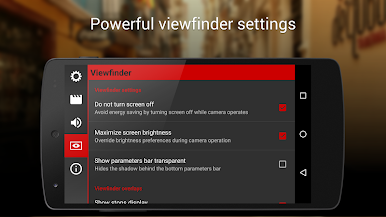
Pro-Level Viewfinder Tools
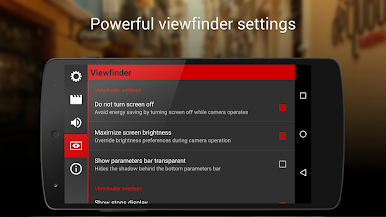
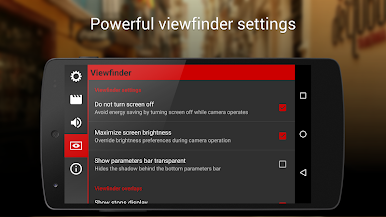
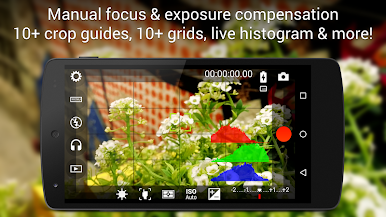
Over ten compositional grids and crop guides, a live RGB histogram, and safe area markers help you nail every shot, whether you’re framing a scene for social or a short film. -
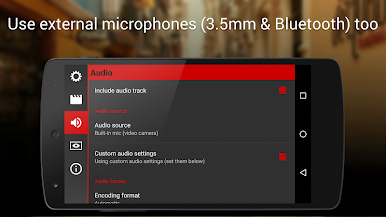
Audio Control
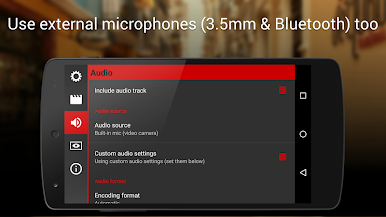
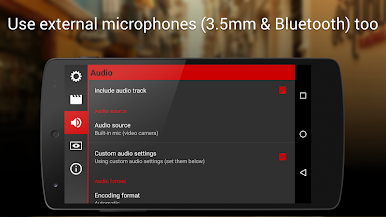
Monitor your audio in real-time with peak and clipping warnings. Choose between different input sources like the phone’s mic, a wired microphone, or even a Bluetooth headset. -
Codec and Quality Choices
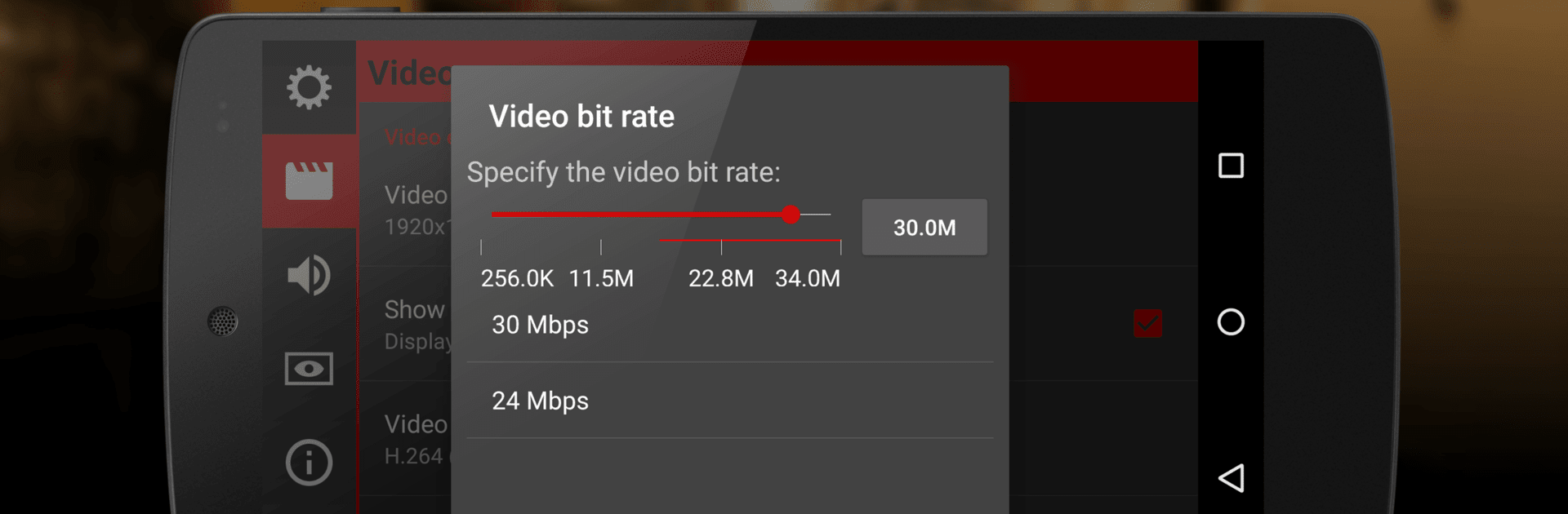
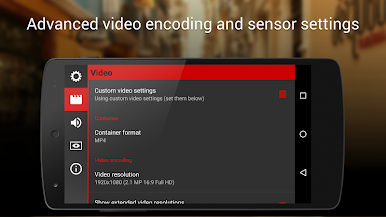
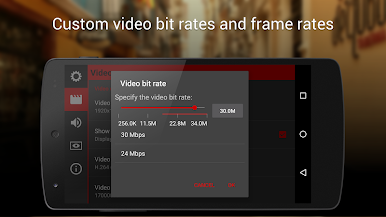
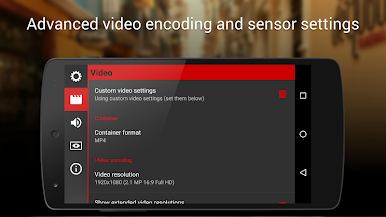
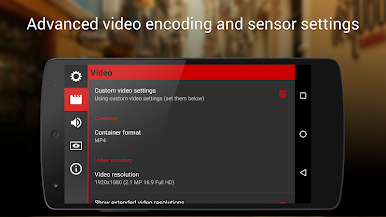
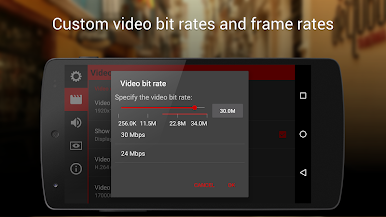
Select your preferred video and audio codecs, tweak your bitrates, set audio sampling rates, and pick between mono or stereo sound. Shooting in 4K UHD? It’s supported on compatible devices. -
Easy Controls with Hardware Buttons
Assign camera functions to your device’s volume keys—change ISO, focus, record, or zoom with one hand. If your phone has a dedicated hardware camera button, that works too. -
Clip and Storage Management
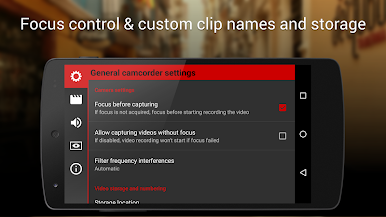
Fully customizable file names and the option to pick different storage locations make organizing your work easy. There’s even a bit of fun with variables for naming files. -
Video Geotagging
Attach location info to your clips if you want to remember exactly where that perfect sunset was filmed. -
Works Great on BlueStacks
Prefer editing or shooting on a bigger screen? Cinema FV-5 Lite works seamlessly through BlueStacks, giving you all these pro controls from your computer.
Get ready to explore the world of mobile filmmaking with tools that put you in the director’s chair every time you hit record.
Switch to BlueStacks and make the most of your apps on your PC or Mac.
Cinema FV-5 Lite oyununu PC'de oyna. Başlamak çok kolay.
-
BlueStacks'i PC'nize İndirin ve Yükleyin
-
Play Store'a erişmek için Google girişi yapın ya da daha sonraya bırakın.
-
Sağ üst köşeye Cinema FV-5 Lite yazarak arayın.
-
Cinema FV-5 Lite uygulamasını arama sonuçlarından indirmek için tıklayın.
-
(iEğer Adım 2'yi atladıysanız) Cinema FV-5 Lite uygulamasını yüklemek için Google'a giriş yapın.
-
Oynatmaya başlatmak için ekrandaki Cinema FV-5 Lite ikonuna tıklayın.

