

Intelligenter Wecker
Spiele auf dem PC mit BlueStacks - der Android-Gaming-Plattform, der über 500 Millionen Spieler vertrauen.

Seite geändert am: Dec 16, 2025
Run Smart Alarm Clock on PC or Mac
Why limit yourself to your small screen on the phone? Run Smart Alarm Clock, an app by Smart Mobile Tools, best experienced on your PC or Mac with BlueStacks, the world’s #1 Android emulator.
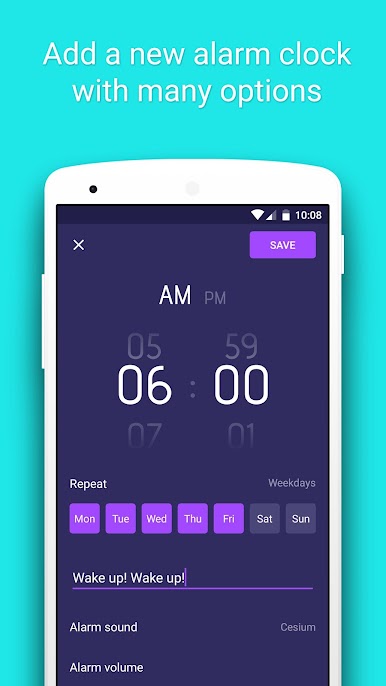
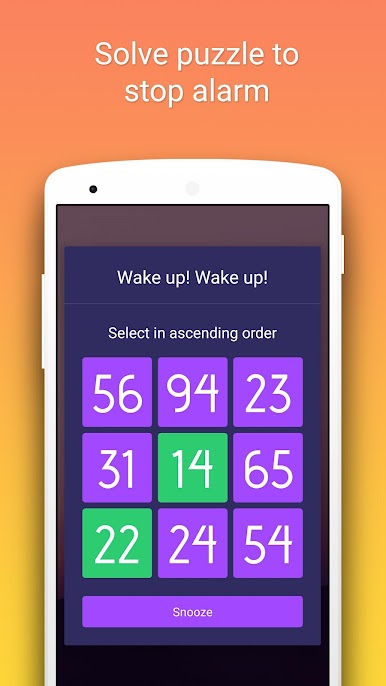
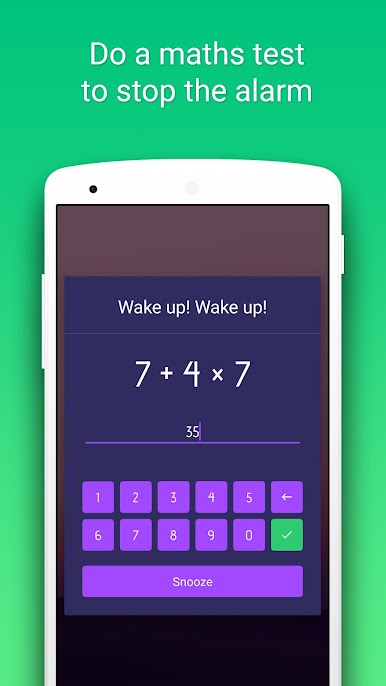
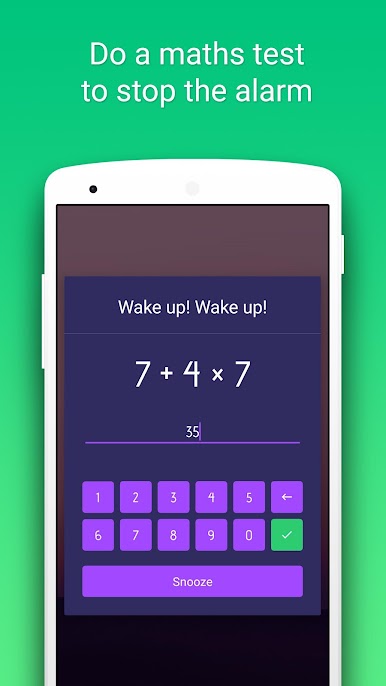
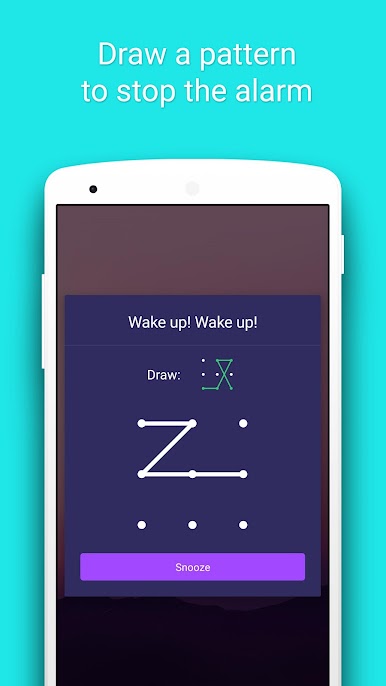
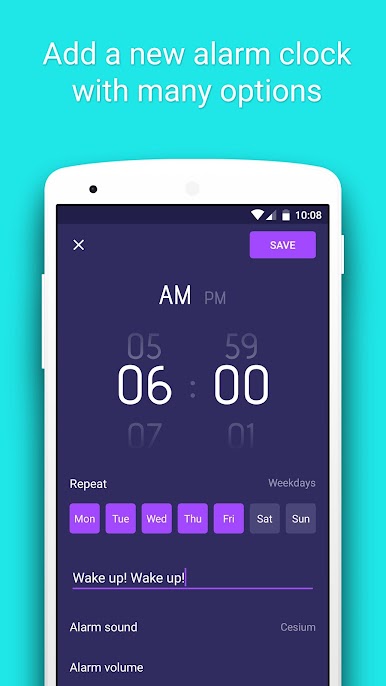
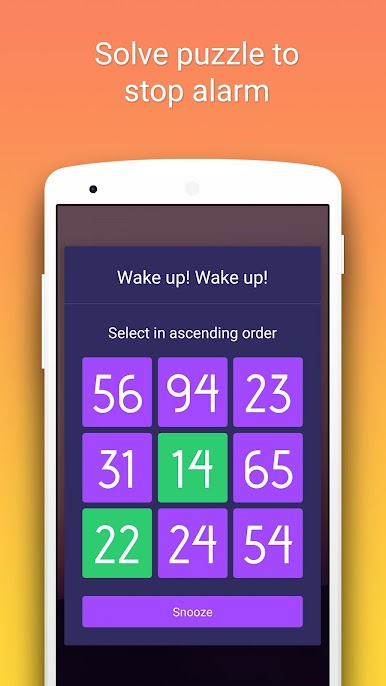
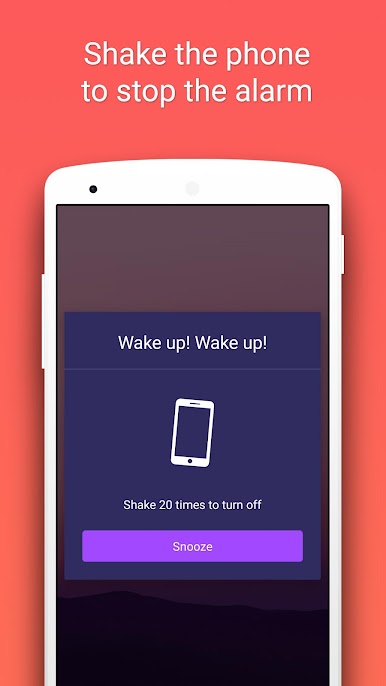
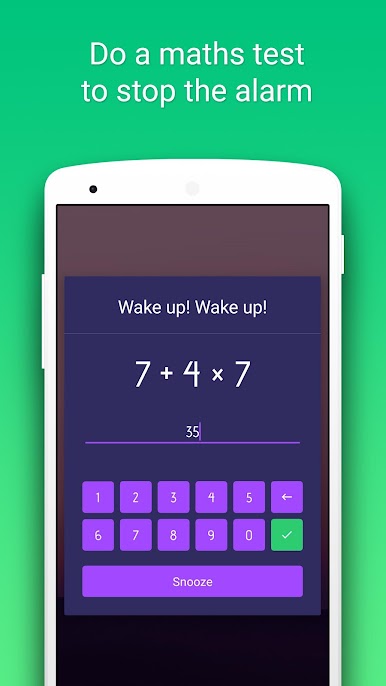
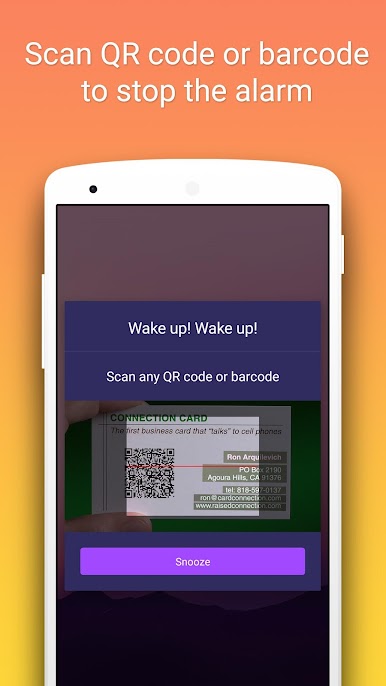
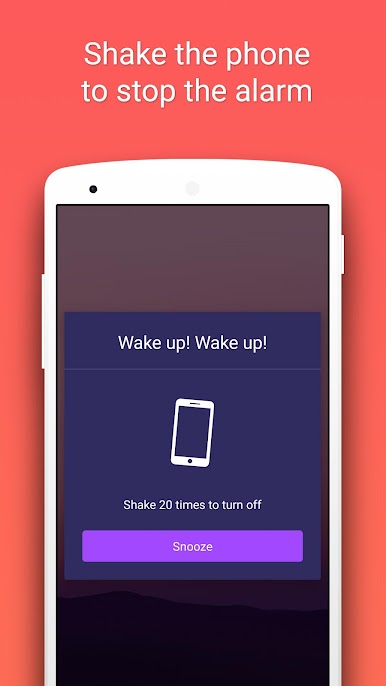
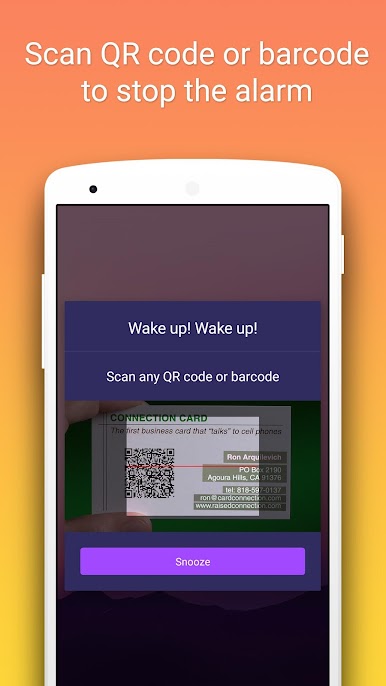
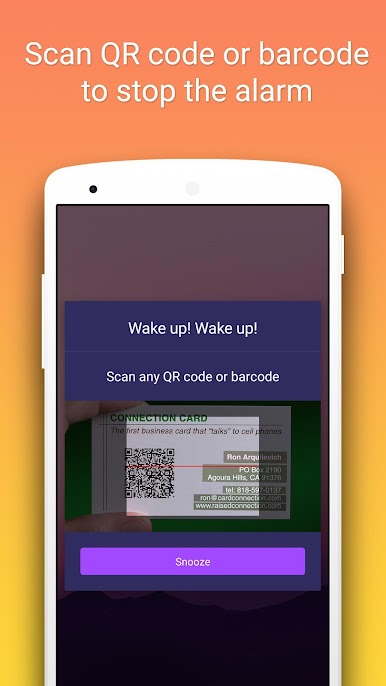
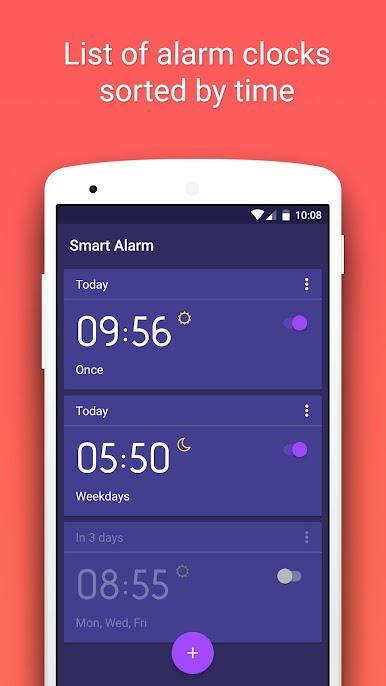
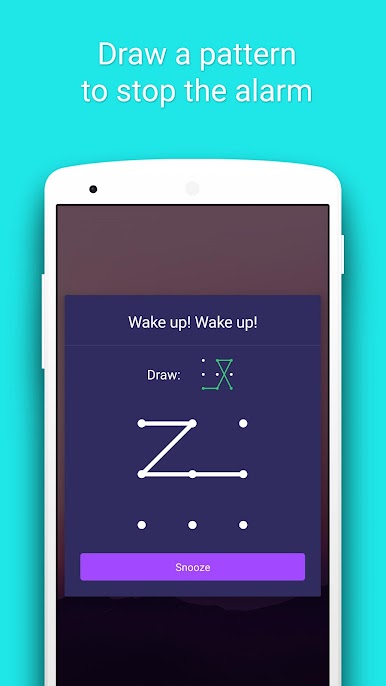
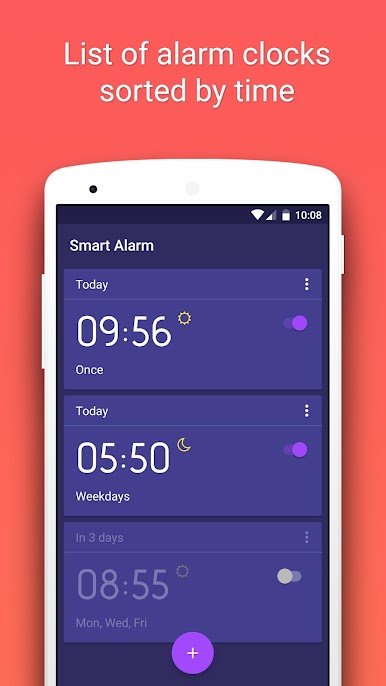
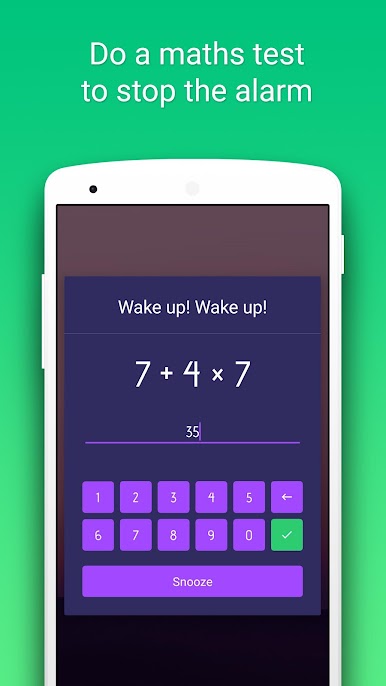
Smart Alarm Clock is for anyone who keeps snoozing and needs a tougher wake up. It does not just ring, it makes the person actually do something before it calms down. There are several ways to turn it off, from the simple button press to math problems with different difficulty levels. It can ask for a quick shake count, a little pattern drawing, a short text that must match exactly, or a tiny number puzzle where the numbers have to be tapped in order. There is even a QR or barcode scan option that basically forces someone to get up and find a code on a box or a note, and a random mode that keeps things unpredictable. It sounds a bit silly, but it works because the brain has to wake up. On BlueStacks, most of this translates well, since puzzles, math, and patterns are easy with mouse and keyboard, while scanning barcodes might depend on the PC camera setup, so that one is better on a phone.
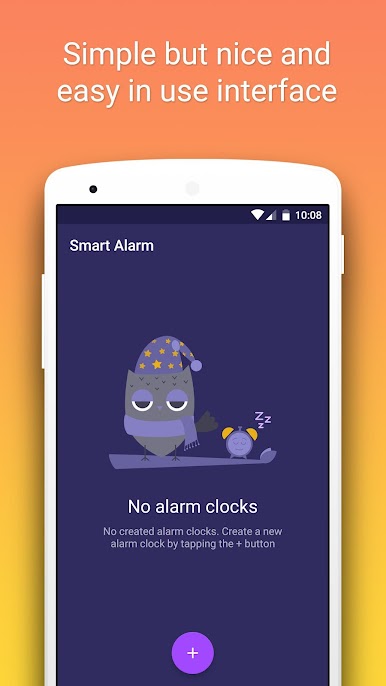
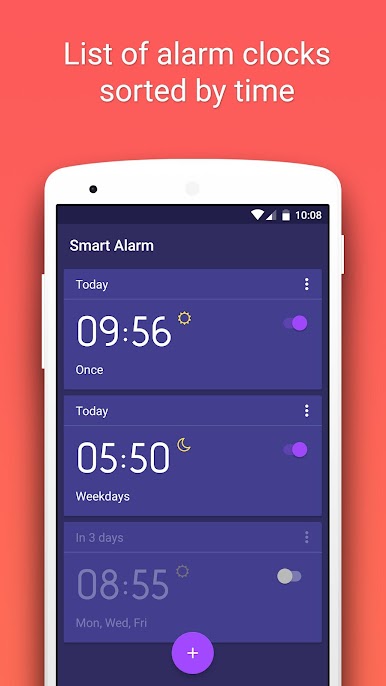
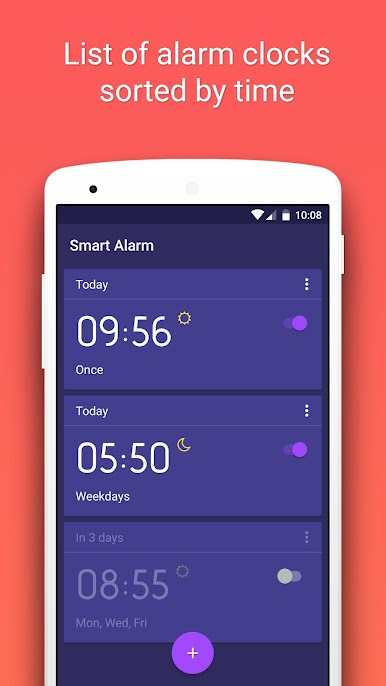
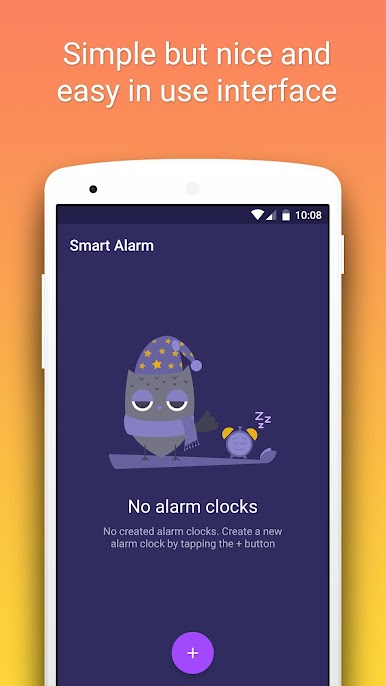
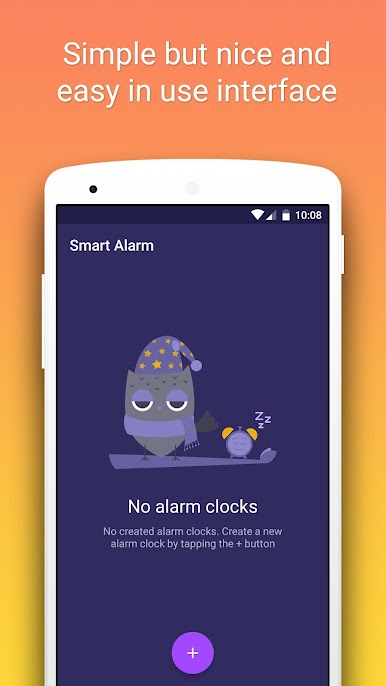
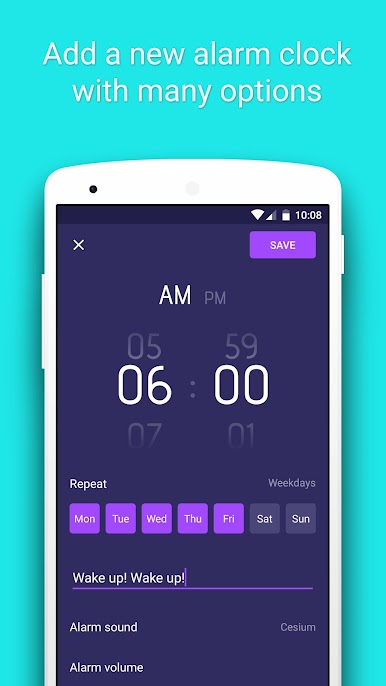
The app lets a person set exact times, repeat on chosen weekdays, add names to alarms, and tweak the clock face look. Sounds can come from the device’s ringtones or a favorite song, with volume controls and a gentle volume ramp that starts soft then gets louder. Vibration patterns, a custom snooze time, and even launching another app right after stopping the alarm are all there. There is a quick preview so they can see how it will behave before bed. The interface is clean and straightforward, nothing confusing. One small quirk, the text entry task expects the exact word, so sloppy typing means the alram keeps going, but that is sort of the point. On a monitor with BlueStacks, the big clock looks nice, and the puzzles feel fast to clear once the brain wakes up.
Big screen. Bigger performance. Use BlueStacks on your PC or Mac to run your favorite apps.
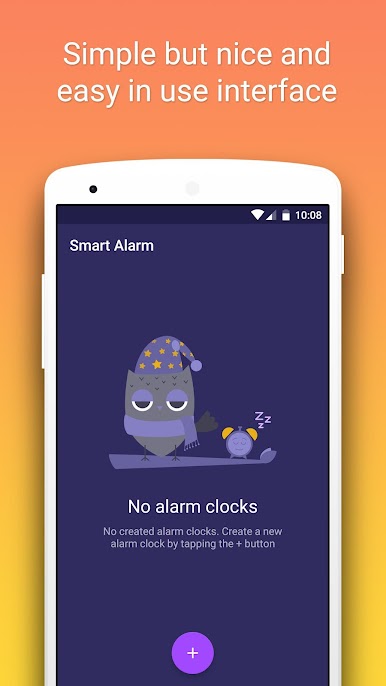
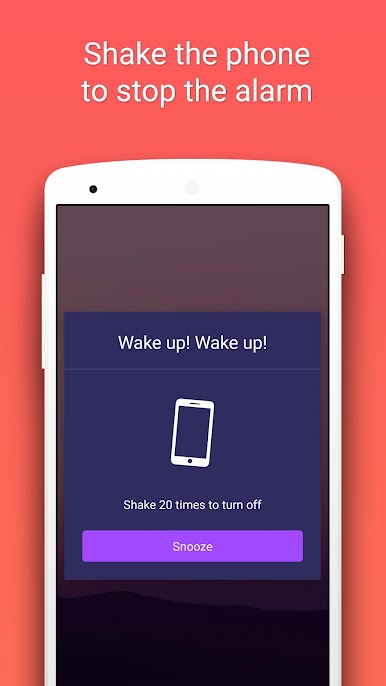
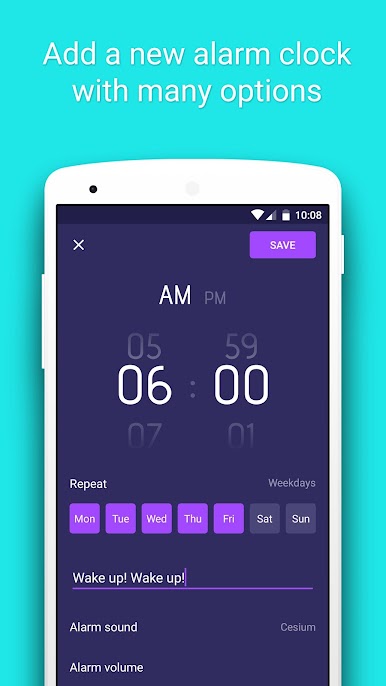
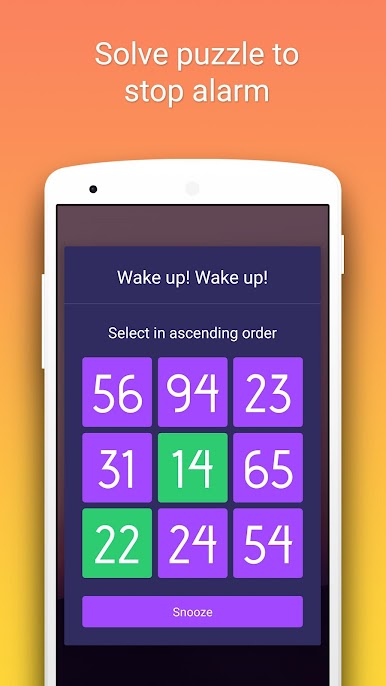
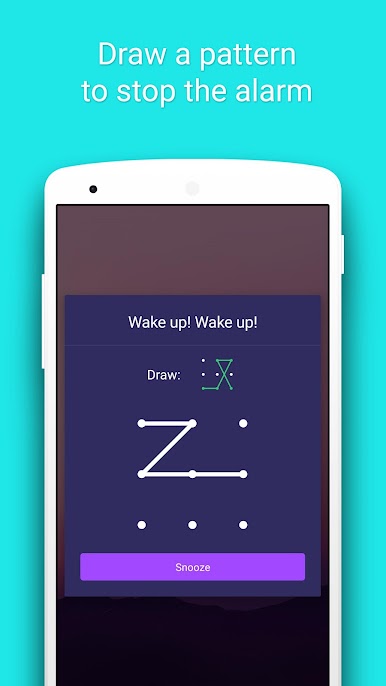
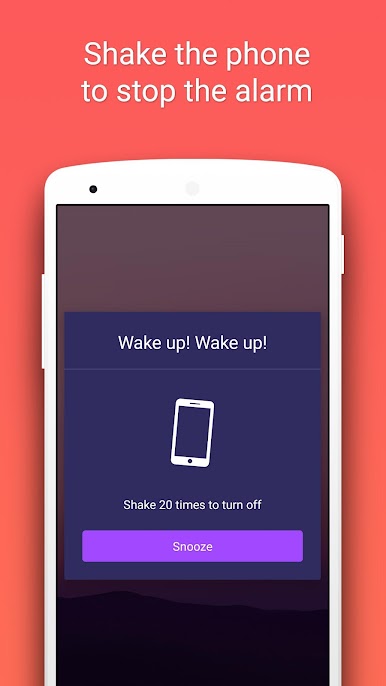
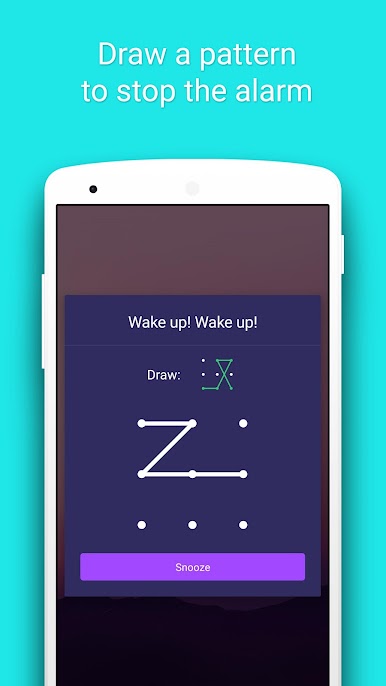
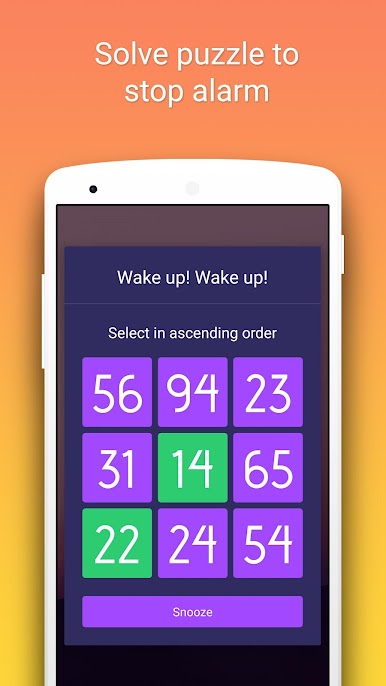
Spiele Intelligenter Wecker auf dem PC. Der Einstieg ist einfach.
-
Lade BlueStacks herunter und installiere es auf deinem PC
-
Schließe die Google-Anmeldung ab, um auf den Play Store zuzugreifen, oder mache es später
-
Suche in der Suchleiste oben rechts nach Intelligenter Wecker
-
Klicke hier, um Intelligenter Wecker aus den Suchergebnissen zu installieren
-
Schließe die Google-Anmeldung ab (wenn du Schritt 2 übersprungen hast), um Intelligenter Wecker zu installieren.
-
Klicke auf dem Startbildschirm auf das Intelligenter Wecker Symbol, um mit dem Spielen zu beginnen

