


GPS-Geschwindigkeitsmesser
Spiele auf dem PC mit BlueStacks - der Android-Gaming-Plattform, der über 500 Millionen Spieler vertrauen.

Seite geändert am: Nov 2, 2025
Play GPS Speedometer Distance Meter on PC
GPS Speedometer: Distance Meter for Every Journey!
Transform your Android phone into a GPS Speedometer: Distance Meter that tracks your movement, speed, and distance in real time. No matter if you are walking, jogging, cycling, or driving, it tracks your data accurately. GPS Speedometer: Distance Meter provides you with awareness of your speed and tells you when you are going too fast, making your trips secure and well-planned each time you drive.Drive more efficiently with MPH Tracker: KPH Speed Meter that provides you with real-time information in miles and kilometers. Forget about your car tools, this Digital Speedometer: MPH Speed App lets you track, measure, and compare your trips.
📄 GPS Speedometer Main Features:📄
🚗 Precise GPS Speedometer: Distance measuring for vehicles, bicycles, and everyday walking and running;
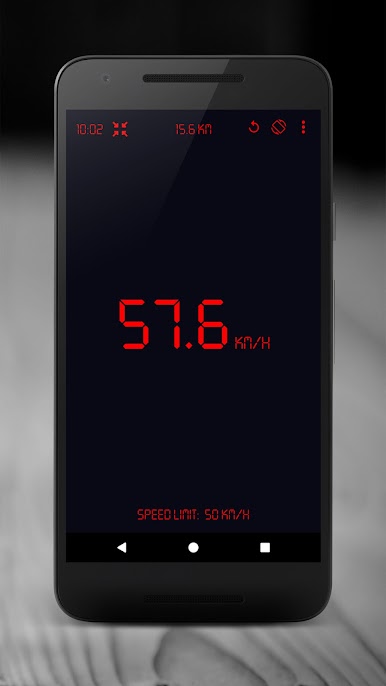
🚗 MPH Tracker in real time: KPH Speed Meter reading;
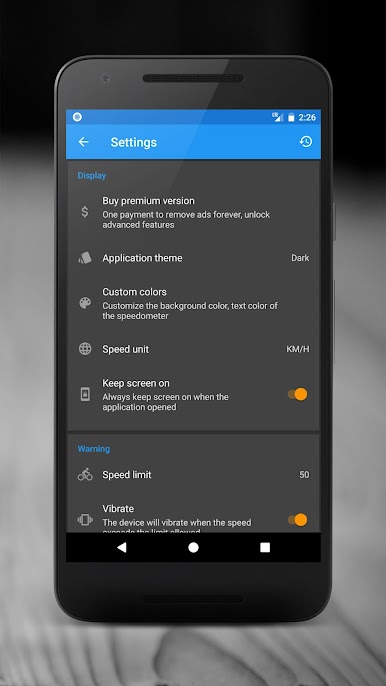
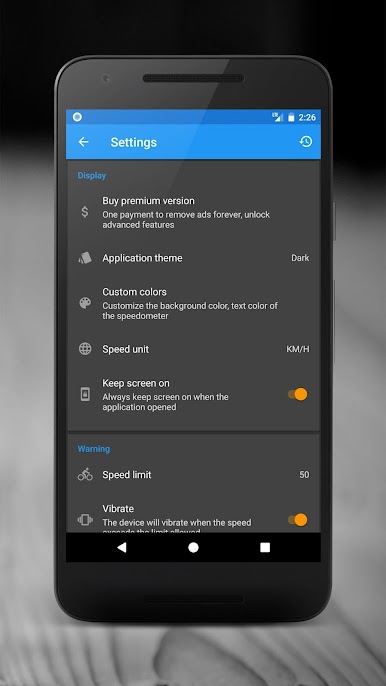
🚗 Set and modify your speed limit alerts;
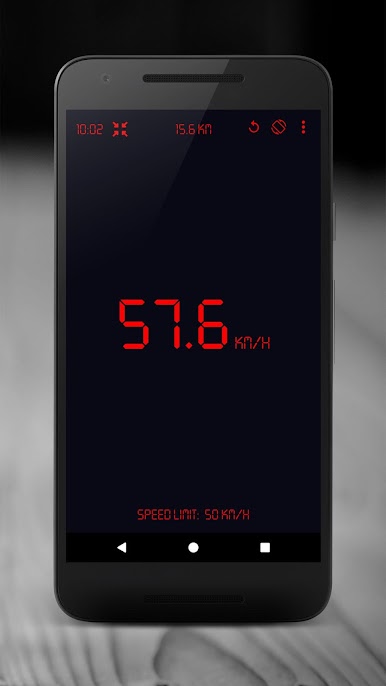
🚗 Alarms activate as either vibration or sound when speed limit is surpassed;
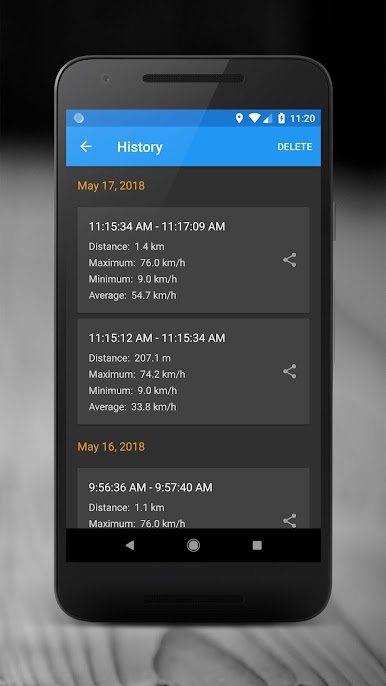
🚗 Measure total distance with the Car Speedometer: MPH Odometer tool;
🚗 Easily toggle between km/h and mph;
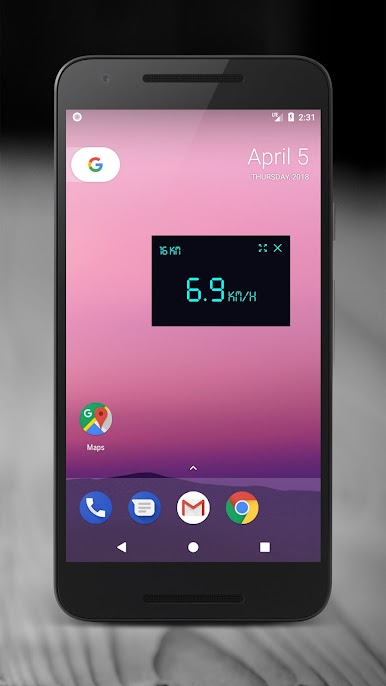
🚗 Select from different themes for daytime and nighttime driving;
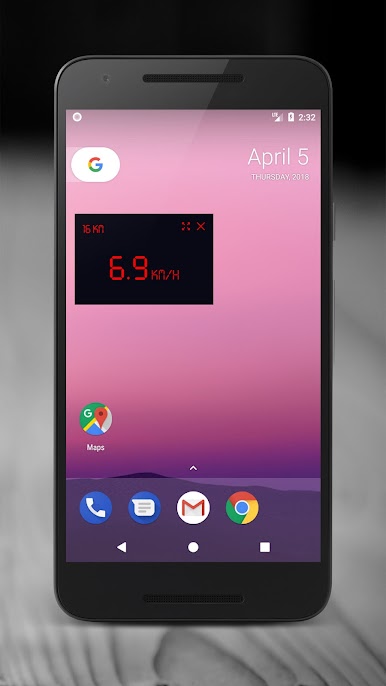
🚗 Alter the colors and design of the Digital Speedometer: MPH Speed App;
🚗 Customize alarm tones, even to your favorite songs;
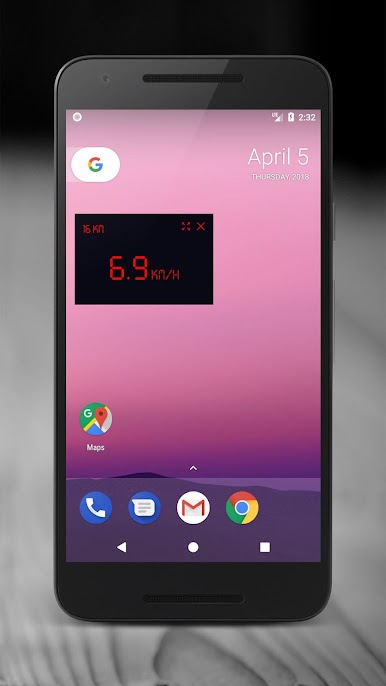
🚗 Continous alerts in background while using other apps;
🚗 Bike Speedometer: How fast am I going: instant results.
Real-Time Tracking and Smart Control!
The MPH Speedometer: Speed Tracker offers accurate and real-time data tracking while you drive and ride. Receive safety notifications through audible alerts as you track performance and ensure safety. The GPS Speedometer: Distance Meter allows you to easily track the distance traveled whether you are on a long-distance trip or a short daily commute.Customize Your Experience:⚙️
From theme selection to speed units the MPH Tracker: KPH Speed Meter allows you complete control. You can round the value, choose the distance measurement mode, and color to match your preference. The Car Speedometer MPH: Odometer and the Digital Speedometer: MPH Speed App are great tools to track precise mileage while driving, cycling, or running.
For Drivers, Cyclists, and Runners:🚴♂️
The Bike Speedometer: How Fast Am I Going provides accurate performance tracking which is essential for cyclists. Distance, speed, and joggers’ progress tracking are realized through the Car Speedometer MPH: Odometer. No matter how you choose to move, the MPH Speedometer: Speed Tracker provides precise and reliable results every single time.
Stay Safe with Smart Alerts:🚨
Set your desired limit in the GPS Speedometer: Distance Meter and the Car Speedometer MPH: Odometer app will instantly tell you when you are driving too fast! Alerts are both visual and vibrating. You can feel and hear the Alerts through the MPH Tracker: KPH Speed Meter. You can pay attention to the road and drive safely while being aware of your speed.
Start Your Journey with Precision and Confidence!
GPS Speedometer: Distance Meter gives ultimate control to all travelers and adventurers. MPH Speedometer: Speed Tracker gives full reliability. Know your speed instantly with the Bike Speedometer: How Fast Am I Going while driving, biking, or running. Travel with safety, confidence, and accuracy, wherever the road takes you.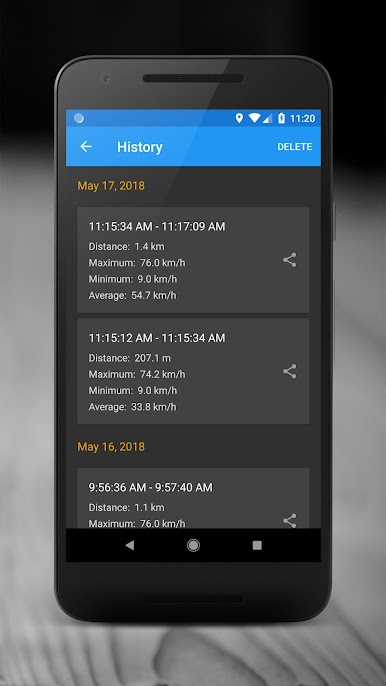
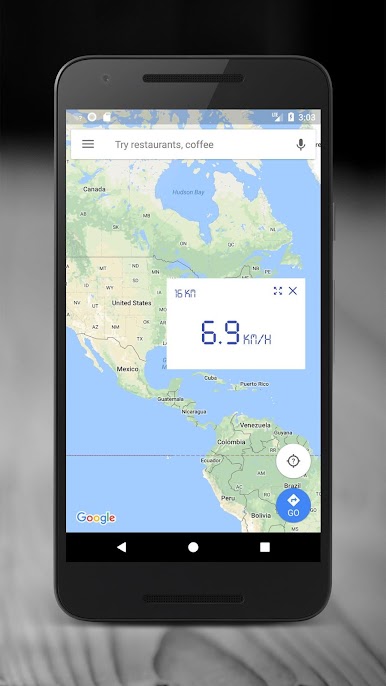
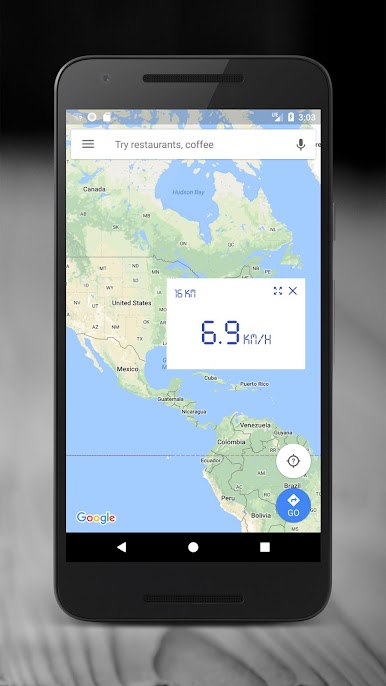
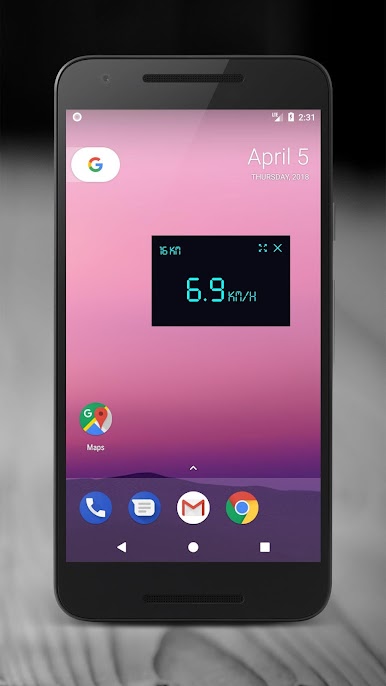
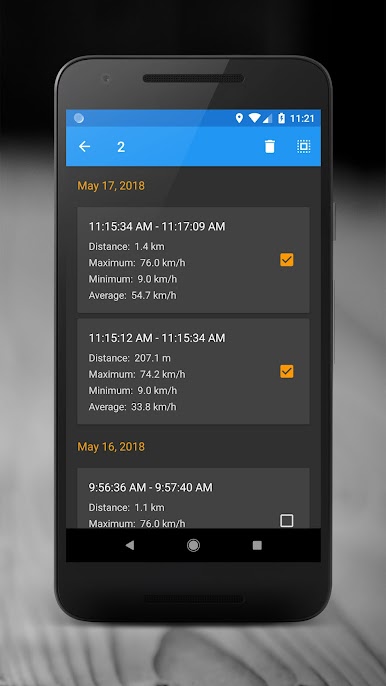
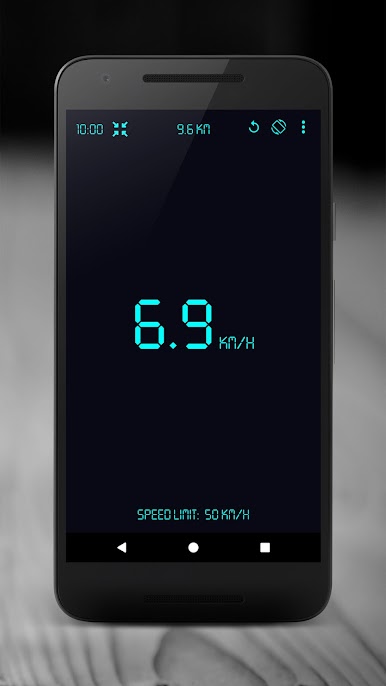
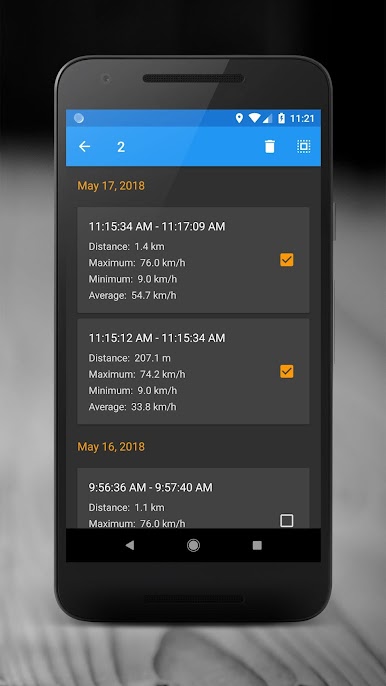
Spiele GPS-Geschwindigkeitsmesser auf dem PC. Der Einstieg ist einfach.
-
Lade BlueStacks herunter und installiere es auf deinem PC
-
Schließe die Google-Anmeldung ab, um auf den Play Store zuzugreifen, oder mache es später
-
Suche in der Suchleiste oben rechts nach GPS-Geschwindigkeitsmesser
-
Klicke hier, um GPS-Geschwindigkeitsmesser aus den Suchergebnissen zu installieren
-
Schließe die Google-Anmeldung ab (wenn du Schritt 2 übersprungen hast), um GPS-Geschwindigkeitsmesser zu installieren.
-
Klicke auf dem Startbildschirm auf das GPS-Geschwindigkeitsmesser Symbol, um mit dem Spielen zu beginnen

