


Focus Go - Photo Gallery
Играйте на ПК с BlueStacks – игровой платформе для приложений на Android. Нас выбирают более 500 млн. игроков.

Страница изменена: Dec 20, 2025
Play Focus Go - Photo Gallery on PC
🚀 Super-Speed Browsing
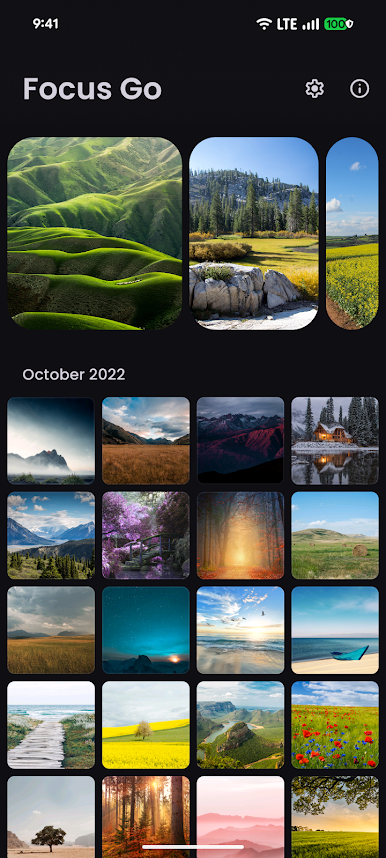
• Instant thumbnail loading, even on 10,000+ photo libraries
• Tiled, high-resolution zoom for crystal-clear detail
🛠️ Ultra-Compact & Offline
• Tiny APK (< 2.5 MB)—saves storage, installs in seconds
• Fully offline: view, swipe and zoom without an internet connection
❌ 100% Ad-Free & Private
• No ads. No trackers. Ever.
• Your photos stay on your device—no cloud syncing, no data leaks
🔒 Secure & Customizable
• Fingerprint/PIN lock to open
• Automatic light & dark themes, grid and list layouts—your gallery, your rules
🎨 Sleek, Intuitive Design
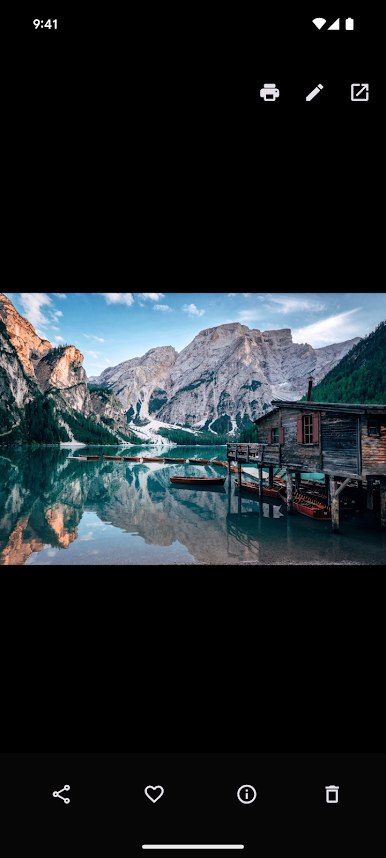
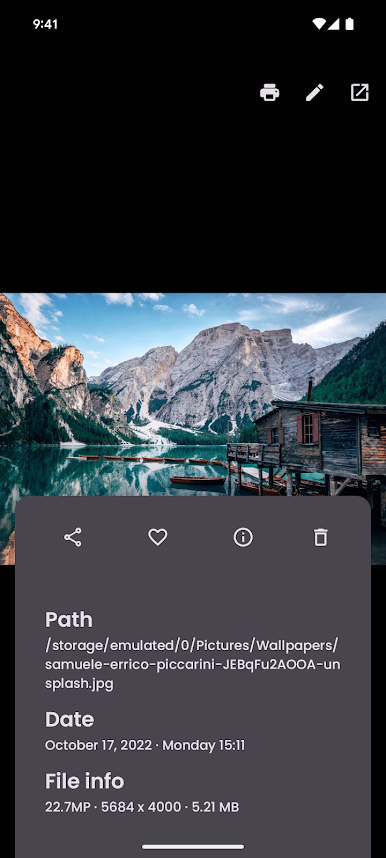
• Clean, minimalist interface puts your photos front and center
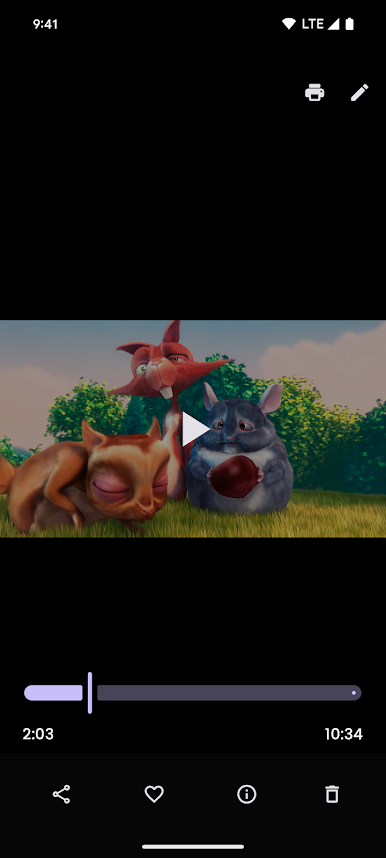
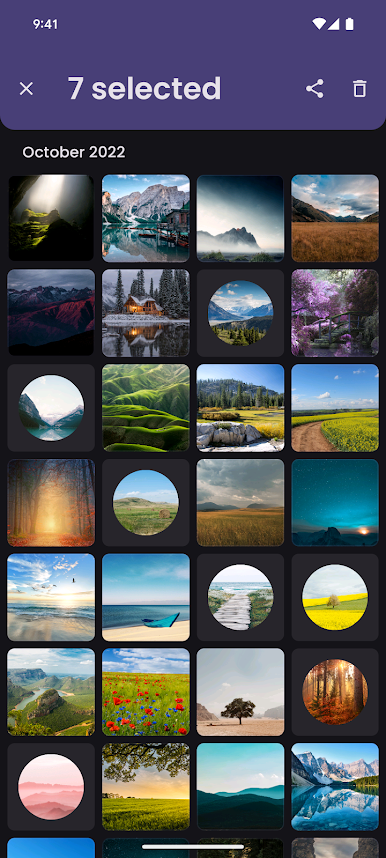
• Quick-access toolbar for share, delete, print, set as wallpaper, and more
Why Choose Focus Go?
• Blazing Fast: Outperforms even flagship apps on older phones
• Storage-Friendly: Perfect for devices with limited space
• Zero Distractions: Focus on your memories, not on ads
Join Thousands Who’ve Switched!
“Omg best gallery ever, no more backing up to the cloud when I don't want to” ★★★★★
“I can finally browse my entire media collection without lagging” ★★★★★
Играйте в игру Focus Go - Photo Gallery на ПК. Это легко и просто.
-
Скачайте и установите BlueStacks на ПК.
-
Войдите в аккаунт Google, чтобы получить доступ к Google Play, или сделайте это позже.
-
В поле поиска, которое находится в правой части экрана, введите название игры – Focus Go - Photo Gallery.
-
Среди результатов поиска найдите игру Focus Go - Photo Gallery и нажмите на кнопку "Установить".
-
Завершите авторизацию в Google (если вы пропустили этот шаг в начале) и установите игру Focus Go - Photo Gallery.
-
Нажмите на ярлык игры Focus Go - Photo Gallery на главном экране, чтобы начать играть.

