


Pug - My Virtual Pet Dog
Spiele auf dem PC mit BlueStacks - der Android-Gaming-Plattform, der über 500 Millionen Spieler vertrauen.

Seite geändert am: Mar 27, 2025
Play Pug - My Virtual Pet Dog on PC or Mac
From the innovators and creators at Frojo Apps, Pug – My Virtual Pet Dog is another fun addition to the World of Simulation games. Go beyond your mobile screen and play it bigger and better on your PC or Mac. An immersive experience awaits you.
About the Game
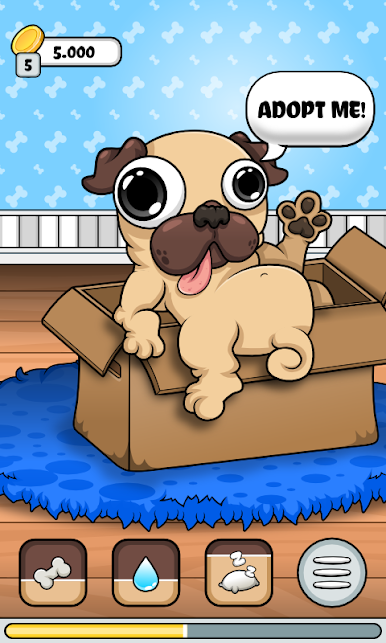
Ever wondered what it’s like to have an adorable pug following you around all day? Pug – My Virtual Pet Dog lets you experience the highs and lows of pet ownership—without the cleanup. Created by Frojo Apps, this simulation game lets you adopt a playful pug that needs your attention, kindness, and just a little bit of style. Whether you’re up for mini-games, decorating, or just snapping silly stickers, this game’s got more ways to bond than you’d expect. And yes, you can jump in with friends or even sneak in a session on PC with BlueStacks when your phone’s not handy.
Game Features
-
Multiplayer Fun
Challenge your friends (up to four at once) in real-time. See whose pug has the most flair or just hang out together. -
Platforming Adventure
Not just a pet sim—dive into a full-on platform game inside the app! It’s like your pug has its own secret world. -
Tons of Mini-Games
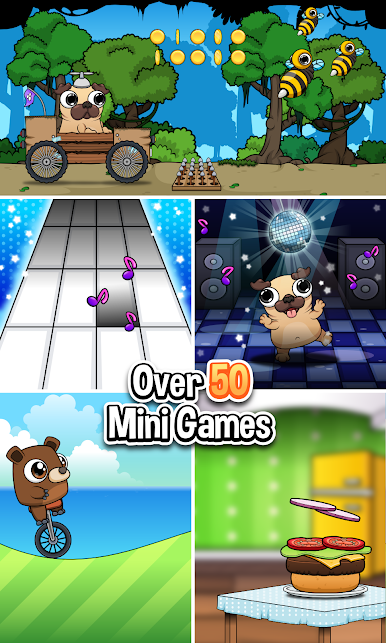
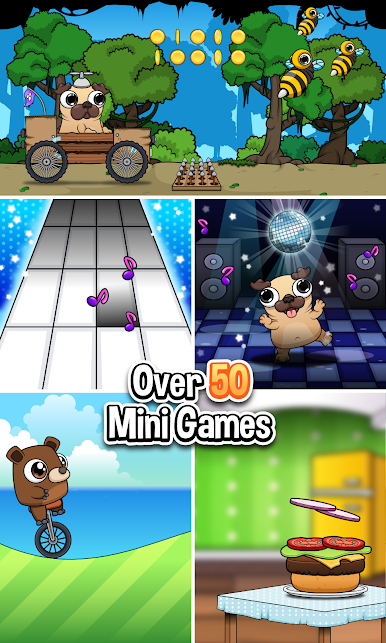
Bored? Try one of the 50 mini-games. They’re your ticket to earning in-game cash, bragging rights, or new accessories. -
Real Pet Emotions
Your virtual pug reacts to every little thing. Feed him, play, or ignore him for too long—he’ll let you know if he’s happy, tired, or feeling left out. -
Deep Nurturing
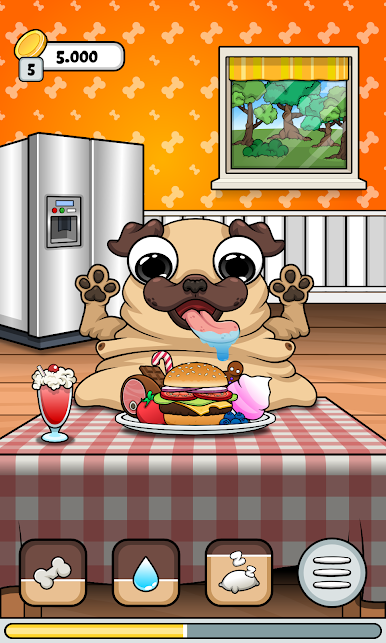
It’s not all games—remember to feed, clean, and tuck your pug in at night. Happy pets make for fun times. -
Wardrobe Overload
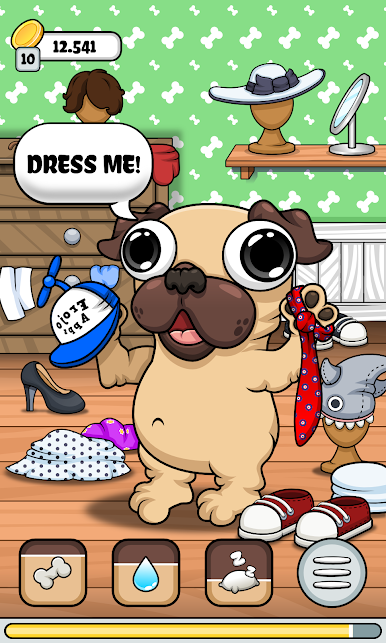
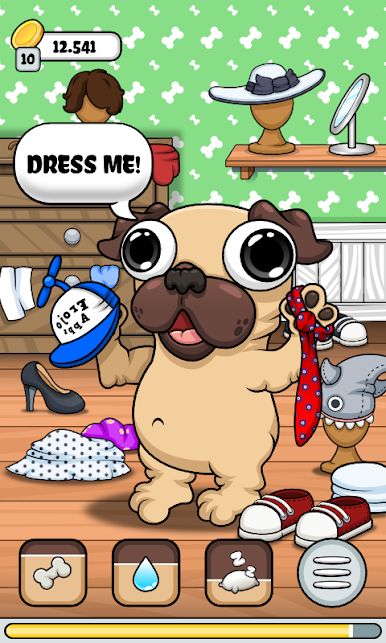
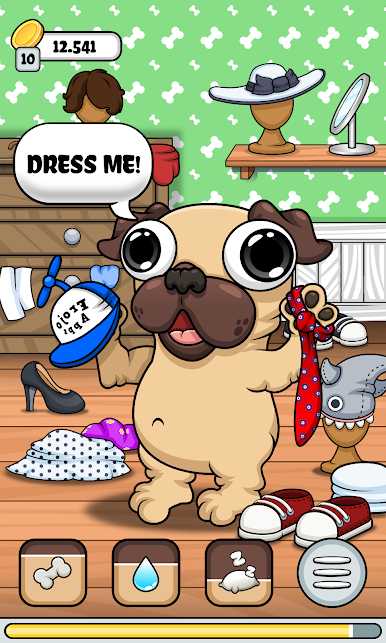
There’s pretty much a million ways to dress your pug. Mix up hats, glasses, beards, shirts—whatever vibe you’re feeling. -
Home Makeover
Pick wallpapers, arrange furniture, and fill your space with decorations. Create a cozy spot that you and your pug want to hang out in. -
Creative Garden
Grow not just flowers, but all sorts of quirky plants—think flesh-eating varieties or some odd mushrooms. -
Collect Stickers and Cards
Snap stickers of your pug’s cutest (or silliest) moments and collect a stack of beautiful cards featuring your pet. -
Music and Art Room
Test out virtual piano, drums, or guitar, and put your artistic side to work with over a dozen colors to draw and share doodles. -
Unique Evolutions
Merge cats to see what they’ll turn into, or explore the sea for wild new creatures. Breeding fish in your aquarium is just the start. -
Building Blocks
Get creative—stack blocks to build the castles of your dreams. -
Aquarium Mode
Look after fish and style your own underwater world, because one pet isn’t always enough.
Pug – My Virtual Pet Dog turns everyday moments into playful adventures and lets you make all the silly, creative, and occasionally chaotic choices you want.
Slay your opponents with your epic moves. Play it your way on BlueStacks and dominate the battlefield.
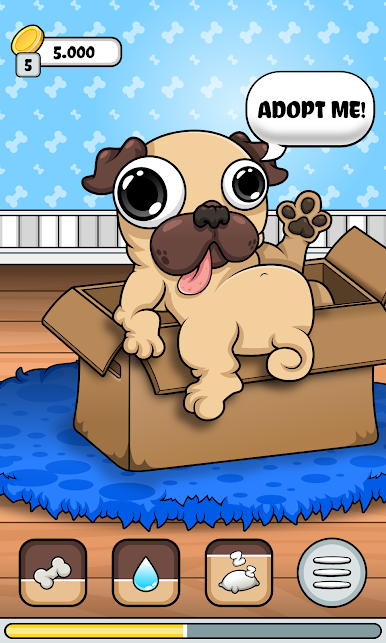
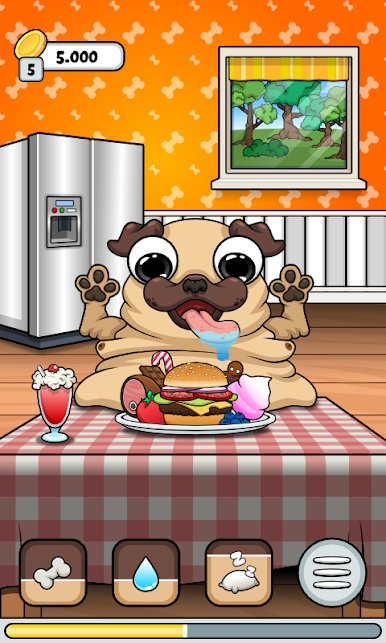
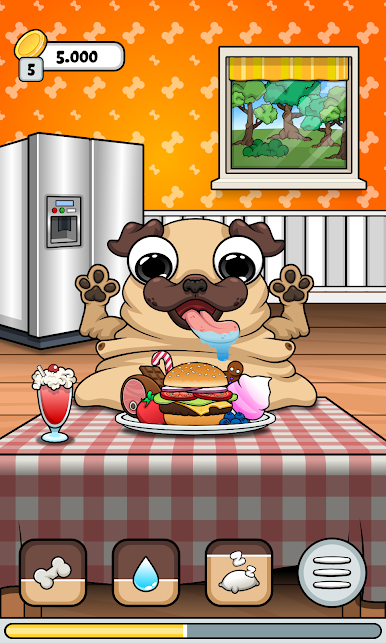
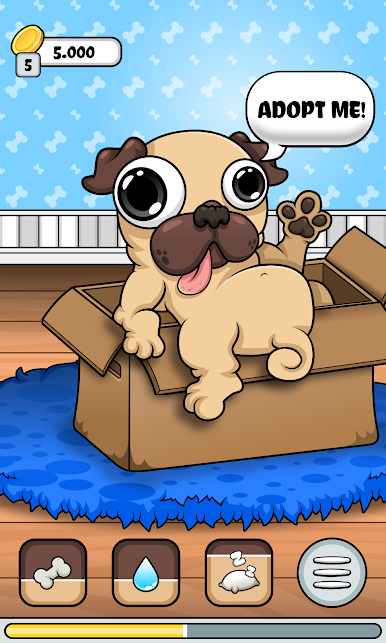
Spiele Pug - My Virtual Pet Dog auf dem PC. Der Einstieg ist einfach.
-
Lade BlueStacks herunter und installiere es auf deinem PC
-
Schließe die Google-Anmeldung ab, um auf den Play Store zuzugreifen, oder mache es später
-
Suche in der Suchleiste oben rechts nach Pug - My Virtual Pet Dog
-
Klicke hier, um Pug - My Virtual Pet Dog aus den Suchergebnissen zu installieren
-
Schließe die Google-Anmeldung ab (wenn du Schritt 2 übersprungen hast), um Pug - My Virtual Pet Dog zu installieren.
-
Klicke auf dem Startbildschirm auf das Pug - My Virtual Pet Dog Symbol, um mit dem Spielen zu beginnen

