


Fortify – Quit Porn For Good
Spiele auf dem PC mit BlueStacks - der Android-Gaming-Plattform, der über 500 Millionen Spieler vertrauen.

Seite geändert am: Aug 29, 2025
Play Fortify – Quit Porn For Good on PC
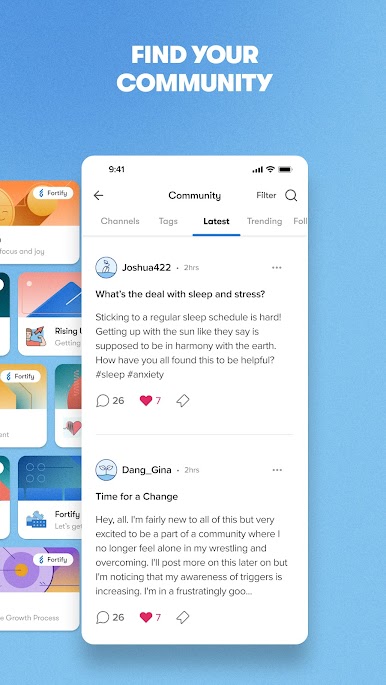
If you are struggling to quit compulsive sexual habits, Fortify is here to equip you with tools, education, lifestyle coaching, teletherapy, and a community of others who know what you’re going through, to assist you in moving forward in your fight toward lasting freedom.
It's more than just a band-aid or a filter. Through research-based principles of therapeutic lifestyle change, our mission is to help spark an uprising among people who are tired of porn messing with their lives – and ready to stop and turn toward something better.
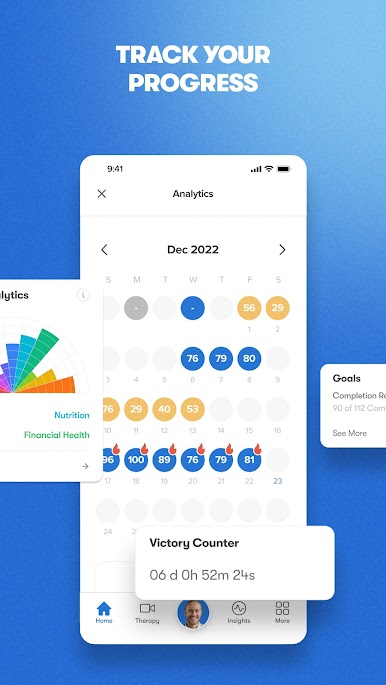
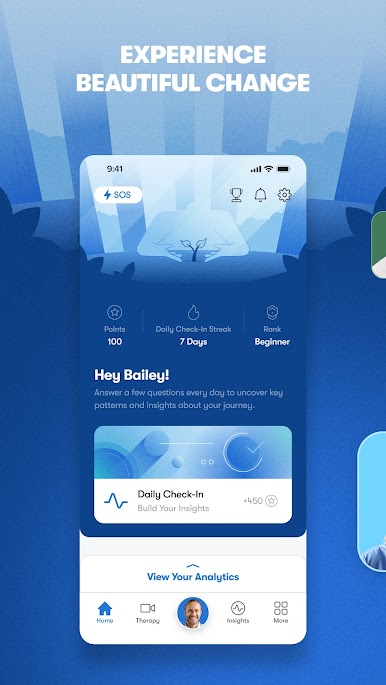
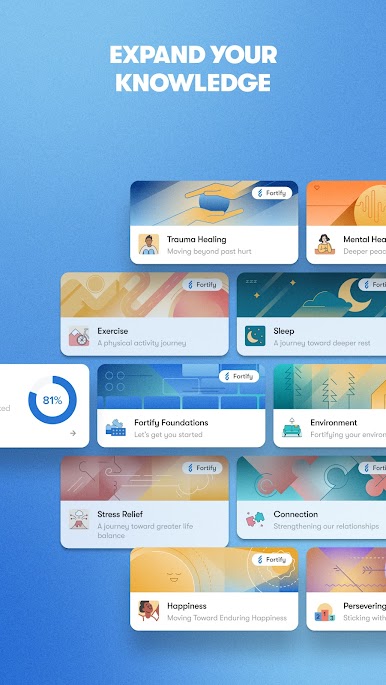
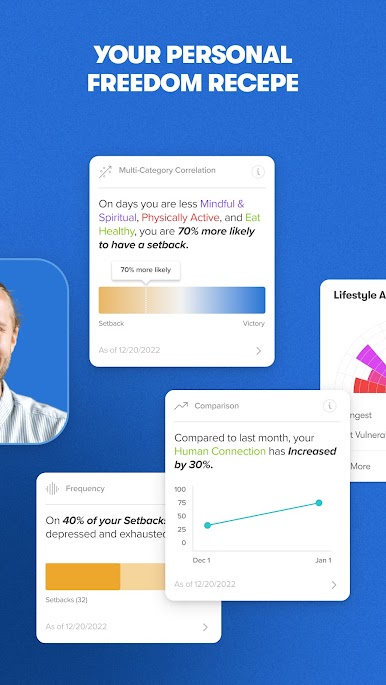
Based on your personalized assessment, Fortify provides videos and challenges to help guide your progress. Sleek tracking features, analytics, and customizable goal tracking ensure you celebrate your victories and learn from your mistakes.
And these science-based methods work! But don’t take our word for it.
You're not alone. Join tens of thousands from around the world using Fortify to find healing and recovery from sexual compulsivity.
Feedback? Questions? Contact us at info@joinfortify.com
Privacy Policy https://www.joinfortify.com/privacy
Terms & Conditions
https://www.joinfortify.com/terms


Spiele Fortify – Quit Porn For Good auf dem PC. Der Einstieg ist einfach.
-
Lade BlueStacks herunter und installiere es auf deinem PC
-
Schließe die Google-Anmeldung ab, um auf den Play Store zuzugreifen, oder mache es später
-
Suche in der Suchleiste oben rechts nach Fortify – Quit Porn For Good
-
Klicke hier, um Fortify – Quit Porn For Good aus den Suchergebnissen zu installieren
-
Schließe die Google-Anmeldung ab (wenn du Schritt 2 übersprungen hast), um Fortify – Quit Porn For Good zu installieren.
-
Klicke auf dem Startbildschirm auf das Fortify – Quit Porn For Good Symbol, um mit dem Spielen zu beginnen

