Grass Cut

Grass Cut

Gelegenheitsspiele | Full Fat

Spiele auf dem PC mit BlueStacks - der Android-Gaming-Plattform, der über 500 Millionen Spieler vertrauen.

Seite geändert am: Apr 10, 2025

Play Grass Cut on PC or Mac

From the innovators and creators at Full Fat, Grass Cut is another fun addition to the World of Casual games. Go beyond your mobile screen and play it bigger and better on your PC or Mac. An immersive experience awaits you.

About the Game

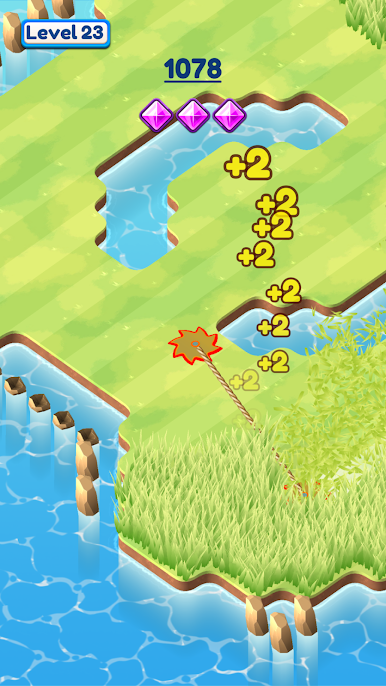
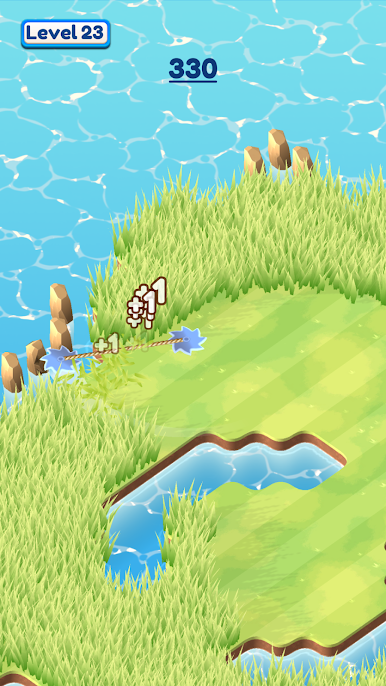
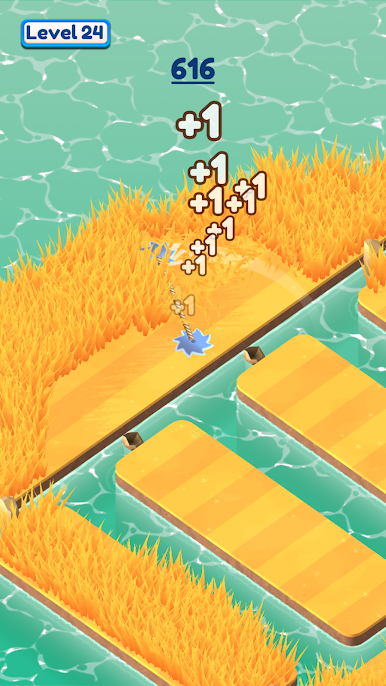
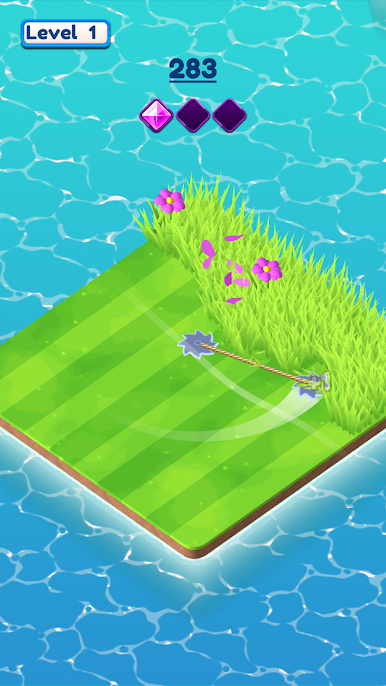
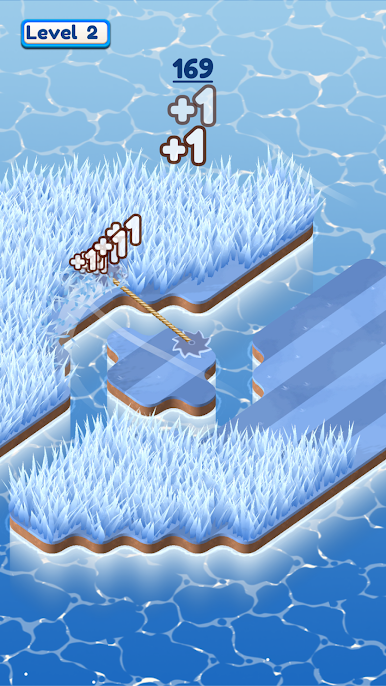
Grass Cut is a Casual game from Full Fat that turns tidying up into a strangely soothing habit. Tap, guide, and watch messy patches transform into neat, colorful spaces as flowers burst through the freshly trimmed grass. It’s simple, chill, and surprisingly hard to put down—perfect for quick breaks or a quiet unwind at the end of the day.

Game Features

  • One-touch mowing: Clean up each area with easy tap-and-drag controls that feel natural from the first cut.
  • Make flowers bloom: Trim the overgrowth and see flowers pop to life, adding a splash of color to every completed patch.
  • Satisfying feedback: Crisp animations and responsive movement make every swath feel smooth and rewarding.
  • Bite-size stages: Short, focused levels you can finish in a minute—great when you’ve got a little time to spare.
  • Smart layouts: Grids and pathways shift from simple to a bit tricky, inviting you to plan clean routes without stressing.
  • Explore small worlds: Tidy up gardens, fields, and wild corners with their own shapes and quirks.
  • Play your way: Go slow and methodical for spotless lawns or chase faster, more efficient lines for that perfect sweep.
  • Smooth on PC with BlueStacks: Prefer a bigger screen? Grass Cut plays nicely with mouse controls on BlueStacks without changing the laid-back vibe.

Start your journey now. Download the game on BlueStacks, invite your friends, and march on a new adventure.

Spiele Grass Cut auf dem PC. Der Einstieg ist einfach.

  • Lade BlueStacks herunter und installiere es auf deinem PC

  • Schließe die Google-Anmeldung ab, um auf den Play Store zuzugreifen, oder mache es später

  • Suche in der Suchleiste oben rechts nach Grass Cut

  • Klicke hier, um Grass Cut aus den Suchergebnissen zu installieren

  • Schließe die Google-Anmeldung ab (wenn du Schritt 2 übersprungen hast), um Grass Cut zu installieren.

  • Klicke auf dem Startbildschirm auf das Grass Cut Symbol, um mit dem Spielen zu beginnen

Video ansehen