


Bingo Dice
Spiele auf dem PC mit BlueStacks - der Android-Gaming-Plattform, der über 500 Millionen Spieler vertrauen.

Seite geändert am: Aug 21, 2026
Spiele Bingo Dice für PC
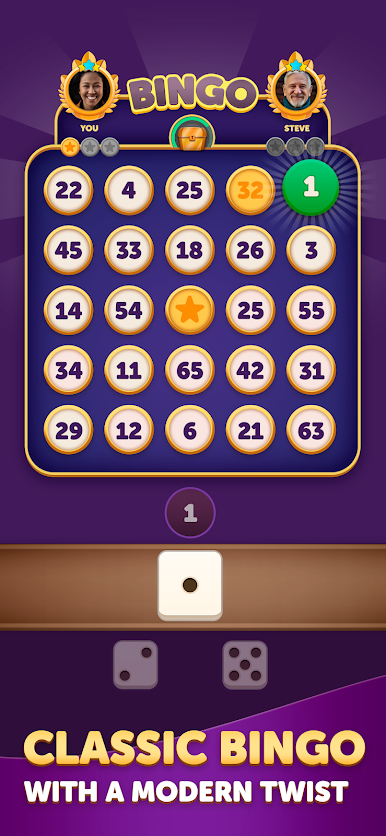
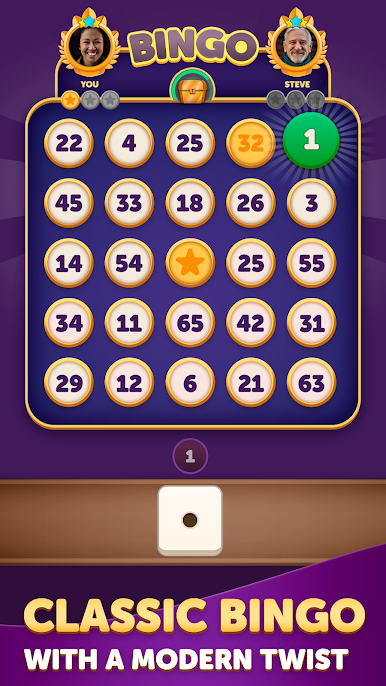
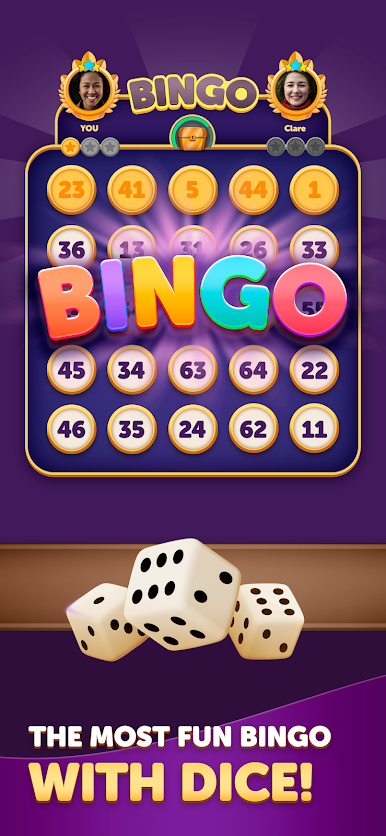
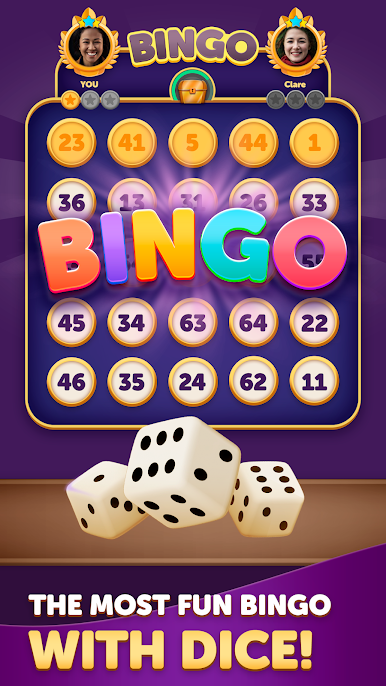
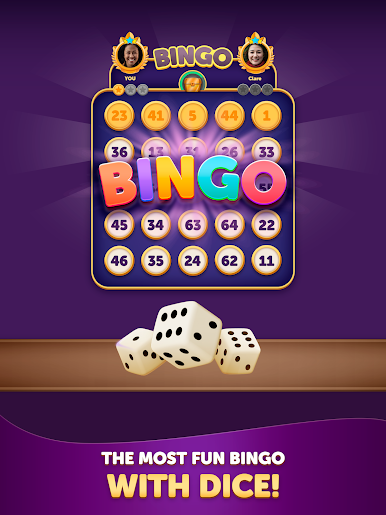
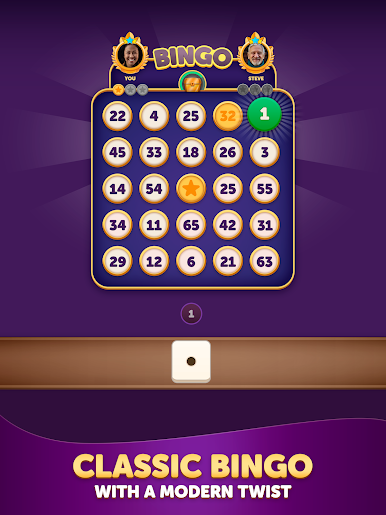
Challenge players from around the world in Bingo Dice — the ultimate twist on classic bingo. Roll 3 dice, combine 1 or 2 to form a number, and claim the matching spot on a 5x5 bingo board. Think fast, plan smart, and be the first to score a Bingo — vertically, horizontally, diagonally, or in all 4 corners!
Key Features:
- Strategic Dice-Based Bingo: Combine dice in creative ways to claim the board.
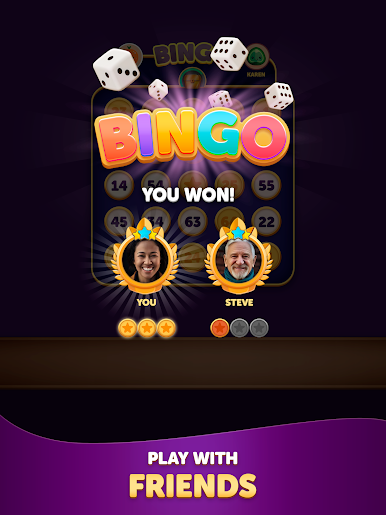
- Turn-Based PvP Battles: Outwit your opponent in tense, fast matches.
- Duel Journey: Battle through increasingly tough challengers and face off against bosses for big rewards!
- Leagues & Rankings: Win matches, climb the leagues, and earn prestige.
- Achievements: Unlock milestones and prove your skill.
Whether you're a bingo fan or love strategy games with a competitive edge, Bingo Dice offers quick rounds, smart choices, and endless replayability.
Will you roll your way to victory?
Download Bingo Dice and join the battle today!





Spiele Bingo Dice auf dem PC. Der Einstieg ist einfach.
-
Lade BlueStacks herunter und installiere es auf deinem PC
-
Schließe die Google-Anmeldung ab, um auf den Play Store zuzugreifen, oder mache es später
-
Suche in der Suchleiste oben rechts nach Bingo Dice
-
Klicke hier, um Bingo Dice aus den Suchergebnissen zu installieren
-
Schließe die Google-Anmeldung ab (wenn du Schritt 2 übersprungen hast), um Bingo Dice zu installieren.
-
Klicke auf dem Startbildschirm auf das Bingo Dice Symbol, um mit dem Spielen zu beginnen

