


Учить традиционный китайский
Играйте на ПК с BlueStacks – игровой платформе для приложений на Android. Нас выбирают более 500 млн. игроков.

Страница изменена: Nov 25, 2025
Run Speak Traditional Chinese - 5000 Phrases on PC or Mac
Let BlueStacks turn your PC, Mac, or laptop into the perfect home for Speak Traditional Chinese – 5000 Phrases, a fun Education app from FunEasyLearn.
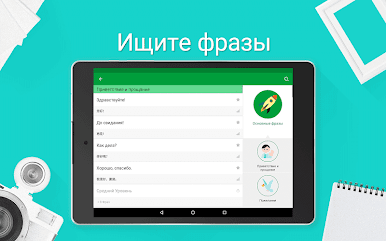
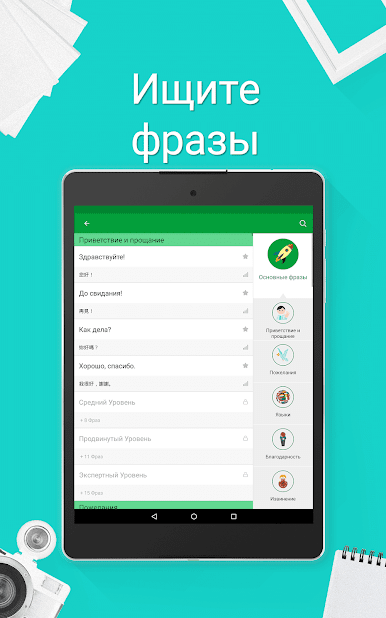
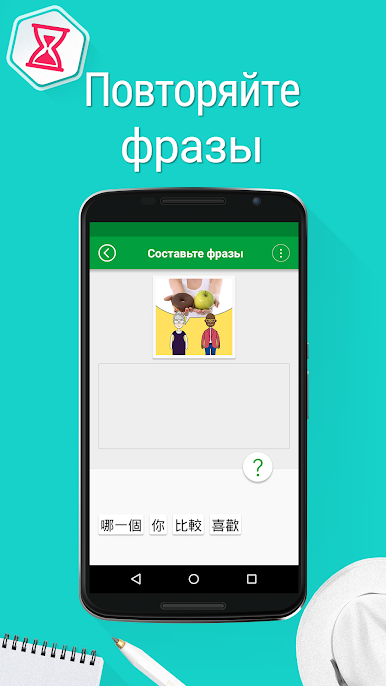
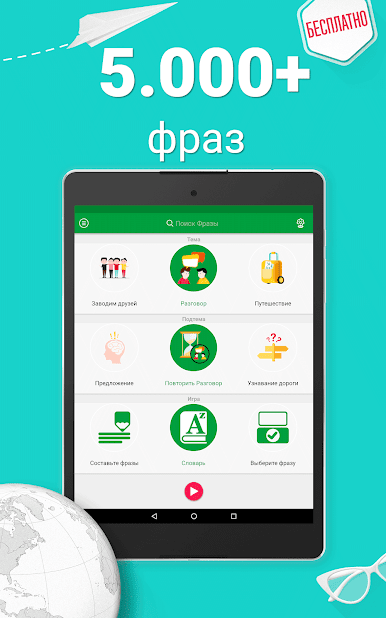
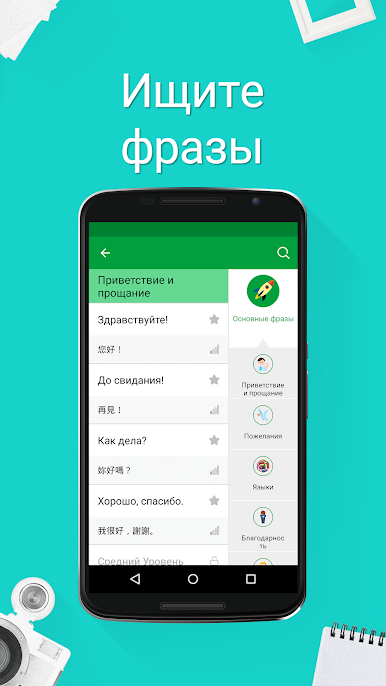
Speak Traditional Chinese – 5000 Phrases feels like a big phrasebook that someone turned into quick games. Open it, pick a topic like greetings, travel, food, or business, and it serves short, useful lines with clear audio from Taiwanese speakers, plus phonetic spellings so the sounds make sense. The interface can switch into a bunch of different languages, which helps if English is not the first choice. It all runs offline, so no worry about data or spotty Wi Fi. On PC with BlueStacks the characters are larger, the audio buttons are easier to hit, and the typing games feel nicer with a keyboard and mouse.
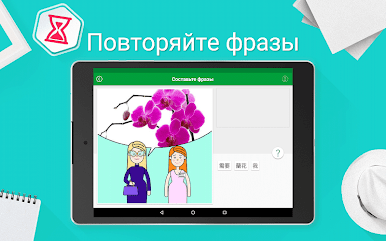
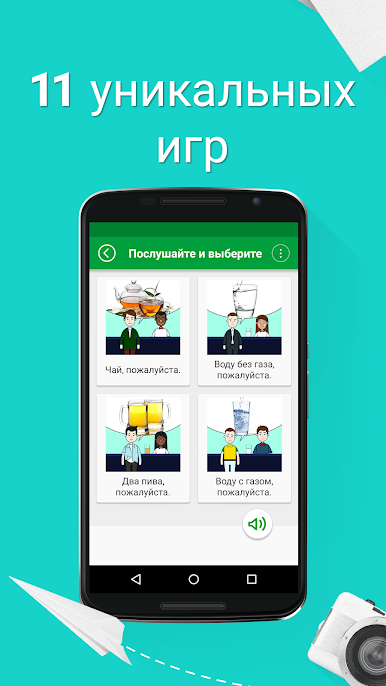
The flow is straightforward. There are four levels from beginner to expert, and about eleven game types that mix listening, matching, and simple writing. There are 20 main topics and a whole lot of subtopics, so phrases stay focused on real situations like transport or ordering food. Points stack up as someone advances and that opens more sets without making it feel grindy. Search is fast when a specific line is needed, and bookmarking turns favorite phrases into a little custom list. The Random Categories button is fun when the brain is tired of choosing and just wants a quick round. It is not a heavy grammar course, more like a practical toolkit for speaking and hearing everyday Traditional Chinese, which is exactly what a traveler or casual learner often wants.
BlueStacks gives you the much-needed freedom to experience your favorite apps on a bigger screen. Get it now.

















Играйте в игру Учить традиционный китайский на ПК. Это легко и просто.
-
Скачайте и установите BlueStacks на ПК.
-
Войдите в аккаунт Google, чтобы получить доступ к Google Play, или сделайте это позже.
-
В поле поиска, которое находится в правой части экрана, введите название игры – Учить традиционный китайский.
-
Среди результатов поиска найдите игру Учить традиционный китайский и нажмите на кнопку "Установить".
-
Завершите авторизацию в Google (если вы пропустили этот шаг в начале) и установите игру Учить традиционный китайский.
-
Нажмите на ярлык игры Учить традиционный китайский на главном экране, чтобы начать играть.

