

Norwegisch Lernen - 5000 Sätze
Spiele auf dem PC mit BlueStacks - der Android-Gaming-Plattform, der über 500 Millionen Spieler vertrauen.

Seite geändert am: Nov 25, 2025
Run Learn Norwegian - 5000 Phrases on PC or Mac
What’s better than using Learn Norwegian – 5000 Phrases by FunEasyLearn? Well, try it on a big screen, on your PC or Mac, with BlueStacks to see the difference.
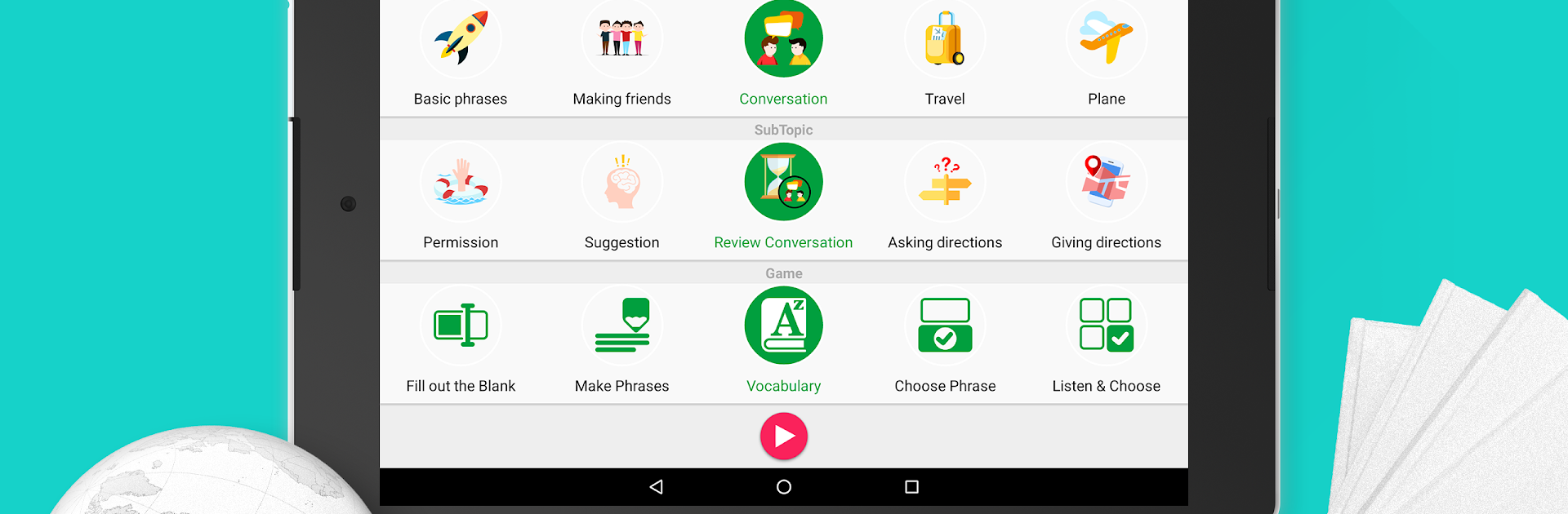
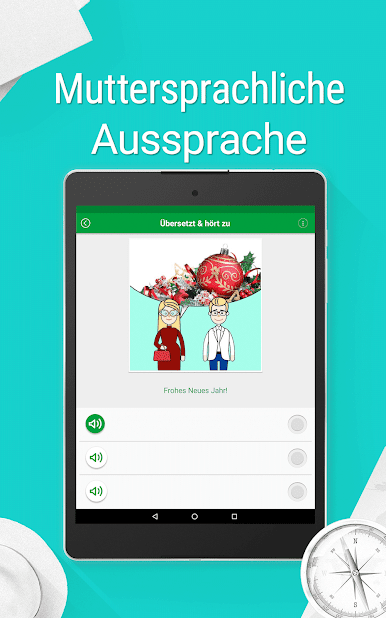
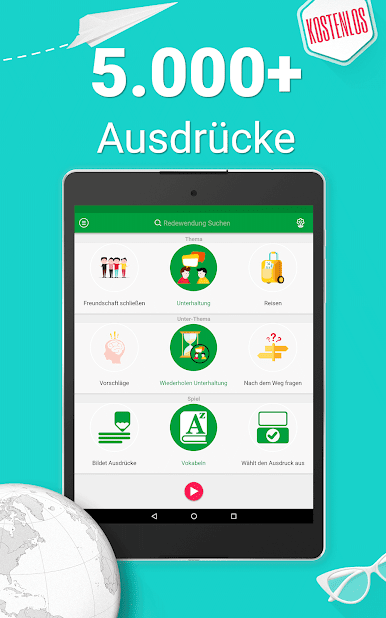
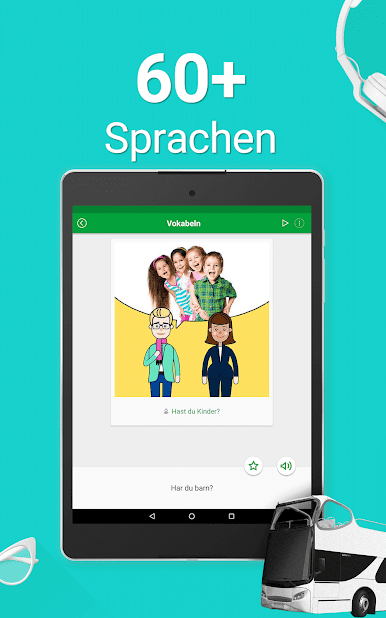
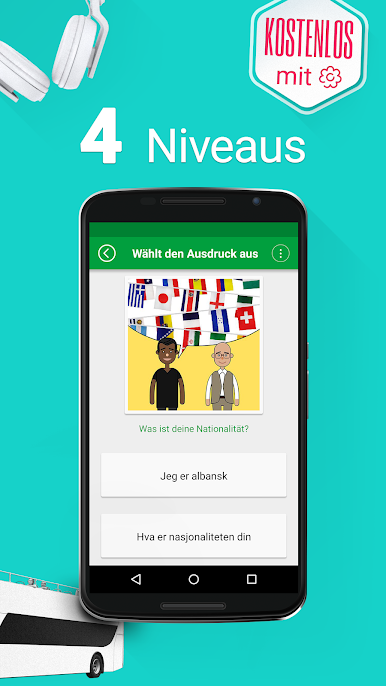
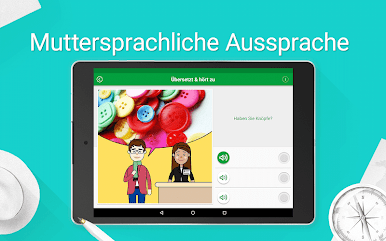
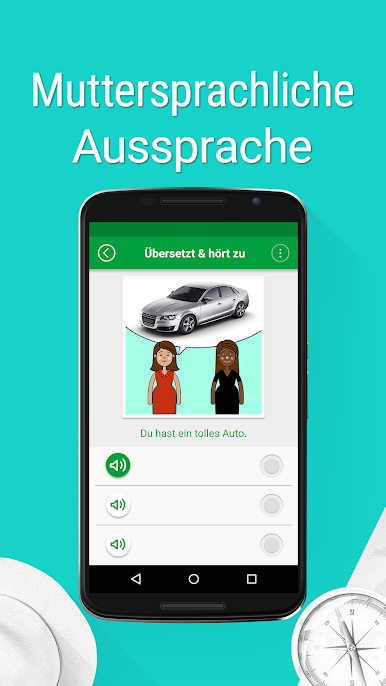
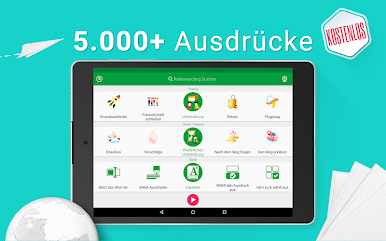
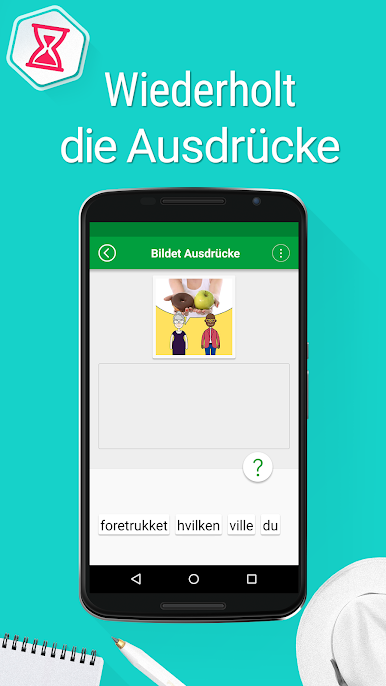
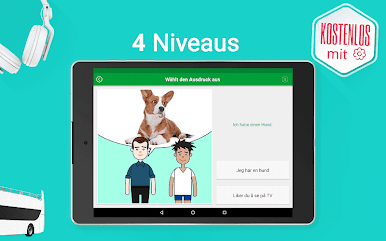
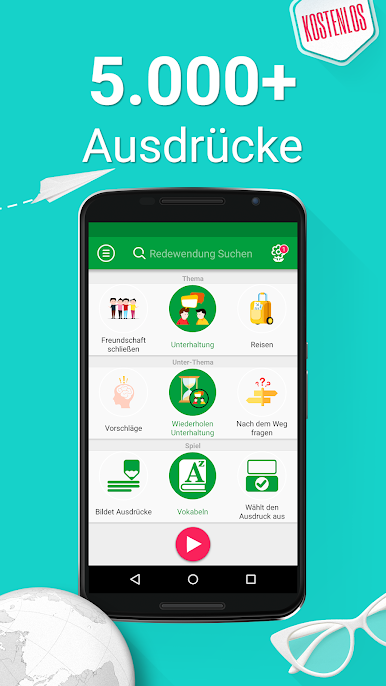
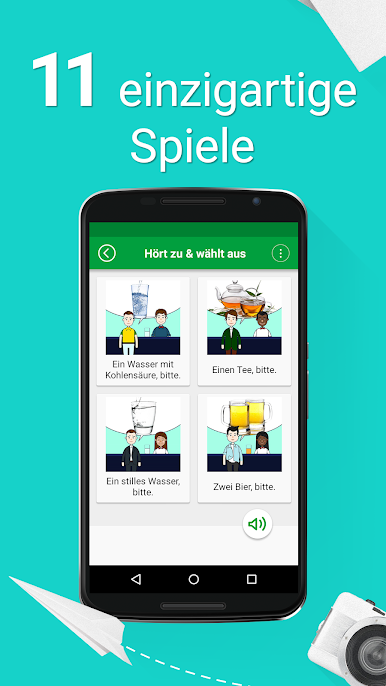
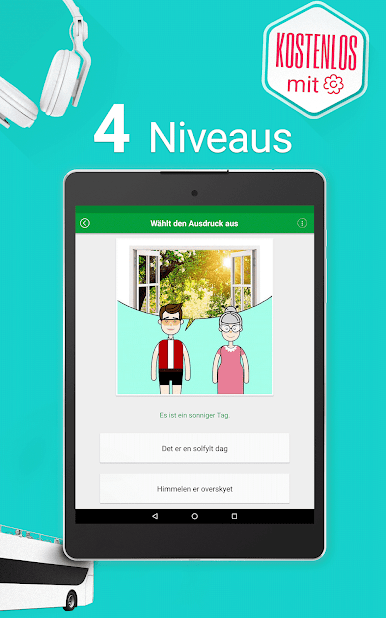
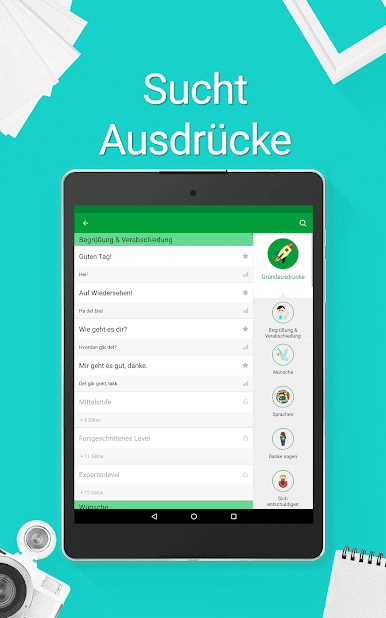
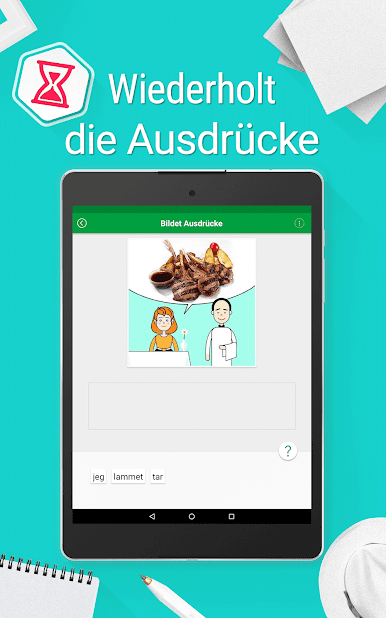
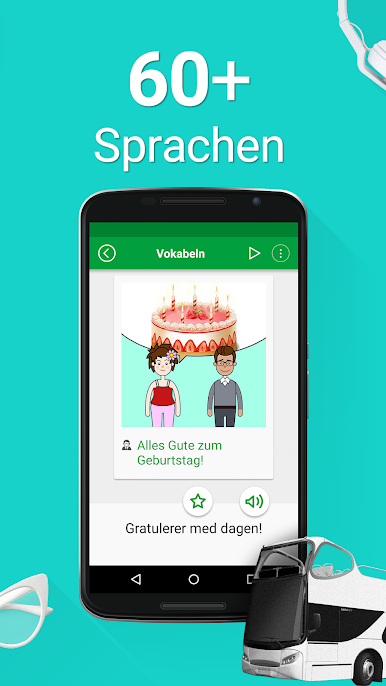
Learn Norwegian – 5000 Phrases feels like a chunky phrasebook that grew a bunch of quick, casual games around it. Instead of dumping grammar rules, it feeds short, everyday lines and lets learners practice them with listening, speaking, and typing rounds. There are thousands of phrases split by situations like travel, food, hotel, small talk, work, that sort of thing, and each one has clear audio plus simple phonetic help, so the sounds make sense. The app runs offline, which is handy, and it has four learning levels, so a total beginner and someone brushing up both have room to move without feeling rushed.
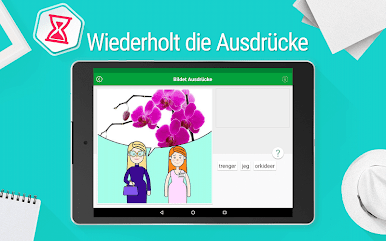
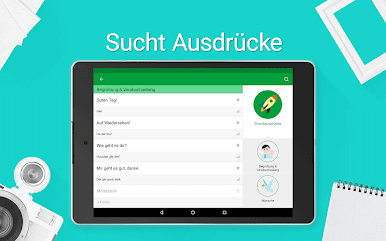
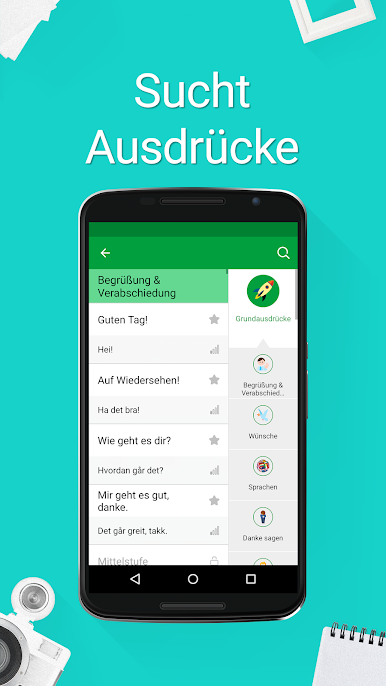
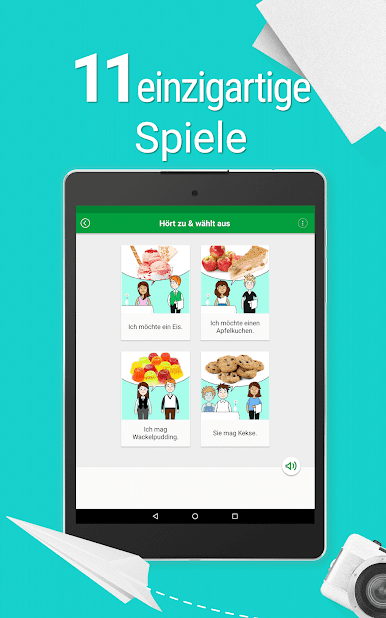
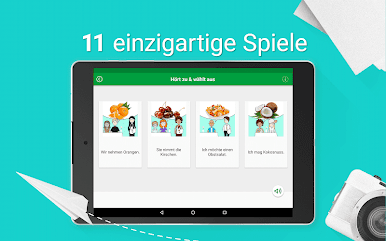
What stands out is the variety. There are multiple mini games that keep repetition from getting dull, a points system that shows progress, and a Random mode that reshuffles topics, subtopics, and game types when the routine gets stale. Searching and bookmarking is quick, so favorite lines do not get lost. The interface can switch across many languages, which makes the explanations easier for people who are not reading in English.
On PC through BlueStacks, it works like a light study tool open on a big screen, so the text and phonetics are easier to read and typing answers with a keyboard feels faster. It is still very phrase-first, more practical chat lines than deep grammer lessons, which is exactly what some learners want before a trip or for day-to-day conversations.
Eager to take your app experience to the next level? Start right away by downloading BlueStacks on your PC or Mac.



Spiele Norwegisch Lernen - 5000 Sätze auf dem PC. Der Einstieg ist einfach.
-
Lade BlueStacks herunter und installiere es auf deinem PC
-
Schließe die Google-Anmeldung ab, um auf den Play Store zuzugreifen, oder mache es später
-
Suche in der Suchleiste oben rechts nach Norwegisch Lernen - 5000 Sätze
-
Klicke hier, um Norwegisch Lernen - 5000 Sätze aus den Suchergebnissen zu installieren
-
Schließe die Google-Anmeldung ab (wenn du Schritt 2 übersprungen hast), um Norwegisch Lernen - 5000 Sätze zu installieren.
-
Klicke auf dem Startbildschirm auf das Norwegisch Lernen - 5000 Sätze Symbol, um mit dem Spielen zu beginnen

