


Bubble Shooter
Spiele auf dem PC mit BlueStacks - der Android-Gaming-Plattform, der über 500 Millionen Spieler vertrauen.

Seite geändert am: Aug 23, 2022
Spiele Bubble Shooter für PC
Ein weiterer Klassiker: Bubble-Match-Three-Spiel jetzt bei Google Play.
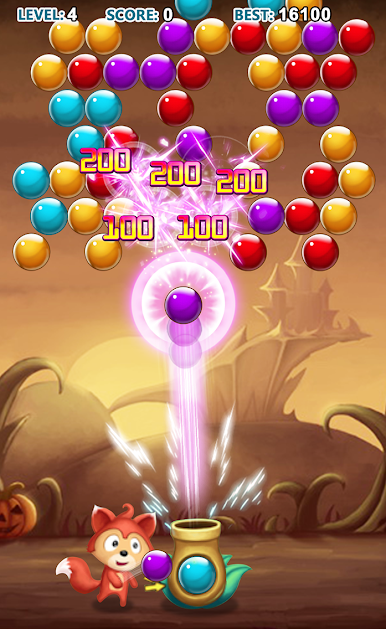
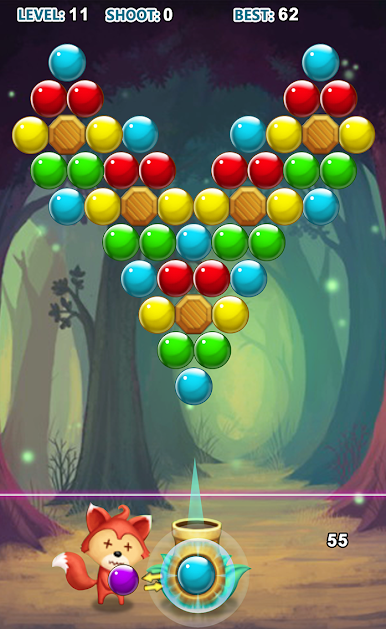
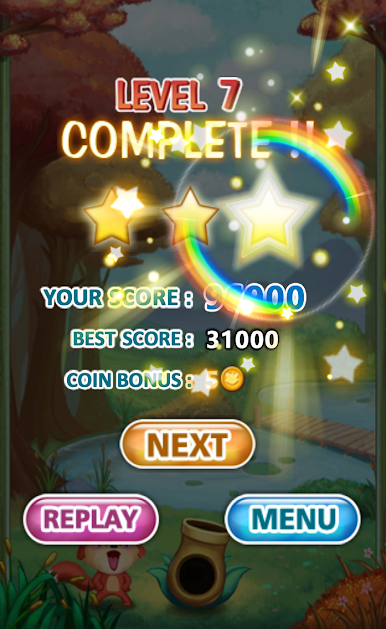
Lösche alle Blasen auf dem Bildschirm, um ein Level aufzusteigen, und versuche, in jedem Level 3 Sterne zu erhalten.
Spielanleitung:
1. Tippe auf die gewünschte Blase.
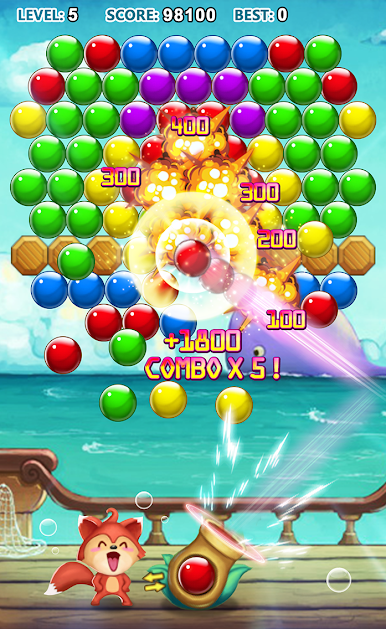
2. Gruppiere 3 oder mehr Blasen, um sie platzen zu lassen.
Tipps: Wenn du die Blasen regelmäßig platzen lässt, erhältst du Bonuspunkte.
Funktionen:
– Puzzle-Modus: Benutze die begrenzte Anzahl an Blasen, um alle Blasen auf dem Bildschirm zu entfernen.
– Arcade-Modus: Löse alle herunterfallenden Blasen.
– 300 verschiedene und herausfordernde Level.
– Himmelsschloss, Sternennacht und andere wunderschöne Szenen.
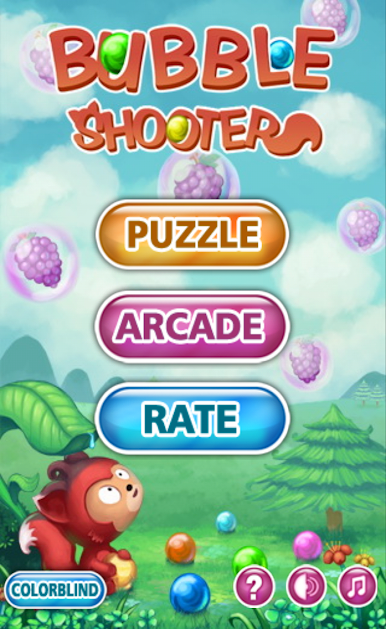
Spiele Bubble Shooter auf dem PC. Der Einstieg ist einfach.
-
Lade BlueStacks herunter und installiere es auf deinem PC
-
Schließe die Google-Anmeldung ab, um auf den Play Store zuzugreifen, oder mache es später
-
Suche in der Suchleiste oben rechts nach Bubble Shooter
-
Klicke hier, um Bubble Shooter aus den Suchergebnissen zu installieren
-
Schließe die Google-Anmeldung ab (wenn du Schritt 2 übersprungen hast), um Bubble Shooter zu installieren.
-
Klicke auf dem Startbildschirm auf das Bubble Shooter Symbol, um mit dem Spielen zu beginnen

