

Merge Zoo
Играйте на ПК с BlueStacks – игровой платформе для приложений на Android. Нас выбирают более 500 млн. игроков.

Страница изменена: Nov 20, 2025
Play Merge Zoo on PC or Mac
Bring your A-game to Merge Zoo, the Casual game sensation from Game Circus Studios, LLC. Give your gameplay the much-needed boost with precise game controls, high FPS graphics, and top-tier features on your PC or Mac with BlueStacks.
About the Game
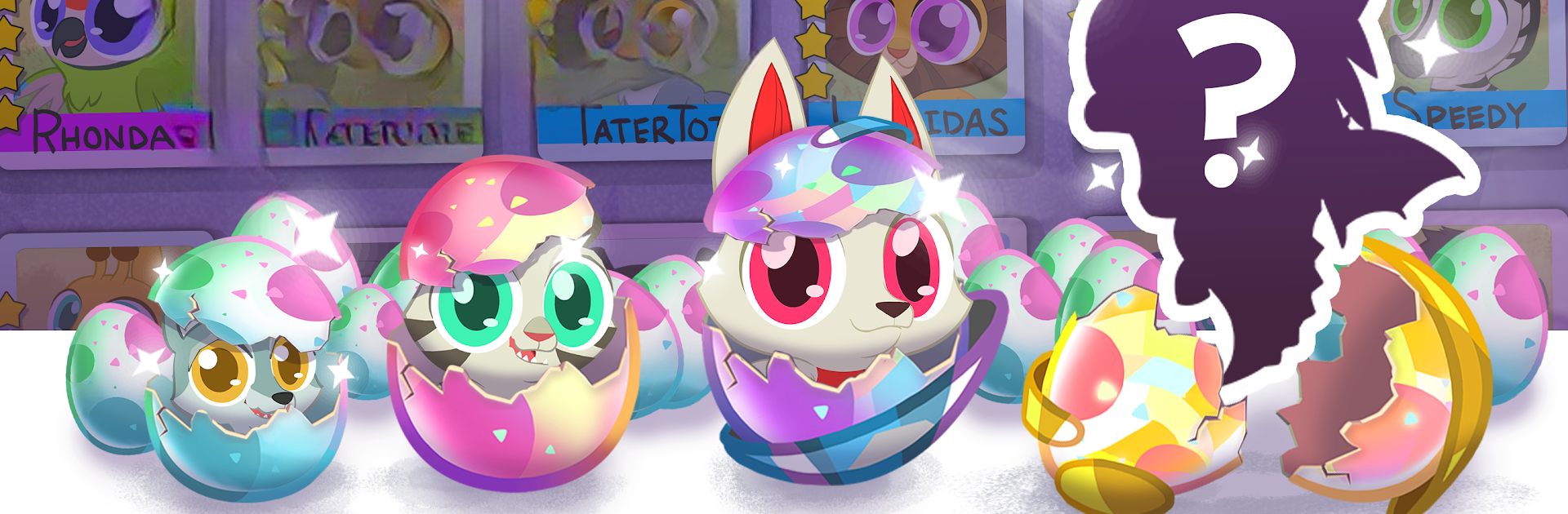
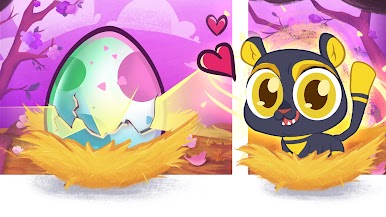
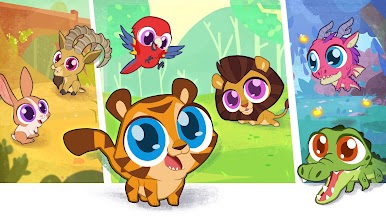
Merge Zoo lets you build the wildest zoo you’ve ever dreamed up, without ever having to clean up after elephants. You’ll find yourself hatching all sorts of adorable (and sometimes downright mythical) critters, feeding them treats, and watching your zoo come to life right on your device. Whether you have a few minutes or feel like getting lost for hours, Merge Zoo from Game Circus Studios, LLC is all about chilling out and collecting creatures at your own pace.
Game Features
- Candy Merge Feeding
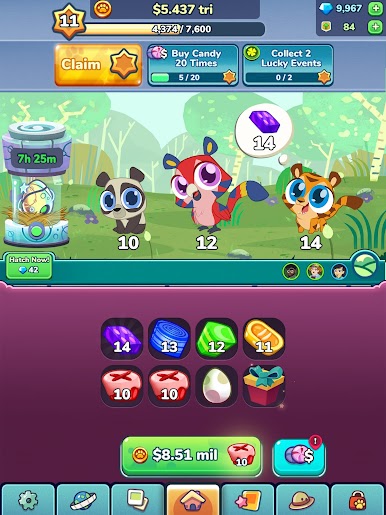
- It’s not just about hatching animals—merge candies to feed your pets, help them grow, and see them thrive with every tasty bite.
- A Menagerie of Animals
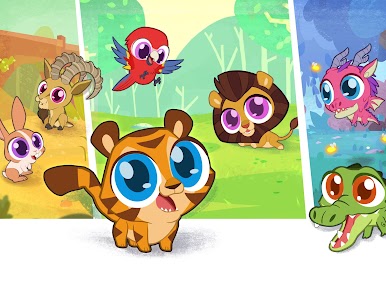
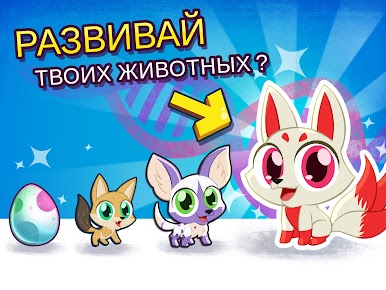
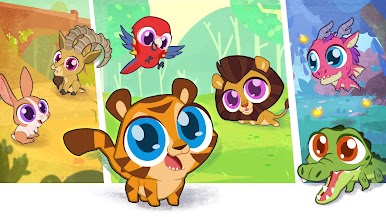
- From classic zoo pals like lions and pandas to unicorns and even dragons, your collection can get as wild or as magical as you want. Each animal comes with its own quirky moves and animations.
- Idle Zoo Growth
- Your animals keep growing (and earning rewards) even when you’re not playing. Perfect for checking in whenever you feel like it—your zoo’s always waiting.
- Hybrid and Fantasy Creatures
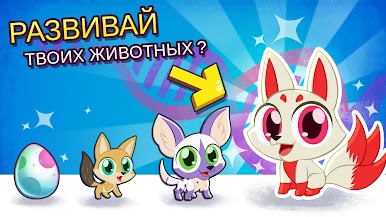
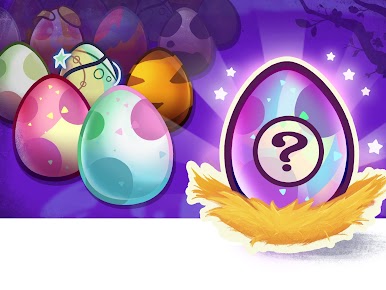
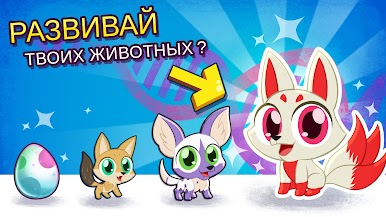
- Not every egg is what it seems! Some hatch unexpected fantasy mixes and rare hybrids, giving you new surprises as your zoo expands.
- Zoo Tycoon Vibes
- Discover, collect, and raise new animals while building up your ultimate fantasy zoo—strategy meets cute chaos.
- Smooth on BlueStacks
- If you like a bigger screen or a different control style, Merge Zoo runs especially well on BlueStacks.
Get ready for a buttery smooth, high-performance gaming action only on BlueStacks.










Играйте в игру Merge Zoo на ПК. Это легко и просто.
-
Скачайте и установите BlueStacks на ПК.
-
Войдите в аккаунт Google, чтобы получить доступ к Google Play, или сделайте это позже.
-
В поле поиска, которое находится в правой части экрана, введите название игры – Merge Zoo.
-
Среди результатов поиска найдите игру Merge Zoo и нажмите на кнопку "Установить".
-
Завершите авторизацию в Google (если вы пропустили этот шаг в начале) и установите игру Merge Zoo.
-
Нажмите на ярлык игры Merge Zoo на главном экране, чтобы начать играть.

