


Centrical
Spiele auf dem PC mit BlueStacks - der Android-Gaming-Plattform, der über 500 Millionen Spieler vertrauen.

Seite geändert am: Nov 19, 2025
Play Centrical on PC
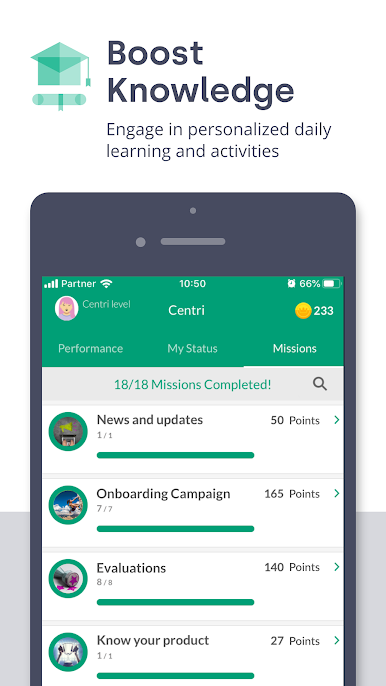
For a company to prosper, employees need to be the center of business success. With that comes the need to help employees improve their performance. And for that to happen, three elements need to be used holistically: advanced gamification; personalized microlearning; and, real-time employee performance management. Uniquely, those are the core of the Centrical real-time employee performance management platform.
Centrical Mobile gives employees at companies using the platform a powerful yet easy-to-use, 24/7 way for them to perform at their best.
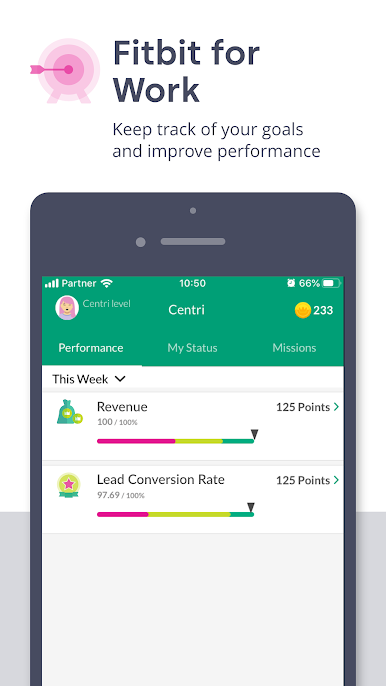
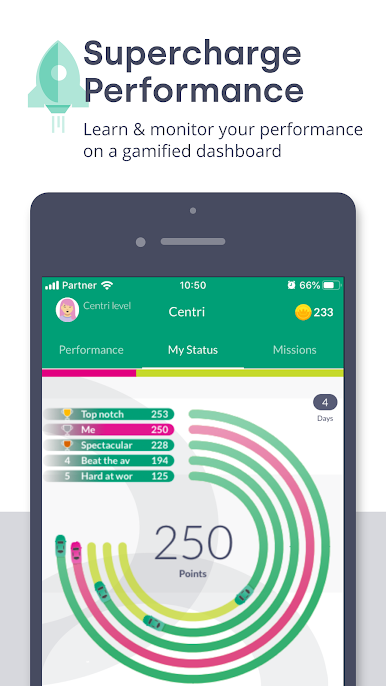
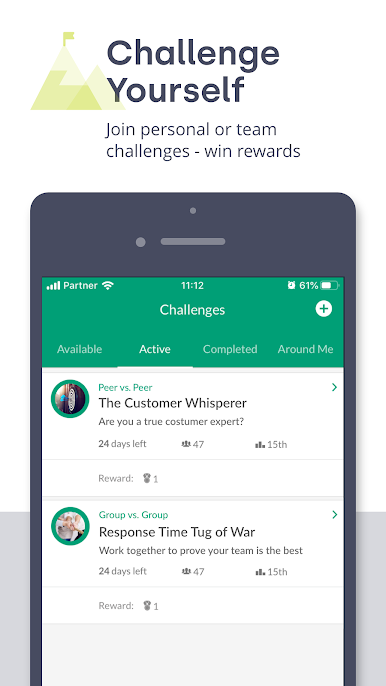
The app shows users, in real-time, how they’re doing and what they need to do next to hit their goals. In addition, it presents challenges and that spur them to compete with peers, across teams or individually on learning activities or goal-specific performance.
Centrical Mobile gets and keeps employees focused on the work that needs to be done and, importantly, how to go about it. It uses data from measured work to prompt microlearning that builds proficiency. It utilizes Artificial Intelligence to improve employee engagement, performance as well as microlearning.
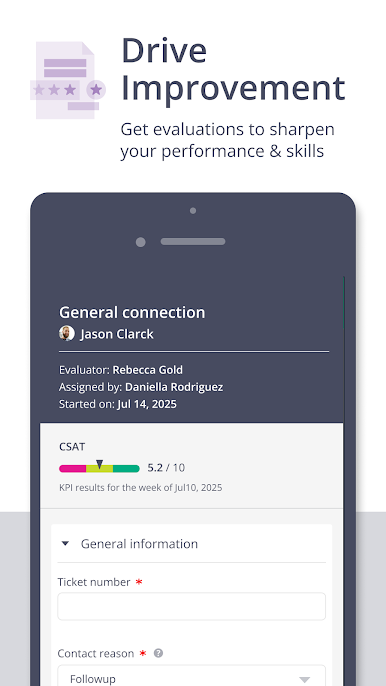
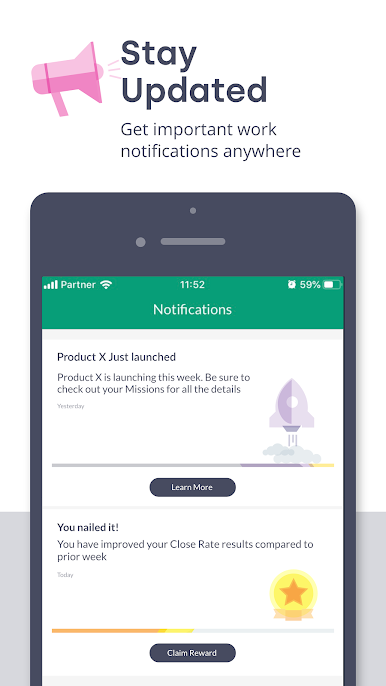
Multiple goals, or KPIs, can be assigned to users on a personalized basis. Their attention to and performance on each can be seen by manager and user alike to enhance the automated notifications to help close knowledge and performance gaps, and turn manager-employee catch-ups into coaching sessions.
Centrical gives organizations the actionable insights needed to turn low-performers into strong ones and those on top to consistently outperform. It reduces absenteeism, attrition, and operational costs while boosting productivity, employee, and customer satisfaction, as well as revenue.
About Centrical
Centrical was founded in 2013 with the mission to help large enterprises, across all business sectors boost the performance of their employees. Its platform is used worldwide by tens of thousands of users who improve their proficiency and communications as well as adopt new behaviors daily. For more information, visit www.centrical.com.
Spiele Centrical auf dem PC. Der Einstieg ist einfach.
-
Lade BlueStacks herunter und installiere es auf deinem PC
-
Schließe die Google-Anmeldung ab, um auf den Play Store zuzugreifen, oder mache es später
-
Suche in der Suchleiste oben rechts nach Centrical
-
Klicke hier, um Centrical aus den Suchergebnissen zu installieren
-
Schließe die Google-Anmeldung ab (wenn du Schritt 2 übersprungen hast), um Centrical zu installieren.
-
Klicke auf dem Startbildschirm auf das Centrical Symbol, um mit dem Spielen zu beginnen

