

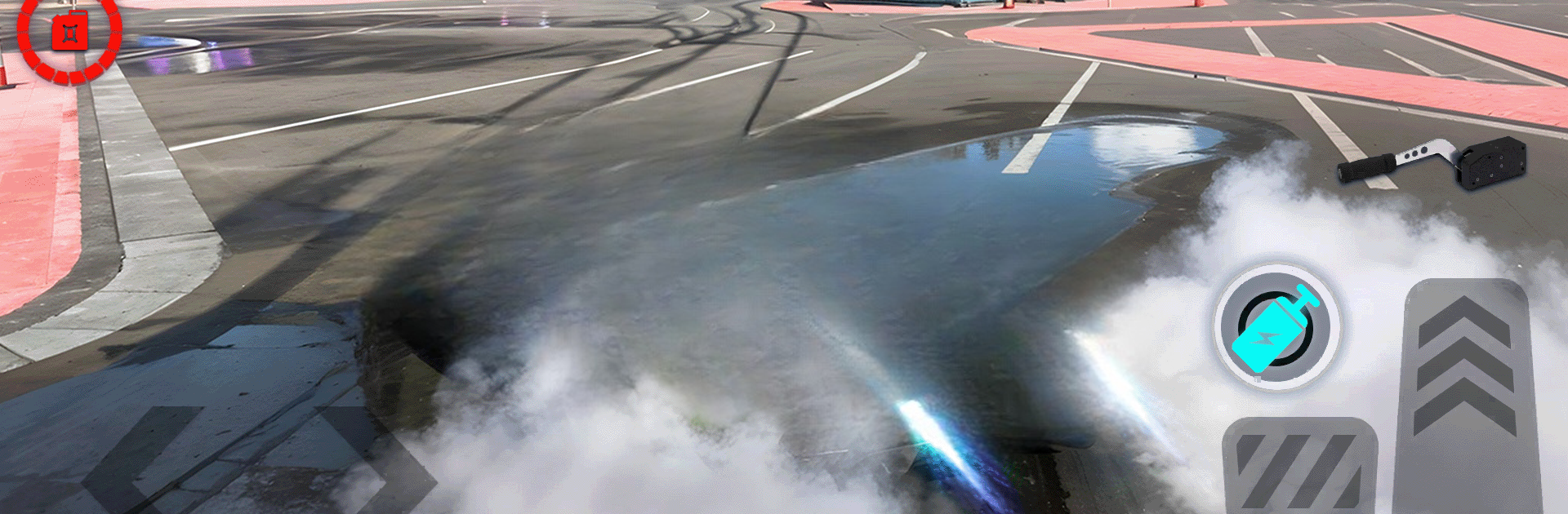
Car Drifting City Driving Game
Spiele auf dem PC mit BlueStacks - der Android-Gaming-Plattform, der über 500 Millionen Spieler vertrauen.

Seite geändert am: Dec 15, 2025
Play Car Drifting City Driving Game on PC or Mac
From the innovators and creators at Gaming Clan, Car Drifting City Driving Game is another fun addition to the World of Adventure games. Go beyond your mobile screen and play it bigger and better on your PC or Mac. An immersive experience awaits you.
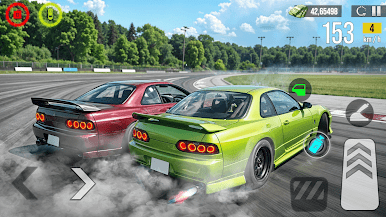
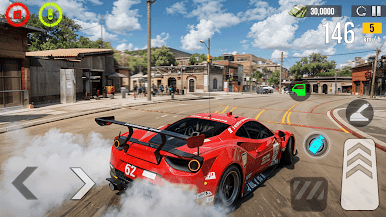
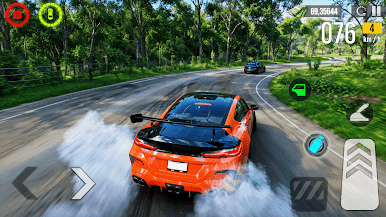
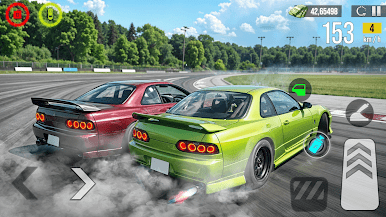
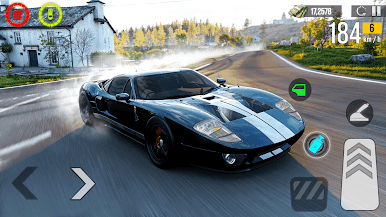
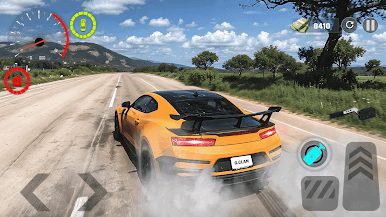
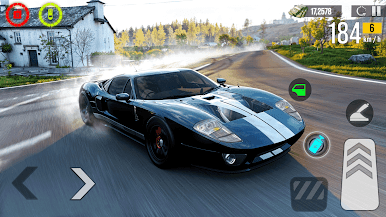
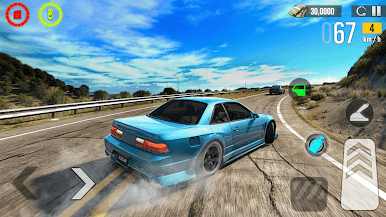
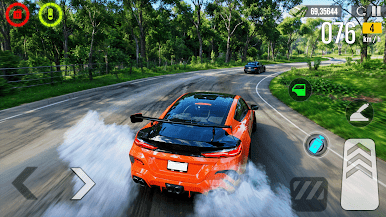
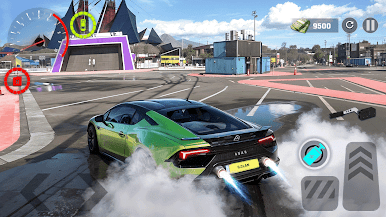
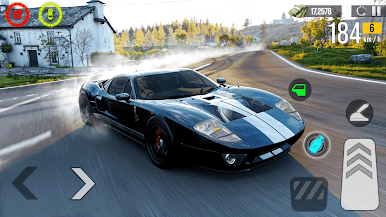
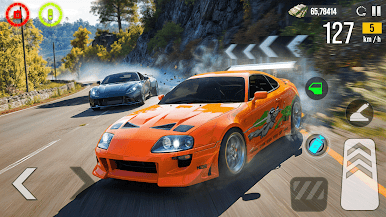
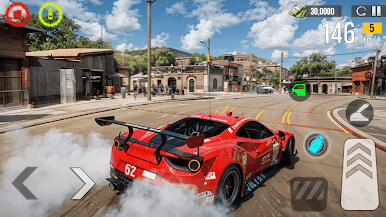
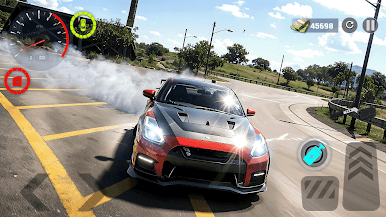
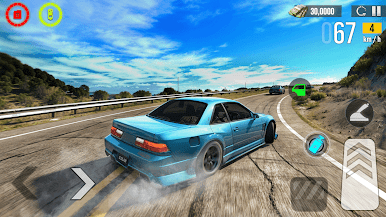
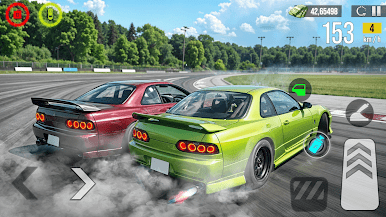
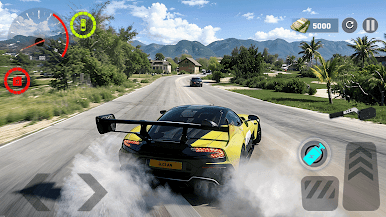
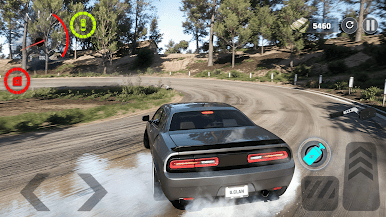
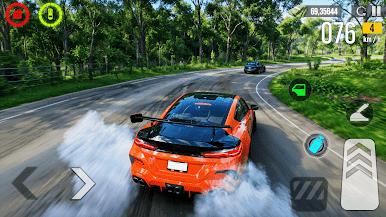
Car Drifting City Driving Game is all about sliding around a big city and keeping the car sideways without eating a wall. The map is wide and open, with long boulevards, tight corners, and the odd ramp that begs for a risky entry. Drifting has a nice weight to it, so cars step out when pushed, then it is counter steer and gentle throttle to keep the slide alive. The city drops in enough poles, curbs, and traffic bits to make control matter, so players end up linking turns, correcting mid drift, and trying to hold speed without spinning. It feels focused on that simple loop, practice a line, get a cleaner angle, go again.
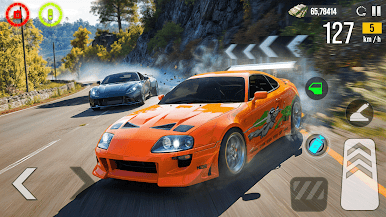
There are missions and short tracks that ask for tidy arcs, time goals, and stunt style tasks, and that is how new cars get unlocked. The garage throws in sporty coupes and a few older shapes, each with a different grip and power feel, and in free roam some cars sit parked so players can hop in on the spot. Controls are easy to learn, hard to truly master, which fits a drift game well. The city looks clean and bright, not jaw dropping, but clear enough to read corners. On PC through BlueStacks, a keyboard or controller makes throttle taps and counter steer more precise, and the higher frame rate helps when a turn comes quicker than expected. It suits short sessions, players grab a car, chase a mission, or just loop the same intersection working on smoother exits. If someone wants open city drifting without a lot of extra fluff, this hits that lane.
Get ready for a buttery smooth, high-performance gaming action only on BlueStacks.
Spiele Car Drifting City Driving Game auf dem PC. Der Einstieg ist einfach.
-
Lade BlueStacks herunter und installiere es auf deinem PC
-
Schließe die Google-Anmeldung ab, um auf den Play Store zuzugreifen, oder mache es später
-
Suche in der Suchleiste oben rechts nach Car Drifting City Driving Game
-
Klicke hier, um Car Drifting City Driving Game aus den Suchergebnissen zu installieren
-
Schließe die Google-Anmeldung ab (wenn du Schritt 2 übersprungen hast), um Car Drifting City Driving Game zu installieren.
-
Klicke auf dem Startbildschirm auf das Car Drifting City Driving Game Symbol, um mit dem Spielen zu beginnen

