


Aqua Map Boating
Играйте на ПК с BlueStacks – игровой платформе для приложений на Android. Нас выбирают более 500 млн. игроков.

Страница изменена: Nov 27, 2025
Run Aqua Map Marine - Boating GPS on PC or Mac
What’s better than using Aqua Map Marine – Boating GPS by GEC srl? Well, try it on a big screen, on your PC or Mac, with BlueStacks to see the difference.
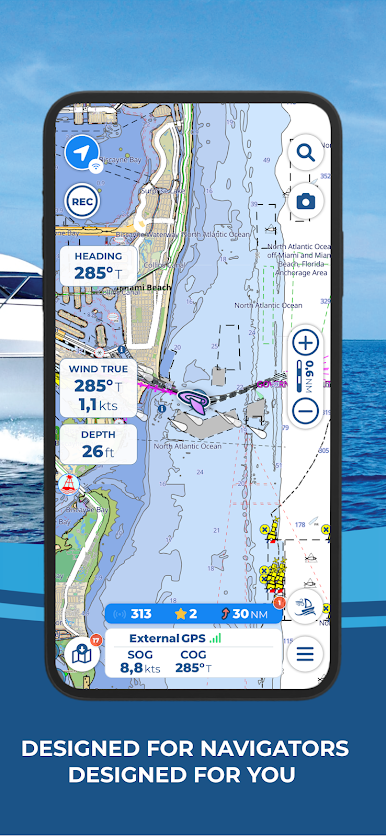
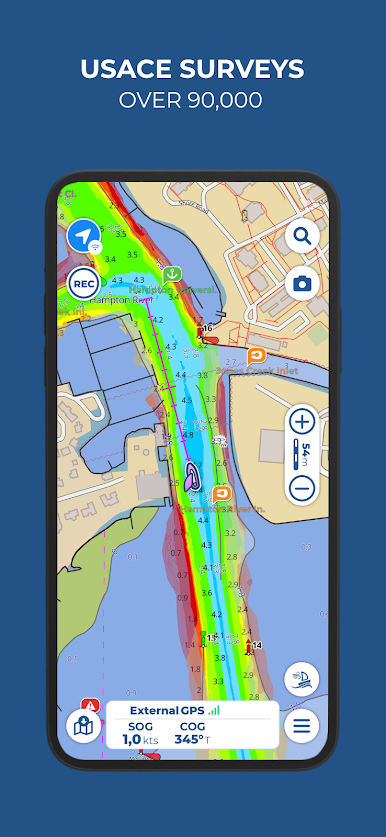
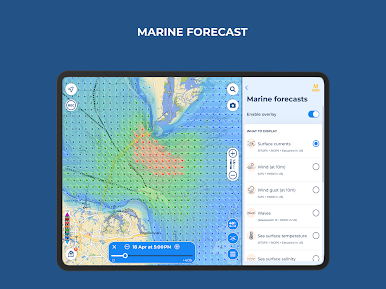
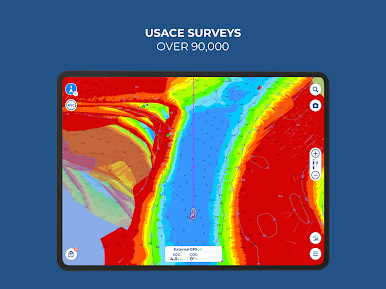
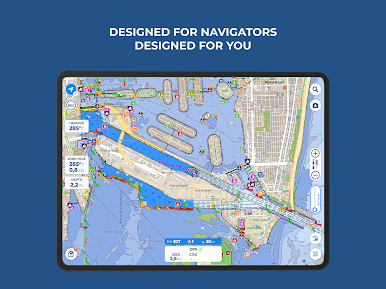
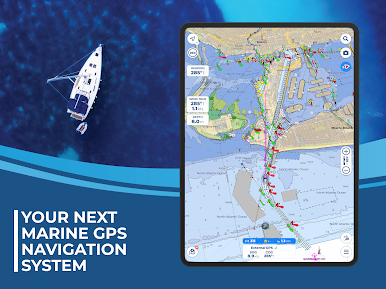
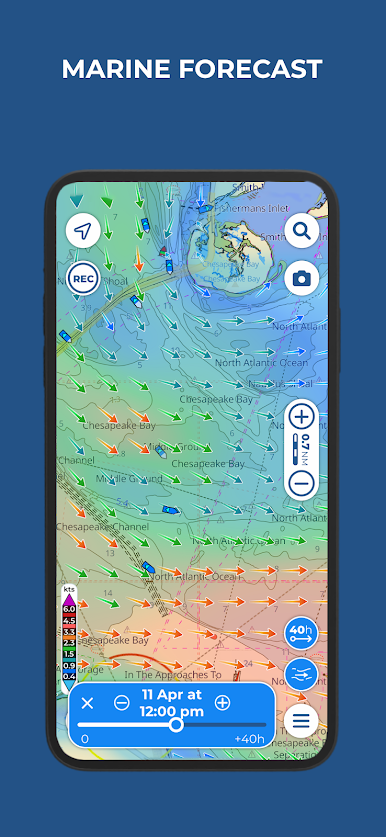
Aqua Map Marine is one of those apps made for anyone who spends time on the water, whether that’s into fishing, boating, or just exploring new places by boat. It’s all about turning your device into a chart plotter, which means using it almost like you would a fancy navigation system on a full boat setup. The key thing here is the nautical charts—they’re updated and official, so all those things you want like depth info, buoys, and markers are covered. There’s a download option too, so no worries about losing connection while you’re out; the maps work offline once they’re saved. Seeing these maps on a PC screen using BlueStacks really helps—everything’s just easier to plan and read.
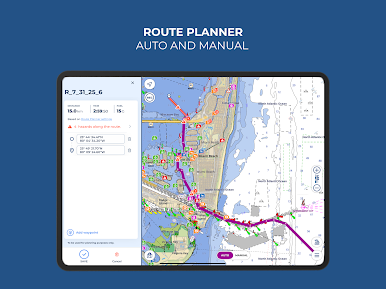
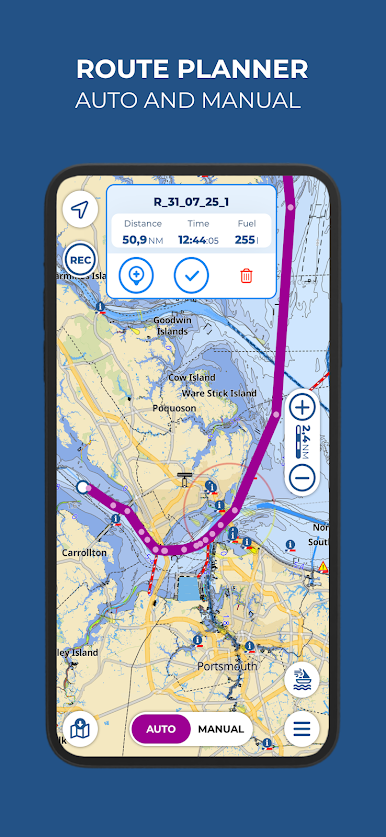
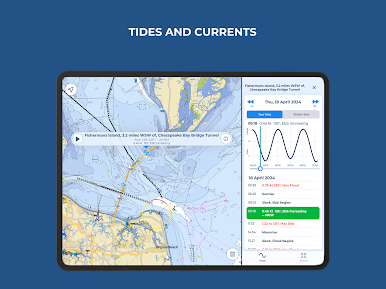
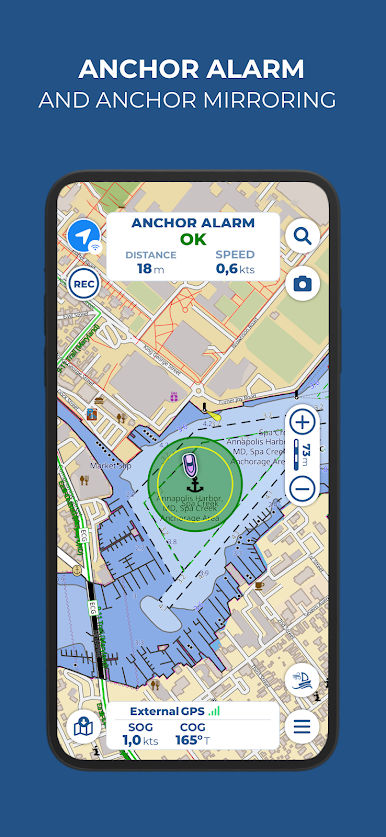
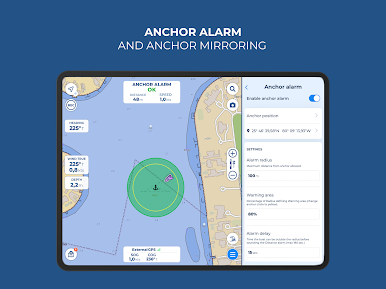
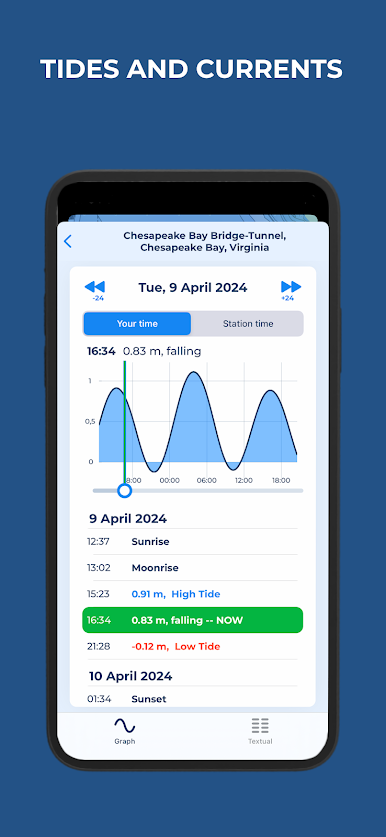
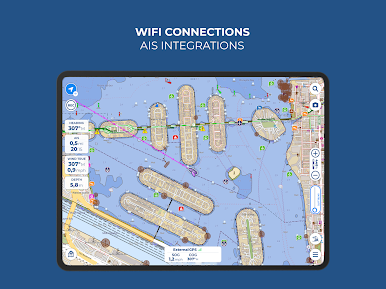
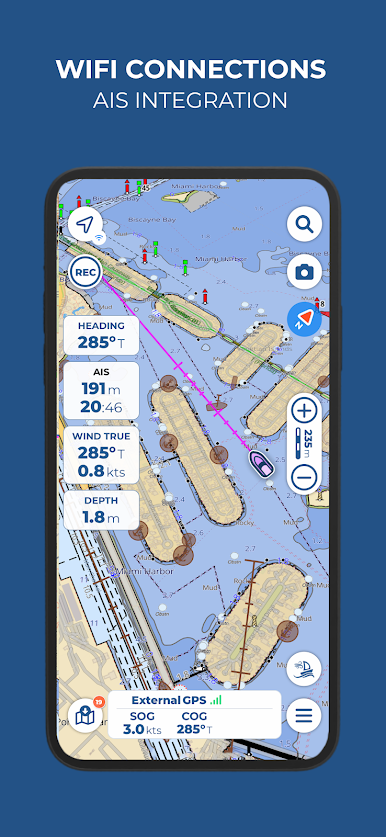
Planning a route is pretty straightforward. You can drop in waypoints and mark spots you want, and while navigating you get info on how far to go, estimated arrival, and direction for your next target. There are tools like anchor alarms, tidal and current predictions, and distance measuring, which comes in handy if you’re serious about plotting things precisely or just don’t want to drift off. The app ties into gear onboard too; you can connect things like AIS for automatic collision warnings, or NMEA stuff over WiFi for real-time data. There’s a pretty active community as well, thanks to built-in tools like ActiveCaptain and Waterway Guide, where boaters share tips, hazards, and marina info. Sharing tracks or loading routes from others is no hassle—just swap files in the formats the app uses, and you’re good.
What really stands out is it feels more like a proper boating tool than just a basic navigation app. There’s enough depth if you want advanced stuff, especially with the Aqua Map Master add-on, but it doesn’t force you into features you don’t need. The wide range of maps (covering loads of places from the US and Canada to Europe and beyond) makes it useful for a lot of people, whether they’re local weekend boaters or traveling somewhere new. It’s pretty practical, and on a big screen setup with BlueStacks, it’s easier to plan ahead and see everything clearly before even getting to the water.
BlueStacks brings your apps to life on a bigger screen—seamless and straightforward.
Играйте в игру Aqua Map Boating на ПК. Это легко и просто.
-
Скачайте и установите BlueStacks на ПК.
-
Войдите в аккаунт Google, чтобы получить доступ к Google Play, или сделайте это позже.
-
В поле поиска, которое находится в правой части экрана, введите название игры – Aqua Map Boating.
-
Среди результатов поиска найдите игру Aqua Map Boating и нажмите на кнопку "Установить".
-
Завершите авторизацию в Google (если вы пропустили этот шаг в начале) и установите игру Aqua Map Boating.
-
Нажмите на ярлык игры Aqua Map Boating на главном экране, чтобы начать играть.

