

Мель без телефона
Играйте на ПК с BlueStacks – игровой платформе для приложений на Android. Нас выбирают более 500 млн. игроков.

Страница изменена: Sep 13, 2024
Play Stranded Without A Phone on PC or Mac
Step into the World of Stranded Without A Phone, a thrilling Role Playing game from the house of Gilligames. Play this Android game on BlueStacks App Player and experience immersive gaming on PC or Mac.
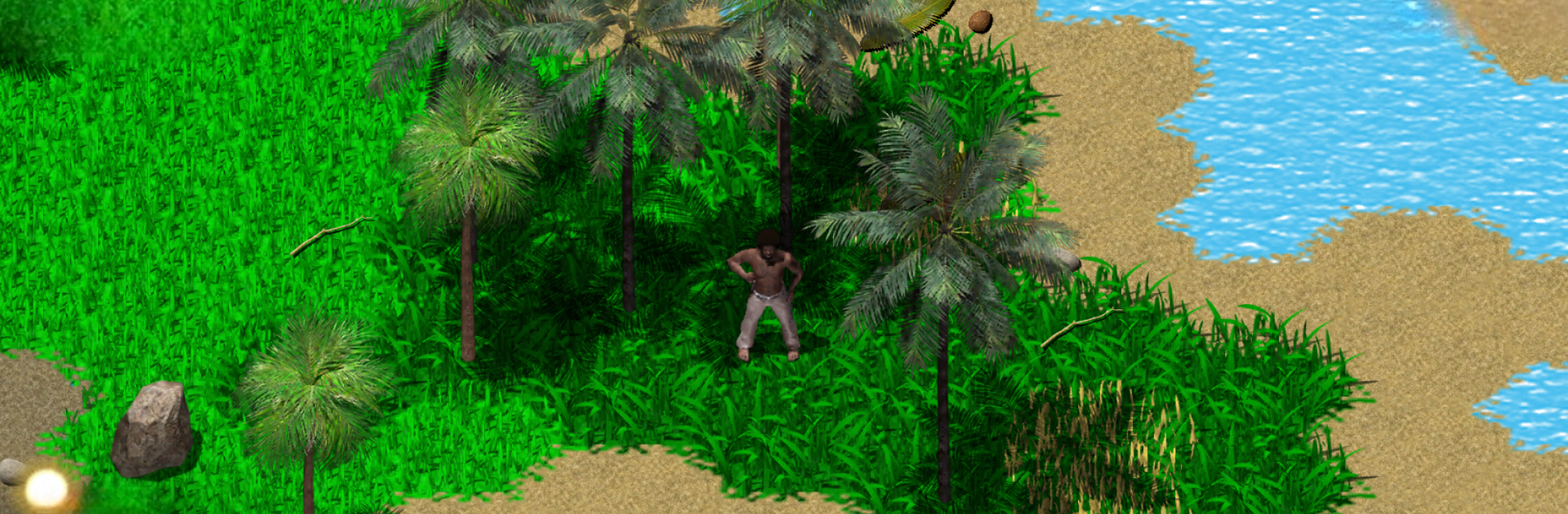
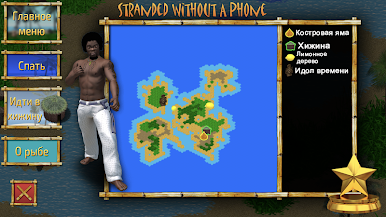
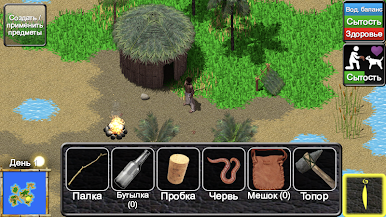
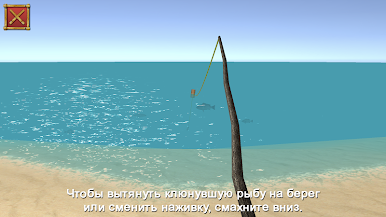
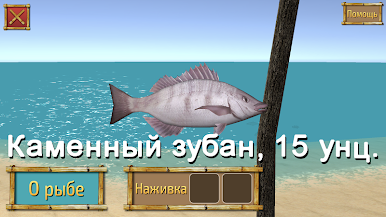
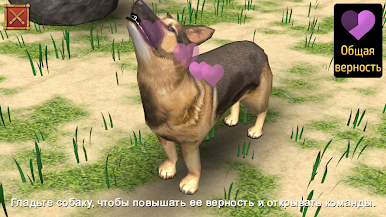
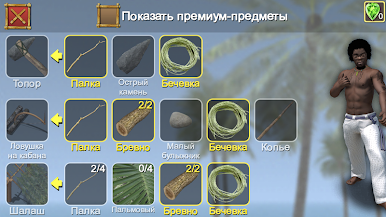
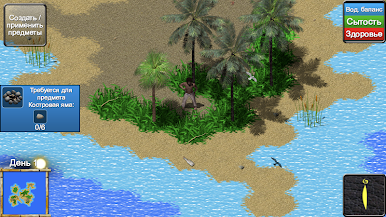
Stranded Without A Phone is one of those games that drops you into a tough spot right away — you’re stuck on a deserted island and there’s no easy way out. It’s not an action-packed game, so don’t expect lots of fighting or flashy effects. Instead, it’s all about figuring stuff out and planning ahead. Players have to think through what to do first, like gathering food, finding water, and stumbling across random wreckage that might wash up on shore. There’s a lot of classic survival tasks: patching together a shelter, keeping an eye out for useful materials, and even trying to put together a makeshift phone out of old parts just to get rescued.
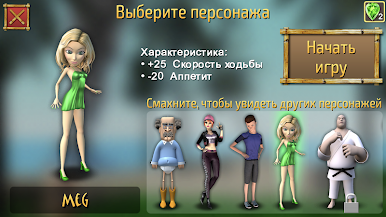
What stands out is how the game keeps things challenging — every little decision can make a difference. The map is different every time, so there’s not much chance of just memorizing where everything is. There’s an inventory system that RPG fans will recognize, plus a bunch of things to craft and use. Coconuts and boar meat are key for staying alive, and there’s always something to hunt or trap, so the food isn’t just handed out. Players can pick between different characters too, and it helps that there are multiple save slots if things go wrong. The day and night cycle even affects what players can do, adding another layer to all the planning. Playing on PC with something like BlueStacks makes the controls feel smoother, especially with all the inventory management. If puzzling through survival and slowly working toward escape sounds appealing, that’s what this game is about. There’s a sense of real accomplishment in just staying alive and figuring out that next step.
Ready to top the leaderboard? We bet you do. Let precise controls and sharp visuals optimized on BlueStacks lead you to victory.

Играйте в игру Мель без телефона на ПК. Это легко и просто.
-
Скачайте и установите BlueStacks на ПК.
-
Войдите в аккаунт Google, чтобы получить доступ к Google Play, или сделайте это позже.
-
В поле поиска, которое находится в правой части экрана, введите название игры – Мель без телефона.
-
Среди результатов поиска найдите игру Мель без телефона и нажмите на кнопку "Установить".
-
Завершите авторизацию в Google (если вы пропустили этот шаг в начале) и установите игру Мель без телефона.
-
Нажмите на ярлык игры Мель без телефона на главном экране, чтобы начать играть.

