


StarMeUp
Spiele auf dem PC mit BlueStacks - der Android-Gaming-Plattform, der über 500 Millionen Spieler vertrauen.

Seite geändert am: Nov 26, 2025
Play StarMeUp on PC
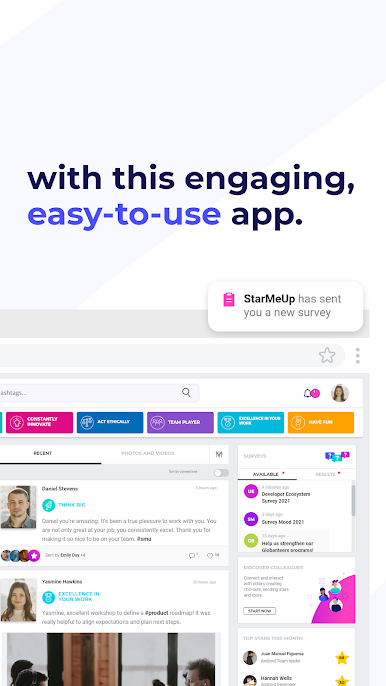
Leverage the power of our app to:
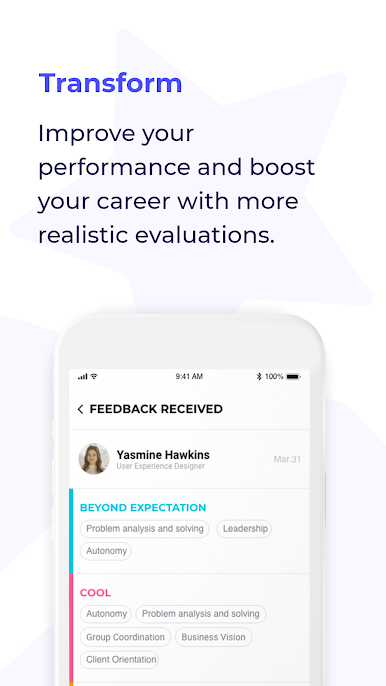
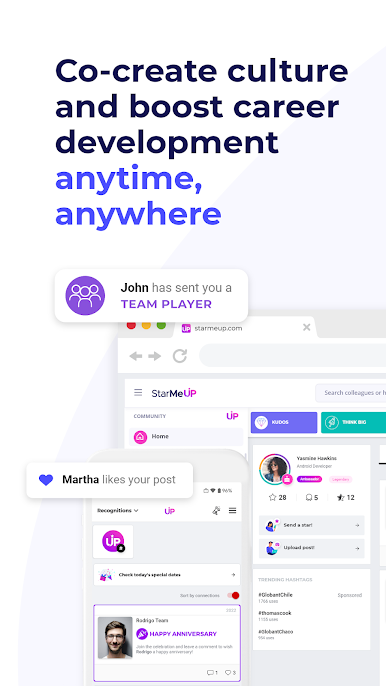
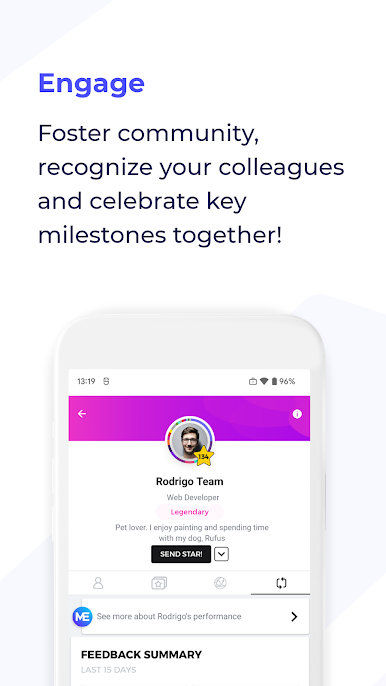
• Send and receive 360° recognition in real time
• Send and receive feedback to any employee no matter their role
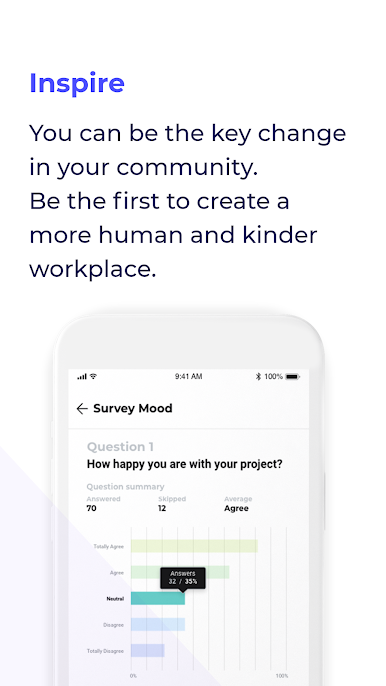
• Get valuable insights on human interactions and people’s mood from our website
• Share photos and videos with your community
• Hear everyone’s voice through surveys
Our technology is for those who want to make a difference. Download it now
Remember: in order to use StarMeUp your company must have contracted our service.
Follow us on social media!
Linkedin: www.linkedin.com/company/starmeup/
Instagram: www.instagram.com/starmeupos/
Facebook: www.facebook.com/starmeupos
Twitter: www.twitter.com/StarMeUpOS
Visit our website: https://os.starmeup.com/en.html
Need help? Contact us at support@starmeup.com


Spiele StarMeUp auf dem PC. Der Einstieg ist einfach.
-
Lade BlueStacks herunter und installiere es auf deinem PC
-
Schließe die Google-Anmeldung ab, um auf den Play Store zuzugreifen, oder mache es später
-
Suche in der Suchleiste oben rechts nach StarMeUp
-
Klicke hier, um StarMeUp aus den Suchergebnissen zu installieren
-
Schließe die Google-Anmeldung ab (wenn du Schritt 2 übersprungen hast), um StarMeUp zu installieren.
-
Klicke auf dem Startbildschirm auf das StarMeUp Symbol, um mit dem Spielen zu beginnen

