

Mobile Scanner - Scannt Alles
Spiele auf dem PC mit BlueStacks - der Android-Gaming-Plattform, der über 500 Millionen Spieler vertrauen.

Seite geändert am: Nov 11, 2025
Run Mobile Scanner App - Scan PDF on PC or Mac
Upgrade your experience. Try Mobile Scanner App – Scan PDF, the fantastic Productivity app from Glority Global Group Ltd., from the comfort of your laptop, PC, or Mac, only on BlueStacks.
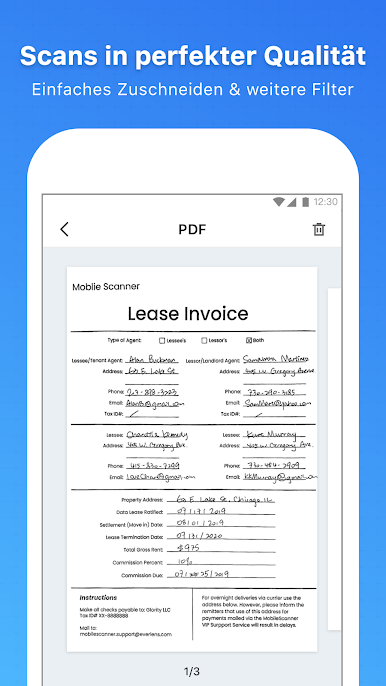
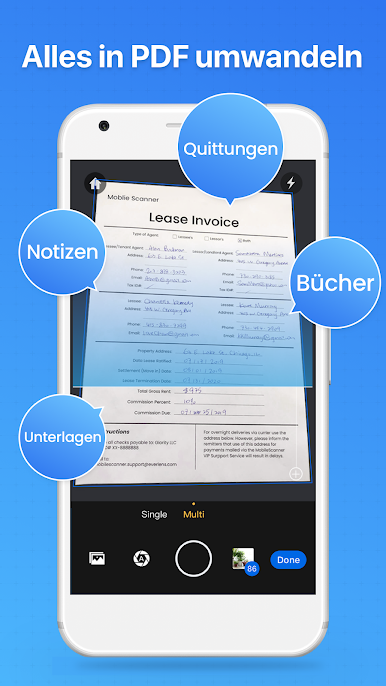
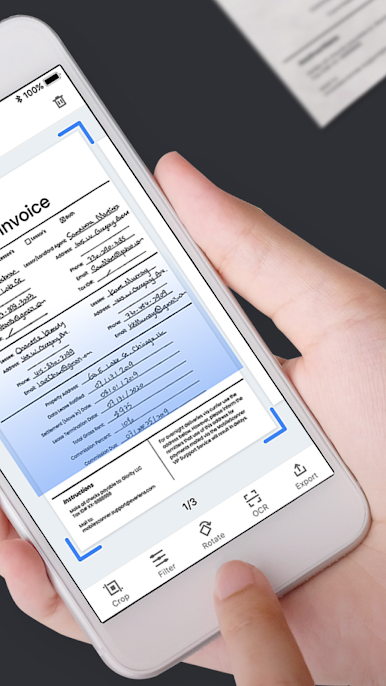
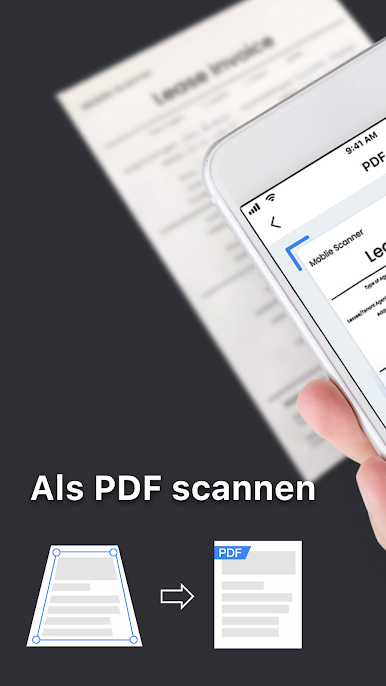
Mobile Scanner App – Scan PDF is basically one of those tools that make handling documents a lot easier, especially when moving stuff from paper to digital. On PC with BlueStacks, everything just has more space and feels less cramped than on a phone. The app lets you scan all sorts of things—papers, receipts, notes, whatever—and turns them into neat PDFs or images. One cool thing is the batch scanning, so if there’s a pile of stuff that needs scanning, it all gets saved into one file, which keeps things pretty organized.
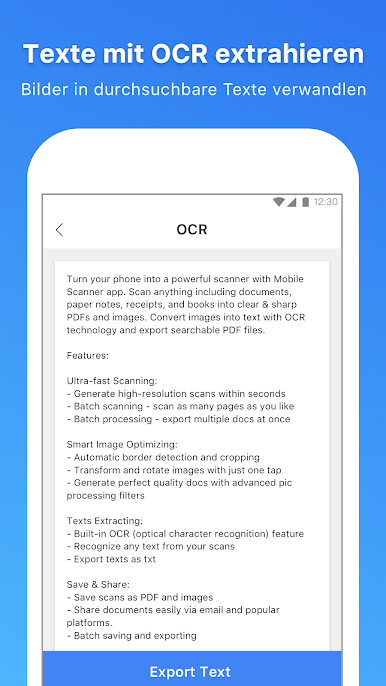
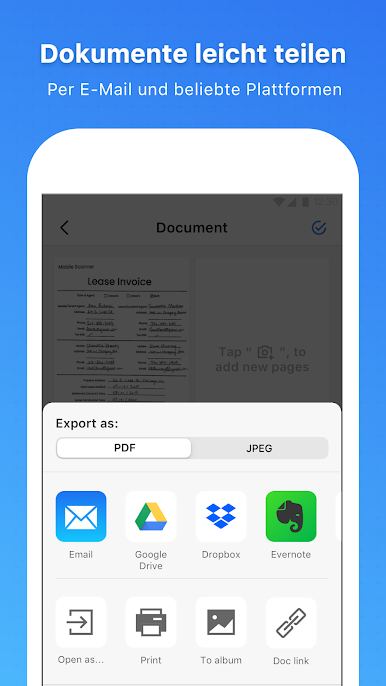
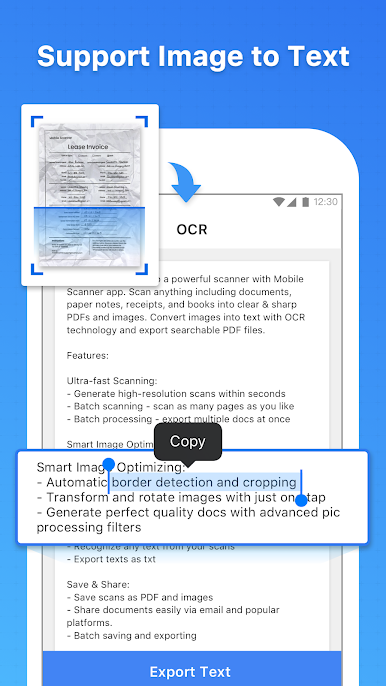
It also has these automatic tools that detect the edges of what’s being scanned, so cropping goes pretty smoothly without much fiddling. There’s a bunch of options to adjust things too, like rotating, changing colors, fixing brightness, or cleaning up little marks and stains on the page—even handwritten stuff. The built-in OCR is pretty handy because you can pull the text right out of a scan and edit it, then export it as a text file if needed. Organizing is straight-forward with folders, and files can be uploaded directly to places like Google Drive or Dropbox. For anyone needing more security, there’s the option to lock files with a password. Sharing scanned documents is easy too—sending as email attachments or printing straight from the app works fine, so it covers most of what’s needed for keeping documents tidy and useful.
Big screen. Bigger performance. Use BlueStacks on your PC or Mac to run your favorite apps.
Spiele Mobile Scanner - Scannt Alles auf dem PC. Der Einstieg ist einfach.
-
Lade BlueStacks herunter und installiere es auf deinem PC
-
Schließe die Google-Anmeldung ab, um auf den Play Store zuzugreifen, oder mache es später
-
Suche in der Suchleiste oben rechts nach Mobile Scanner - Scannt Alles
-
Klicke hier, um Mobile Scanner - Scannt Alles aus den Suchergebnissen zu installieren
-
Schließe die Google-Anmeldung ab (wenn du Schritt 2 übersprungen hast), um Mobile Scanner - Scannt Alles zu installieren.
-
Klicke auf dem Startbildschirm auf das Mobile Scanner - Scannt Alles Symbol, um mit dem Spielen zu beginnen

