


Google Drive
500M + oyuncunun güvendiği Android Oyun Platformu, BlueStacks ile PC'de oynayın.

Sayfa Değiştirilme tarihi: Nov 21, 2025
Run Google Drive on PC or Mac
Let BlueStacks turn your PC, Mac, or laptop into the perfect home for Google Drive, a fun Productivity app from Google LLC.
About the App
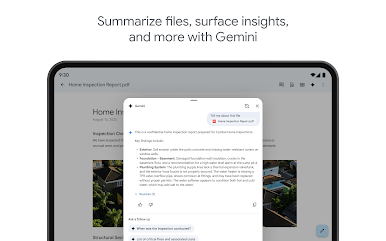
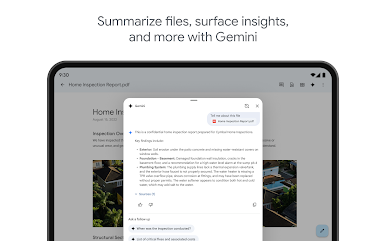
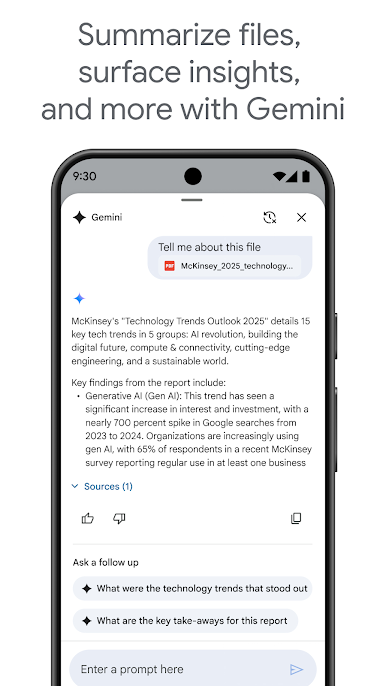
Google Drive from Google LLC is your digital playground for storing and organizing files in a snap. Need to edit a PDF or Office file on the go? This Productivity app has got you covered, even when you’re offline. Whether you’re collaborating on a project or catching up on work, Google Drive helps you tackle it all, anytime and anywhere.
App Features
-
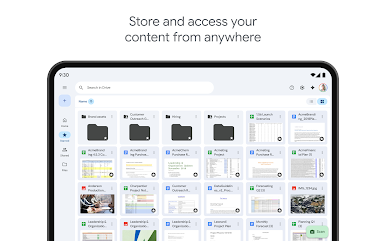
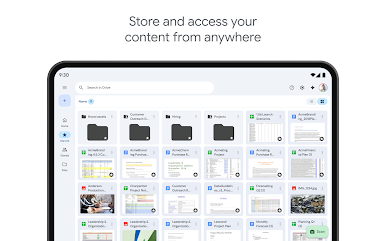
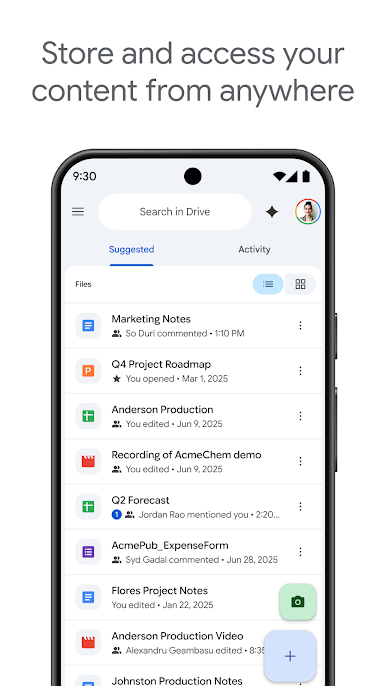
Store and Access Anywhere
Keep your files safe and accessible, whether you’re using a phone, tablet, or PC. -
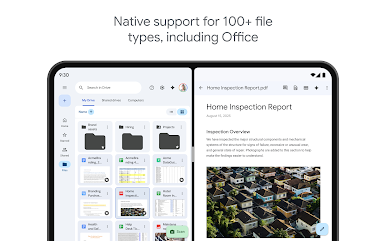
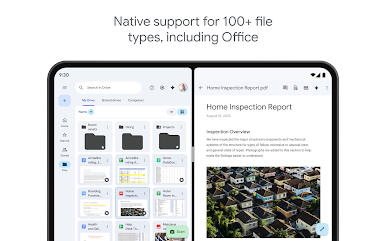
Support for 100+ File Types
From PDFs to videos, edit and manage a variety of files with ease. -
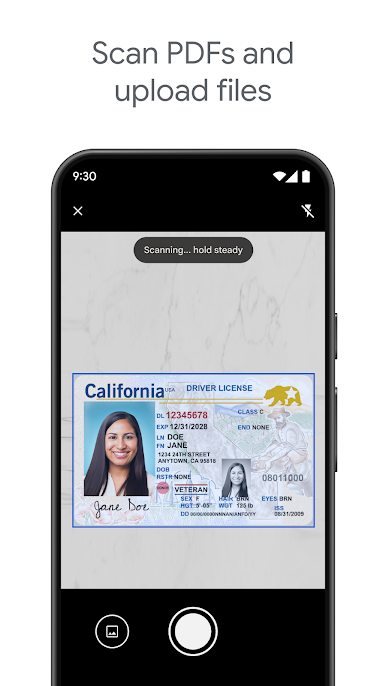
Effortless File Scanning
Use your device’s camera to scan and upload documents in seconds. -
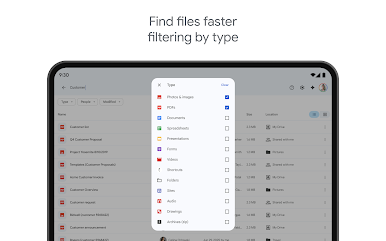
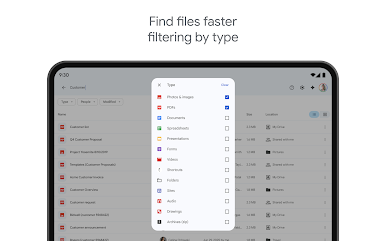
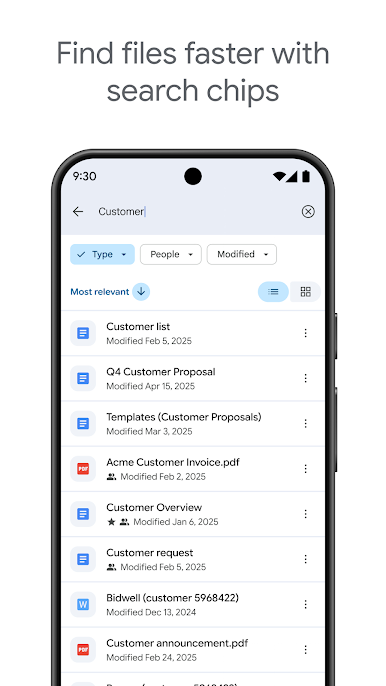
Smart Search and Filter
Find files quickly by searching for names or content, and filter by type or modification date. -
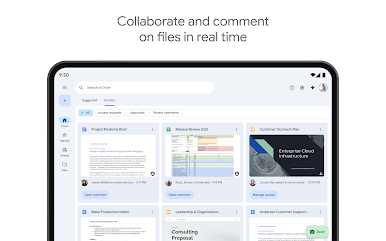
Flexible Sharing Controls
Set permissions, share with teams or groups, all while ensuring your content’s security. -
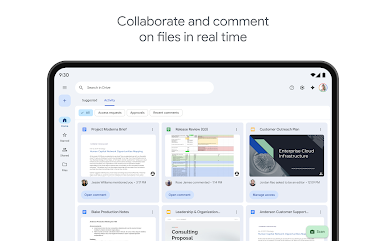
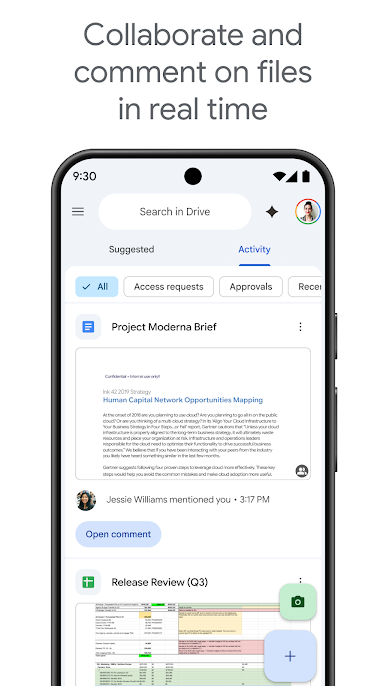
Offline Access and Notifications
Stay ahead with offline viewing and activity updates that keep you in the loop.
Don’t forget, you can enjoy enhanced productivity on BlueStacks!
Switch to BlueStacks and make the most of your apps on your PC or Mac.
Google Drive oyununu PC'de oyna. Başlamak çok kolay.
-
BlueStacks'i PC'nize İndirin ve Yükleyin
-
Play Store'a erişmek için Google girişi yapın ya da daha sonraya bırakın.
-
Sağ üst köşeye Google Drive yazarak arayın.
-
Google Drive uygulamasını arama sonuçlarından indirmek için tıklayın.
-
(iEğer Adım 2'yi atladıysanız) Google Drive uygulamasını yüklemek için Google'a giriş yapın.
-
Oynatmaya başlatmak için ekrandaki Google Drive ikonuna tıklayın.

