


YouTube Music
Spiele auf dem PC mit BlueStacks - der Android-Gaming-Plattform, der über 500 Millionen Spieler vertrauen.

Seite geändert am: Oct 16, 2026
Nutze YouTube Music auf deinem PC oder Mac
Warum beschränkst du dich noch auf deinen winzigen Handybildschirm? Nutze YouTube Music von Google LLC viel besser, nämlich auf deinem PC oder Mac – mit BlueStacks, dem weltweit führenden Android-Emulator.
Über die App
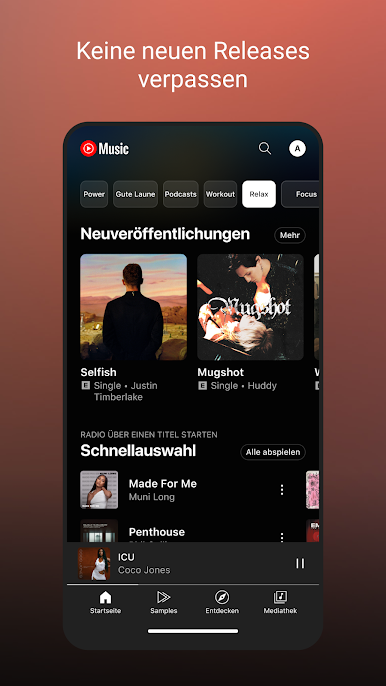
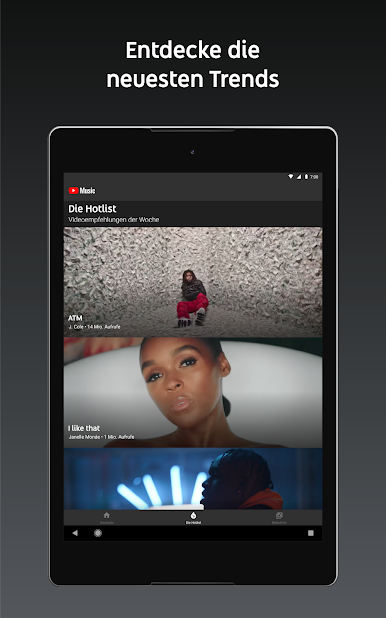
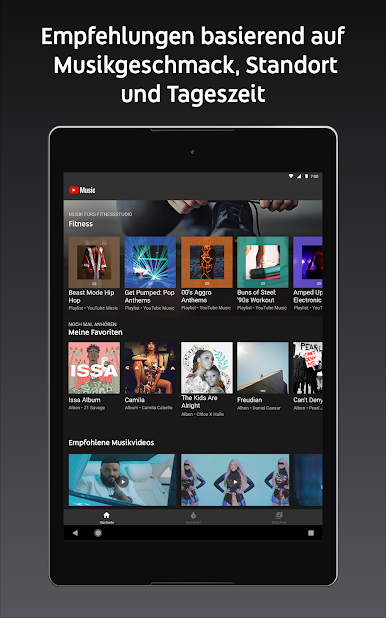
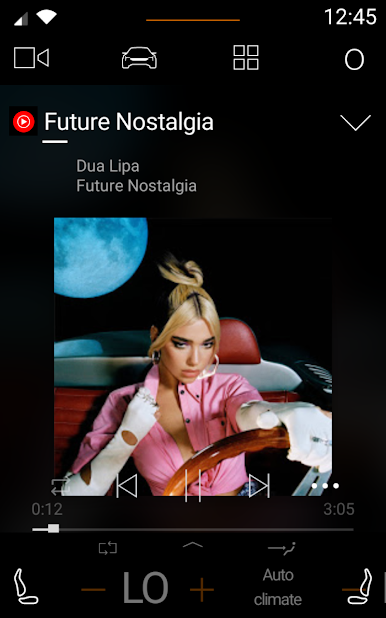
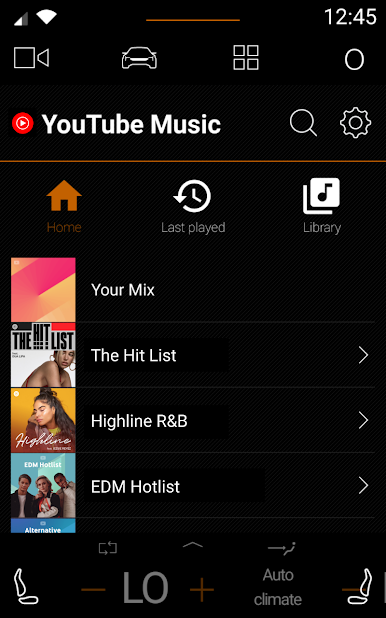
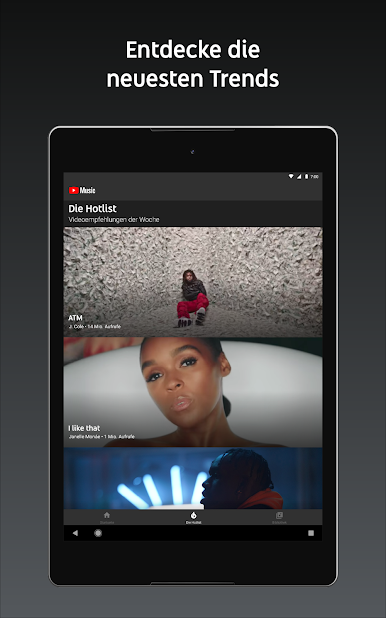
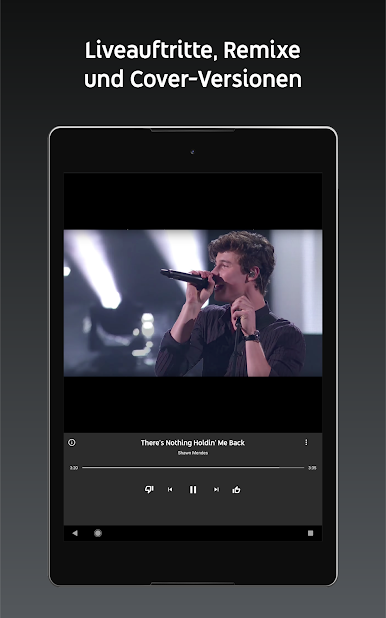
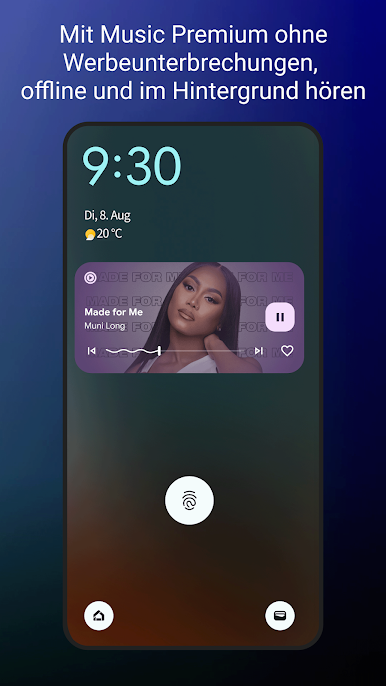
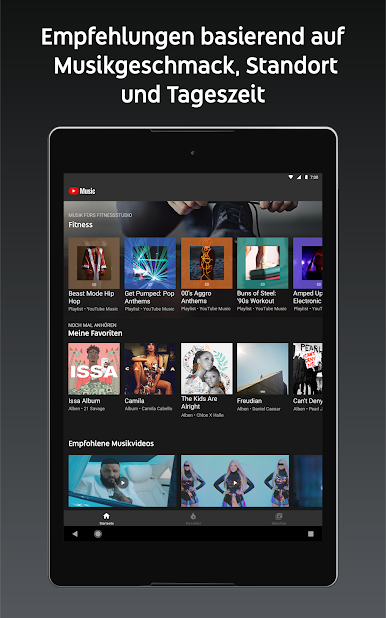
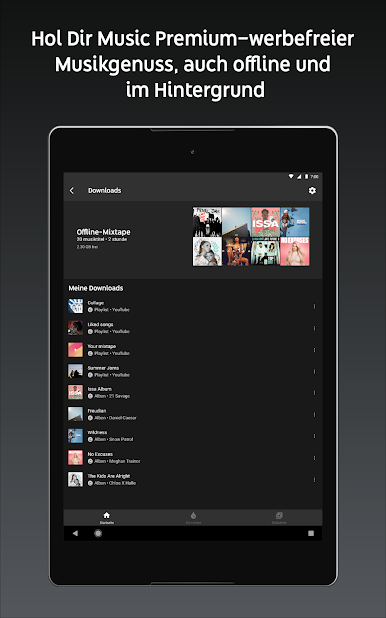
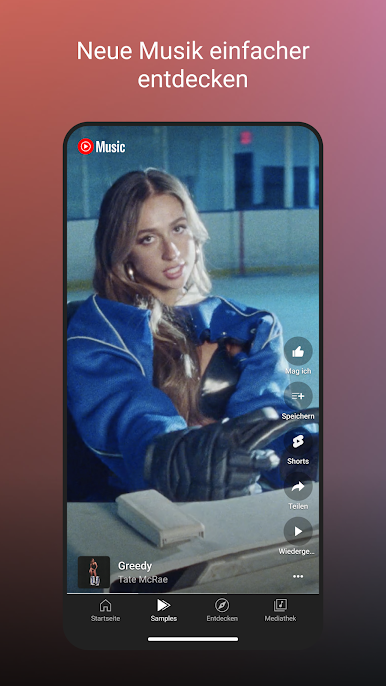
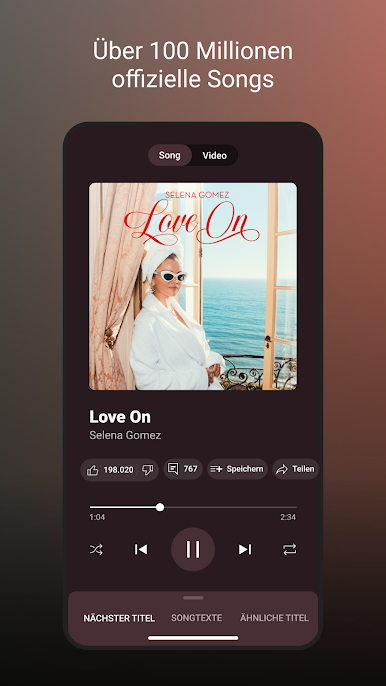
Mit YouTube Music von Google LLC erwartet dich eine grenzenlose Musikwelt voller Liveauftritte, Remixe und exklusive Inhalte. Tauche in personalisierte Playlists ein, die auf deine Lieblingsmusik abgestimmt sind, und entdecke neue Trends, sei es Hip-Hop, Pop oder Jazz. Schön dabei: Alles nahtlos integriert für ein tolles Hörerlebnis.
App-Features
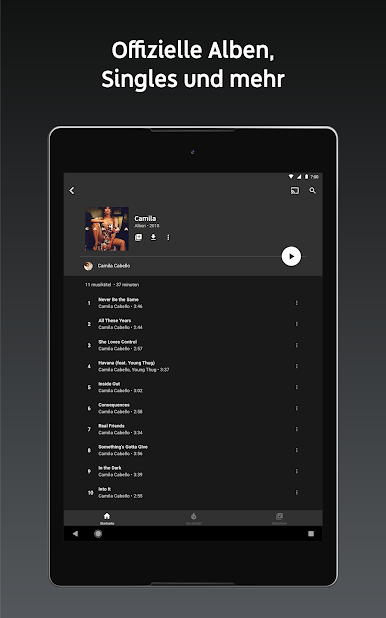
Umfassende Musiksammlung
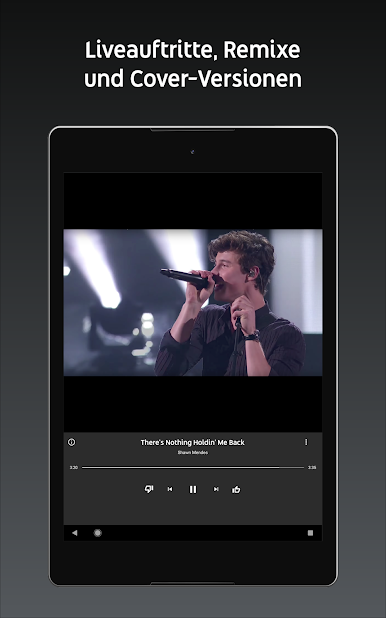
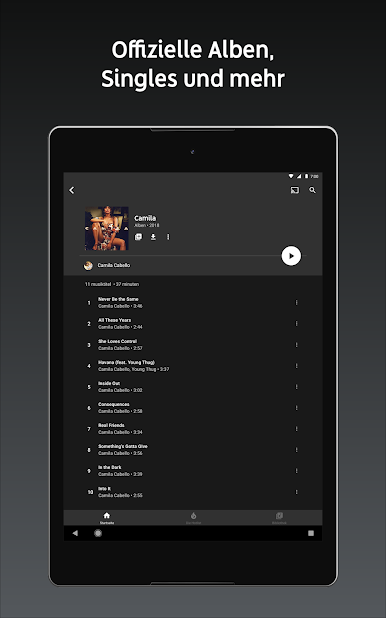
– Exklusive Liveauftritte und Remixe
– Tausende Playlists für jedes Genre: Von Rock bis K-Pop
Personalisierte Hörerfahrung
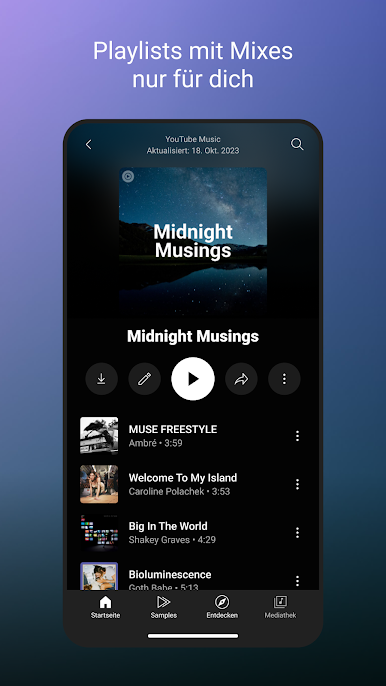
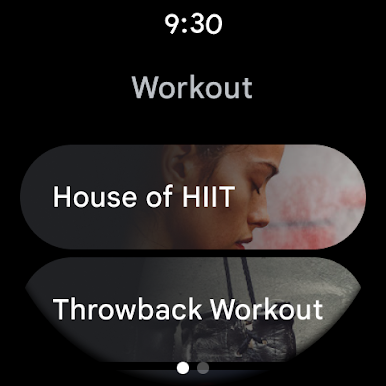
– Individuelle Playlists für Sport und Entspannung
– Eigene Playlists aus Songvorschlägen erstellen
Musiktrends entdecken
– Für dich kuratierte Mixe mit Neuveröffentlichungen
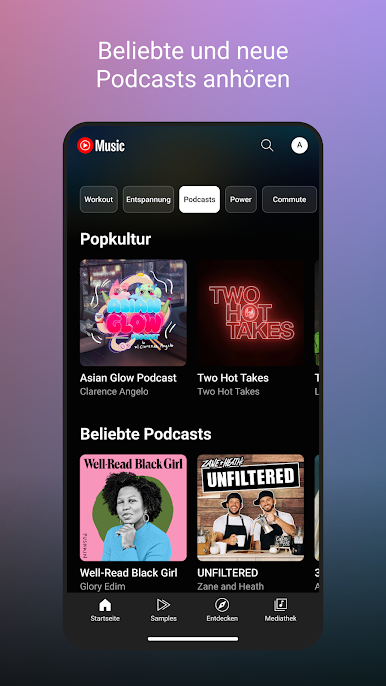
– Musik nach Stimmung: Romantik, Party oder Chill
Optimiertes Hörerlebnis
– Songtexte zum Mitsingen verfügbar
– Nahtloser Wechsel zwischen Audio- und Videomodus
Gerätekompatibilität
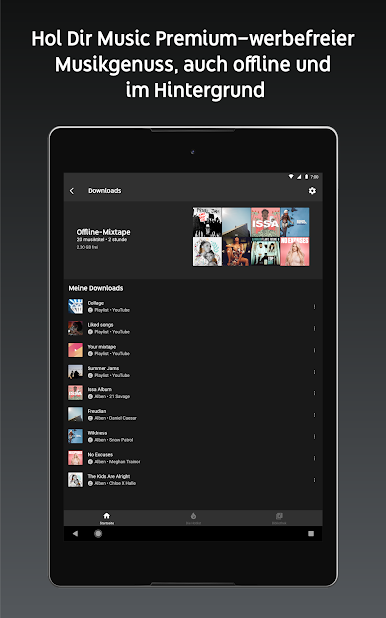
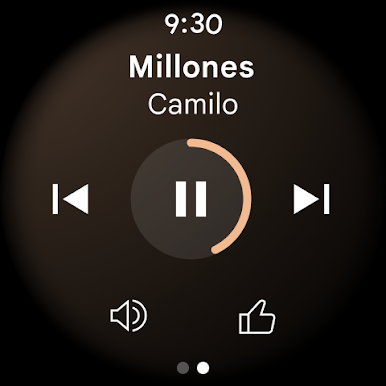
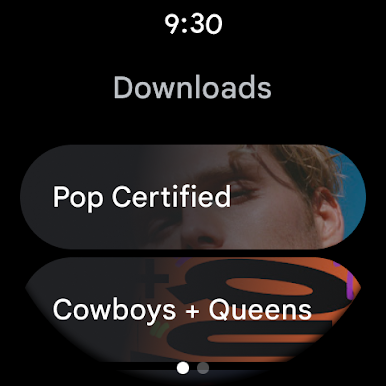
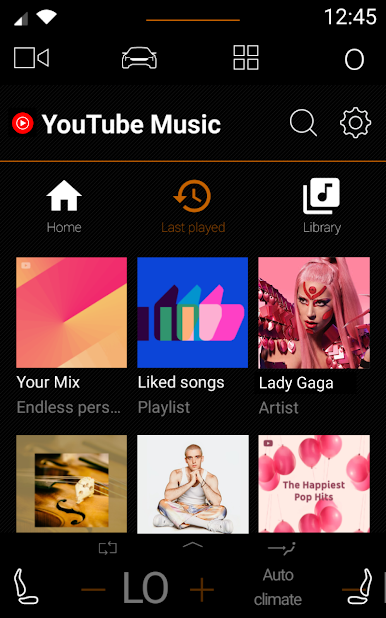
– Wiedergabe auf Smartphone, Computer, Smartwatch und mehr
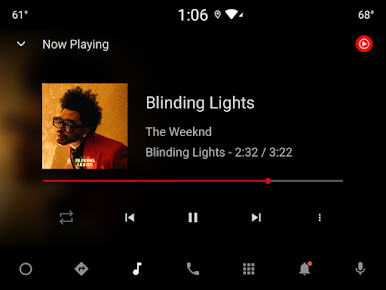
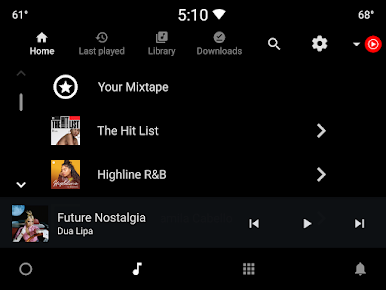
– Integration mit Google Maps und Google Assistant
Um noch mehr zu genießen, schau dir das Angebot auf BlueStacks an, um deine Musikvielfalt zu erweitern.
Kannst du es kaum erwarten, dein App-Erlebnis auf die nächste Stufe zu heben? Leg sofort los, indem du BlueStacks auf deinen PC oder Mac herunterlädst.
Spiele YouTube Music auf dem PC. Der Einstieg ist einfach.
-
Lade BlueStacks herunter und installiere es auf deinem PC
-
Schließe die Google-Anmeldung ab, um auf den Play Store zuzugreifen, oder mache es später
-
Suche in der Suchleiste oben rechts nach YouTube Music
-
Klicke hier, um YouTube Music aus den Suchergebnissen zu installieren
-
Schließe die Google-Anmeldung ab (wenn du Schritt 2 übersprungen hast), um YouTube Music zu installieren.
-
Klicke auf dem Startbildschirm auf das YouTube Music Symbol, um mit dem Spielen zu beginnen

