

USMLE Clinical Anatomy
Играйте на ПК с BlueStacks – игровой платформе для приложений на Android. Нас выбирают более 500 млн. игроков.

Страница изменена: Oct 29, 2025
Run USMLE Clinical Anatomy on PC or Mac
Why limit yourself to your small screen on the phone? Run USMLE Clinical Anatomy, an app by Higher Learning Technologies Inc, best experienced on your PC or Mac with BlueStacks, the world’s #1 Android emulator.
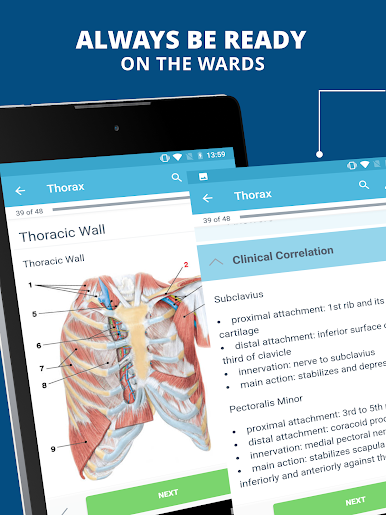
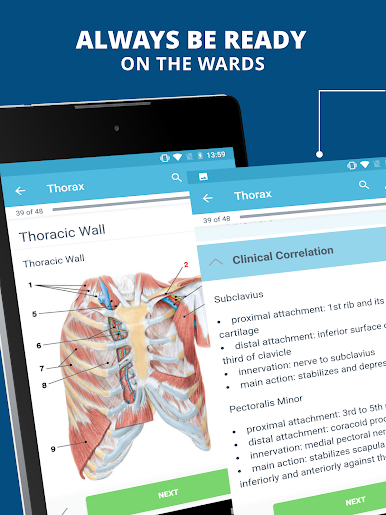
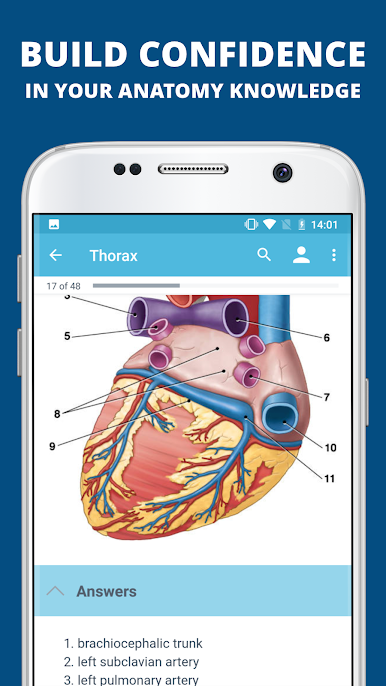
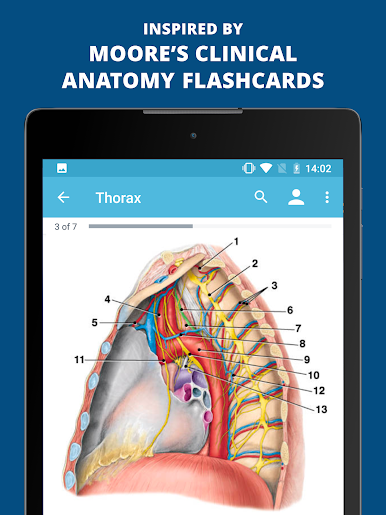
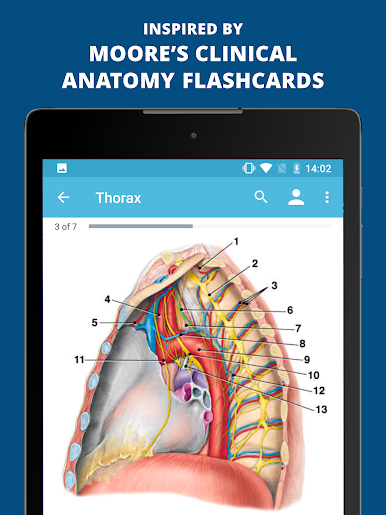
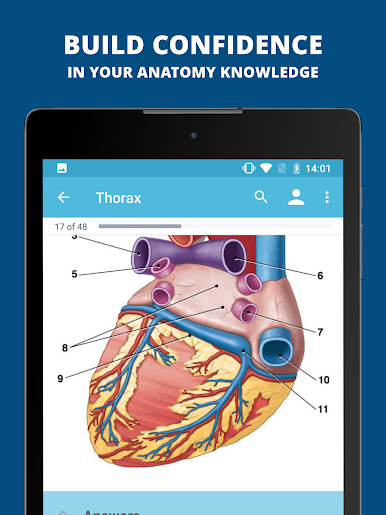
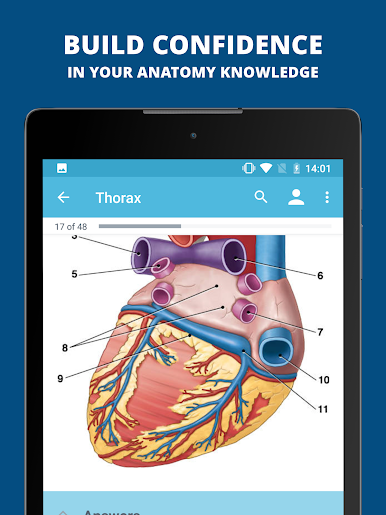
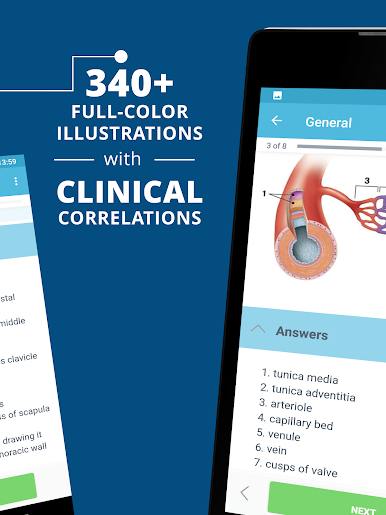
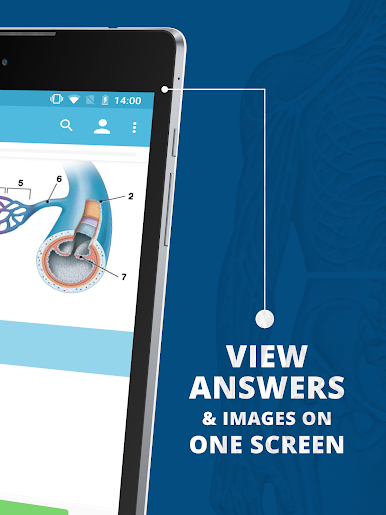
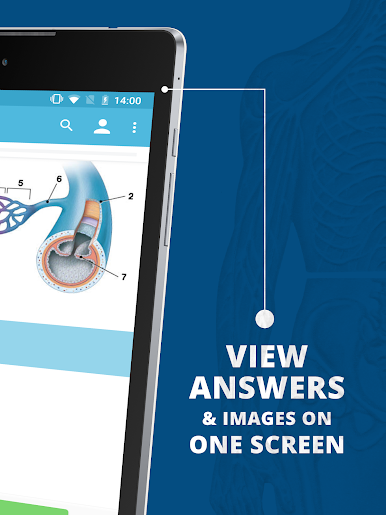
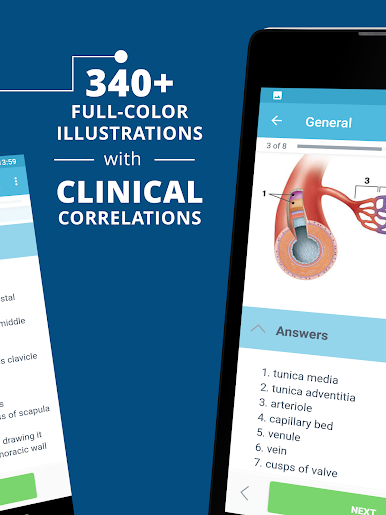
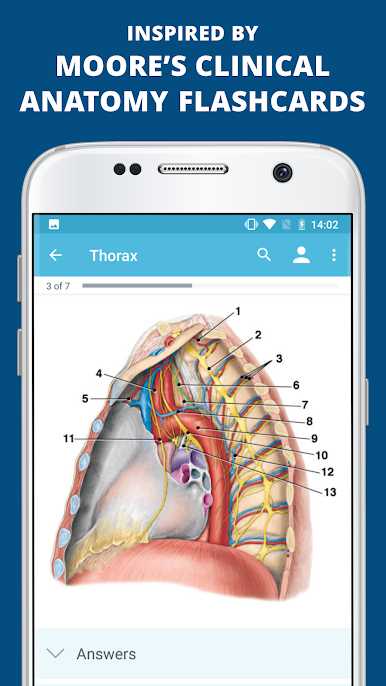
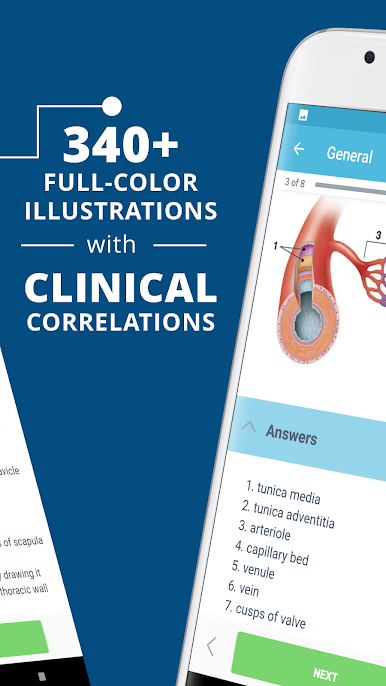
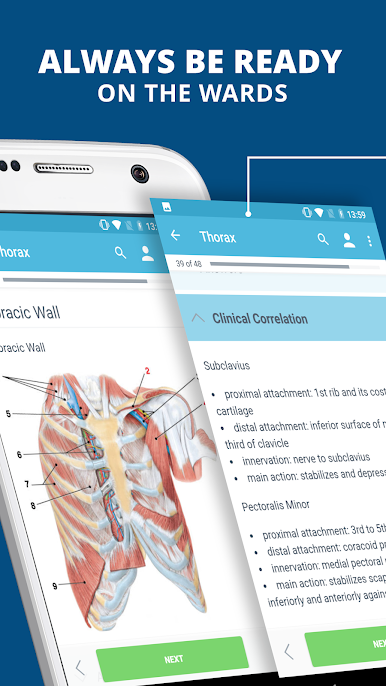
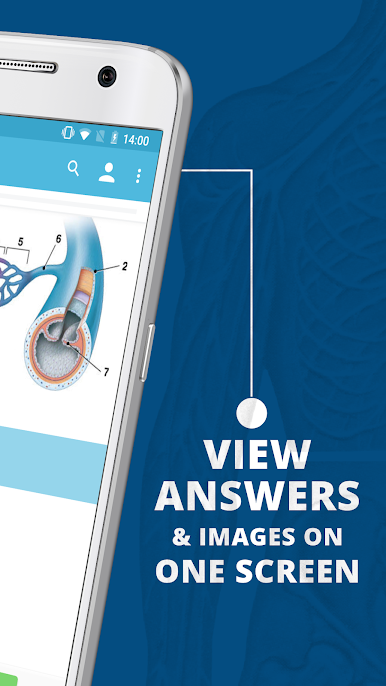
USMLE Clinical Anatomy feels like a clean digital atlas glued to a smart set of flashcards. It follows a regional layout, so head and neck live with head and neck, limbs with limbs, which makes quick reviews feel natural. The illustrations are crisp and labeled in a way that invites tapping around, then the app adds short clinical notes, those classic Blue Box style pearls, to explain why a structure actually matters at the bedside. Muscle tables are there too, with attachments, innervation, and main actions, so it works both for memorizing details and for connecting them to cases. It is not a flashy game or a huge question bank, more like a steady, reliable reference that suits anatomy lab, clerkships, or brushing up before a skills check.
On PC with BlueStacks, the bigger screen helps a lot. The images breathe, zoom feels smoother with a mouse, and it is easier to keep notes open on the side. The free tier is small and meant for sampling, the subscription opens the full set with hundreds of renders, diagrams, and clinical photos. Nothing weird in the interface, just search, tap to reveal structures, short explanations that get to the point. Great fit for medical, dental, PA or PT students who want clinically oriented anatomy rather than purely textbook prose. It rewards focused study sessions, and does not waste time with fluff, just clear visuals and concise context that actually sticks.
Switch to BlueStacks and make the most of your apps on your PC or Mac.
Играйте в игру USMLE Clinical Anatomy на ПК. Это легко и просто.
-
Скачайте и установите BlueStacks на ПК.
-
Войдите в аккаунт Google, чтобы получить доступ к Google Play, или сделайте это позже.
-
В поле поиска, которое находится в правой части экрана, введите название игры – USMLE Clinical Anatomy.
-
Среди результатов поиска найдите игру USMLE Clinical Anatomy и нажмите на кнопку "Установить".
-
Завершите авторизацию в Google (если вы пропустили этот шаг в начале) и установите игру USMLE Clinical Anatomy.
-
Нажмите на ярлык игры USMLE Clinical Anatomy на главном экране, чтобы начать играть.

