


Büyüteç ve Mikroskop +
500M + oyuncunun güvendiği Android Oyun Platformu, BlueStacks ile PC'de oynayın.

Sayfa Değiştirilme tarihi: Oct 24, 2025
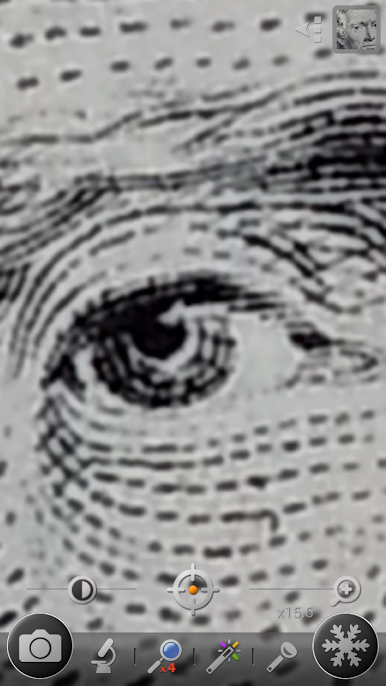
Play Magnifier & Microscope+ [Cozy] on PC
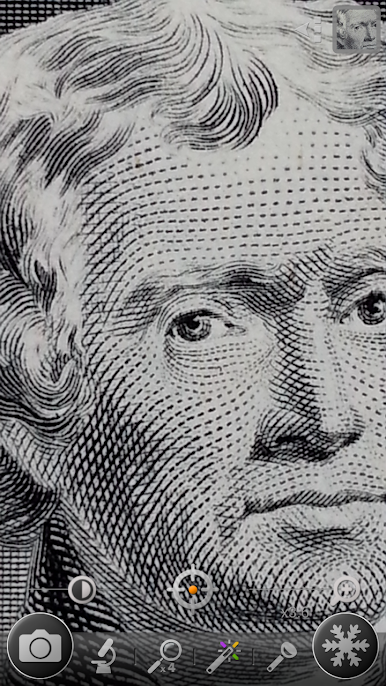
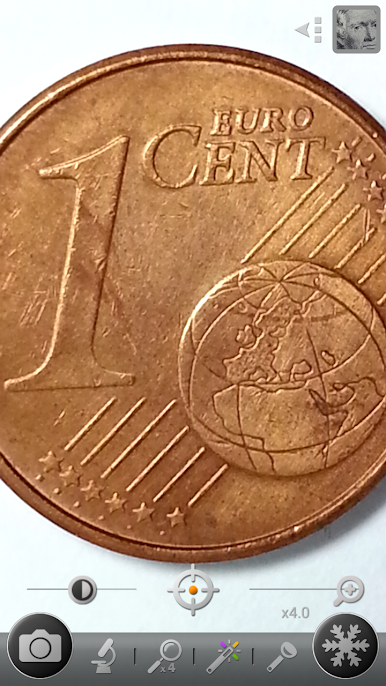
This app turns your phone into a handy and easy-to-use digital magnifier.
With this, you don't have to carry a magnifying glass anymore! =)
★ The recommended magnifying glass by various media!
★ Mother's Day Recommended Apps! - by Google Korea
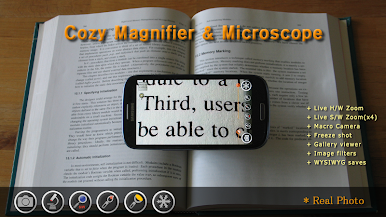
* Features
⊙ Magnifier (Magnifying glass)
⊙ Microscope mode (x2, x4)
⊙ LED Flashlight
⊙ Macro Camera
⊙ Freezing the magnifier screen
⊙ Brightness and zoom control
⊙ Enhanced embedded gallery
⊙ Color filters(Negative, Sepia, Mono, Text highlight)
⊙ & more
* Plus version features
★ No ads
★ More functions
★ More filters
Do you need a magnifying glass to read small prints?
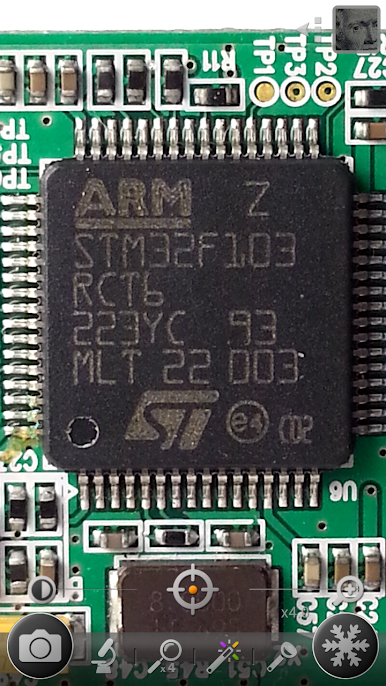
Do you use a big magnifier to read the model number of a tiny semiconductor?
Do you want to take macro pictures easily?
This app is the magnifying glass that you've been looking for!
1. Magnifier
- Easy-to-use zoom controller
- Zoom-in or out by using pinch and vertical drag gestures
- Continuous auto-focusing function
- Temporary zoom-out function to find a target
2. Freezing screen
- Freezing the magnifying screen to see it stably
- Freezing the screen after focus by clicking the screen long
3. Microscope mode
- More zoom-in than magnifier mode
- x2, x4
4. Color filters
- Negative, Sepia, Mono color filter
- Text highlight filter
5. LED Flashlight
- Useful in the dark place
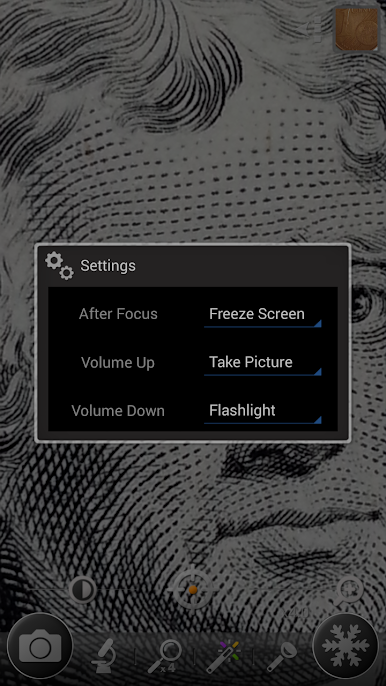
- Flashlight on or off by using the light button or volume-down key
6. Taking pictures (Macro camera)
- Taking pictures by using the camera button
- Taking pictures by using the volume-up key
* Magnifying glass pictures are saved in DCIM/CozyMag directory.
* The quality of the magnified image depends on your phone's camera capabilities.
* Some devices can't use some functions.
* This is not a real microscope. ;)
* I have no responsibility for the problems caused by using this application. =)
Büyüteç ve Mikroskop + oyununu PC'de oyna. Başlamak çok kolay.
-
BlueStacks'i PC'nize İndirin ve Yükleyin
-
Play Store'a erişmek için Google girişi yapın ya da daha sonraya bırakın.
-
Sağ üst köşeye Büyüteç ve Mikroskop + yazarak arayın.
-
Büyüteç ve Mikroskop + uygulamasını arama sonuçlarından indirmek için tıklayın.
-
(iEğer Adım 2'yi atladıysanız) Büyüteç ve Mikroskop + uygulamasını yüklemek için Google'a giriş yapın.
-
Oynatmaya başlatmak için ekrandaki Büyüteç ve Mikroskop + ikonuna tıklayın.

