


Spider Solitaire
Spiele auf dem PC mit BlueStacks - der Android-Gaming-Plattform, der über 500 Millionen Spieler vertrauen.

Seite geändert am: Nov 20, 2025
Spiele Spider Solitaire für PC
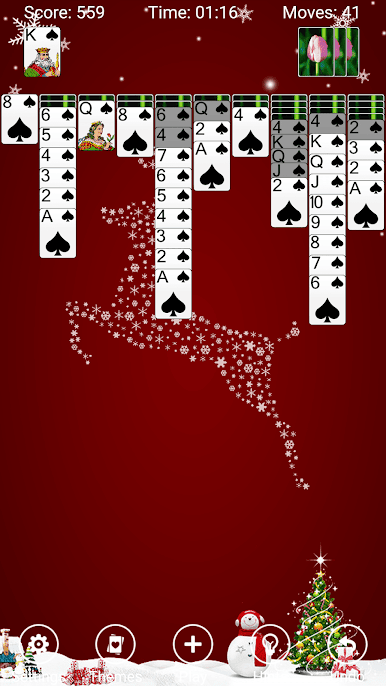
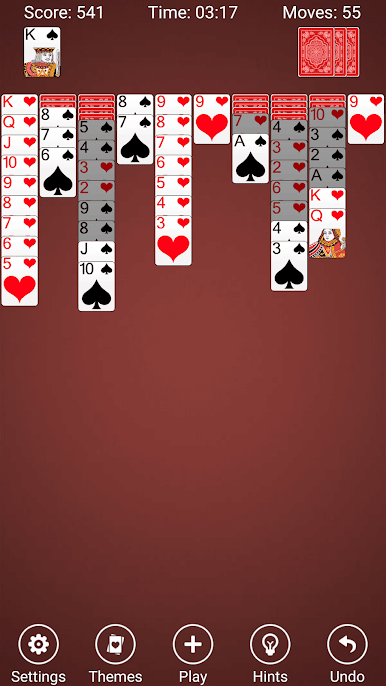
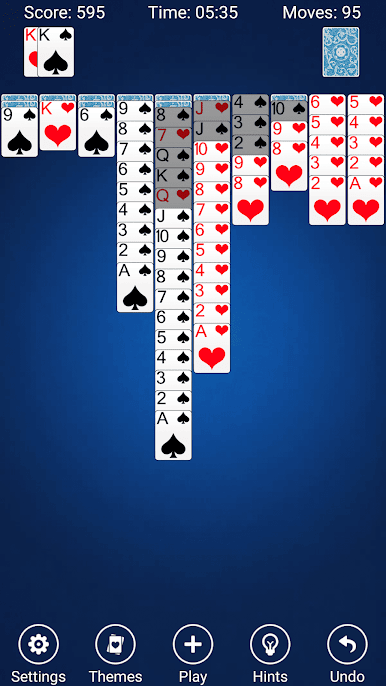
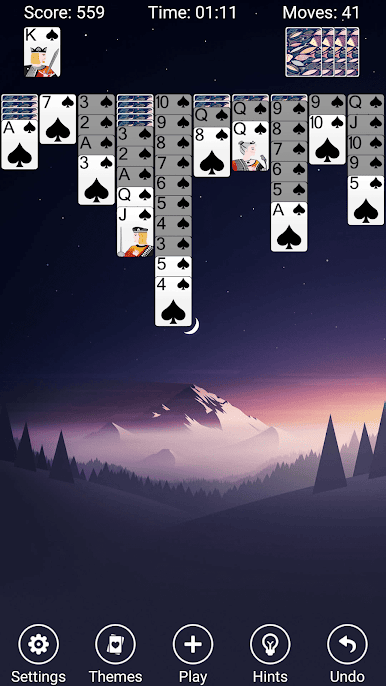
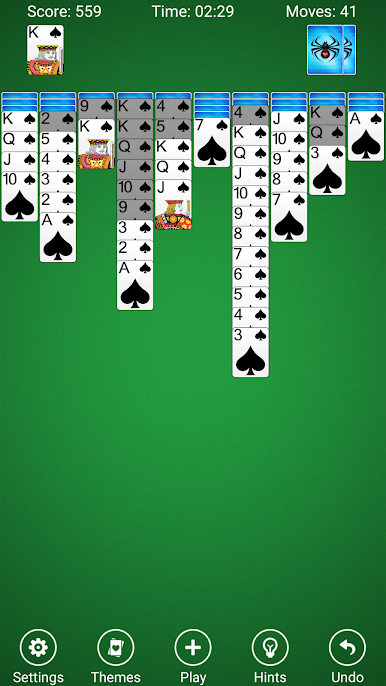
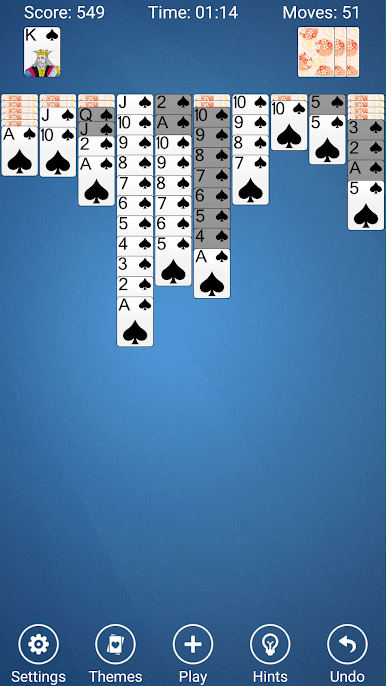
Spider Solitaire hat eine fantastische Benutzeroberfläche, schöne Grafik und subtile Soundeffekte.
Ziehen Sie, tippen Sie, oder für den meisten Spaß, geben Sie Karten ein Schlag, um sie auf ihre Weise zu senden!
Spiel
Der Hauptzweck des Spinnenspiels ist, alle Karten vom Tisch zu entfernen und sie in dem Tableau zusammenzubauen, bevor sie entfernt werden. Zuerst werden 54 Karten an das Tableau in zehn Haufen verteilt, verdeckt nach unten mit Ausnahme der oberen Karten. Die Tableauhaufen bauen sich nach Rang auf, und In-Anzug-Sequenzen können zusammen bewegt werden. Die 50 verbleibenden Karten können dem Tisch zehn zu einem Zeitpunkt, zu dem keiner der Pfähle leer ist, ausgeteilt werden.
EIGENSCHAFTEN
*** 3 Spinnenkutschen - 1-anzug, 2-anzug, 4-anzug (traditionell)
*** Custom backdrops & Karten aus Ihren Fotos
*** Subtile Soundeffekte
*** Drag & Drop-Karten oder werfen sie!
*** Einstellung für Querformat und Hochformat
*** fantastische und schöne Benutzeroberfläche
*** Eine Vielzahl von Kartenanimationseffekten
*** Unbegrenzt Undo
*** Zeigen / Verbergen der Züge & Zeit Statusleiste
*** Detaillierte Spider Solitaire Regeln und Standard-Scoring
*** Detaillierte Statistiken, so dass Sie immer wissen, Ihre Aufzeichnung
*** Detaillierte dynamische Hinweise, so dass Sie Hindernisse überwinden können
Wir hoffen, dass Sie das Spider Solitaire genießen werden, Ihre Unterstützung wird unsere größte Motivation sein!
Wir freuen uns über Ihr Feedback. Bitte teilen Sie uns mit, was Sie von der App halten und bewerten Sie uns nach jedem Update.
Spiele Spider Solitaire auf dem PC. Der Einstieg ist einfach.
-
Lade BlueStacks herunter und installiere es auf deinem PC
-
Schließe die Google-Anmeldung ab, um auf den Play Store zuzugreifen, oder mache es später
-
Suche in der Suchleiste oben rechts nach Spider Solitaire
-
Klicke hier, um Spider Solitaire aus den Suchergebnissen zu installieren
-
Schließe die Google-Anmeldung ab (wenn du Schritt 2 übersprungen hast), um Spider Solitaire zu installieren.
-
Klicke auf dem Startbildschirm auf das Spider Solitaire Symbol, um mit dem Spielen zu beginnen

