


паук
Играйте на ПК с BlueStacks – игровой платформе для приложений на Android. Нас выбирают более 500 млн. игроков.

Страница изменена: Nov 20, 2025
Играй паук На ПК
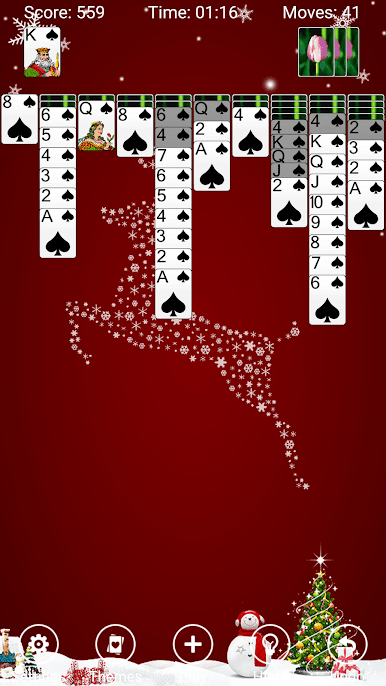
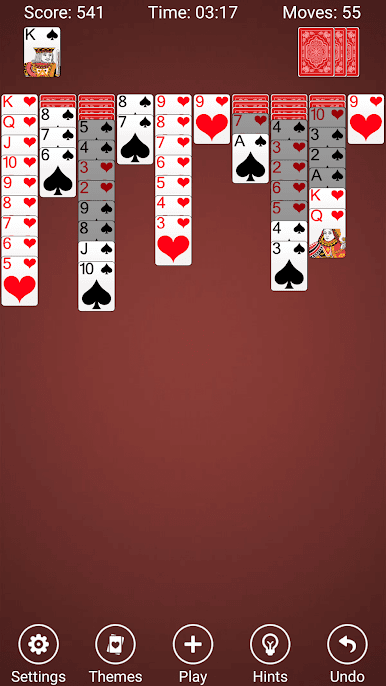
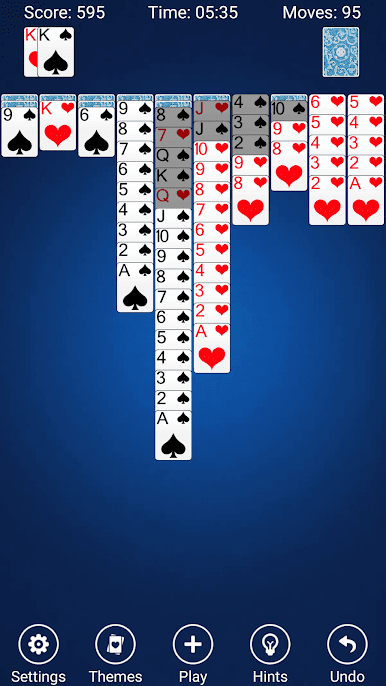
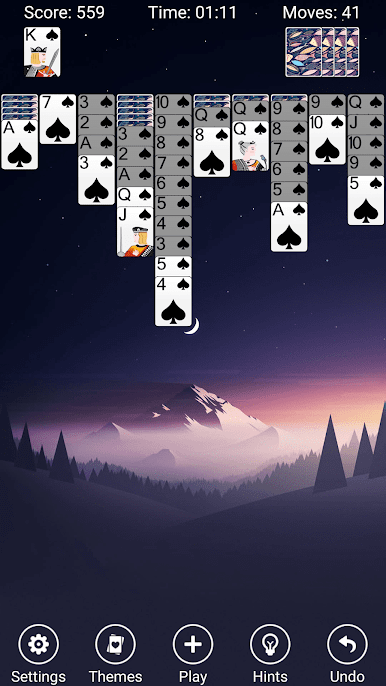
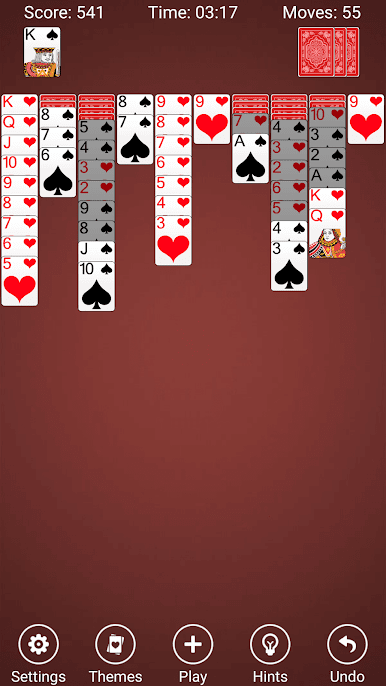
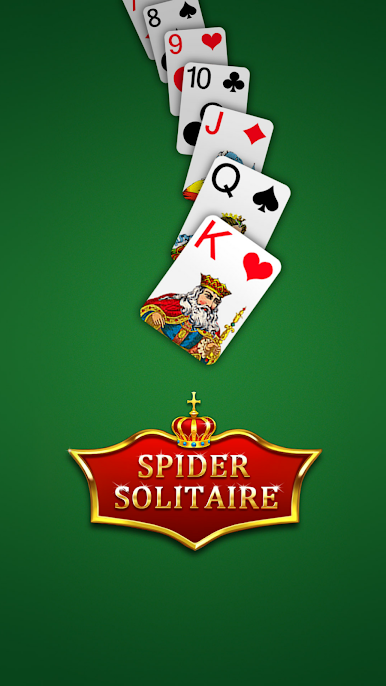
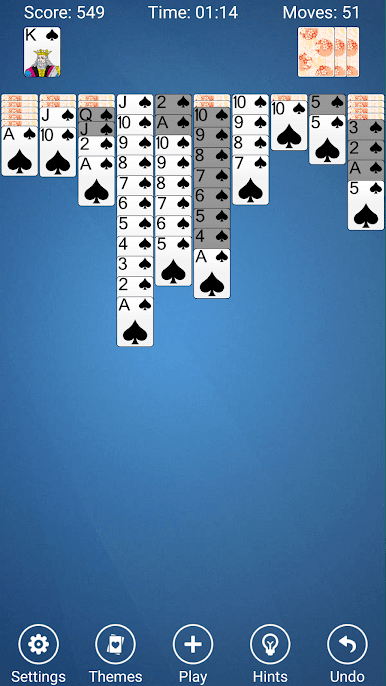
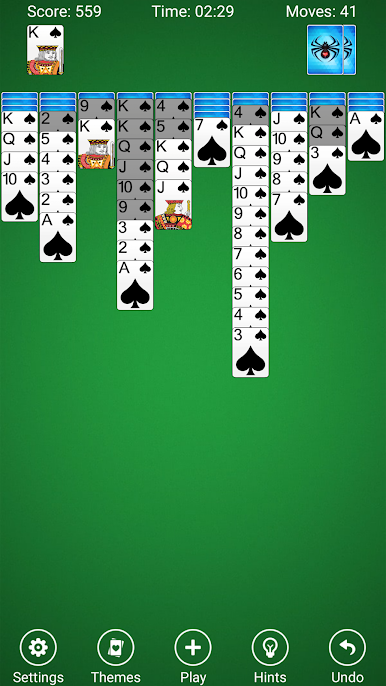
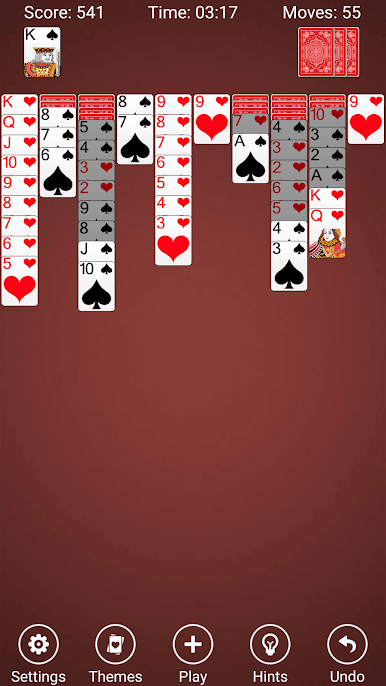
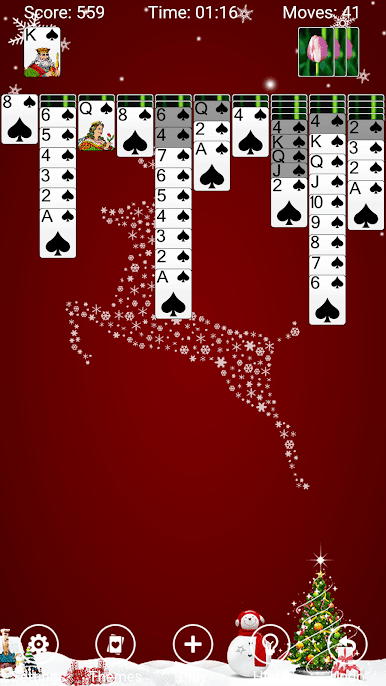
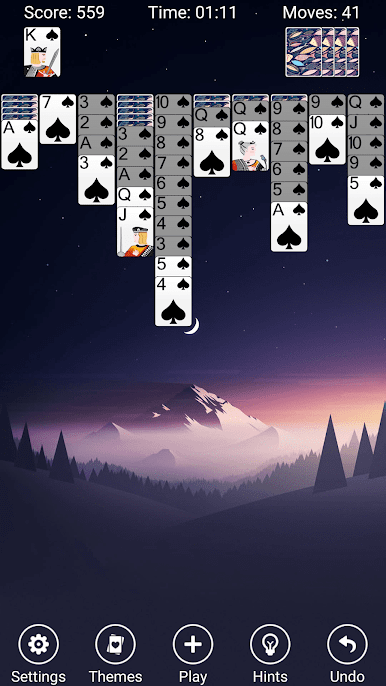
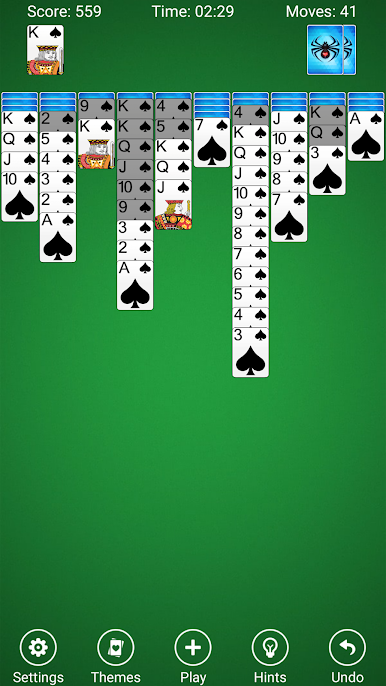
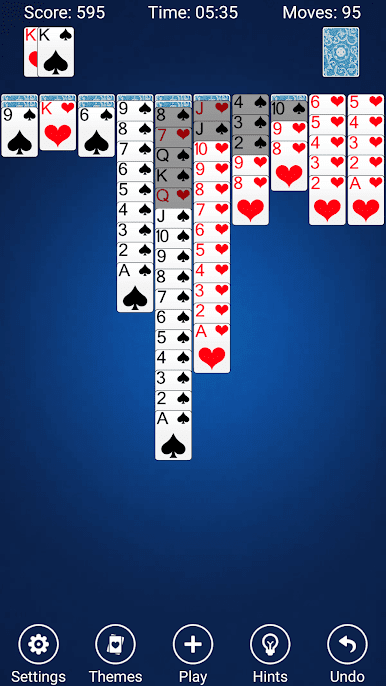
Spider Solitaire имеет фантастический пользовательский интерфейс, красивая графика и тонкие звуковые эффекты.
Перетащите, нажмите или для самых веселых, дать толчок карточки, чтобы отправить их на своем пути!
Игровой процесс
Основная цель паука игры состоит в том, чтобы удалить все карты со стола, собирая их в таблицы перед их удалением. Первоначально, 54 карты раздаются таблицы в десяти свай, лицевой стороной вниз для верхних карт, кроме. Таблицы свай строить вниз по рангу, а в разномастные последовательности могут быть перемещены вместе. в 50 оставшихся карт могут быть решены на табло десять в то время, когда ни одна из свай не являются пустыми.
ОСОБЕННОСТИ
*** 3 Паук cariations - 1-костюм, 2-костюм, 4-костюм (традиционный)
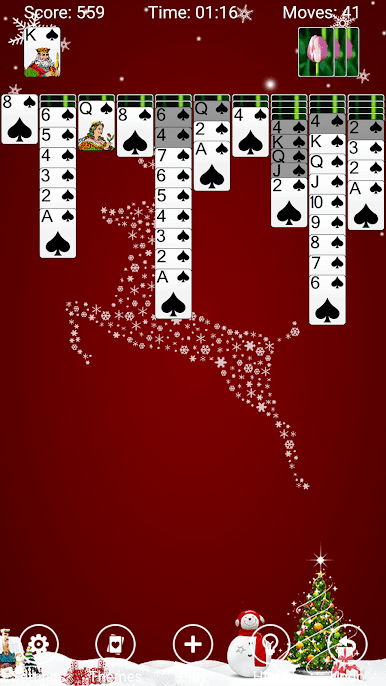
*** Пользовательские фонов и карты из ваших фотографий
*** Тонкие звуковые эффекты
*** Перетащите карты или бросать их!
*** Пейзаж и портрет блокировки ориентации установки
*** Фантастический и красивый пользовательский интерфейс
*** Различные карты эффектов анимации
*** Неограниченное Undo
*** Показать / Скрыть ходы и статус времени бар
*** Подробные правила пасьянс паук и стандарт подсчета очков
*** Детальная статистика, так что вы всегда знаете свой рекорд
*** Подробные динамические подсказки, чтобы вы могли преодолеть препятствия
Мы надеемся, что вы будете наслаждаться Паук, Ваша поддержка будет наша самая большая мотивация!
Мы llike бы услышать ваше мнение. Пожалуйста, дайте нам знать, что вы думаете о приложении и оценить нас после каждого обновления.
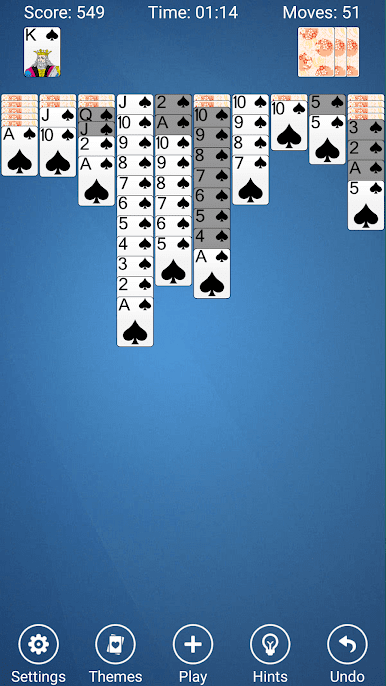
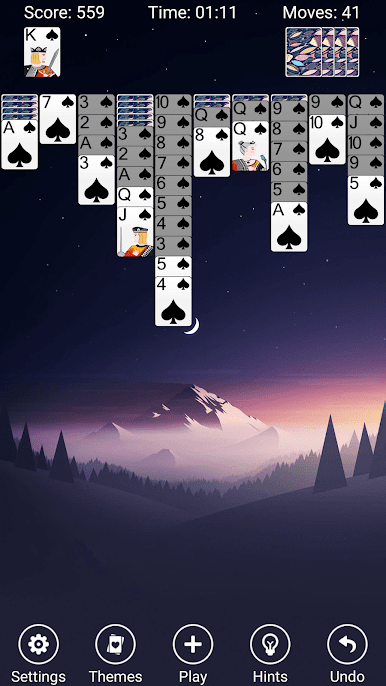
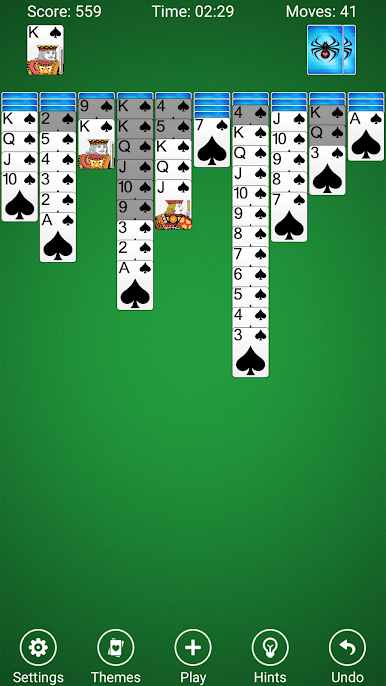
Играйте в игру паук на ПК. Это легко и просто.
-
Скачайте и установите BlueStacks на ПК.
-
Войдите в аккаунт Google, чтобы получить доступ к Google Play, или сделайте это позже.
-
В поле поиска, которое находится в правой части экрана, введите название игры – паук.
-
Среди результатов поиска найдите игру паук и нажмите на кнопку "Установить".
-
Завершите авторизацию в Google (если вы пропустили этот шаг в начале) и установите игру паук.
-
Нажмите на ярлык игры паук на главном экране, чтобы начать играть.

