

RoboRemo - Arduino kontrolü vb
500M + oyuncunun güvendiği Android Oyun Platformu, BlueStacks ile PC'de oynayın.

Sayfa Değiştirilme tarihi: Aug 2, 2025
Run RoboRemoFree Arduino Bluetooth on PC or Mac
Let BlueStacks turn your PC, Mac, or laptop into the perfect home for RoboRemoFree Arduino Bluetooth, a fun Tools app from hardcoded joy.
About the App
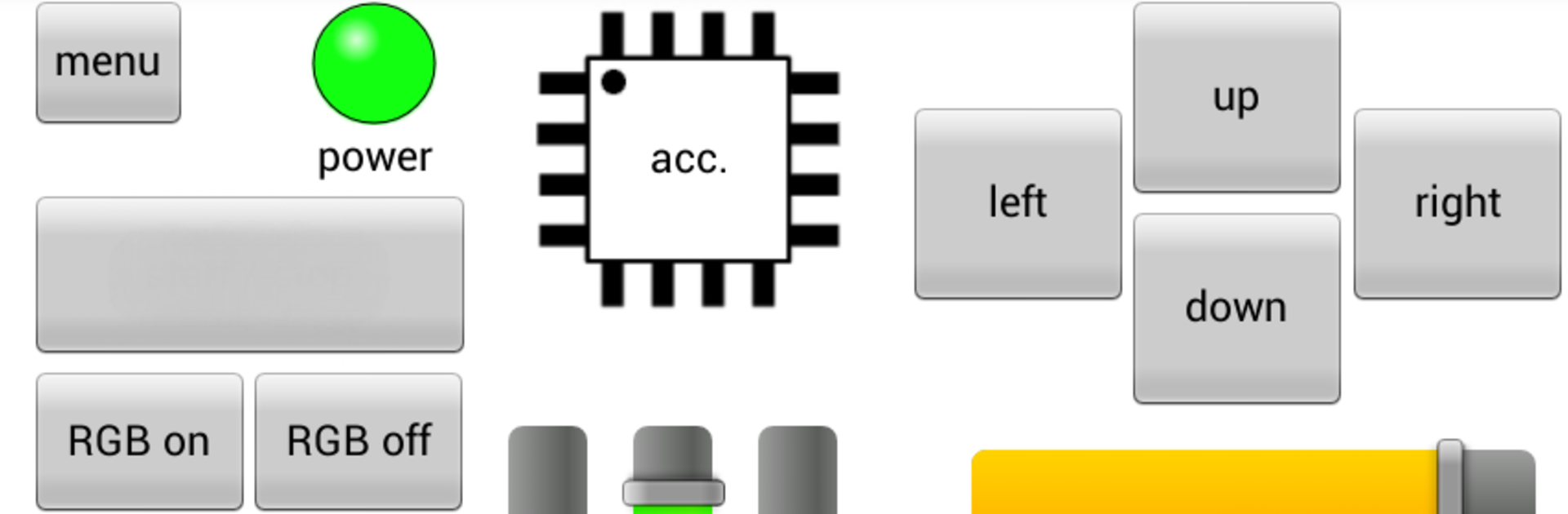
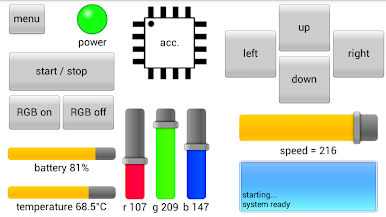
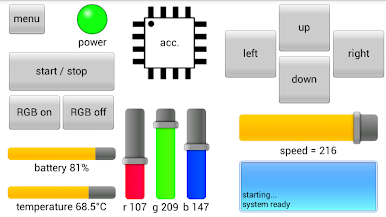
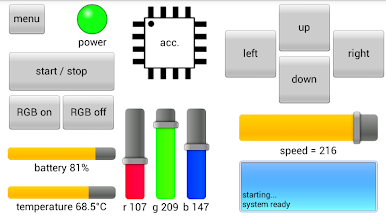
Ever wanted a simple way to control all your Arduino or Bluetooth DIY gadgets from your phone? RoboRemoFree Arduino Bluetooth, from hardcoded joy, makes it easy to set up your own custom remote controls—no coding headaches required. Swap buttons, add sliders, and even toss in some flashy LEDs, all designed exactly for your project. Whether you’re tinkering with smart home stuff, RC vehicles, or sensor displays, this Tools app puts flexibility right in your hands.
App Features
-
Drag-and-Drop Interface Creation
Set up your remote just how you want it. Add buttons, sliders, or indicators for any function, so you don’t have to settle for someone else’s idea of “one size fits all.” -
Real-Time Sensor Data Display
Got sensors? Visualize live data with slick graphs and plots right on your device. No more staring at numeric dumps—see it all as it happens. -
Accelerometer Control
Use your phone’s tilt sensors to steer remote cars or control robotic arms. Handy for those projects where you want to do more than tap a button. -
Multiple Ways to Connect
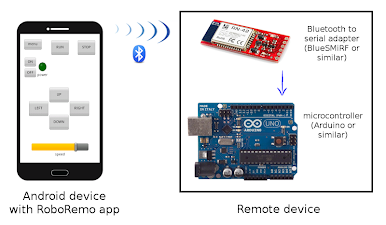
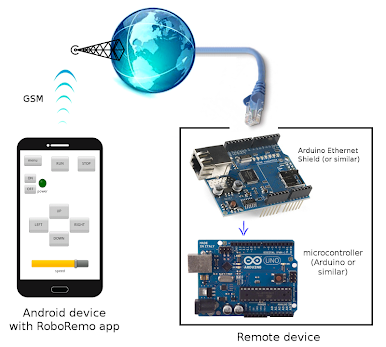
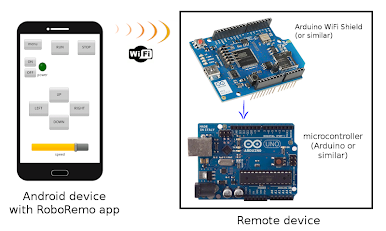
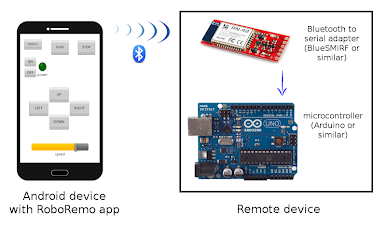
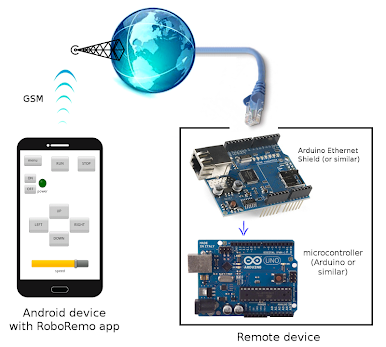
Hook up via classic Bluetooth, Bluetooth Low Energy, WiFi (TCP, UDP), mobile internet, or even an old-school USB-to-Serial adapter if you’re feeling retro. It’s a solid choice for whatever hardware you have on hand. -
Import/Export Custom Interfaces
Save your creations or move them to another device—handy when you upgrade your phone or want to show off on a bigger screen (and yes, BlueStacks makes that super smooth). -
Project Size Limitations
Free version lets you add up to 5 items per interface, which is usually plenty for most straightforward setups. -
No Ads or Data Collection
No annoying pop-ups, and your data stays yours—just all the remote control power you need, with none of the distractions.
Ready to experience RoboRemoFree Arduino Bluetooth on a bigger screen, in all its glory? Download BlueStacks now.

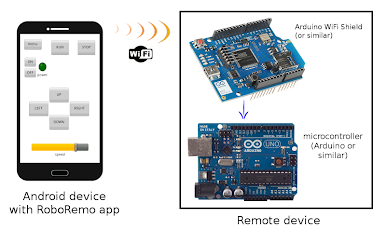
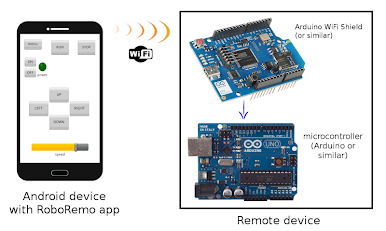
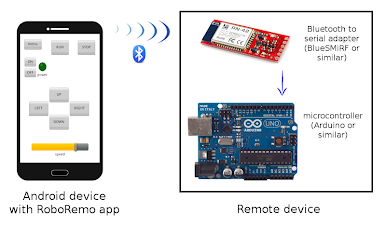
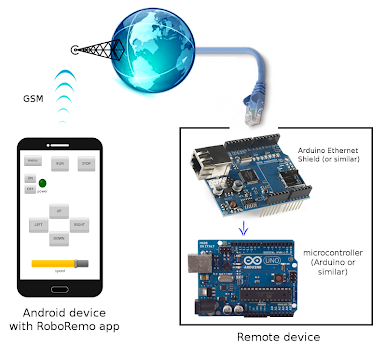
RoboRemo - Arduino kontrolü vb oyununu PC'de oyna. Başlamak çok kolay.
-
BlueStacks'i PC'nize İndirin ve Yükleyin
-
Play Store'a erişmek için Google girişi yapın ya da daha sonraya bırakın.
-
Sağ üst köşeye RoboRemo - Arduino kontrolü vb yazarak arayın.
-
RoboRemo - Arduino kontrolü vb uygulamasını arama sonuçlarından indirmek için tıklayın.
-
(iEğer Adım 2'yi atladıysanız) RoboRemo - Arduino kontrolü vb uygulamasını yüklemek için Google'a giriş yapın.
-
Oynatmaya başlatmak için ekrandaki RoboRemo - Arduino kontrolü vb ikonuna tıklayın.

