

kaçış odası dünyası vs kaçışçı
500M + oyuncunun güvendiği Android Oyun Platformu, BlueStacks ile PC'de oynayın.

Sayfa Değiştirilme tarihi: Dec 12, 2025
Play Escape Room: Mystery Legacy on PC or Mac
Escape Room: Mystery Legacy brings the Adventure genre to life, and throws up exciting challenges for gamers. Developed by Hidden Fun Games, this Android game is best experienced on BlueStacks, the World’s #1 app player for PC and Mac users.
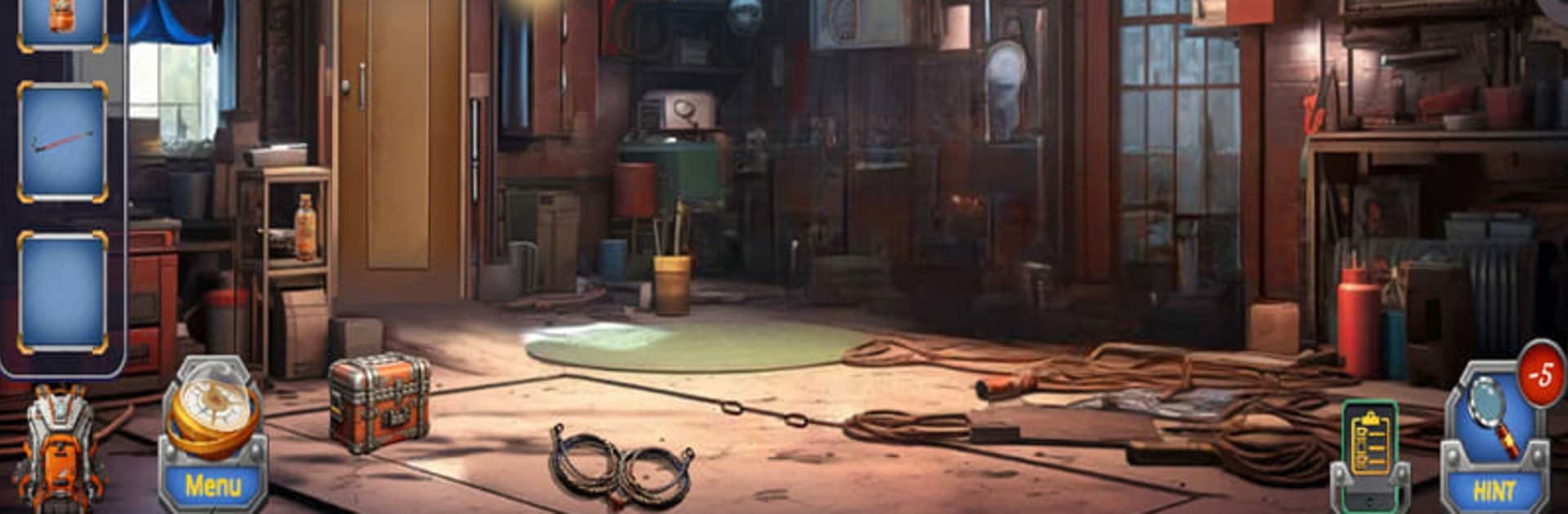
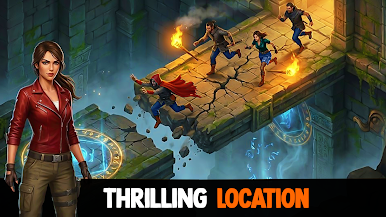
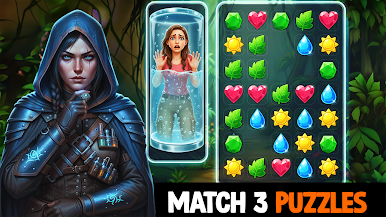
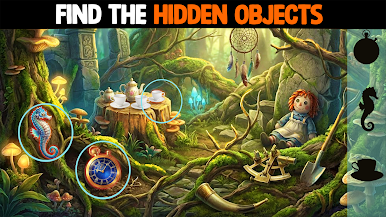
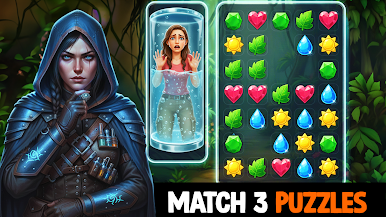
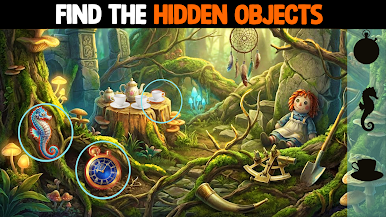
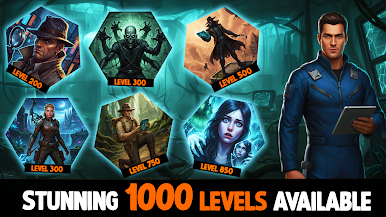
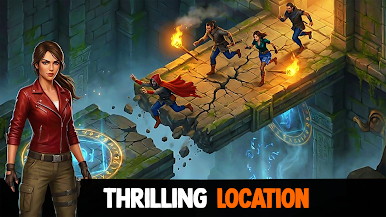
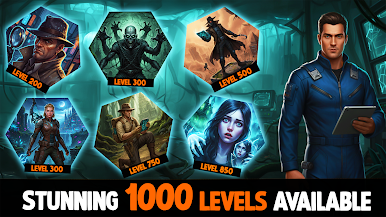
Escape Room: Mystery Legacy is one of those puzzle games that keeps you guessing from start to finish. Players step into these dramatic stories — one’s about a scientist’s daughter trying to save her kidnapped dad, the other follows a group of friends caught up in a dark mess after a creepy Ouija board incident. The whole thing unfolds over dozens of levels, so there’s always another room or corridor to poke around in, hunting for clues, keys, and weird little details stuck in the scenery.
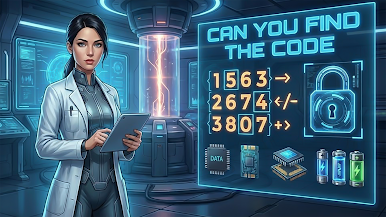
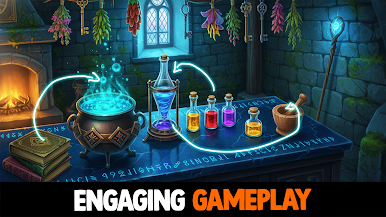
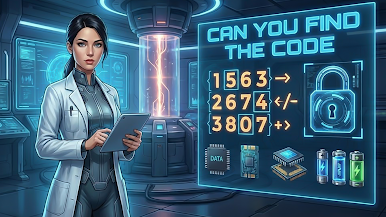
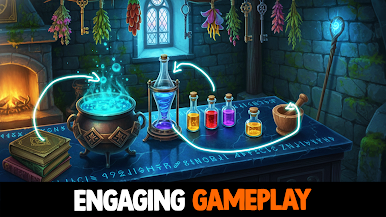
It’s not just finding stuff, though. Each level throws out a mix of tricky logic puzzles and brain teasers — anything from cracking codes to piecing together odd mechanisms, with a few mini-games sprinkled around for a break. The hint system helps if something gets too confusing, and it does a good job nudging players in the right direction without giving everything away. What’s nice is that playing on PC with BlueStacks really brings out the game’s details — searching every corner feels smoother on a bigger screen, and the music plus sound effects add a bit more stress when you’re on a timer. There are daily bonuses and lots of collectibles, which are fun extras, but most of the time goes to exploring the stories and seeing if you can outsmart the game’s mysteries before the characters run out of time. The difficulty ramps up but always feels fair, and it’s easy to save progress and come back later. Good for anyone who likes escape rooms or just wants a story-driven puzzle marathon.
Ready to top the leaderboard? We bet you do. Let precise controls and sharp visuals optimized on BlueStacks lead you to victory.




kaçış odası dünyası vs kaçışçı oyununu PC'de oyna. Başlamak çok kolay.
-
BlueStacks'i PC'nize İndirin ve Yükleyin
-
Play Store'a erişmek için Google girişi yapın ya da daha sonraya bırakın.
-
Sağ üst köşeye kaçış odası dünyası vs kaçışçı yazarak arayın.
-
kaçış odası dünyası vs kaçışçı uygulamasını arama sonuçlarından indirmek için tıklayın.
-
(iEğer Adım 2'yi atladıysanız) kaçış odası dünyası vs kaçışçı uygulamasını yüklemek için Google'a giriş yapın.
-
Oynatmaya başlatmak için ekrandaki kaçış odası dünyası vs kaçışçı ikonuna tıklayın.

