

Creepy Granny Scary Horror
Spiele auf dem PC mit BlueStacks - der Android-Gaming-Plattform, der über 500 Millionen Spieler vertrauen.

Seite geändert am: Sep 12, 2023
Play Creepy Evil Granny : Scary Horror Game on PC or Mac
Bring your A-game to Creepy Evil Granny : Scary Horror Game, the Simulation game sensation from HGames-ArtWorks. Give your gameplay the much-needed boost with precise game controls, high FPS graphics, and top-tier features on your PC or Mac with BlueStacks.
About the Game
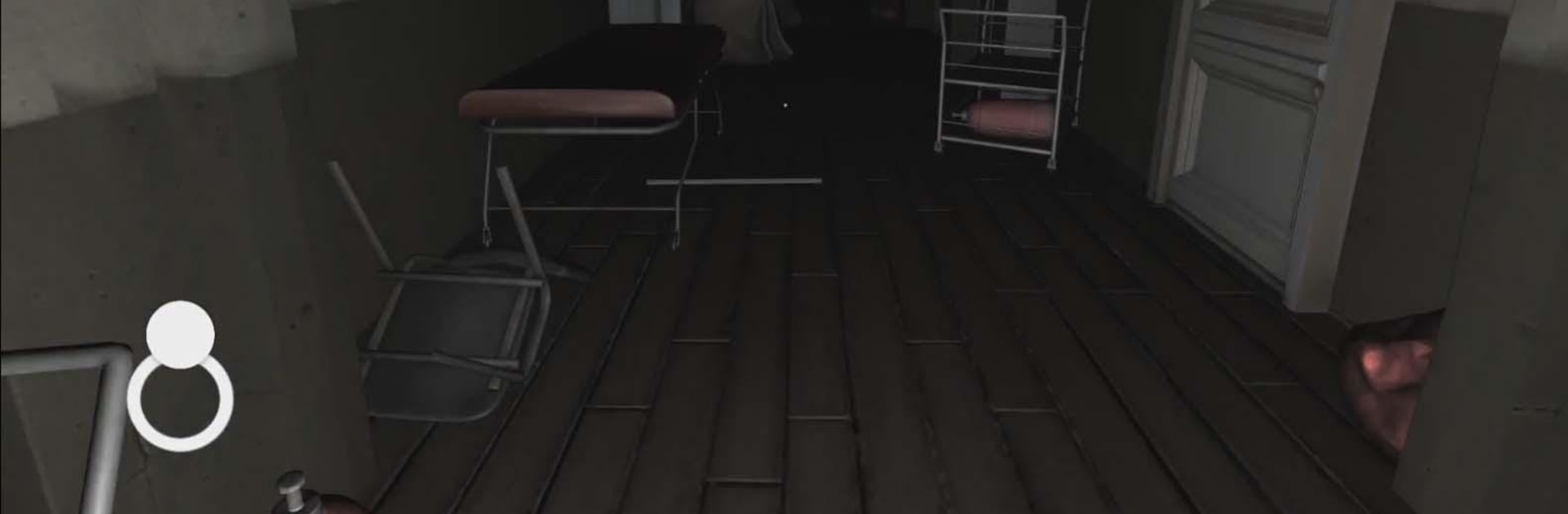
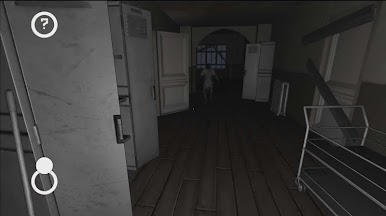
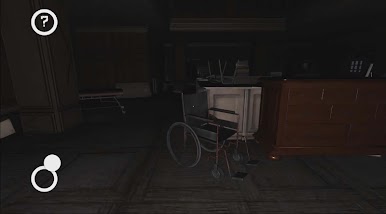
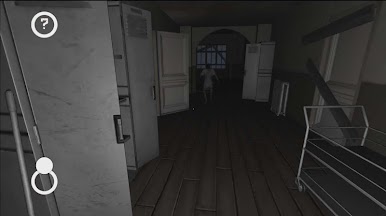
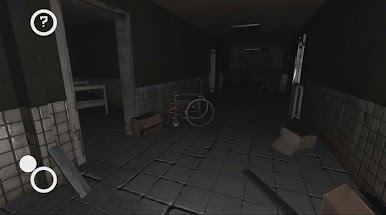
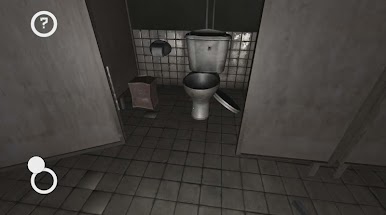
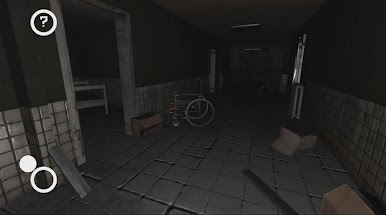
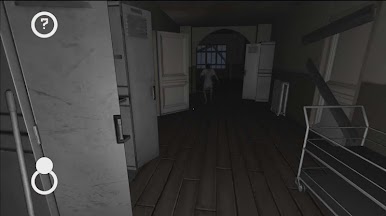
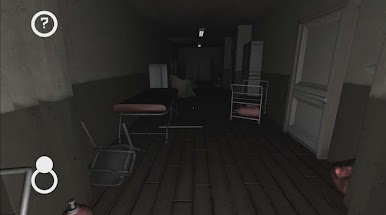
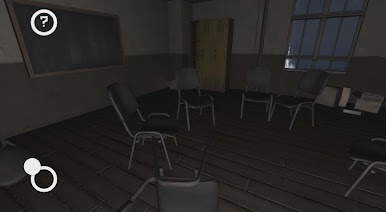
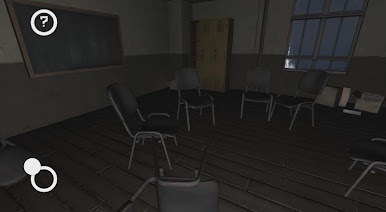
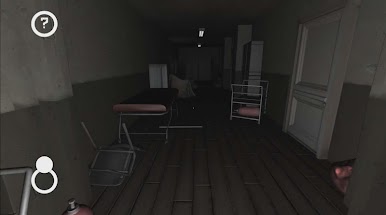
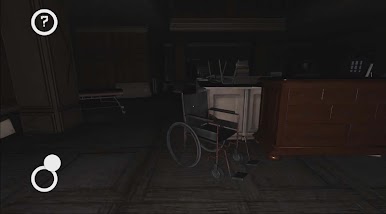
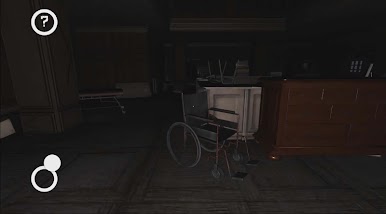
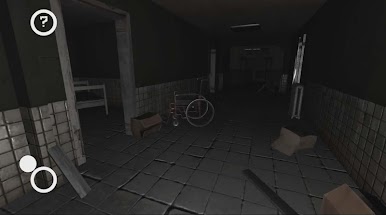
Creepy Evil Granny : Scary Horror Game is a tense, first-person Simulation from HGames-ArtWorks that drops you into a dark, abandoned manor with more than a few secrets. You wake up with amnesia and a ticking clock — five days to find a way out — and every creak could be someone (or something) listening. Expect quiet, careful exploration, sudden scares, and moments that make you check over your shoulder.
Game Features
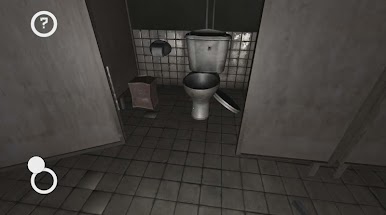
- Atmospheric setting: Roaming through a multi-floor mansion and cellar, the world feels claustrophobic, shadowy, and unpredictable.
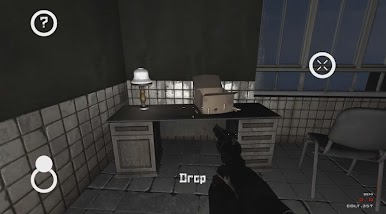
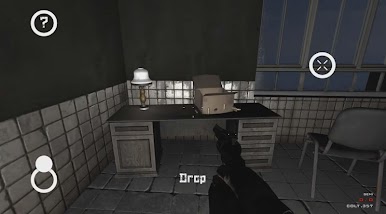
- Stealth mechanics: Move slowly, avoid noise, and think twice before dropping anything — sound draws attention and makes the hunt a lot harder.
- Puzzle-focused escape: Search for keys, tools, and hidden doors to unlock routes out of the house and toward the forest and hospital.
- Time pressure: You’ve got only five days in-game to figure things out, which keeps decisions tense and urgent.
- Unsettling occupants: Whoever’s in the house could be an old person, a patient, or something far more sinister — you’ll never be totally sure.
- Audio design: Creepy music and subtle sound cues crank up the suspense and tell you when danger is near.
- Difficulty options: Multiple difficulty levels let you choose how punishing the experience gets.
- Language support: Several language choices make the game accessible to more players.
- Play on PC: If you prefer mouse and keyboard controls, BlueStacks can help you run the game on a computer without changing the core feel.
Ready to top the leaderboard? We bet you do. Let precise controls and sharp visuals optimized on BlueStacks lead you to victory.



Spiele Creepy Granny Scary Horror auf dem PC. Der Einstieg ist einfach.
-
Lade BlueStacks herunter und installiere es auf deinem PC
-
Schließe die Google-Anmeldung ab, um auf den Play Store zuzugreifen, oder mache es später
-
Suche in der Suchleiste oben rechts nach Creepy Granny Scary Horror
-
Klicke hier, um Creepy Granny Scary Horror aus den Suchergebnissen zu installieren
-
Schließe die Google-Anmeldung ab (wenn du Schritt 2 übersprungen hast), um Creepy Granny Scary Horror zu installieren.
-
Klicke auf dem Startbildschirm auf das Creepy Granny Scary Horror Symbol, um mit dem Spielen zu beginnen

