

Story Plotter
500M + oyuncunun güvendiği Android Oyun Platformu, BlueStacks ile PC'de oynayın.

Sayfa Değiştirilme tarihi: Dec 14, 2025
Run Story Plotter on PC or Mac
What’s better than using Story Plotter by CreaterSupporter? Well, try it on a big screen, on your PC or Mac, with BlueStacks to see the difference.
About the App
Ever get tangled up trying to map out your story ideas, or feel overwhelmed trying to turn all those loose scenes and wild characters into something that actually makes sense? Story Plotter by CreaterSupporter is here to make plotting your next big novel, manga, movie script, or even a TRPG campaign way more manageable. Whether you’re brand new to storytelling or you’ve got a dozen drafts gathering dust, it gives you the tools to keep your story pieces—from plots to timelines—in one place, organized and easy to tweak as you go.
App Features
-
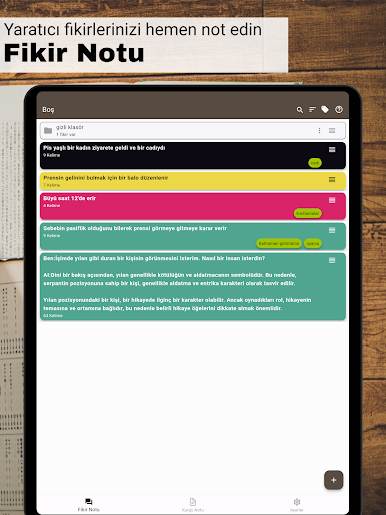
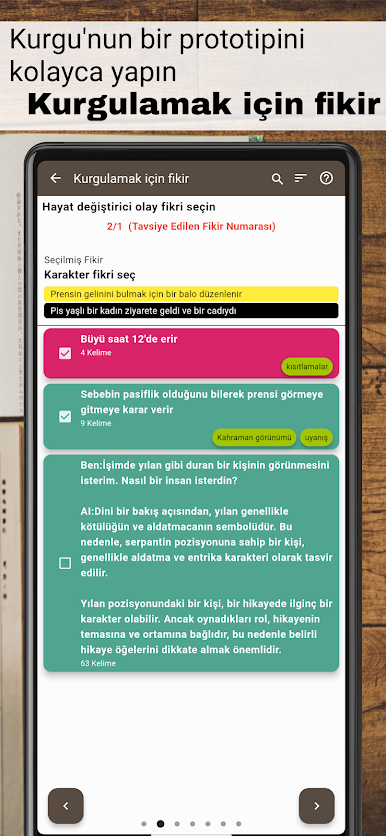
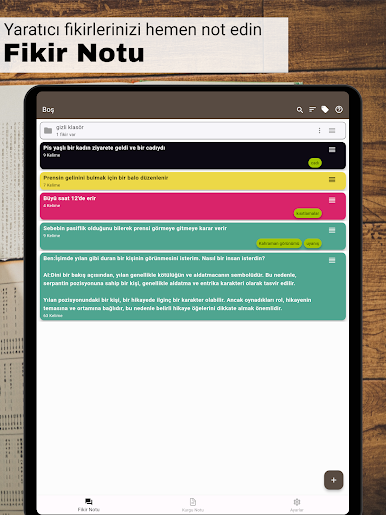
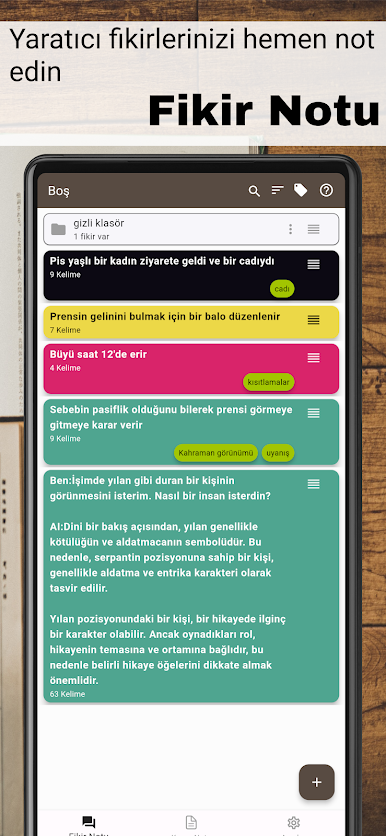
Idea Notepad
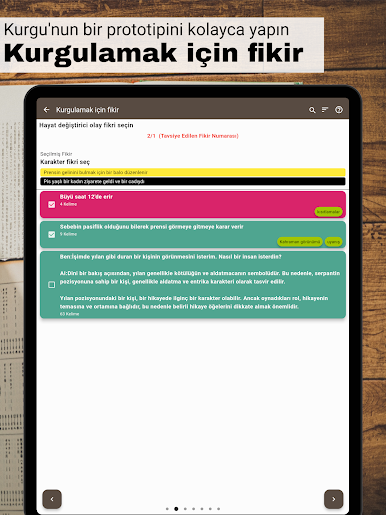
Got a random spark of inspiration? Jot it down instantly so you never lose your best ideas, whether it’s a killer twist or just a quirky character detail. -
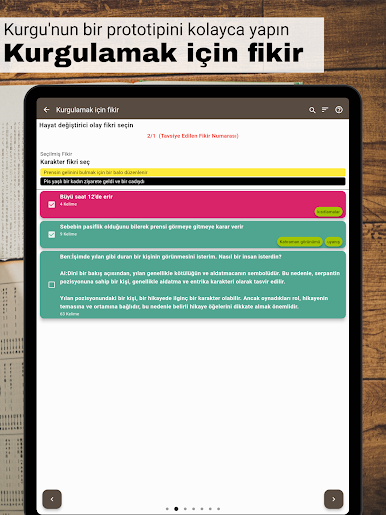
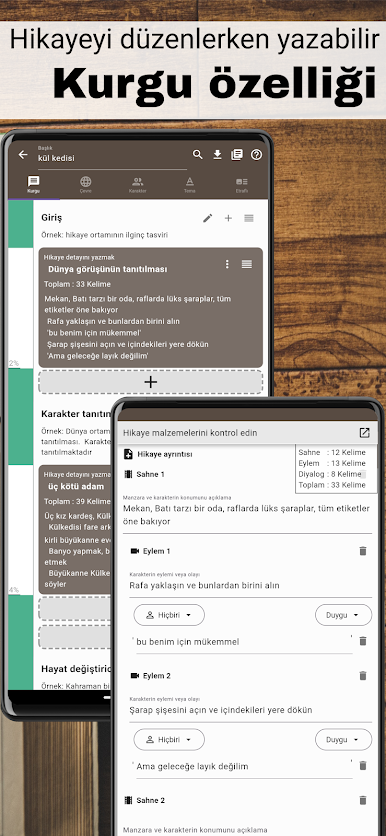
Easy Plot Mapping
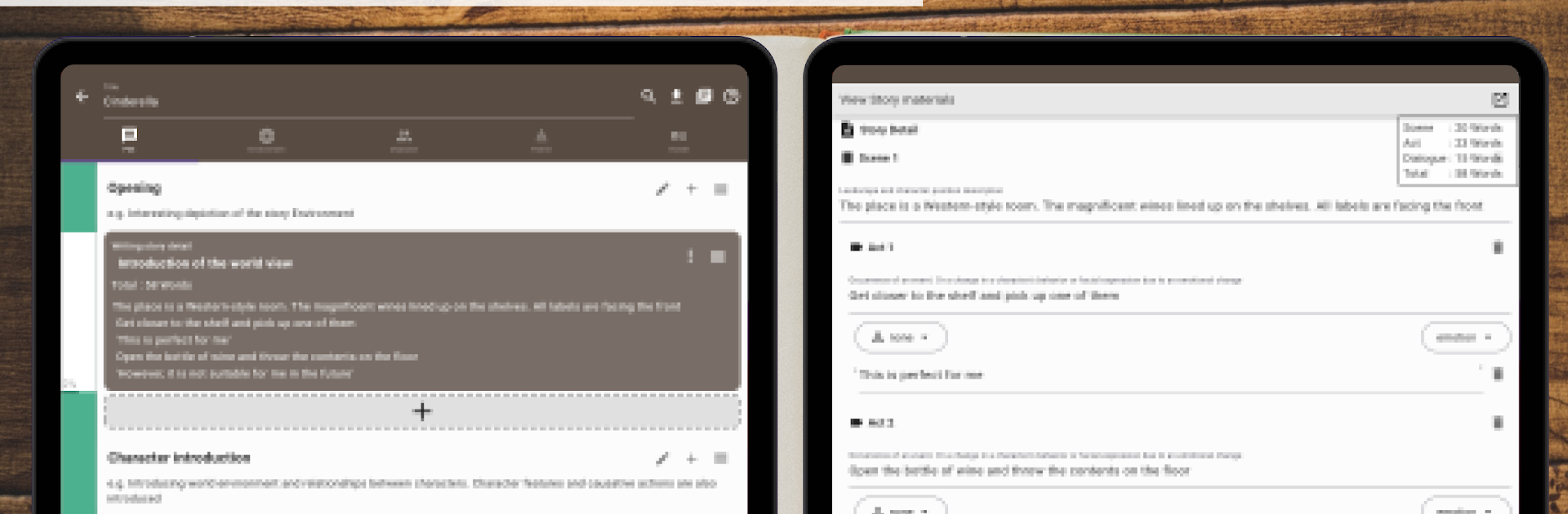
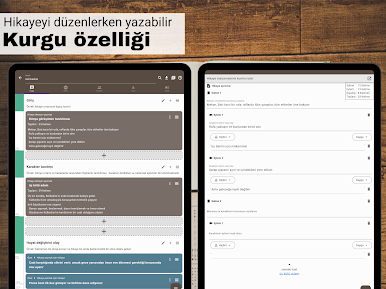
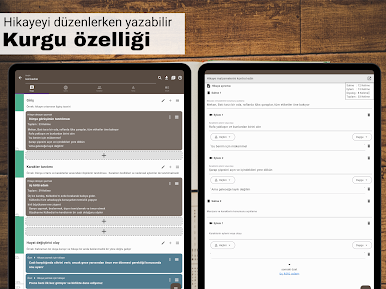
Build out your story’s structure from start to finish. Create chapters, scenes, or events, shuffle them around, and see your tale fall into place, even if you’re working with a bunch of scattered thoughts. -
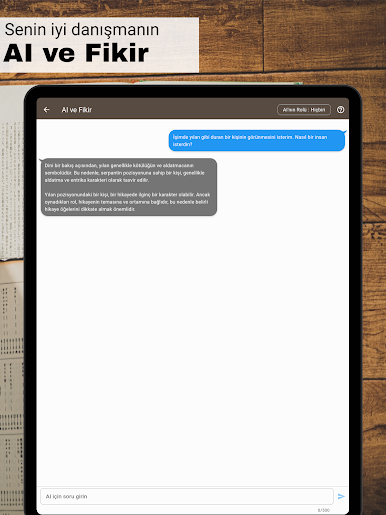
AI Brainstorming Buddy
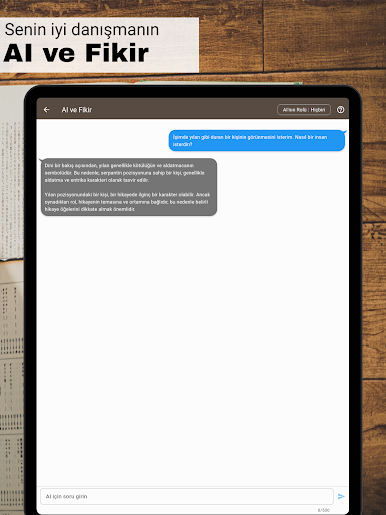
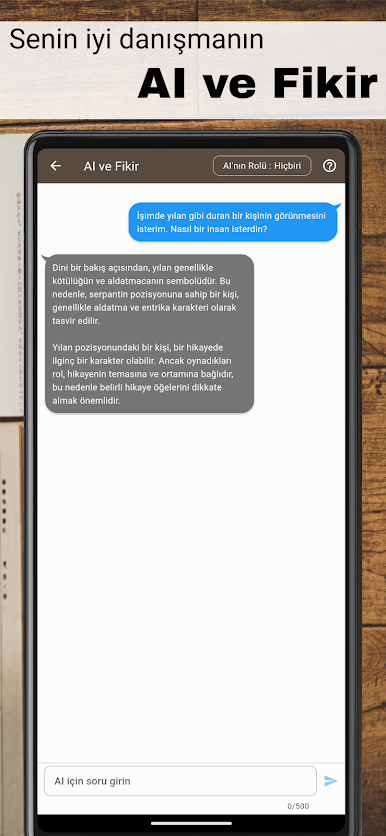
Hit a creative wall? The built-in AI’s there to help you push past writer’s block—whether you’re fleshing out characters or figuring out the next big plot reveal. -
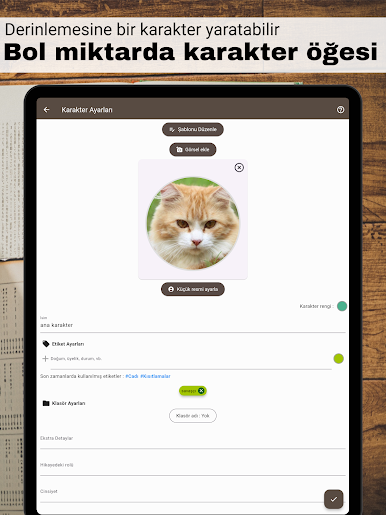
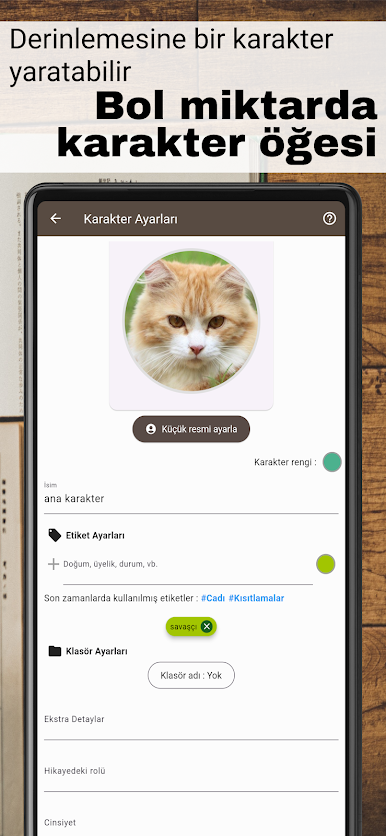
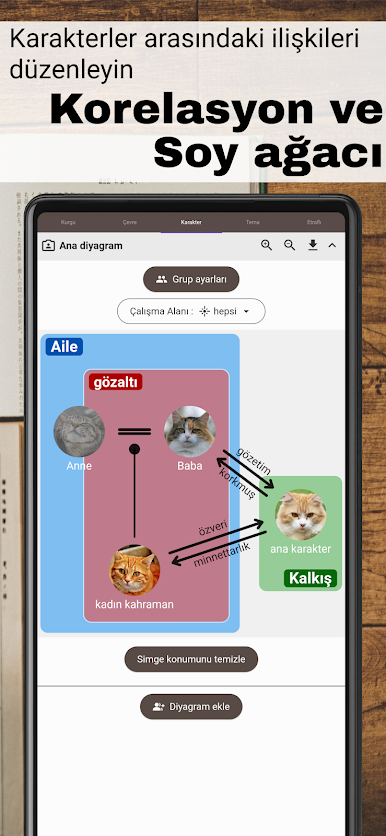
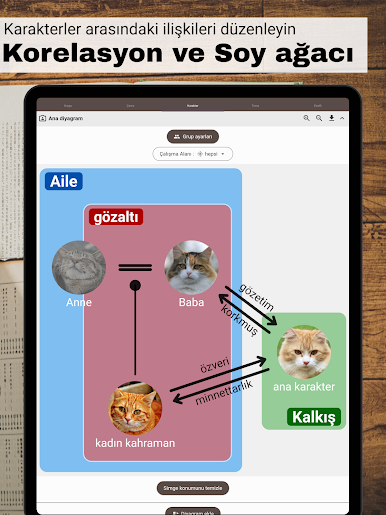
Character Webs and Relationships
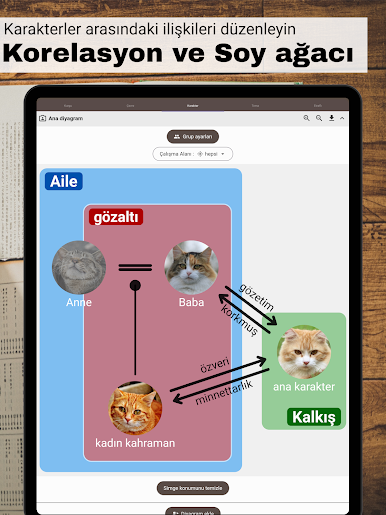
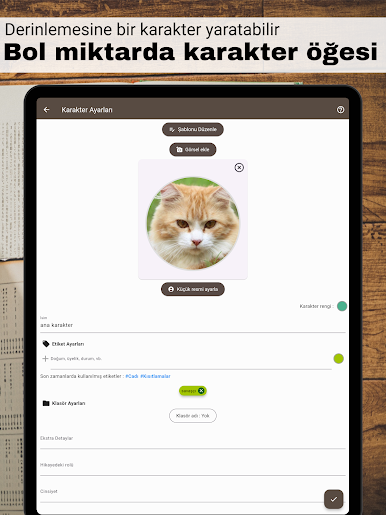
Visualize how all your characters are connected. Create detailed profiles and map out family ties, rivalries, friendships, and more so nobody gets lost in the shuffle. -
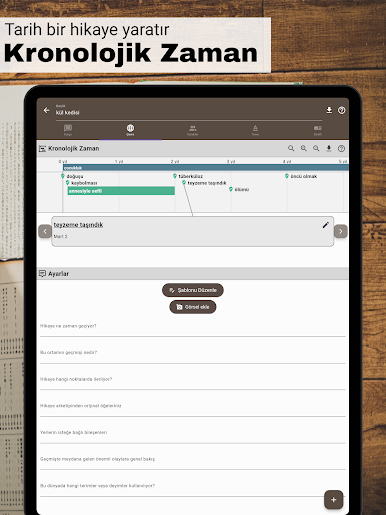
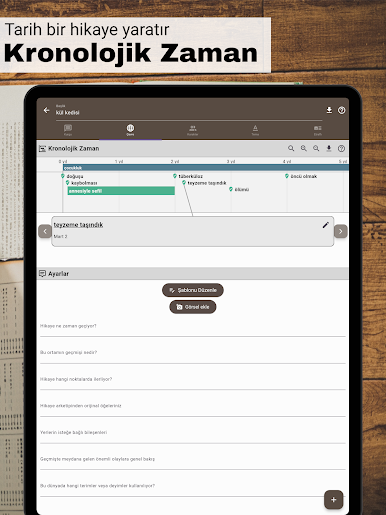
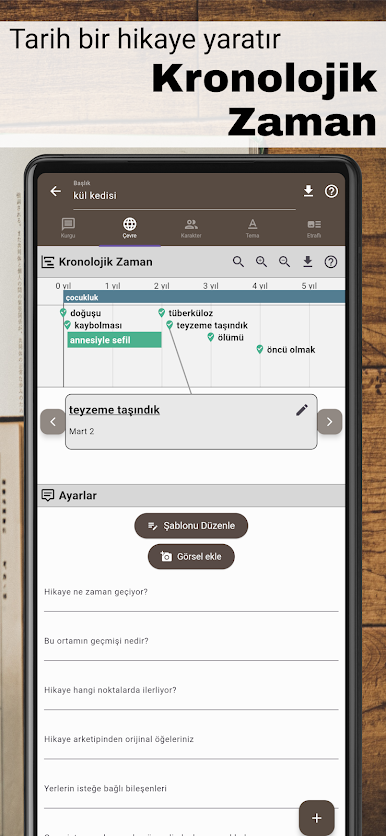
World & Timeline Builder
Need to keep timelines straight or remember if a certain city exists? Lay out time sequences and flesh out settings, so your world-building is right at your fingertips. -
Theme Tracker
Never lose sight of what your story’s really about. Keep tabs on core themes so your plot stays focused, even when unexpected plot bunnies hop in. -
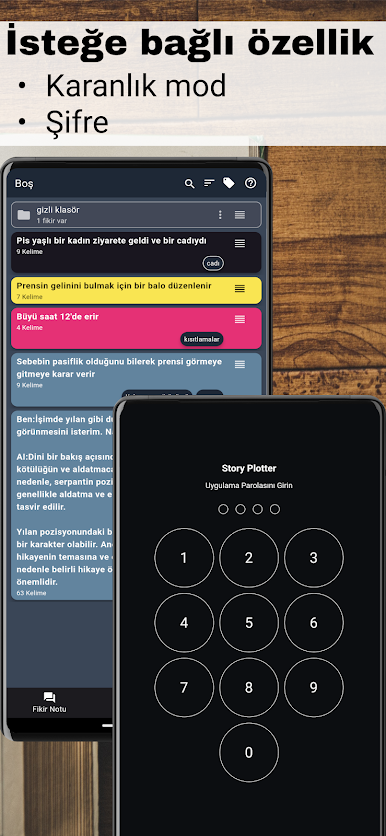
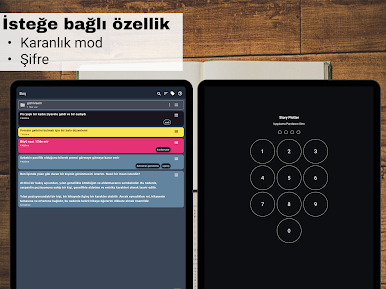
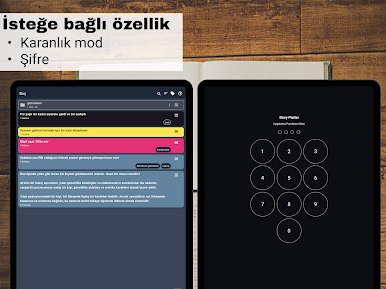
Secure, Private Workspace
Your stories stay on your device unless you choose otherwise—no creative work gets sent online without your OK. -
Optional Sync
Want all your drafts up-to-date across multiple devices? You can unlock cloud syncing for a small monthly fee, but everything else stays free to use.
You can use Story Plotter seamlessly on your phone, or even enjoy the app’s functions with BlueStacks if you’d rather brainstorm and plot from your laptop or desktop.
BlueStacks brings your apps to life on a bigger screen—seamless and straightforward.

Story Plotter oyununu PC'de oyna. Başlamak çok kolay.
-
BlueStacks'i PC'nize İndirin ve Yükleyin
-
Play Store'a erişmek için Google girişi yapın ya da daha sonraya bırakın.
-
Sağ üst köşeye Story Plotter yazarak arayın.
-
Story Plotter uygulamasını arama sonuçlarından indirmek için tıklayın.
-
(iEğer Adım 2'yi atladıysanız) Story Plotter uygulamasını yüklemek için Google'a giriş yapın.
-
Oynatmaya başlatmak için ekrandaki Story Plotter ikonuna tıklayın.

