


Matematik. Matematik Oyunları
500M + oyuncunun güvendiği Android Oyun Platformu, BlueStacks ile PC'de oynayın.

Sayfa Değiştirilme tarihi: Sep 25, 2025
Oyun Matematik. Matematik Oyunları PC'de Oynayın
Kategoriler:
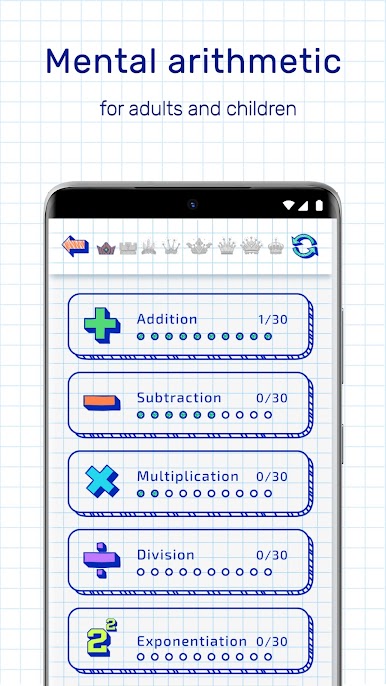
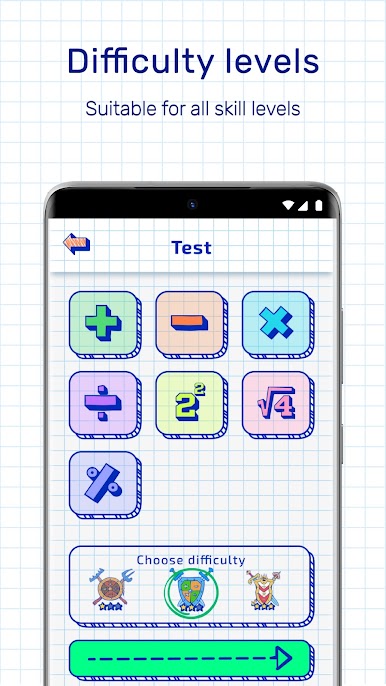
✔ Ek
✔ Çıkarma
✔ Çarpma
✔ Bölüm
Power bir güç yükseltmek
✔ Kare kök
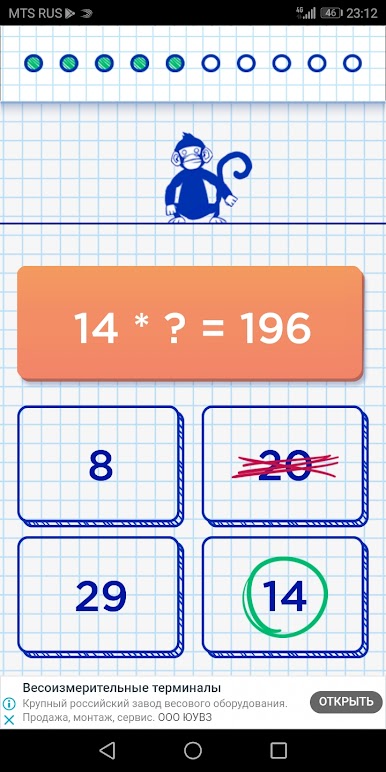
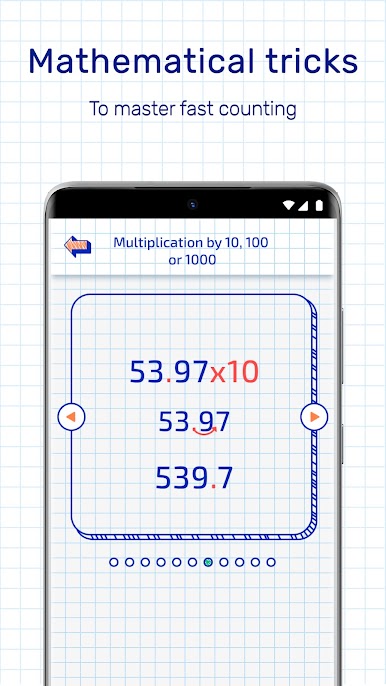
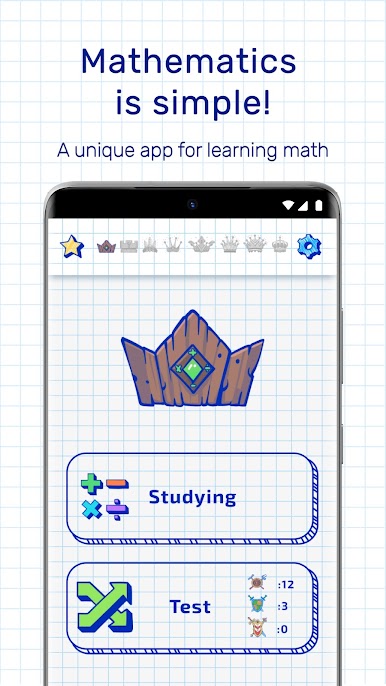
Sınavın tüm seviyelerini (Newbie, ileri düzey, profesör, deha, indigo) geçin ve bir üst haline gelin. Çocuklar ve kendiniz için bu uygulama matematik kullanın. Matematik formülleri öğrenin ve çok hızlı sayın. Beynini arttırın çok zekisin.
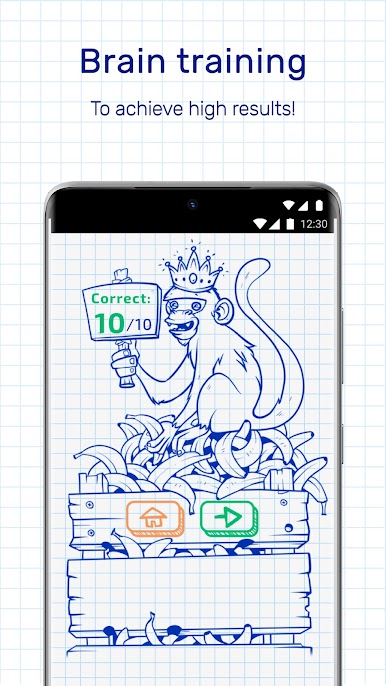
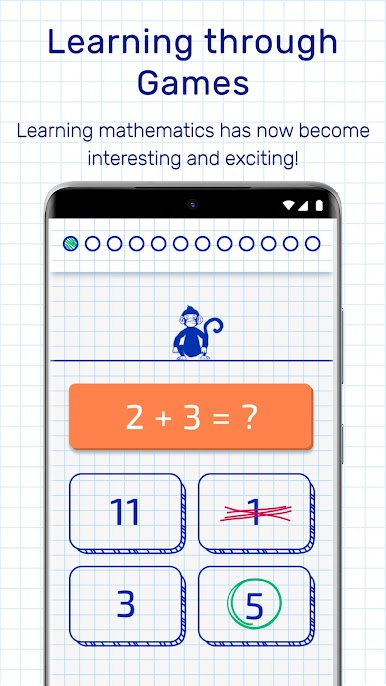
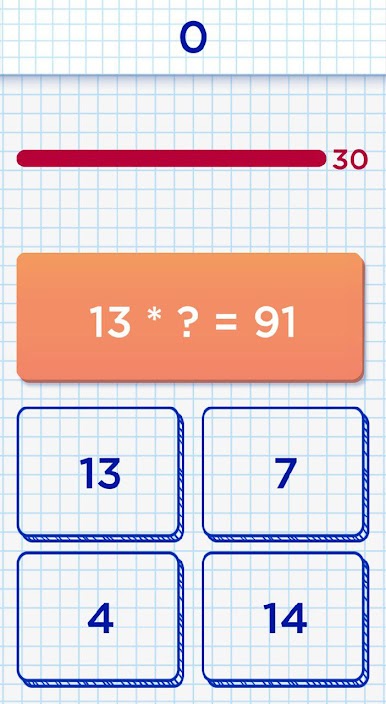
Matematik oyunları PhD Michael Kulesh tarafından geliştirilen ve beyin sayma ve matematik becerilerini geliştirmenize yardımcı olacaktır. Matematik eğitimi, her zamankinden daha kolay ve daha ilginç hale geldi. Matematiksel oyunlar, aklınızdaki sözel hesabı yönetmenize ve herhangi bir matematiksel örneği hızlı bir şekilde okumanıza yardımcı olacaktır. Bu da beynin gelişimine katkıda bulunacaktır. Çocuklar için matematik her yaşta öğrenilebilir. Aritmetik yetişkinler ve çocuklar için mükemmeldir. Eğitsel oyunlar mükemmel beyin ve hafızayı eğitir. Sen matematiğin kralı mısın? Değilse, ücretsiz alın!
Şimdi bu mükemmel eğitim uygulaması sınavını indirin ve ücretsiz oyna!

Matematik. Matematik Oyunları oyununu PC'de oyna. Başlamak çok kolay.
-
BlueStacks'i PC'nize İndirin ve Yükleyin
-
Play Store'a erişmek için Google girişi yapın ya da daha sonraya bırakın.
-
Sağ üst köşeye Matematik. Matematik Oyunları yazarak arayın.
-
Matematik. Matematik Oyunları uygulamasını arama sonuçlarından indirmek için tıklayın.
-
(iEğer Adım 2'yi atladıysanız) Matematik. Matematik Oyunları uygulamasını yüklemek için Google'a giriş yapın.
-
Oynatmaya başlatmak için ekrandaki Matematik. Matematik Oyunları ikonuna tıklayın.

