


News Home: The News You Need
Spiele auf dem PC mit BlueStacks - der Android-Gaming-Plattform, der über 500 Millionen Spieler vertrauen.

Seite geändert am: Jul 23, 2025
Run News Home: Breaking News, Local & World News Today on PC or Mac
What’s better than using News Home: Breaking News, Local & World News Today by My Home Apps? Well, try it on a big screen, on your PC or Mac, with BlueStacks to see the difference.
About the App
Tired of chasing down the latest headlines or missing out on what’s happening in your city? News Home: Breaking News, Local & World News Today by My Home Apps brings everything you want to know right to your home screen—no extra tapping or hunting required. Whether you’re into global stories, weather updates, or just want to relax with some trending videos or games, this app has something for you every time you unlock your device.
App Features
-
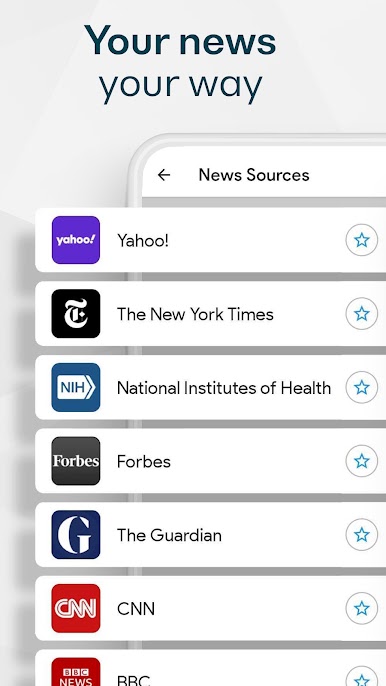
Personalized News Feed
Pick your favorite topics or sources and let the app organize the day’s biggest stories just for you, from breaking news to niche interests—so your feed feels like it’s actually yours. -
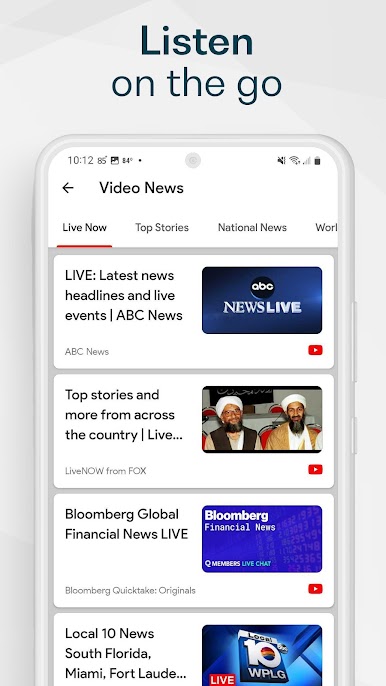
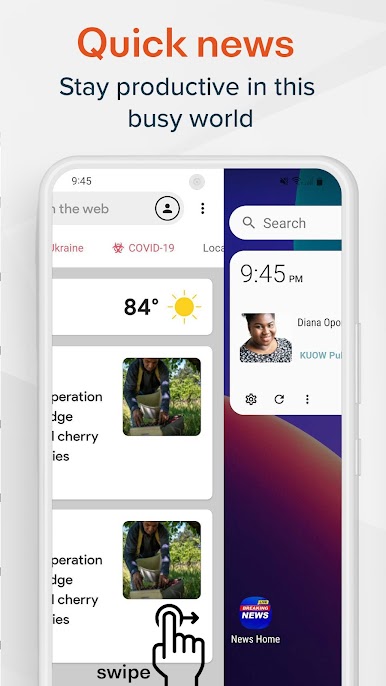
Instant Access from Home Screen
Your news, videos, and even quick games are built right in. With just a swipe, you’ll see real-time updates and headlines, making your home screen both smart and useful. -
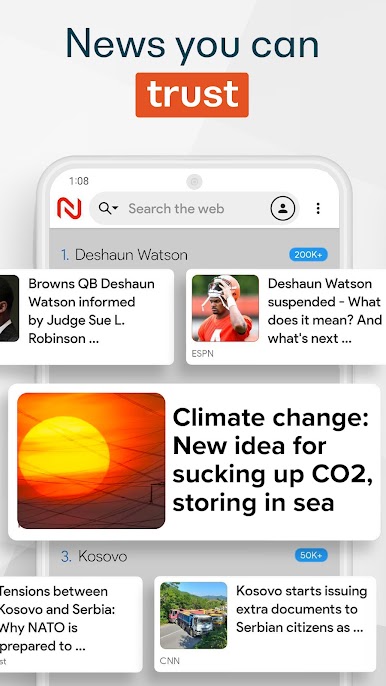
Trusted Local & Global Sources
Browse thousands of reliable outlets for everything from national stories to what’s happening down the block. Don’t see your go-to source? Give feedback and it could get added. -
More than Just News
When you need a break, jump into free games, or watch popular clips—all without leaving your home screen. It’s kind of like having your own personal selection of entertainment and updates. -
Easy Setup, Fully Customizable
You won’t need a manual. Just follow a quick setup and adjust your preferences anytime. You control what types of news and topics come front and center.
Want to see headlines on a bigger screen? Try News Home: Breaking News, Local & World News Today using BlueStacks for an even smoother reading experience.
BlueStacks brings your apps to life on a bigger screen—seamless and straightforward.


Spiele News Home: The News You Need auf dem PC. Der Einstieg ist einfach.
-
Lade BlueStacks herunter und installiere es auf deinem PC
-
Schließe die Google-Anmeldung ab, um auf den Play Store zuzugreifen, oder mache es später
-
Suche in der Suchleiste oben rechts nach News Home: The News You Need
-
Klicke hier, um News Home: The News You Need aus den Suchergebnissen zu installieren
-
Schließe die Google-Anmeldung ab (wenn du Schritt 2 übersprungen hast), um News Home: The News You Need zu installieren.
-
Klicke auf dem Startbildschirm auf das News Home: The News You Need Symbol, um mit dem Spielen zu beginnen

