

iTalkBB Prime – 中美双号 移动支付
500M + oyuncunun güvendiği Android Oyun Platformu, BlueStacks ile PC'de oynayın.

Sayfa Değiştirilme tarihi: Nov 20, 2025
Run iTalkBB Prime–Int'Nums&eWallet on PC or Mac
Upgrade your experience. Try iTalkBB Prime–Int’Nums&eWallet, the fantastic Communication app from iTalk Global Communications, Inc., from the comfort of your laptop, PC, or Mac, only on BlueStacks.
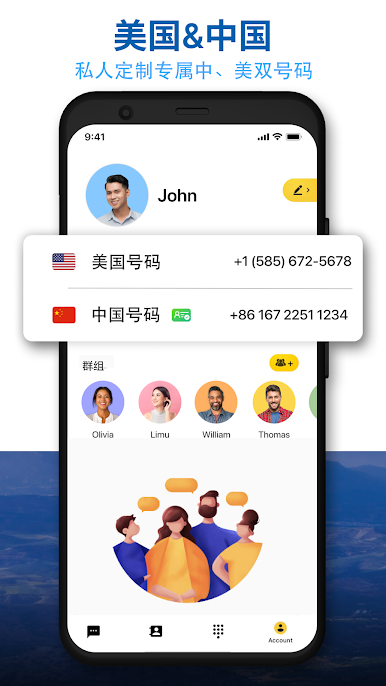
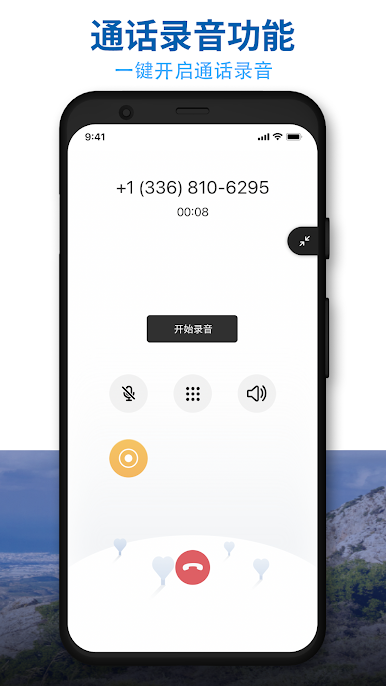
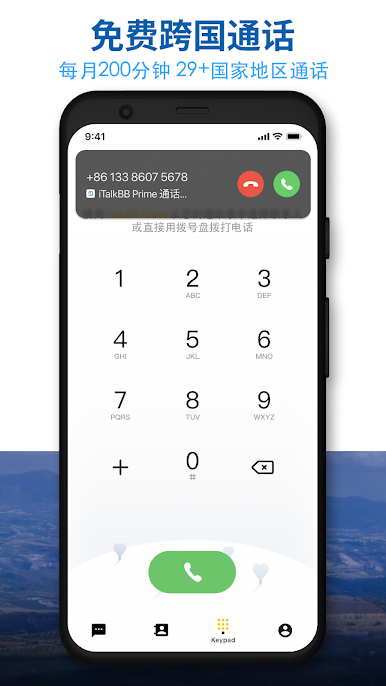
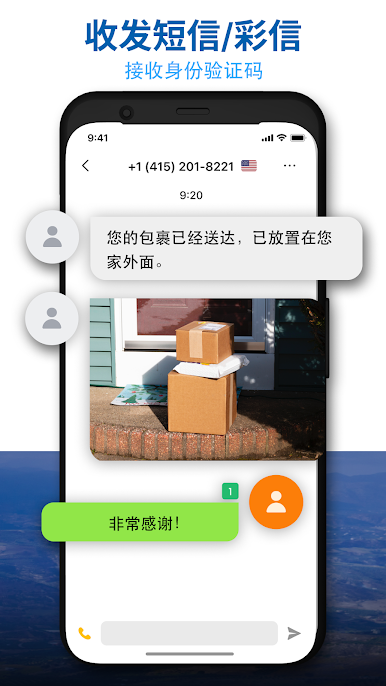
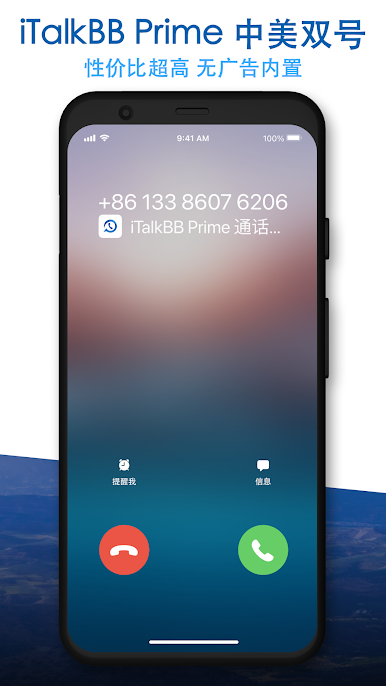
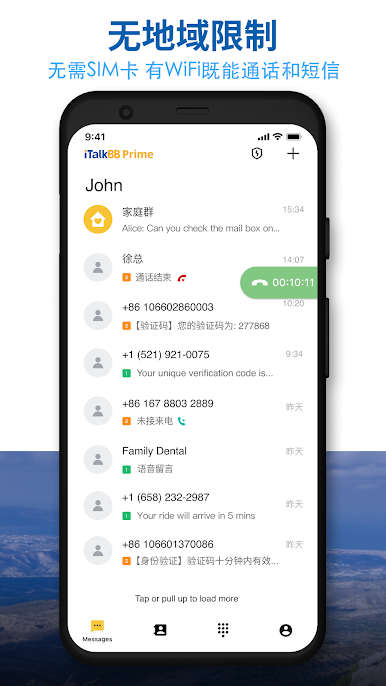
This one is basically a phone service and a wallet living in the same app, built for people who bounce between North America and China. It gives a U.S. or Canada number, and there is an option to add a China or Hong Kong number, all on one device with no SIM card. Calls, SMS, and MMS work across the U.S., Canada, and China, so regular texting just feels normal. Unlimited calling and texts within and between the U.S. and Canada is there, then a bucket of 200 free international minutes to a bunch of countries each month for quick catchups. Voicemail is easy to check, and call recording is there for those times someone reads a code or an address too fast. You can even add extra numbers with local area codes so it looks local when calling.
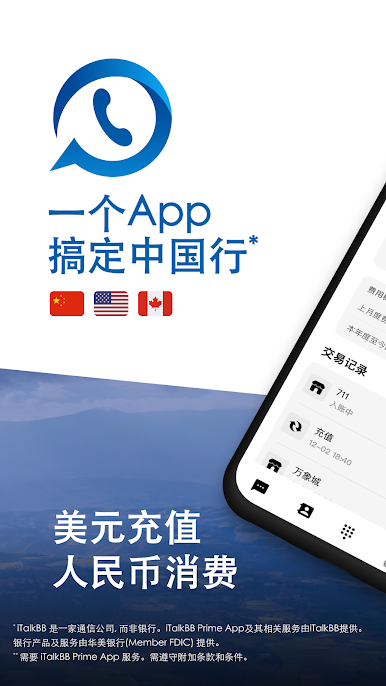
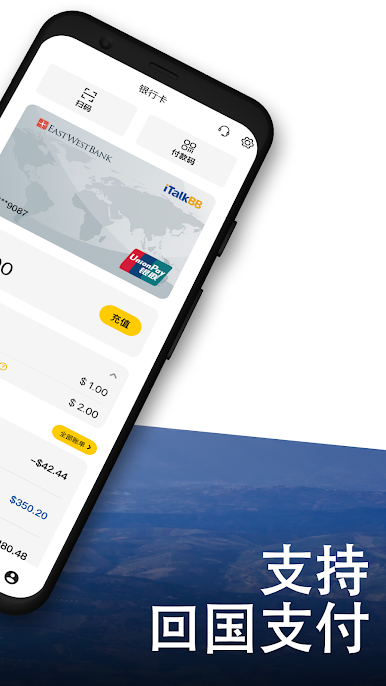
The money side is solid if Mainland China payments are needed. There is UnionPay support with in‑app apply and activation, tap to pay on the phone, QR code payments in Mainland China, and you can link the card inside popular merchant apps so checkout does not feel weird. Group Sharing is handy too, letting up to five people see call notifications, chat history, texts, and voicemail, which keeps a small team or family on the same page.
Running it on BlueStacks makes the whole thing calmer. Typing long messages is faster on a keyboard, saving and copying numbers is simple, and sorting voicemails or recordings with a mouse just feels cleaner. Seeing QR codes on a bigger screen is helpful, and sending photos in MMS from desktop files is painless. It is not flashy, but if someone wants one place for cross‑border calls, texts, and everyday payments, it does the job without drama.
Switch to BlueStacks and make the most of your apps on your PC or Mac.
iTalkBB Prime – 中美双号 移动支付 oyununu PC'de oyna. Başlamak çok kolay.
-
BlueStacks'i PC'nize İndirin ve Yükleyin
-
Play Store'a erişmek için Google girişi yapın ya da daha sonraya bırakın.
-
Sağ üst köşeye iTalkBB Prime – 中美双号 移动支付 yazarak arayın.
-
iTalkBB Prime – 中美双号 移动支付 uygulamasını arama sonuçlarından indirmek için tıklayın.
-
(iEğer Adım 2'yi atladıysanız) iTalkBB Prime – 中美双号 移动支付 uygulamasını yüklemek için Google'a giriş yapın.
-
Oynatmaya başlatmak için ekrandaki iTalkBB Prime – 中美双号 移动支付 ikonuna tıklayın.

