

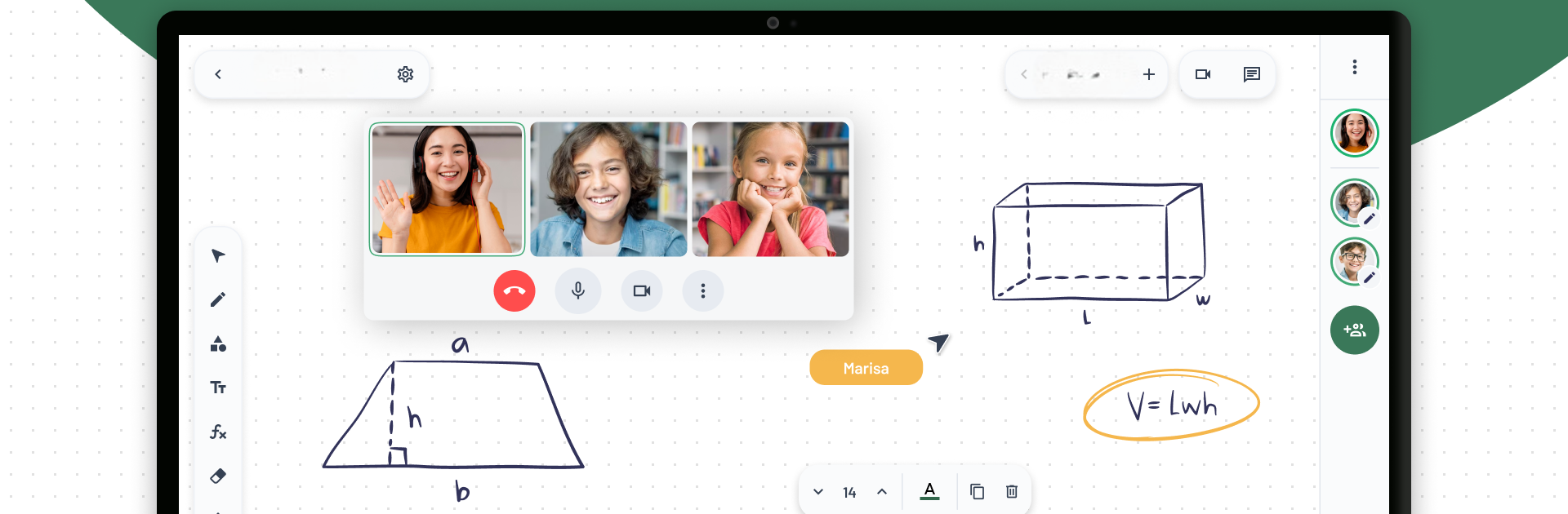
LiveBoard Online Whiteboard
Spiele auf dem PC mit BlueStacks - der Android-Gaming-Plattform, der über 500 Millionen Spieler vertrauen.

Seite geändert am: Jul 10, 2025
Run LiveBoard: Online Whiteboard on PC or Mac
Multitask effortlessly on your PC or Mac as you try out LiveBoard: Online Whiteboard, a Education app by LiveBoard on BlueStacks.
About the App
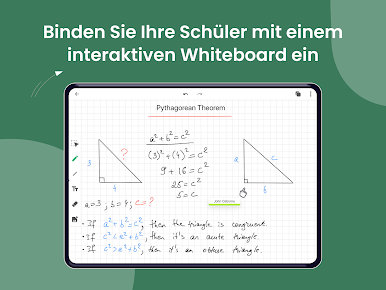
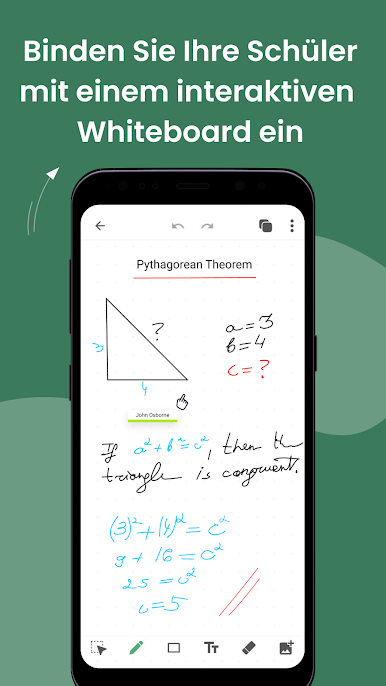
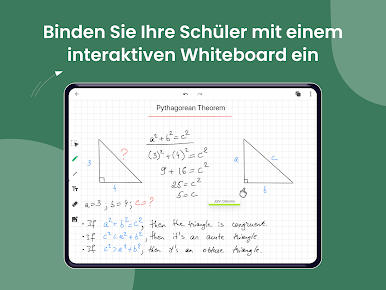
Looking for a whiteboard that everyone in your class can actually use together? LiveBoard: Online Whiteboard lets you teach, chat, and brainstorm live with your students—no matter where anyone is. Whether you’re running a tutoring session, hosting a group study, or just showing off a tricky math problem, this Education app by LiveBoard keeps things clear, simple, and interactive. Expect a totally real-time feel, the kind that makes even remote lessons click.
App Features
-
Real-Time Collaboration
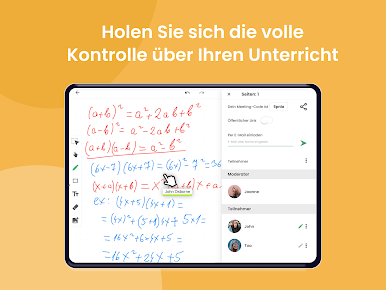
Let students and teachers connect as if everyone’s in the same room. You can write, draw, or doodle live, and everyone sees changes instantly. -
Flexible Communication
Got a quick question? Use the built-in chat or switch to voice to explain things faster. It’s all about smooth back-and-forth. -
Guest Access Made Easy
Want to invite a parent or let future students peek in? Share a quick public link, and guests can observe your teaching style without hassle. -
Class & Group Management
Organize your sessions with different groups—whether by class, topic, or batch. Start a new board for each, and keep everything tidy. -
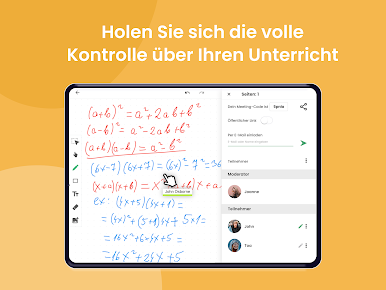
Control Over Participation
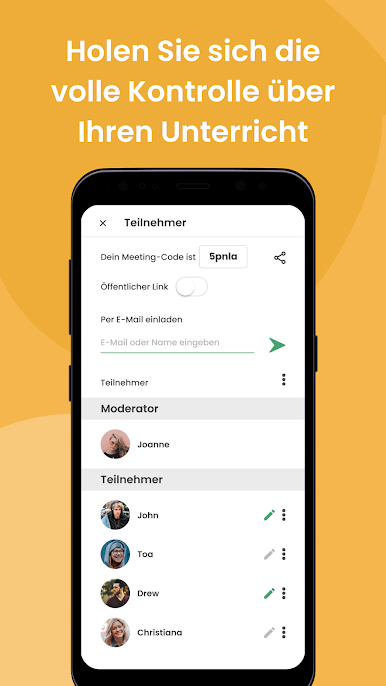
Decide who can draw or chat at any time. You’re in the driver’s seat, so things don’t get too chaotic when everyone’s feeling expressive. -
Import Images and Files
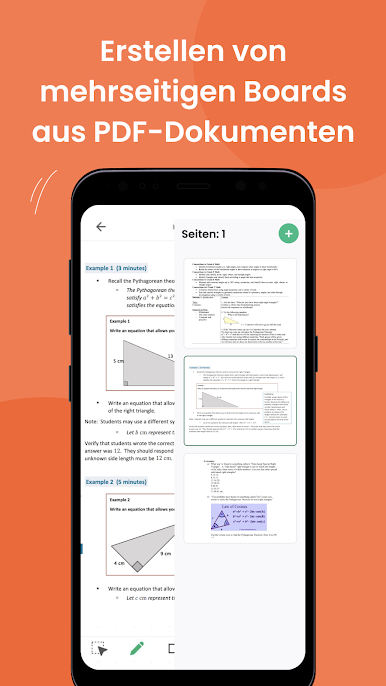
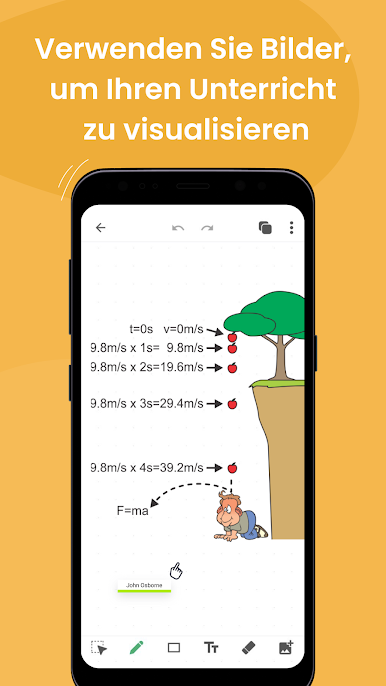
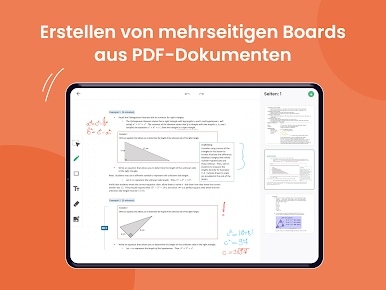
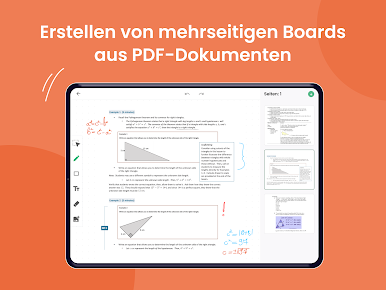
Bring in diagrams, lesson images, or even whole PDFs. Visual learners, rejoice—sometimes a picture saves you a thousand words. -
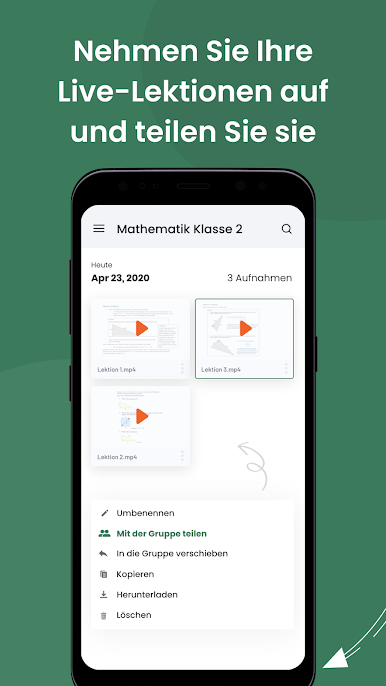
Session Recording
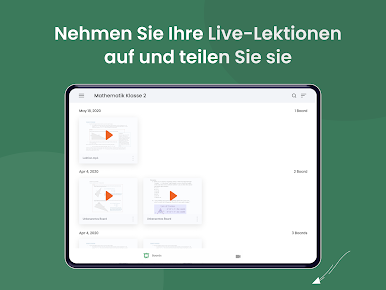
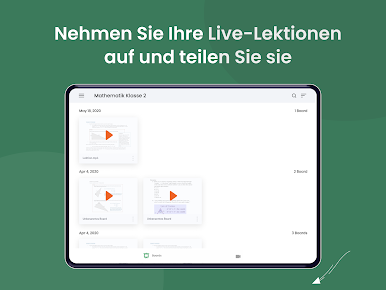
Forgot what you covered last time? Record your lessons and replay anytime, or share recordings so students can review before the big test. -
All Materials in One Place
Keep every board, image, and file neatly stored, ready to reuse for your next tutoring gig or classroom session.
If you enjoy using LiveBoard: Online Whiteboard, it works great with BlueStacks too, especially if you’d rather teach from a bigger screen.
BlueStacks brings your apps to life on a bigger screen—seamless and straightforward.



Spiele LiveBoard Online Whiteboard auf dem PC. Der Einstieg ist einfach.
-
Lade BlueStacks herunter und installiere es auf deinem PC
-
Schließe die Google-Anmeldung ab, um auf den Play Store zuzugreifen, oder mache es später
-
Suche in der Suchleiste oben rechts nach LiveBoard Online Whiteboard
-
Klicke hier, um LiveBoard Online Whiteboard aus den Suchergebnissen zu installieren
-
Schließe die Google-Anmeldung ab (wenn du Schritt 2 übersprungen hast), um LiveBoard Online Whiteboard zu installieren.
-
Klicke auf dem Startbildschirm auf das LiveBoard Online Whiteboard Symbol, um mit dem Spielen zu beginnen

