


Город облаков
Spiele auf dem PC mit BlueStacks - der Android-Gaming-Plattform, der über 500 Millionen Spieler vertrauen.

Seite geändert am: Aug 15, 2024
Play Город облаков on PC
Game Features:
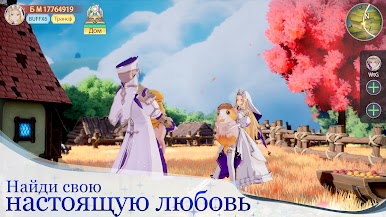
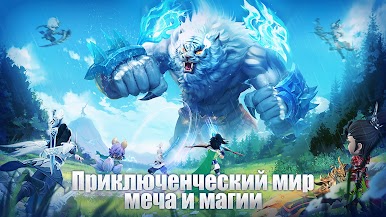
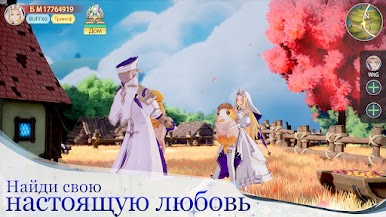
[Let's take our cute pets and go! ] Tame a cute companion and protect your bonds!
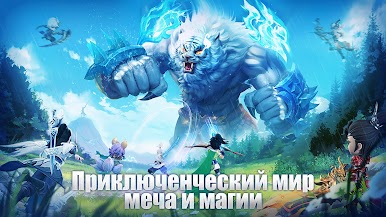
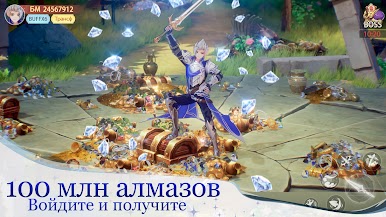
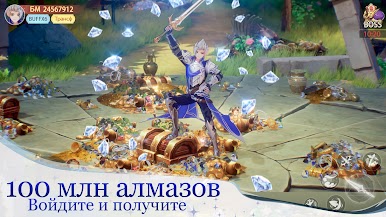
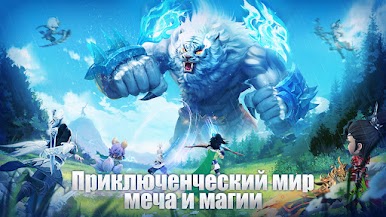
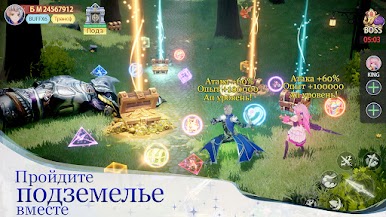
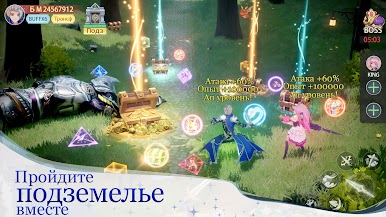
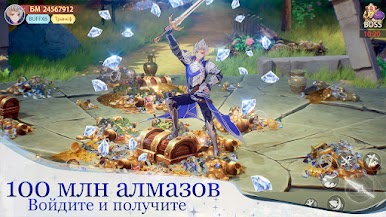
[Endless magnificent battles! ] Great skill control, unrivaled gameplay fluidity, and epic battles!
[Team Challenges and Updates! ] Free combinations of gaming professions and many possible strategies!
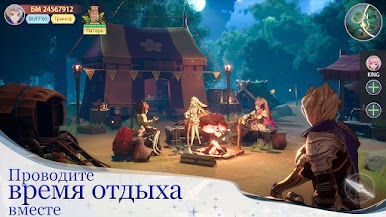
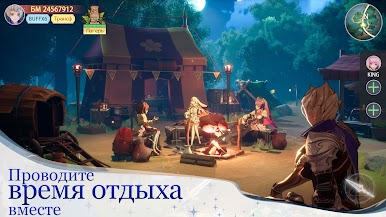
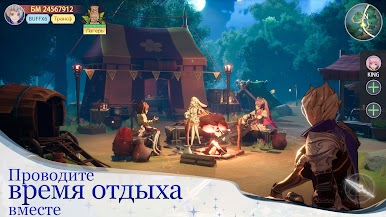
[Endless interactivity and freedom! ] Cloud fishing, dancing in capitals, day and night life of locations!
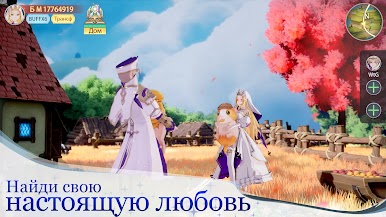
[Free exploration of the entire map! ] Delicate interaction and change of locations, feel the cool wind whistling in your ears. Let's explore the City of Clouds together!!

Spiele Город облаков auf dem PC. Der Einstieg ist einfach.
-
Lade BlueStacks herunter und installiere es auf deinem PC
-
Schließe die Google-Anmeldung ab, um auf den Play Store zuzugreifen, oder mache es später
-
Suche in der Suchleiste oben rechts nach Город облаков
-
Klicke hier, um Город облаков aus den Suchergebnissen zu installieren
-
Schließe die Google-Anmeldung ab (wenn du Schritt 2 übersprungen hast), um Город облаков zu installieren.
-
Klicke auf dem Startbildschirm auf das Город облаков Symbol, um mit dem Spielen zu beginnen

