


Legions : Battle of the Immortals
Spiele auf dem PC mit BlueStacks - der Android-Gaming-Plattform, der über 500 Millionen Spieler vertrauen.

Seite geändert am: Dec 24, 2025
Übersicht
4 Legendary Class
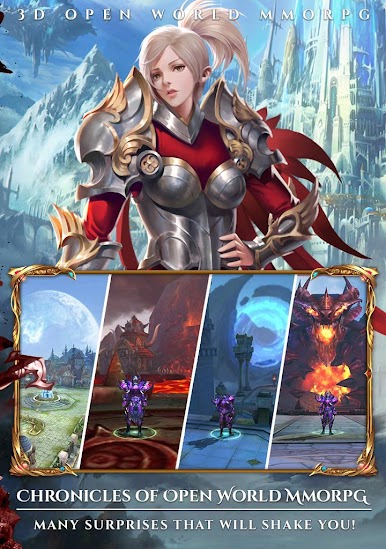
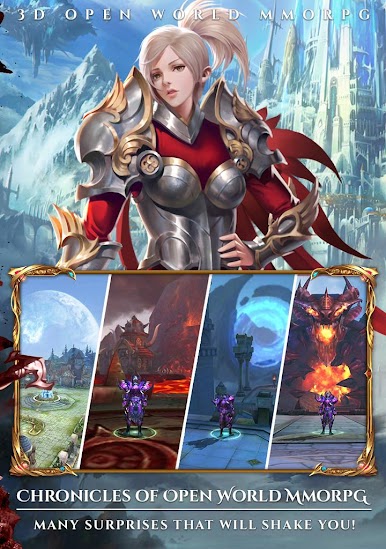
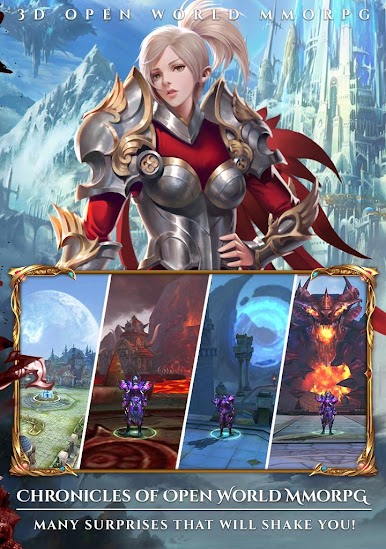
Decide your destiny Path by select the character class, Strong frontliner called Knight, Deadly attacker Assasin, Never Miss the shoot Archer or Magical power Sage Mage! play your own style battle and beat enemies ahead!
Massive National War
Fight againts hundreds of Worldwide players to defends the honor of your Nations in the Classical 3D Battlefield! Eternal Glory and tons of treasure is await to claim, its your to rewrite the history book!
Fight The Epic World BOSS
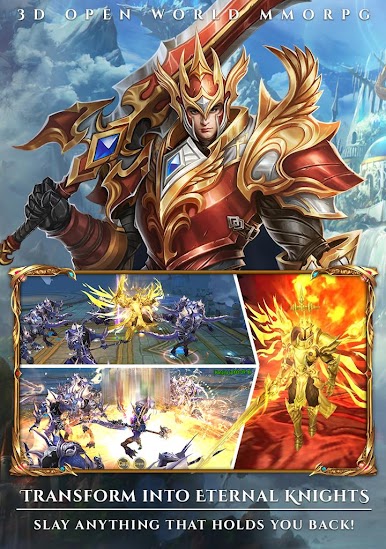
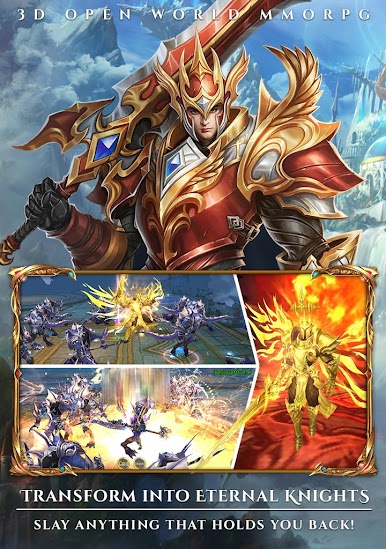
Join up with hunderds of global players Fight the Epic World BOSS to save the world from devestations! it's your time to restore the peace in the world.
Furious Wings Features
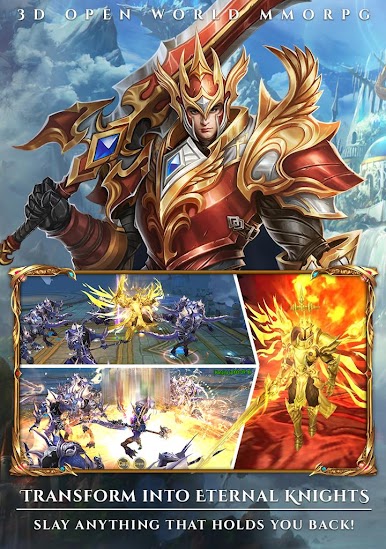
Unlock true powers of a universe by wear Wings! Impresive looks on the characters and increase your power to fight all the evil monster ahead.
24/7 Nonstop Exciting Events
Get tons of Epic Items, Free Gold and Mysterious Items by join the Exciting events EVERYDAY! You will never get bored in Legions!
Minimum Device Requirements
Operating System : Android 4.4 or more
CPU : Qualcomm snapdragon
RAM : 2GB or more
Storage : 1.5GB Mininum
** A stable internet connection is required

















Spiele Legions : Battle of the Immortals auf dem PC. Der Einstieg ist einfach.
-
Lade BlueStacks herunter und installiere es auf deinem PC
-
Schließe die Google-Anmeldung ab, um auf den Play Store zuzugreifen, oder mache es später
-
Suche in der Suchleiste oben rechts nach Legions : Battle of the Immortals
-
Klicke hier, um Legions : Battle of the Immortals aus den Suchergebnissen zu installieren
-
Schließe die Google-Anmeldung ab (wenn du Schritt 2 übersprungen hast), um Legions : Battle of the Immortals zu installieren.
-
Klicke auf dem Startbildschirm auf das Legions : Battle of the Immortals Symbol, um mit dem Spielen zu beginnen

