


Mobile for Jira Pro
Играйте на ПК с BlueStacks – игровой платформе для приложений на Android. Нас выбирают более 500 млн. игроков.

Страница изменена: Oct 6, 2023
Play Mobile for Jira Pro on PC
It comes with a huge list of features you wouldn't want to miss!
Exclusive options:
- 3rd party add-ons (Insight, EazyBI, Custom charts, Tempo, Elements Connect, SSO, & more)
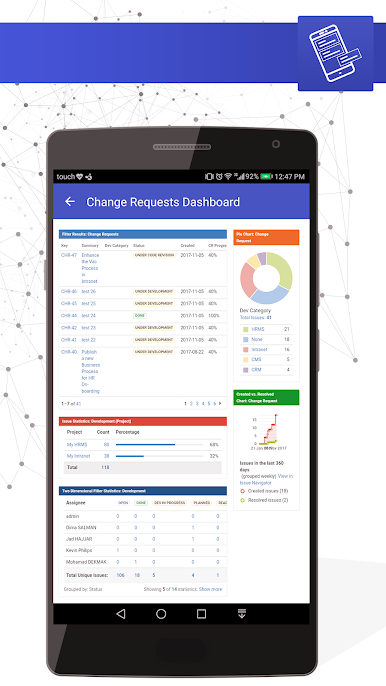
- Supported Gadgets for Jira Dashboard
- 2-Factor Authentication
- Voice note attachments in comments
- Receive tickets from WhatsApp, Telegram, & Twitter
- Improved support between Mobile for Jira for agents, & JSM Mobile for customers
Advanced options:
- Customize push notifications
- Kanban & Scrum board experience
- Create multiple Jira instances (Multi-Profile)
- Share issues (WhatsApp, MS Teams, Skype)
- View issue & work log histories
Standard options:
- Create, edit, delete, & transition issues
- Add, edit & delete comments
- Edit, add & export attachments to issues
- Advanced search by standard & custom fields
- Log work
- View & save your favorite filter
You can even customize the app to fit your brand with our handy branded solution. Give your app an identity, your identity.
Ready to start using Mobile for Jira?
Find it on the Atlassian Marketplace

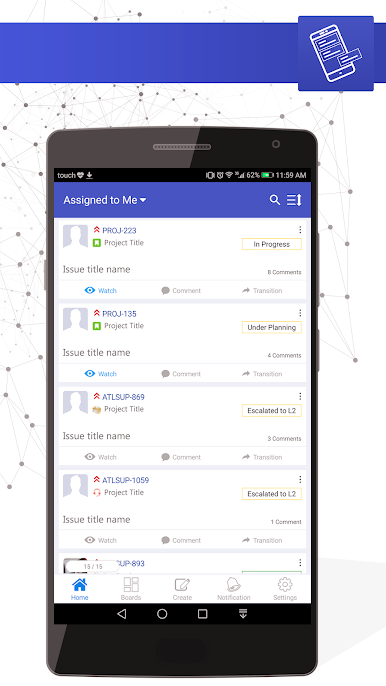
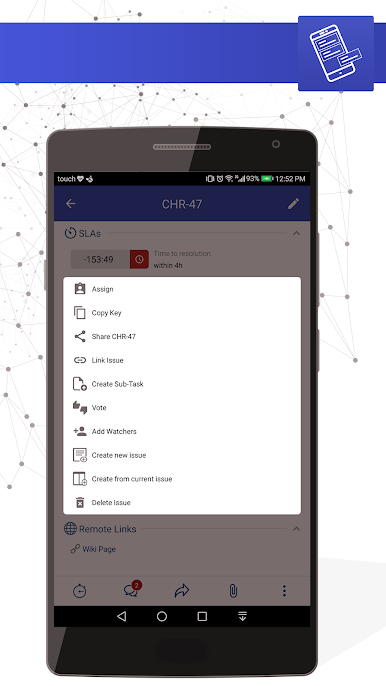
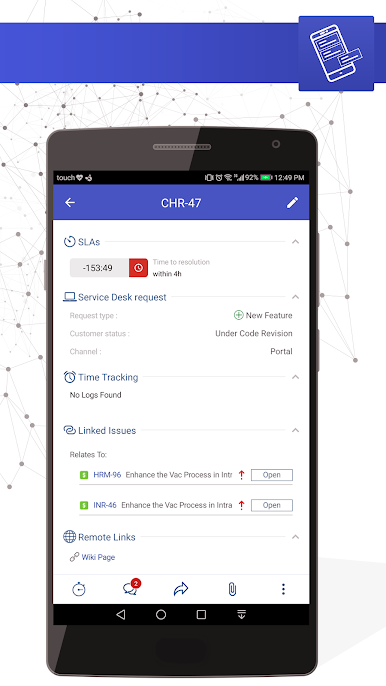
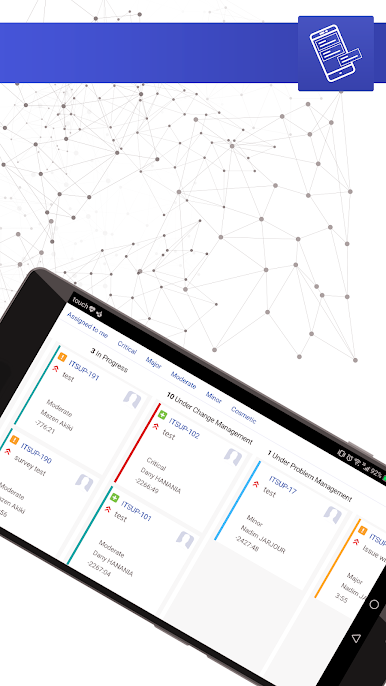
Играйте в игру Mobile for Jira Pro на ПК. Это легко и просто.
-
Скачайте и установите BlueStacks на ПК.
-
Войдите в аккаунт Google, чтобы получить доступ к Google Play, или сделайте это позже.
-
В поле поиска, которое находится в правой части экрана, введите название игры – Mobile for Jira Pro.
-
Среди результатов поиска найдите игру Mobile for Jira Pro и нажмите на кнопку "Установить".
-
Завершите авторизацию в Google (если вы пропустили этот шаг в начале) и установите игру Mobile for Jira Pro.
-
Нажмите на ярлык игры Mobile for Jira Pro на главном экране, чтобы начать играть.

