


Audio Speed Changer
500M + oyuncunun güvendiği Android Oyun Platformu, BlueStacks ile PC'de oynayın.

Sayfa Değiştirilme tarihi: Nov 18, 2025
Run Audio Speed Changer on PC or Mac
Why limit yourself to your small screen on the phone? Run Audio Speed Changer, an app by inglesdivino, best experienced on your PC or Mac with BlueStacks, the world’s #1 Android emulator.
About the App
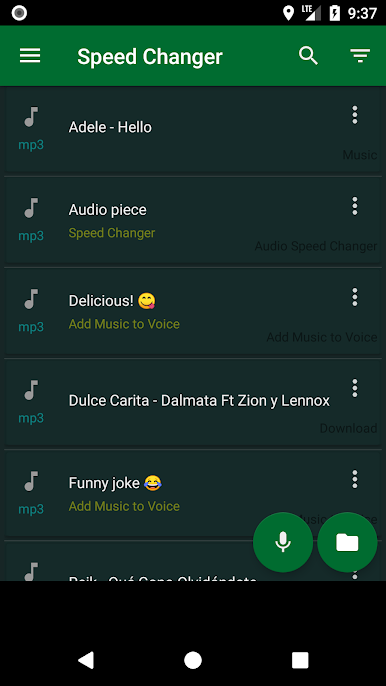
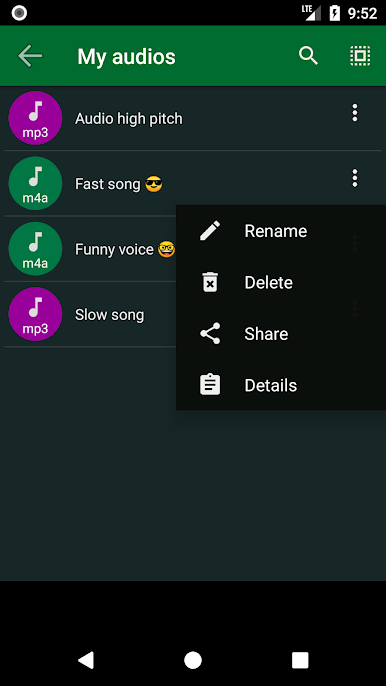
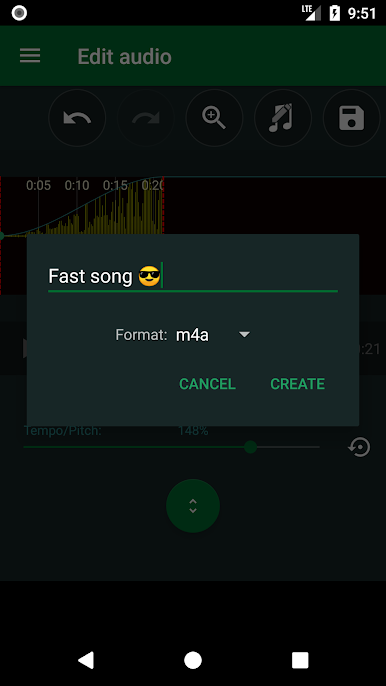
Ready to mess around with your music and recordings in a fun, hands-on way? Audio Speed Changer by inglesdivino keeps things simple while letting you bend songs and sounds however you like. Whether you want to slow things down, crank up the pitch, or just play with goofy voice effects, this app has you covered. It’s a great pick for musicians, tinkerers, or anyone who likes experimenting with audio. And hey, if you’re into tinkering on a bigger screen, it works smoothly with BlueStacks, too.
App Features
-
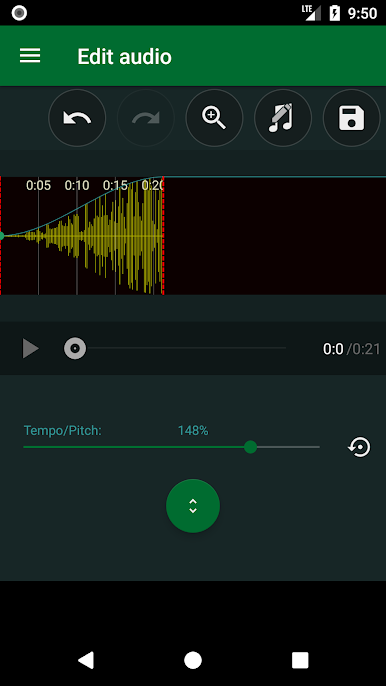
Easy Sliders for Speed & Pitch
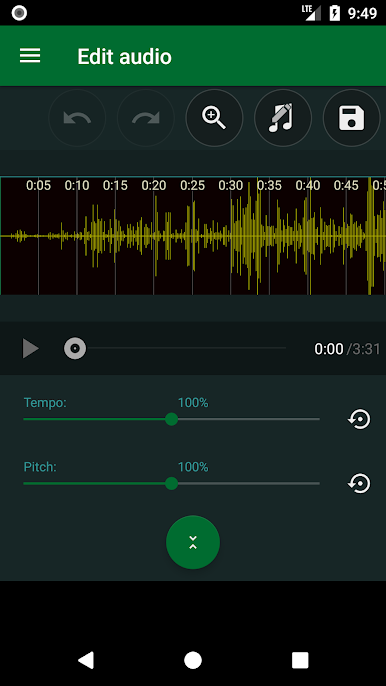
Want your favorite song to sound like a chipmunk or a villain? Just nudge the speed and pitch sliders until it sounds just right. Slow everything down to catch tricky notes or speed it up for fun–it’s totally up to you. -
Voice Effect Playground
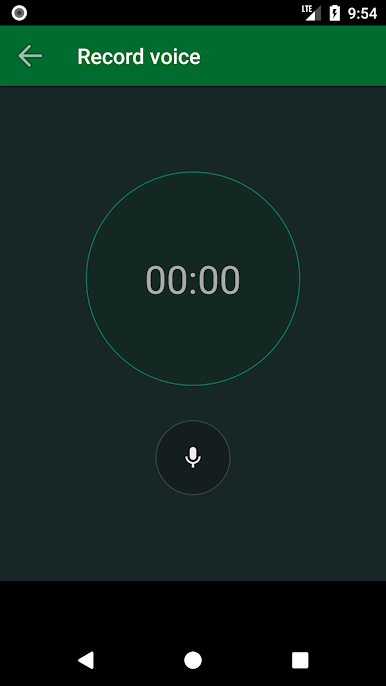
Record yourself, then twist your voice so you sound like a cartoon squirrel or something right out of a horror movie. It’s weirdly satisfying. -
Trim & Fade Without Hassle
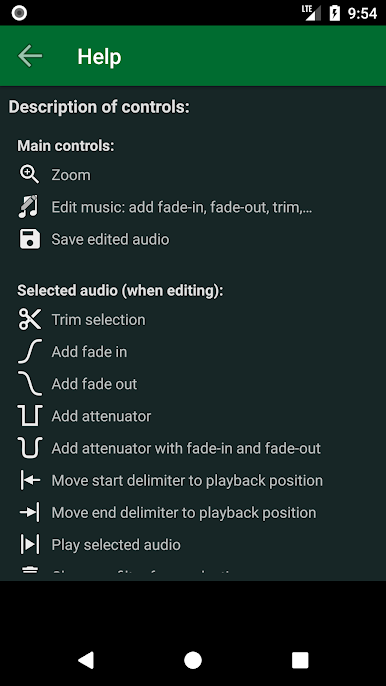
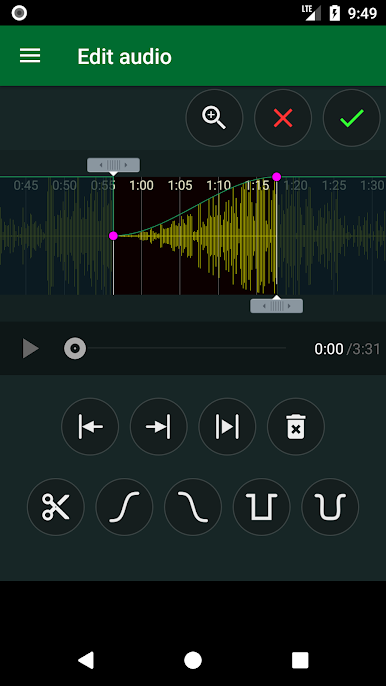
Need to clip out a section or add a nice fade? You can do basic editing like trimming audio or adding simple fade effects with just a few taps. -
Smooth Audio Processing
Audio Speed Changer uses the Superpowered engine for time stretching and pitch shifting, so your sounds stay clear and natural no matter how wild you get with the controls. -
Great for Practice & Play
Perfect for musicians practicing difficult parts, podcasters tweaking vocals, or just goofing around with friends–the app adapts to whatever you throw at it.
BlueStacks brings your apps to life on a bigger screen—seamless and straightforward.
Audio Speed Changer oyununu PC'de oyna. Başlamak çok kolay.
-
BlueStacks'i PC'nize İndirin ve Yükleyin
-
Play Store'a erişmek için Google girişi yapın ya da daha sonraya bırakın.
-
Sağ üst köşeye Audio Speed Changer yazarak arayın.
-
Audio Speed Changer uygulamasını arama sonuçlarından indirmek için tıklayın.
-
(iEğer Adım 2'yi atladıysanız) Audio Speed Changer uygulamasını yüklemek için Google'a giriş yapın.
-
Oynatmaya başlatmak için ekrandaki Audio Speed Changer ikonuna tıklayın.

