


Photo resize
500M + oyuncunun güvendiği Android Oyun Platformu, BlueStacks ile PC'de oynayın.

Sayfa Değiştirilme tarihi: Sep 5, 2025
Play Photo resize on PC
It is a perfect choice when you want to quickly downsize images for sending via email or share to Facebook, Instagram, Twitter, Pinterest and other social media.
Photo resizer is fast and easy tool to fit the image into specified width or height. It will automatically save files into specified folder, so you don't need to worry about that.
With Photo resize you can decide in what format you want to save images. If you select JPG, you can also select quality and this helps you downsize images even more.
* This photo resizer app can resize your images/photos in batch
* Different modes: Pixels, percentage, Based on one side
* Image resizer can do cropping and filling
* Select quality at which you want to save resized images
* Do not use it to enlarge/upscale images, it is meant to be used for making images smaller
* Save images as JPG, PNG, WEBP or in original file format
* In this image resizer app you can select folder for output images
* Share your resized images easily
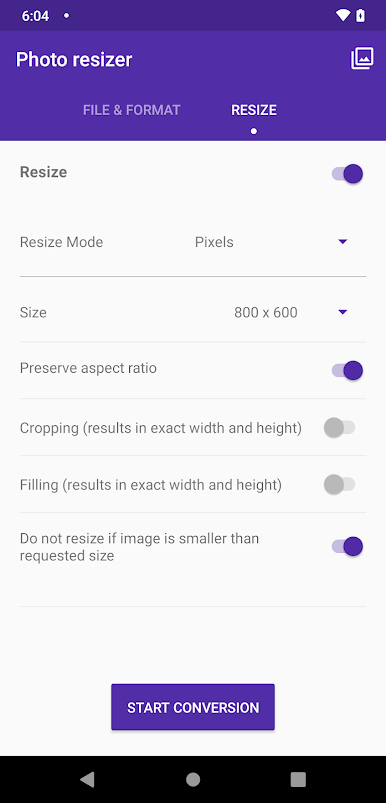
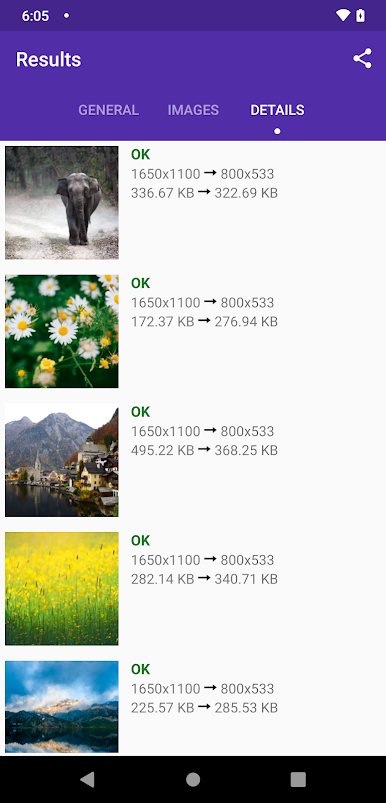

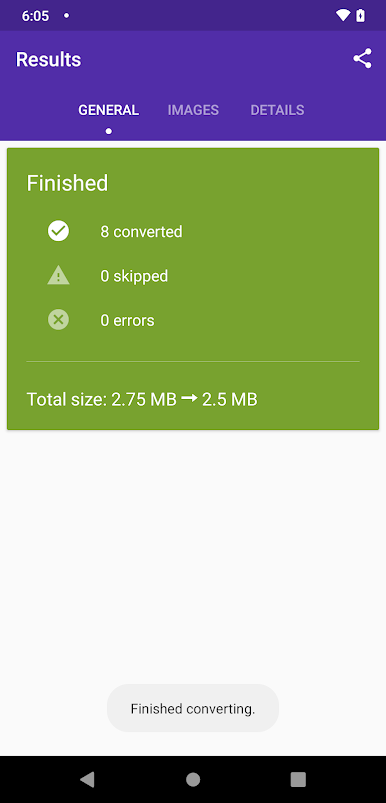
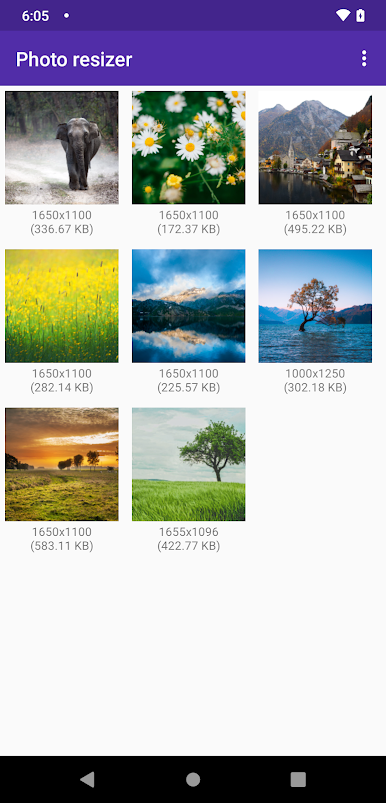
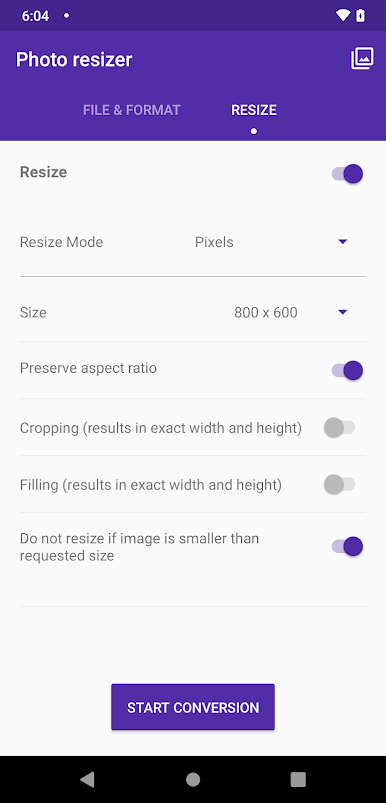
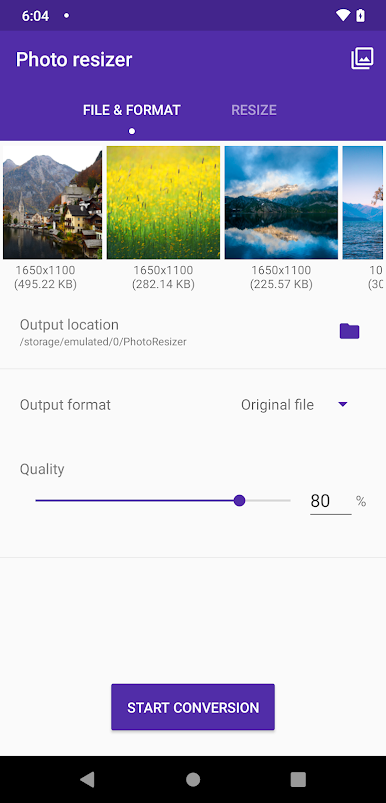
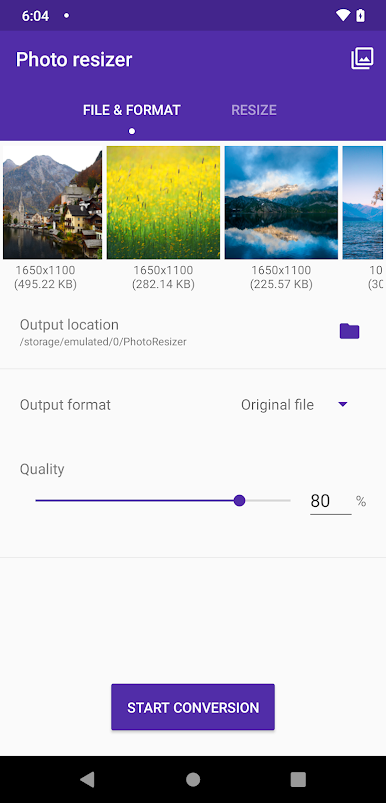
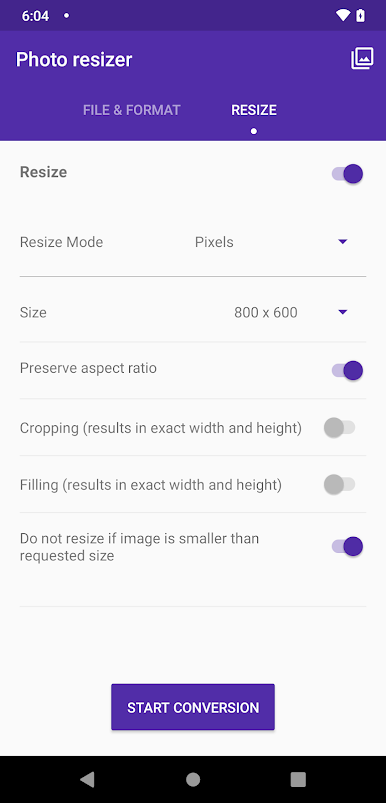
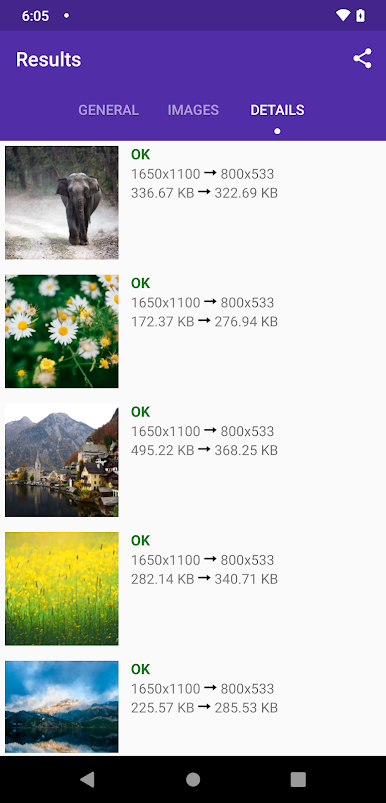
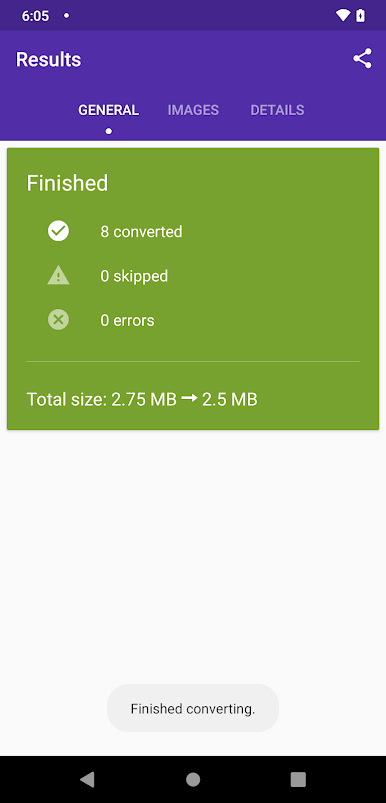
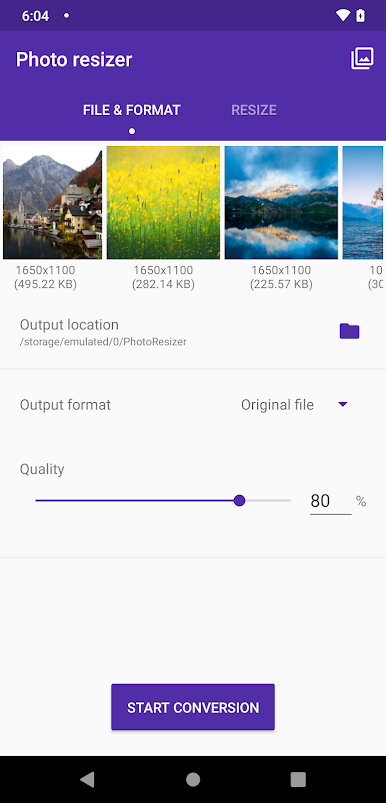
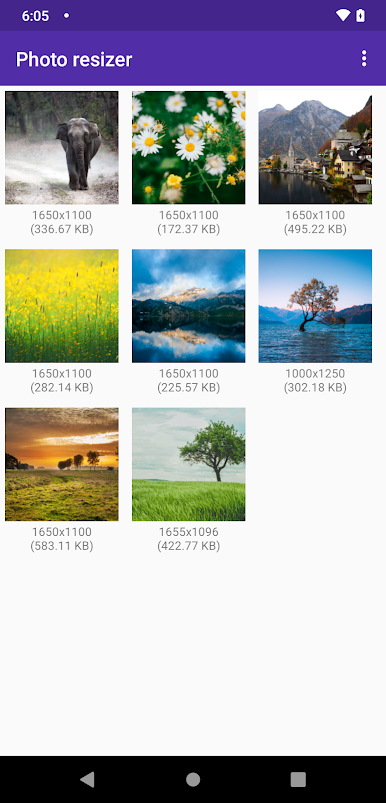

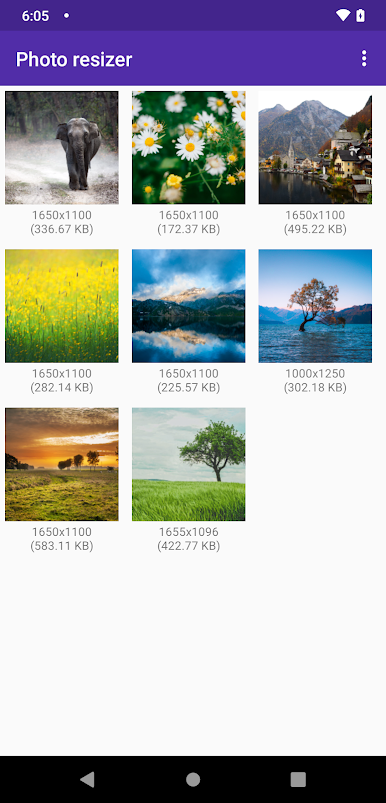
Photo resize oyununu PC'de oyna. Başlamak çok kolay.
-
BlueStacks'i PC'nize İndirin ve Yükleyin
-
Play Store'a erişmek için Google girişi yapın ya da daha sonraya bırakın.
-
Sağ üst köşeye Photo resize yazarak arayın.
-
Photo resize uygulamasını arama sonuçlarından indirmek için tıklayın.
-
(iEğer Adım 2'yi atladıysanız) Photo resize uygulamasını yüklemek için Google'a giriş yapın.
-
Oynatmaya başlatmak için ekrandaki Photo resize ikonuna tıklayın.

