


Sight Words - Reading Games
Spiele auf dem PC mit BlueStacks - der Android-Gaming-Plattform, der über 500 Millionen Spieler vertrauen.

Seite geändert am: Dec 4, 2023
Play Sight Words - Reading Games on PC
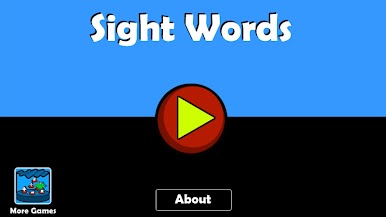
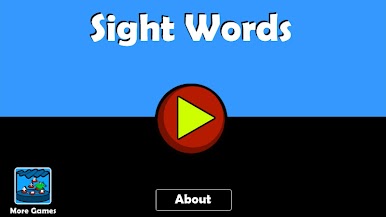
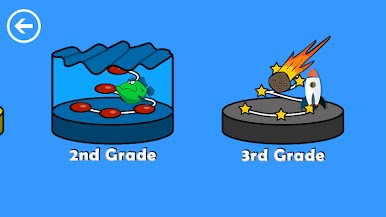
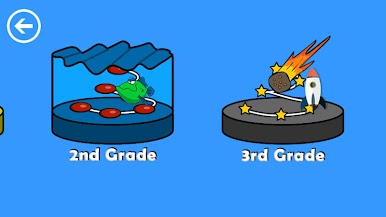
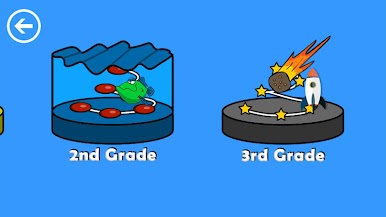
The learning games help young kids have fun with Sight Words. The games help students get familiar with the sight words even at a preschool level. Sight words are common words that don't follow basic phonics and are designed to help kids read faster. Dolch Sight words are many of the most common written words. With practice, spelling becomes easier for these words that don't follow the rules. The word lists include multiple grade levels: Preschool, Kindergarten, first grade, second grade, and third grade.
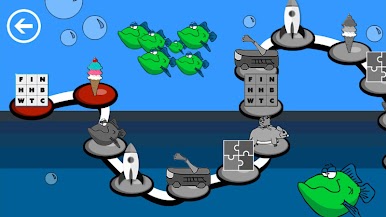
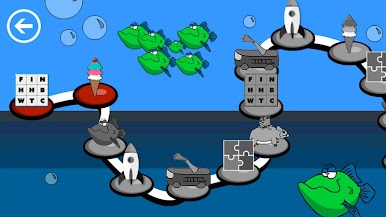
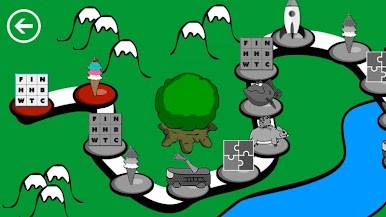
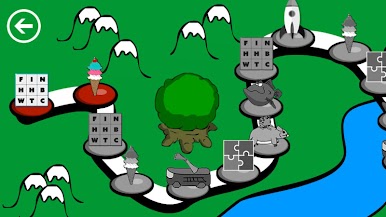
The full version includes 6 Games. While this version includes only the first 2.
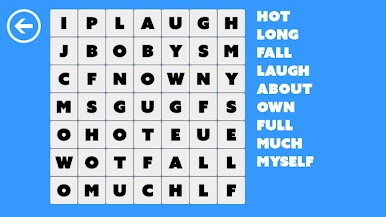
Word Search
-------------------
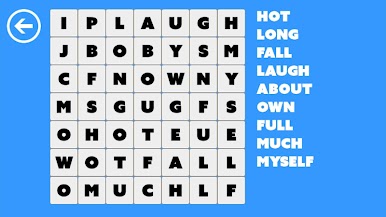
A classic word search with assisted audio to reinforce the learning. The levels are designed to slowly increases in difficulty as well as encouraging the child to complete each level.
Icecream Bubble Pop
-------------------
Have fun popping bubbles as you stack a super ice cream cone. Watchout the ice cream might fall over.
Rat Race
-------------------
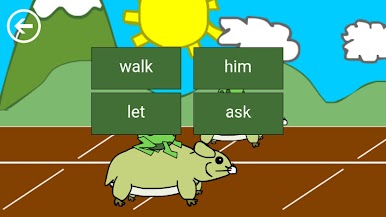
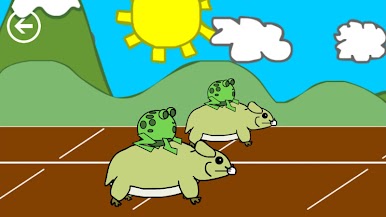
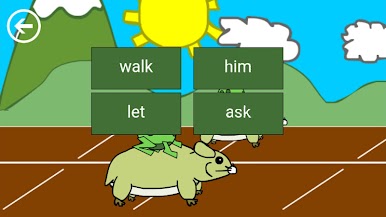
Find the correct word to speed up your rat to win the race.
Jigsaw Puzzle
-------------------
Listen to the sight word and then complete the jigsaw puzzle to see it.
Parachute Fish
-------------------
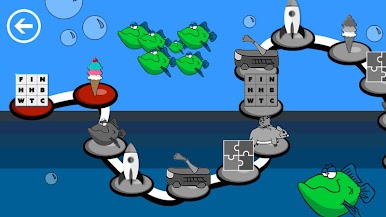
Mr Pelican is hungry and it is his lucky day. Word Fish are parachuting down. Help him to learn to eat the right words.
Animals in Space
-------------------
Find the correct reading word to build a rocket. Blast off!








Spiele Sight Words - Reading Games auf dem PC. Der Einstieg ist einfach.
-
Lade BlueStacks herunter und installiere es auf deinem PC
-
Schließe die Google-Anmeldung ab, um auf den Play Store zuzugreifen, oder mache es später
-
Suche in der Suchleiste oben rechts nach Sight Words - Reading Games
-
Klicke hier, um Sight Words - Reading Games aus den Suchergebnissen zu installieren
-
Schließe die Google-Anmeldung ab (wenn du Schritt 2 übersprungen hast), um Sight Words - Reading Games zu installieren.
-
Klicke auf dem Startbildschirm auf das Sight Words - Reading Games Symbol, um mit dem Spielen zu beginnen

