


Phrasal Verbs
Spiele auf dem PC mit BlueStacks - der Android-Gaming-Plattform, der über 500 Millionen Spieler vertrauen.

Seite geändert am: Dec 10, 2025
Run Phrasal Verbs on PC or Mac
Why limit yourself to your small screen on the phone? Run Phrasal Verbs, an app by esteban.co, best experienced on your PC or Mac with BlueStacks, the world’s #1 Android emulator.
About the App
Ever wondered what folks really mean when they say “look up to” or “take off”? With Phrasal Verbs from esteban.co, you’ll figure it out—without the stress. This handy Education app is a trusty sidekick for anyone wanting to actually get the hang of those pesky English phrasal verbs. Whether you’re cracking books for an exam, trying to sound more natural in conversation, or just brushing up on your skills, there’s plenty here to make learning less of a chore and a bit more memorable.
App Features
-
Practical Categories
Find phrasal verbs sorted into categories that actually make sense—so you don’t have to wade through a giant, confusing list to find what matters to you. -
Visual Explanations
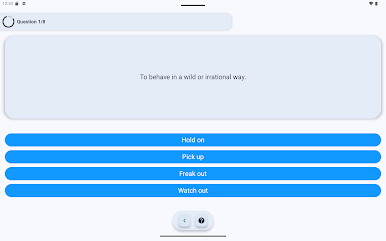
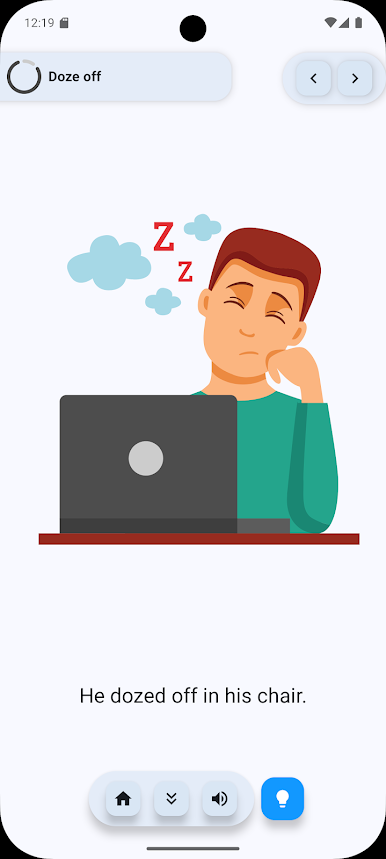
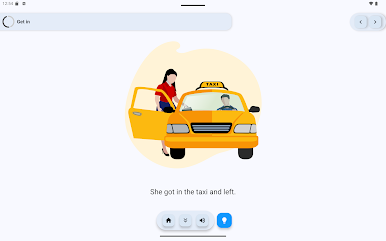
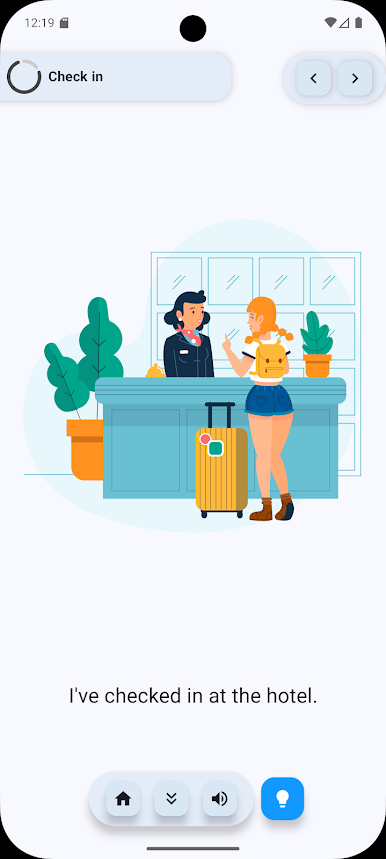
Each phrasal verb comes with simple graphics to help you picture what’s going on. Sometimes a sketch makes it a lot stickier than words alone. -
Everyday Examples
See how each phrasal verb fits into real-life sentences and situations. You’ll start catching the rhythm of how native speakers use them. -
Quizzes and Practice
Not just another flashcard routine—check your progress with fast, practical exercises and quizzes that’ll help you remember (for longer than five minutes). -
Offline Access
You don’t need Wi-Fi to study here. Learn wherever you like, online or off—even on your laptop with BlueStacks if that’s how you roll.
Switch to BlueStacks and make the most of your apps on your PC or Mac.
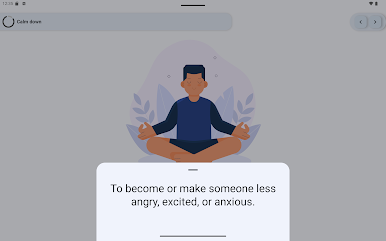
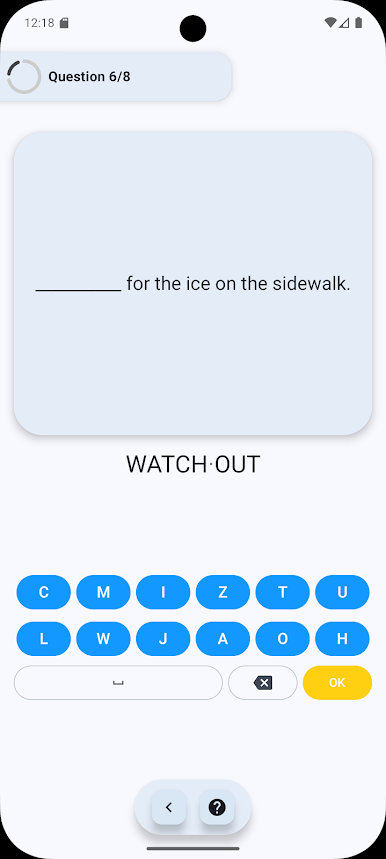
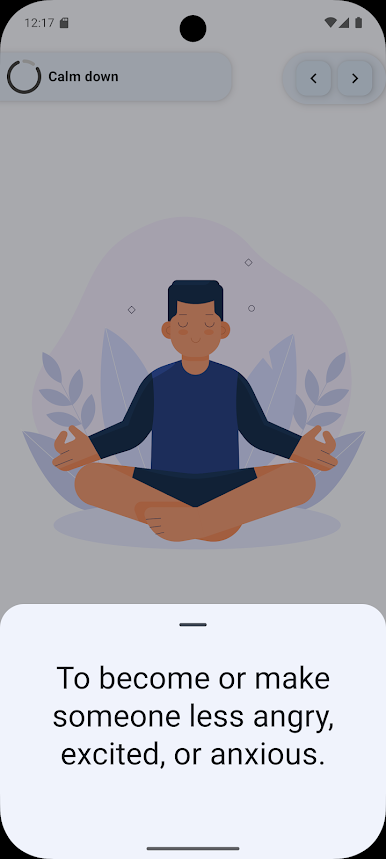
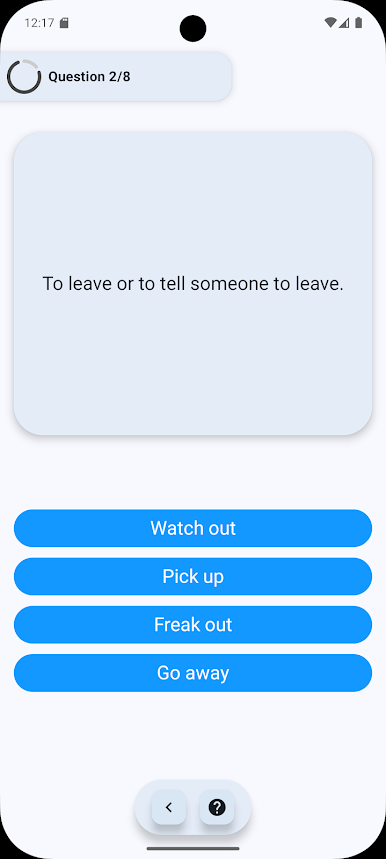

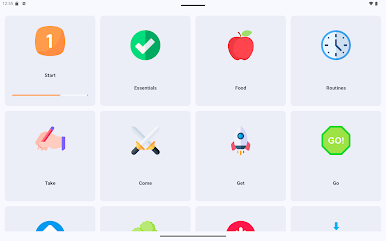
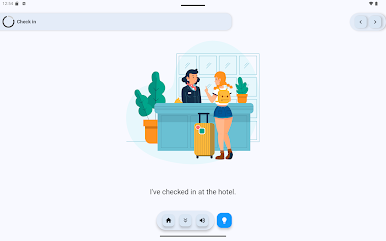
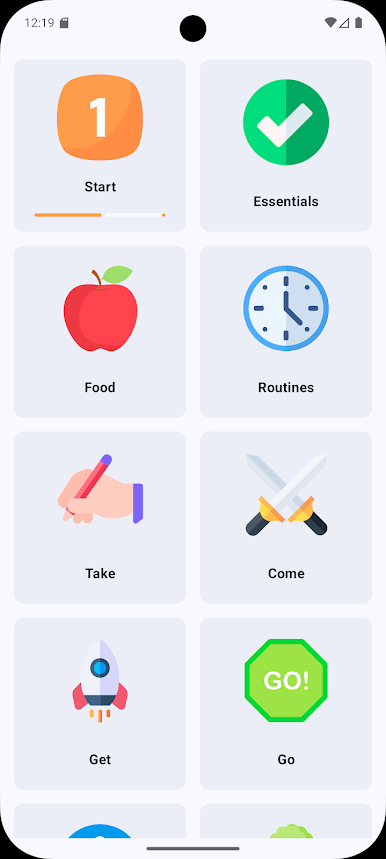
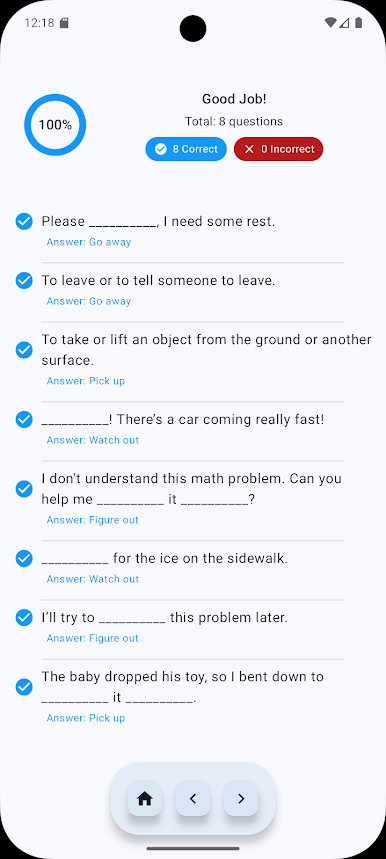
Spiele Phrasal Verbs auf dem PC. Der Einstieg ist einfach.
-
Lade BlueStacks herunter und installiere es auf deinem PC
-
Schließe die Google-Anmeldung ab, um auf den Play Store zuzugreifen, oder mache es später
-
Suche in der Suchleiste oben rechts nach Phrasal Verbs
-
Klicke hier, um Phrasal Verbs aus den Suchergebnissen zu installieren
-
Schließe die Google-Anmeldung ab (wenn du Schritt 2 übersprungen hast), um Phrasal Verbs zu installieren.
-
Klicke auf dem Startbildschirm auf das Phrasal Verbs Symbol, um mit dem Spielen zu beginnen

