


Email for Outlook, Hotmail
500M + oyuncunun güvendiği Android Oyun Platformu, BlueStacks ile PC'de oynayın.

Sayfa Değiştirilme tarihi: Oct 28, 2025
Play All in One Email App on PC
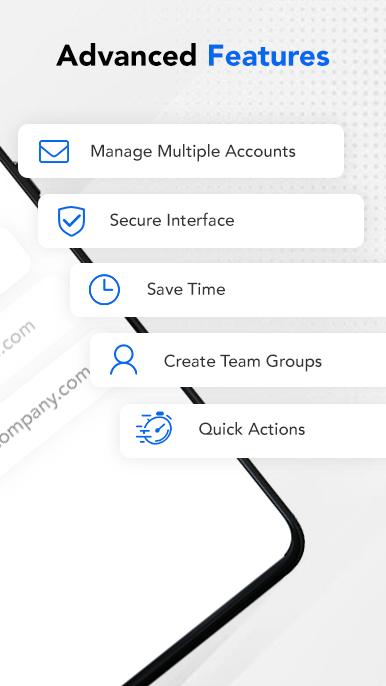
Quick and easy access to Outlook and Hotmail accounts on the go! Check email, read, reply, send photos, add and view attachments — stay in touch with friends, family and colleagues. Experience new features to manage your Outlook email on your phone, tablet, or smartwatch in the most efficient manner.
Why choose us?
– Timely custom push notifications for each email account, e.g. 'Work' email address set to ‘Do not Disturb’ mode from 21:00 to 7:00
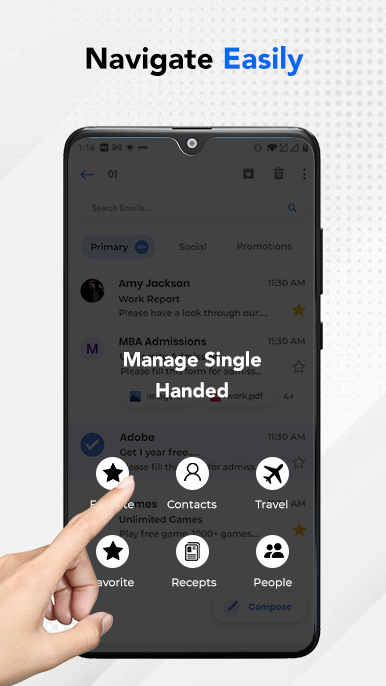
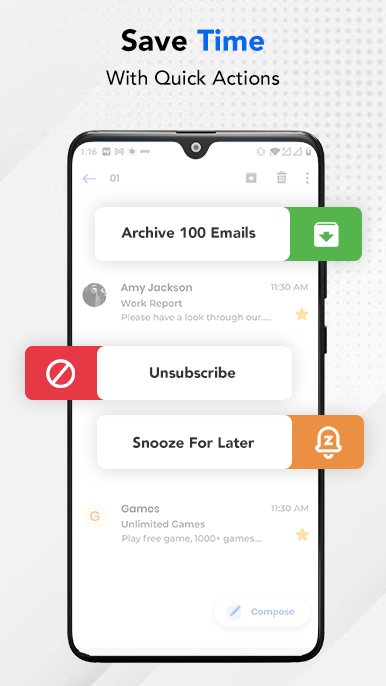
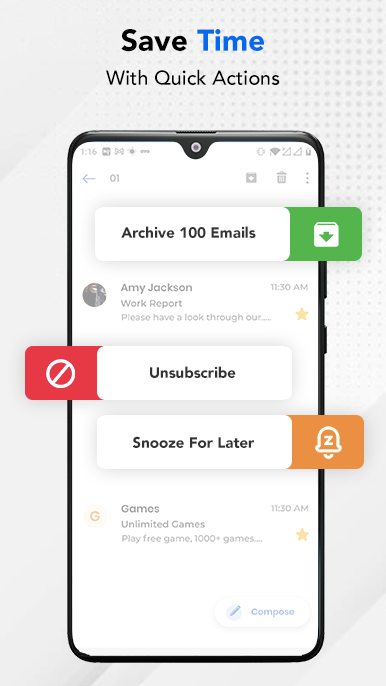
– User-friendly design: you do not have to think twice, whether you want to Flag, Mark as Spam, Delete just one or multiple emails at once
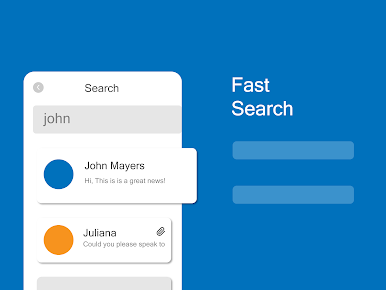
– Convenient search by Date, Recipient, Subject, in Unread, Flagged messages or Attachments to help you find emails in a flash
– Personalized filters to automatically move incoming emails to specific folders or Mark them as read
– Enhanced security to protect your mobile app against unauthorized access by setting up a PIN password
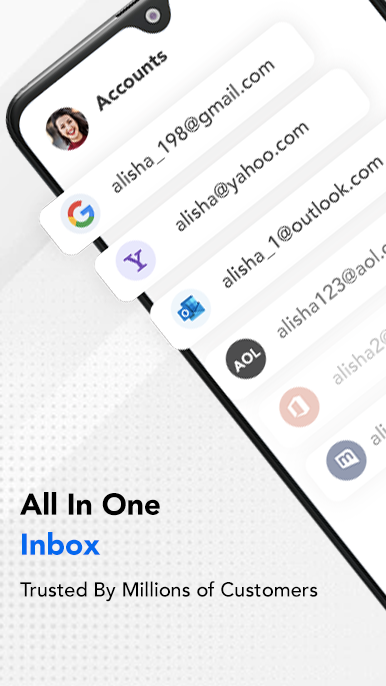
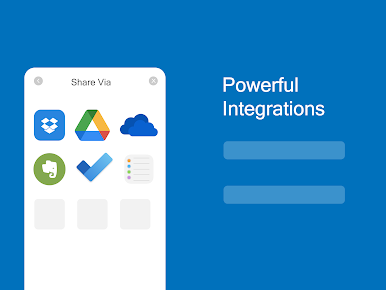
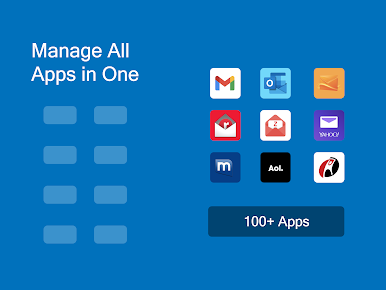
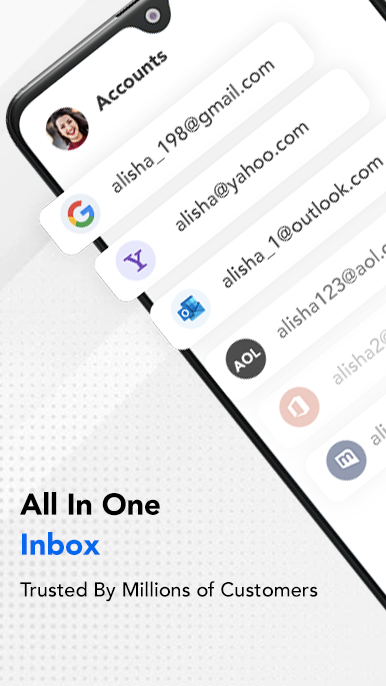
The application also supports all major email services that you can add to have all your mail in one place, whether it is a Microsoft Outlook, Hotmail, or any POP/ IMAP/ SMTP-enabled mailbox.
If you encounter any problems, send us an email at Jkdevelopers85@gmail.com and we will try our best to help you promptly.
Email for Outlook, Hotmail oyununu PC'de oyna. Başlamak çok kolay.
-
BlueStacks'i PC'nize İndirin ve Yükleyin
-
Play Store'a erişmek için Google girişi yapın ya da daha sonraya bırakın.
-
Sağ üst köşeye Email for Outlook, Hotmail yazarak arayın.
-
Email for Outlook, Hotmail uygulamasını arama sonuçlarından indirmek için tıklayın.
-
(iEğer Adım 2'yi atladıysanız) Email for Outlook, Hotmail uygulamasını yüklemek için Google'a giriş yapın.
-
Oynatmaya başlatmak için ekrandaki Email for Outlook, Hotmail ikonuna tıklayın.

