


AutoNotification
500M + oyuncunun güvendiği Android Oyun Platformu, BlueStacks ile PC'de oynayın.

Sayfa Değiştirilme tarihi: Nov 14, 2025
Run AutoNotification on PC or Mac
Upgrade your experience. Try AutoNotification, the fantastic Productivity app from joaomgcd, from the comfort of your laptop, PC, or Mac, only on BlueStacks.
About the App
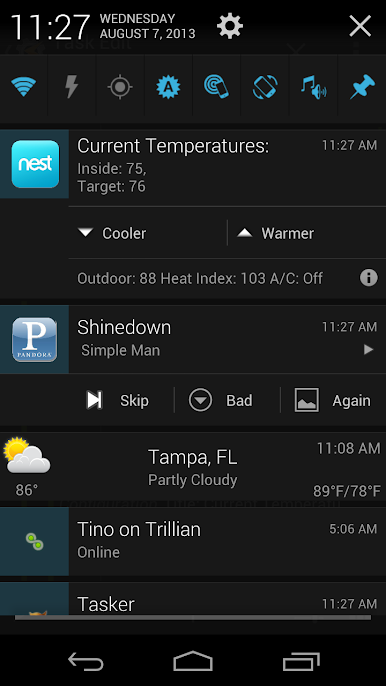
Ever feel like your notifications are just a little too out of control? AutoNotification, by joaomgcd, is here to help. This app gives you control over what pops up on your notification shade, letting you decide what deserves your attention and what doesn’t. Whether you’re tired of constant pings, or you want to fine-tune how different apps buzz and alert you, this Productivity tool makes managing notifications a whole lot friendlier.
App Features
Block Annoying Notifications
– Tired of notification spam? Hide alerts from any app with just a couple taps. For those super stubborn notifications that won’t go away, you’ll need Android 8 or newer.
Customize Notification Categories
– Dig deeper than system options allow by adjusting things like sound, vibration, and alert importance—even on apps that didn’t update for Oreo and beyond. Got a newer app? You can even tweak vibration patterns, which you usually can’t change.
Personalize Gmail Actions
– Add your own buttons to Gmail notifications—up to five at once. Choose what quick actions you want, for a setup that fits your inbox style.
Tasker Integration for Power Users
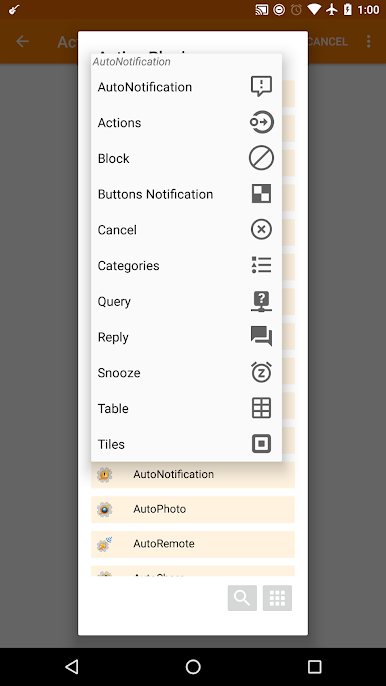
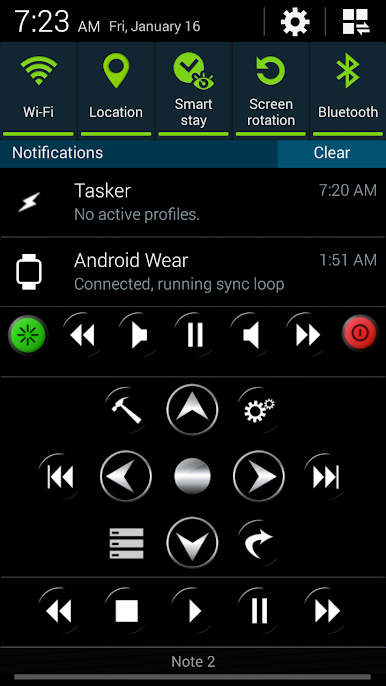
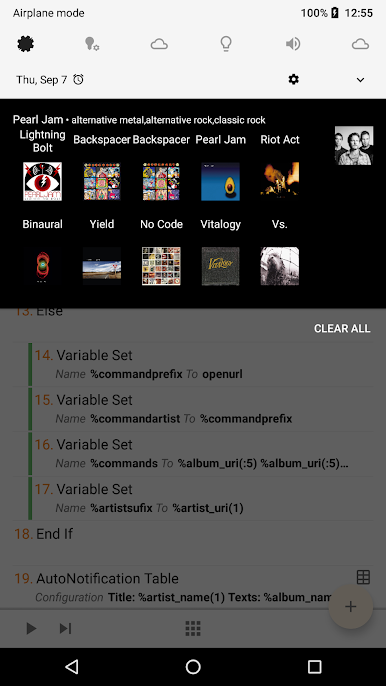
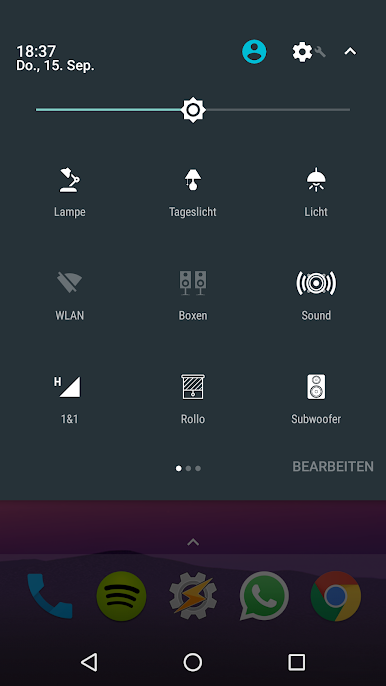
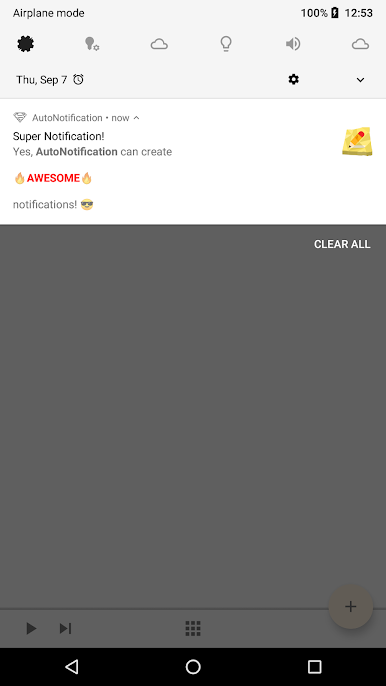
– Get even more creative if you use Tasker. Craft interactive, advanced notifications with custom layouts, add tons of quick settings tiles (up to 40!), or even set up table-style notifications complete with images.
Create Mega-Button Notifications
– Load notifications with as many action buttons as you’d like—have fun, add fifty if you really want.
Notification Management for Third-Party Apps
– Take control of how third-party apps notify you, including the ability to snooze alerts (especially handy on Android 8+).
React to Other Notifications
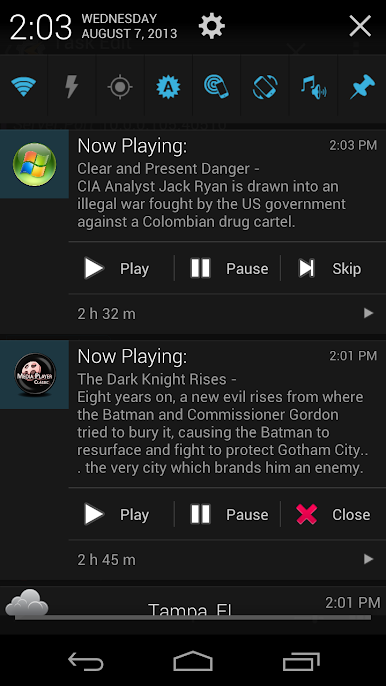
– With Tasker, intercept and replace notifications from other apps—turn boring alerts into something actually useful.
Intercept Toasts
– Use the accessibility feature (just for this, no sneaky data collection) to catch and act on those mini pop-up messages from other apps.
Automatic Replies
– Want auto-replies for apps like WhatsApp or Hangouts? Set up chat bots to answer for you, no extra typing required.
Try Before You Commit
– There’s a free 7-day trial with all the features unlocked, so you can see if it fits your workflow before going all-in.
If you’re using BlueStacks, all of these features are just as handy on your bigger screen—for those who like to keep productivity and notifications in check, wherever they are.
Eager to take your app experience to the next level? Start right away by downloading BlueStacks on your PC or Mac.

AutoNotification oyununu PC'de oyna. Başlamak çok kolay.
-
BlueStacks'i PC'nize İndirin ve Yükleyin
-
Play Store'a erişmek için Google girişi yapın ya da daha sonraya bırakın.
-
Sağ üst köşeye AutoNotification yazarak arayın.
-
AutoNotification uygulamasını arama sonuçlarından indirmek için tıklayın.
-
(iEğer Adım 2'yi atladıysanız) AutoNotification uygulamasını yüklemek için Google'a giriş yapın.
-
Oynatmaya başlatmak için ekrandaki AutoNotification ikonuna tıklayın.

