


Mein Blitz-Tracker
Spiele auf dem PC mit BlueStacks - der Android-Gaming-Plattform, der über 500 Millionen Spieler vertrauen.

Seite geändert am: Dec 15, 2025
Play My Lightning Tracker & Alerts on PC
- Detects and displays lightning strikes all around the world!
- See a history of hotspots where lightning strikes occur most often!
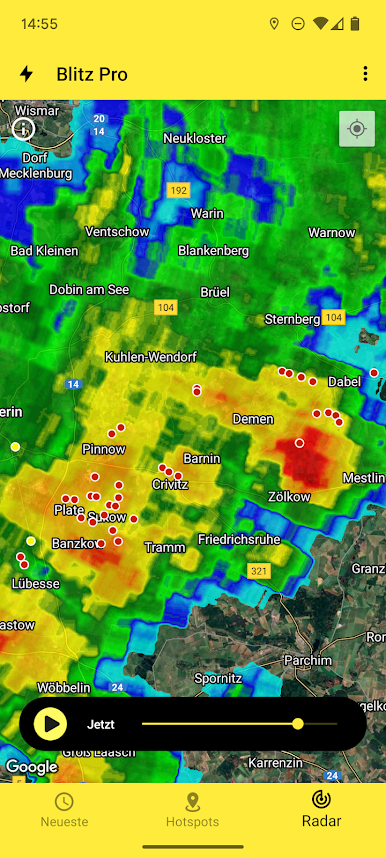
- View more detailed information about where the thunderstorm is occurring on a map, like Blitzortung and WeatherBug Spark.
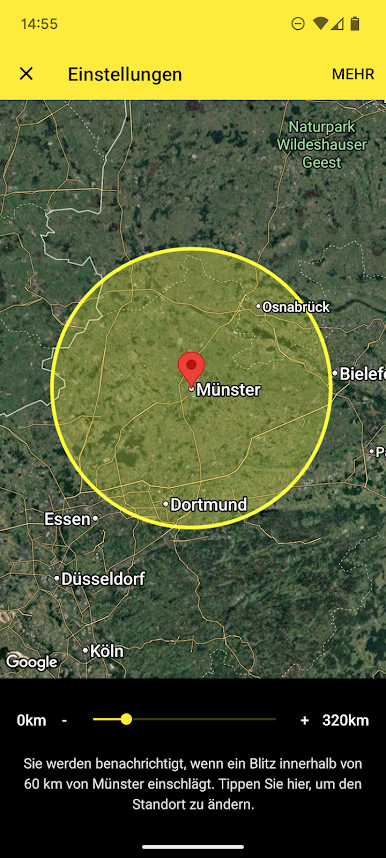
- Receive a lightning alarm when a storm is nearby so that you can monitor it live.
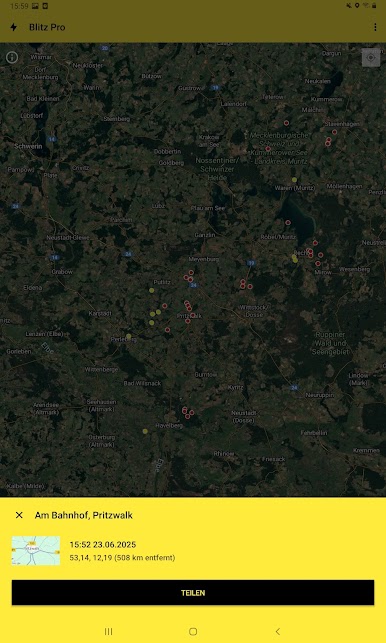
- Share a strike with your friends so that they can see where the thunder & lightning is occurring too!
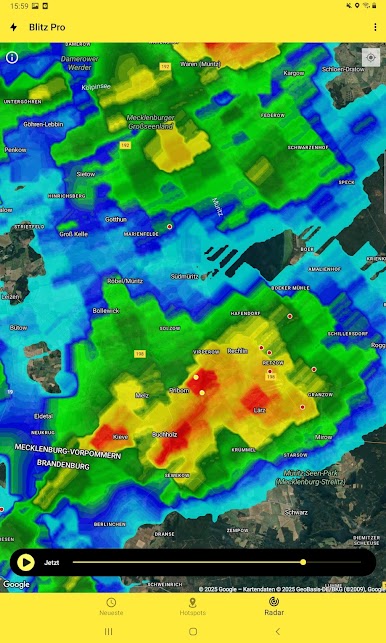
- Monitor the weather radar to track what could be coming.
- Full support for the latest versions of Android.
If you want the most efficient way of keeping up lightning strikes and thunderstorms, then My Lightning Tracker is the right lightning network for you. This app will let you know when a thunderstorm could be on its way. This version is ad-supported.
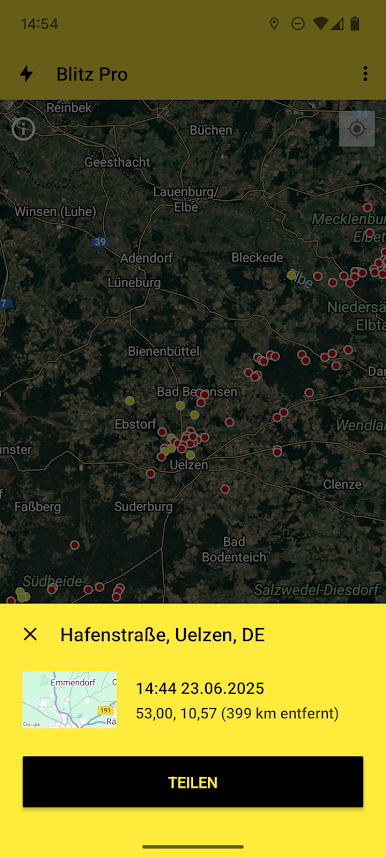
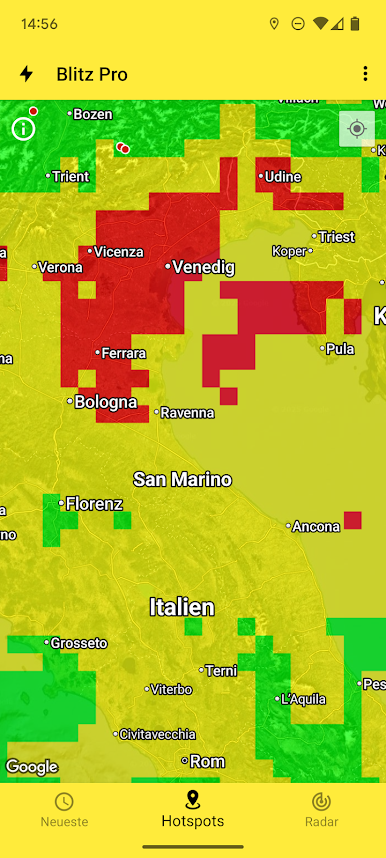
Spiele Mein Blitz-Tracker auf dem PC. Der Einstieg ist einfach.
-
Lade BlueStacks herunter und installiere es auf deinem PC
-
Schließe die Google-Anmeldung ab, um auf den Play Store zuzugreifen, oder mache es später
-
Suche in der Suchleiste oben rechts nach Mein Blitz-Tracker
-
Klicke hier, um Mein Blitz-Tracker aus den Suchergebnissen zu installieren
-
Schließe die Google-Anmeldung ab (wenn du Schritt 2 übersprungen hast), um Mein Blitz-Tracker zu installieren.
-
Klicke auf dem Startbildschirm auf das Mein Blitz-Tracker Symbol, um mit dem Spielen zu beginnen

