Red Wrecker
Играйте на ПК с BlueStacks – игровой платформе для приложений на Android. Нас выбирают более 500 млн. игроков.

Страница изменена: Mar 1, 2024
Play Red Wrecker on PC or Mac
Join millions to experience Red Wrecker, an exciting Puzzle game from RosiMosi LLC. With BlueStacks App Player, you are always a step ahead of your opponent, ready to outplay them with faster gameplay and better control with the mouse and keyboard on your PC or Mac.
About the Game
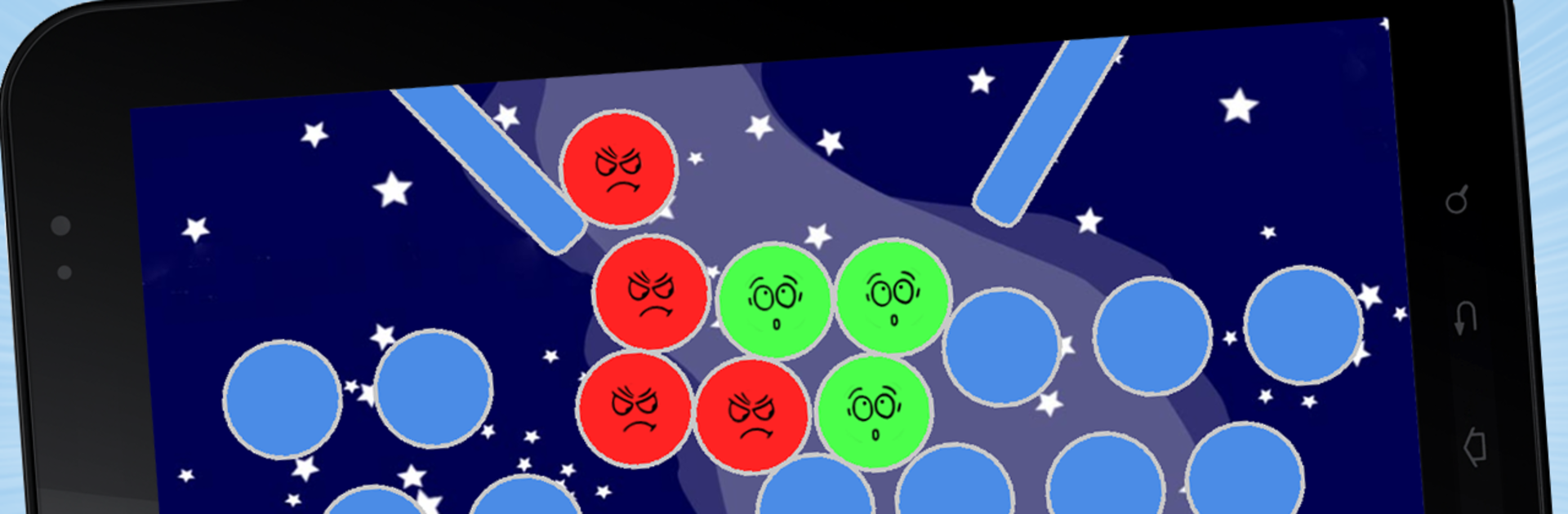
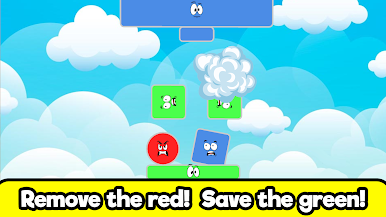
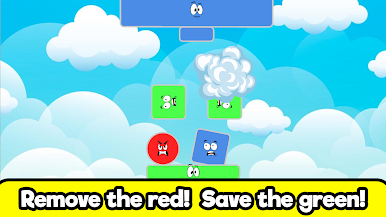
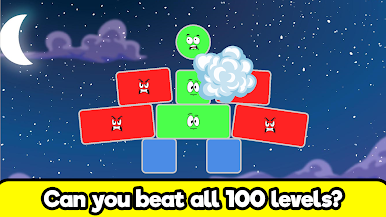
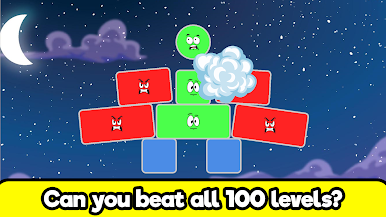
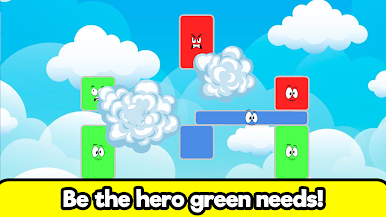
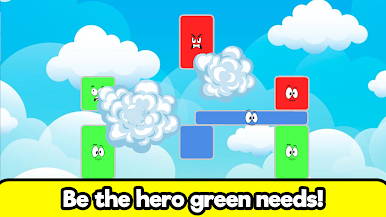
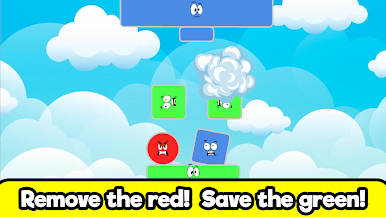
Red Wrecker is a puzzle game that’ll keep your brain on its toes and your reflexes sharp. Each level gives you a screen full of quirky shapes, and your job is to figure out how to bump the red ones off—without messing things up for the rest. It’s simple at first glance, but some levels will really make you stop and think. Once you start, you might find it hard to put down.
Game Features
-
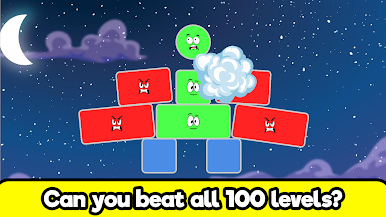
100 Clever Levels
There’s a whole bunch—100, to be exact—of puzzles to mess with, ranging from “Oh, this is easy” to “Okay, I’m stumped.” Each one flavors up the challenge just a bit differently. -
Physics-Based Fun
The puzzles aren’t just about what you remove, but when and how you do it. Give the wrong shape a nudge and watch your careful plan fall apart. It’s the sort of thing that makes winning feel extra satisfying. -
Crisp Graphics
The visuals are clean and bright, so shapes really pop on big screens—whether you’re playing on your tablet or your phone. -
Fresh Levels Over Time
Things don’t get stale. New stages roll out every now and then, keeping you busy if you’ve already bested the first set. -
Ad-Free Play
No annoying pop-ups or interruptions—you can just focus on solving each level at your own pace. -
Works Great on BlueStacks
If you’re into playing puzzle games on your PC, Red Wrecker pairs nicely with BlueStacks for a change of scenery and even snappier controls.
Make your gaming sessions memorable with precise controls that give you an edge in close combats and visuals that pop up, bringing every character to life.
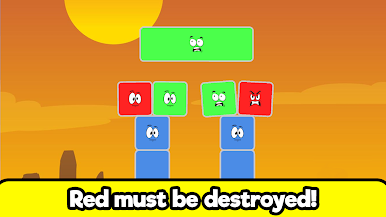
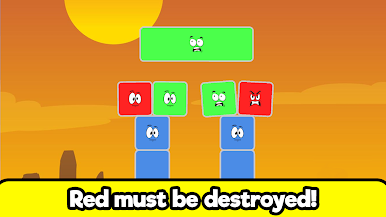
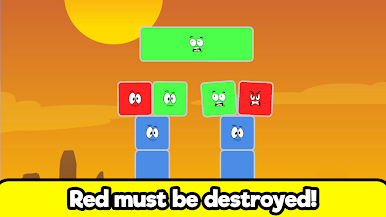
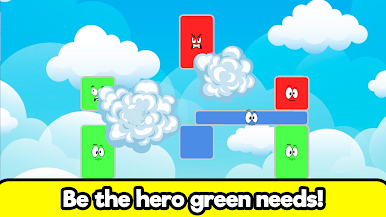
Играйте в игру Red Wrecker на ПК. Это легко и просто.
-
Скачайте и установите BlueStacks на ПК.
-
Войдите в аккаунт Google, чтобы получить доступ к Google Play, или сделайте это позже.
-
В поле поиска, которое находится в правой части экрана, введите название игры – Red Wrecker.
-
Среди результатов поиска найдите игру Red Wrecker и нажмите на кнопку "Установить".
-
Завершите авторизацию в Google (если вы пропустили этот шаг в начале) и установите игру Red Wrecker.
-
Нажмите на ярлык игры Red Wrecker на главном экране, чтобы начать играть.