


BeatSync: Foto & Müzik Video
500M + oyuncunun güvendiği Android Oyun Platformu, BlueStacks ile PC'de oynayın.

Sayfa Değiştirilme tarihi: Oct 2, 2025
Run BeatSync - Hot Videos Easy & Q on PC or Mac
BeatSync – Hot Videos Easy & Q is a Video Players & Editors app developed by KineMaster, Video Editor Experts Group. BlueStacks app player is the best platform to play this Android game on your PC or Mac for an immersive gaming experience.
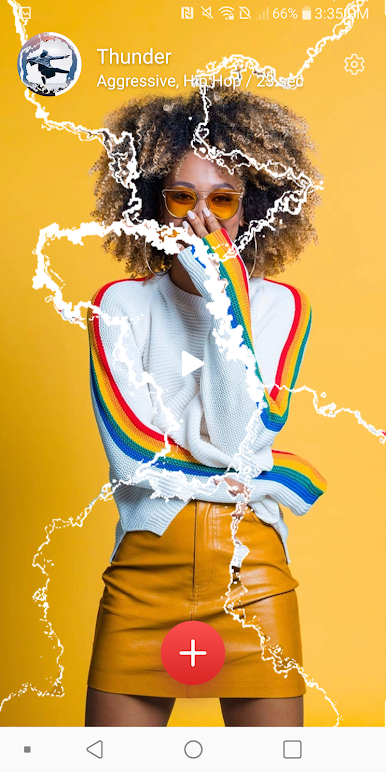
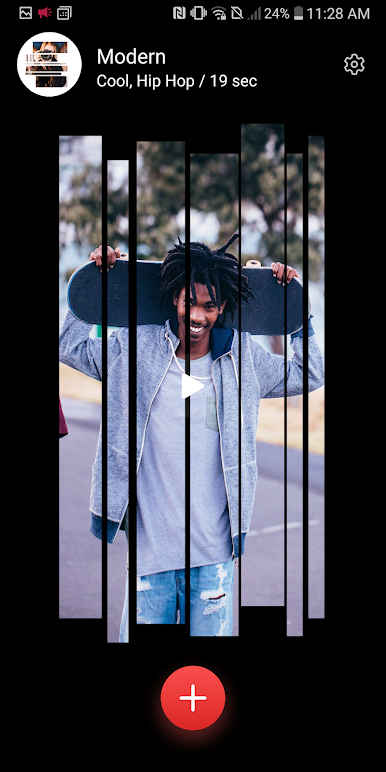
BeatSync – Hot Videos Easy & Q is a fantastic app that lets users create their own hot, trendy videos in the easiest way possible. With BeatSync, users can use their own video files without any watermark, making it a perfect choice for anyone who wants to create stunning videos.
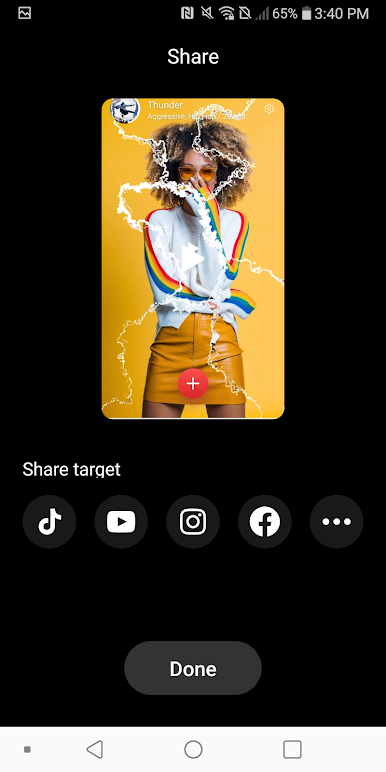
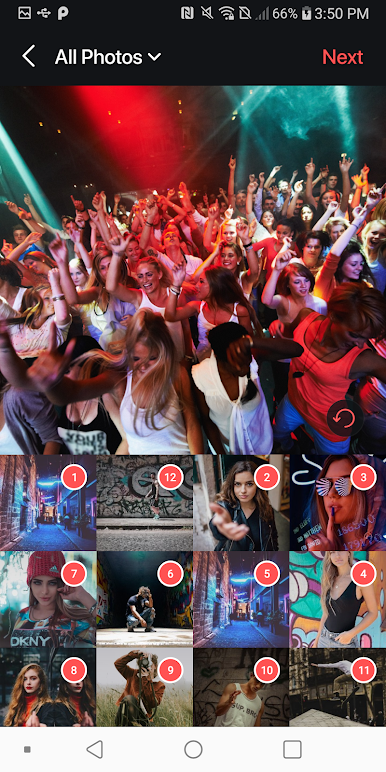
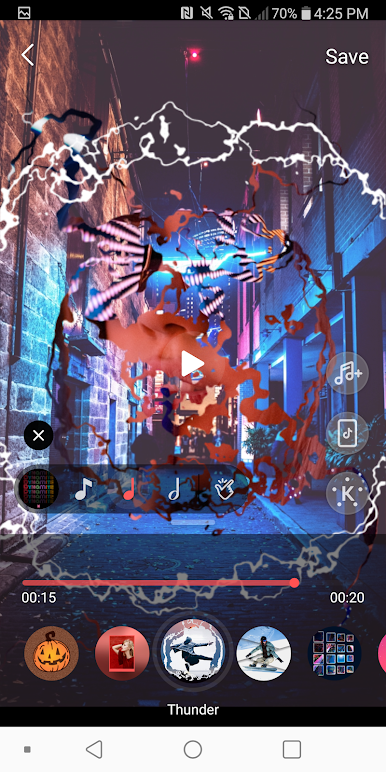
The app is incredibly easy to use. All users have to do is select a bunch of photos or a video on their phone and choose a BeatSync template. The app will automatically provide them with hot video effects on the perfect timing, making it easy to create amazing videos that are ready to be shared with friends and the world.
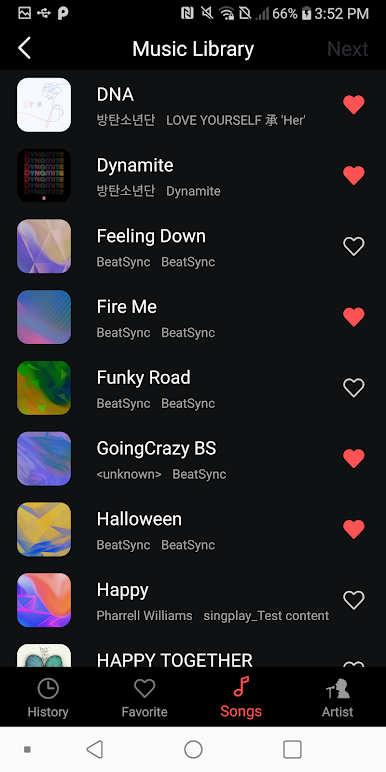
One of the best features of BeatSync is its ability to sync the video effects with the music that users select. The app’s Beat Detection Algorithm will detect the perfect beat positions of the selected music, so the video effects could precisely match the beats. Users can even use their favorite music and still have the effects in sync with the music.
Download BeatSync – Hot Videos Easy & Q on PC with BlueStacks and create stunning videos quickly and easily.
BeatSync: Foto & Müzik Video oyununu PC'de oyna. Başlamak çok kolay.
-
BlueStacks'i PC'nize İndirin ve Yükleyin
-
Play Store'a erişmek için Google girişi yapın ya da daha sonraya bırakın.
-
Sağ üst köşeye BeatSync: Foto & Müzik Video yazarak arayın.
-
BeatSync: Foto & Müzik Video uygulamasını arama sonuçlarından indirmek için tıklayın.
-
(iEğer Adım 2'yi atladıysanız) BeatSync: Foto & Müzik Video uygulamasını yüklemek için Google'a giriş yapın.
-
Oynatmaya başlatmak için ekrandaki BeatSync: Foto & Müzik Video ikonuna tıklayın.

