


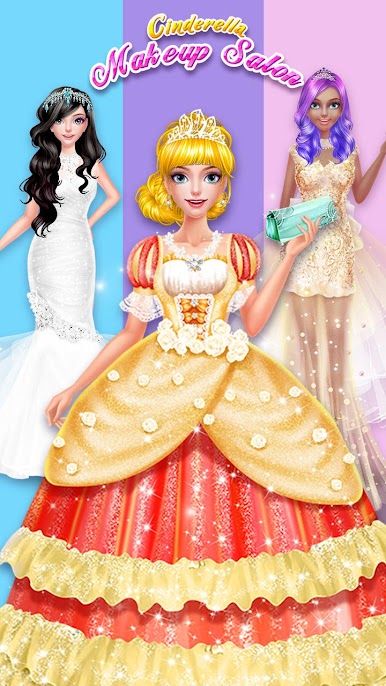
Золушка макияж салон
Играйте на ПК с BlueStacks – игровой платформе для приложений на Android. Нас выбирают более 500 млн. игроков.

Страница изменена: Aug 11, 2025
Play Cinderella Princess Dress Up on PC or Mac
Bring your A-game to Cinderella Princess Dress Up, the Casual game sensation from Tap Plays. Give your gameplay the much-needed boost with precise game controls, high FPS graphics, and top-tier features on your PC or Mac with BlueStacks.
About the Game
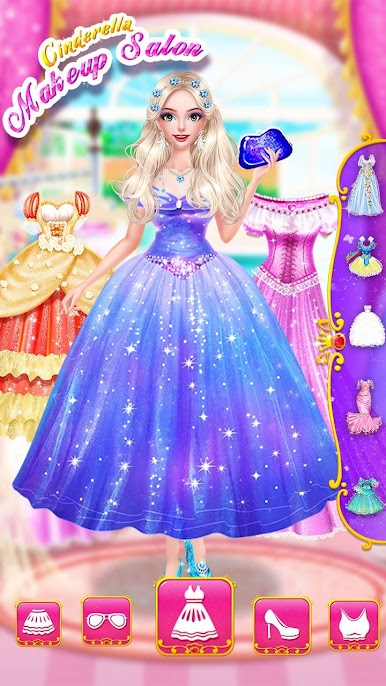
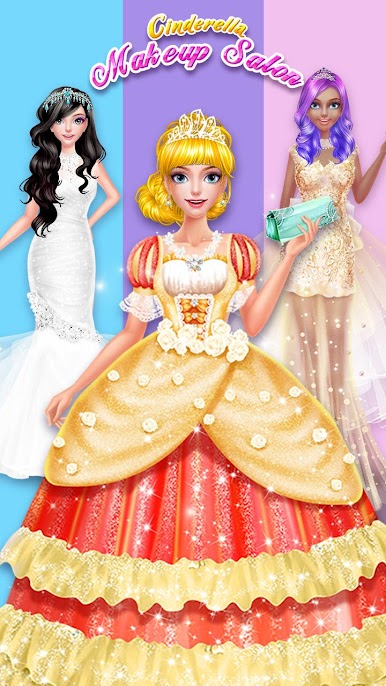
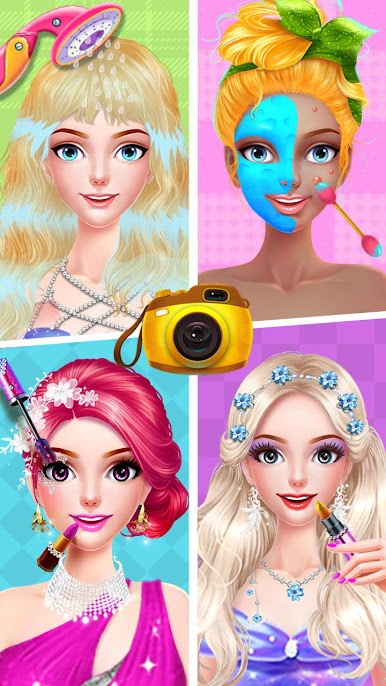
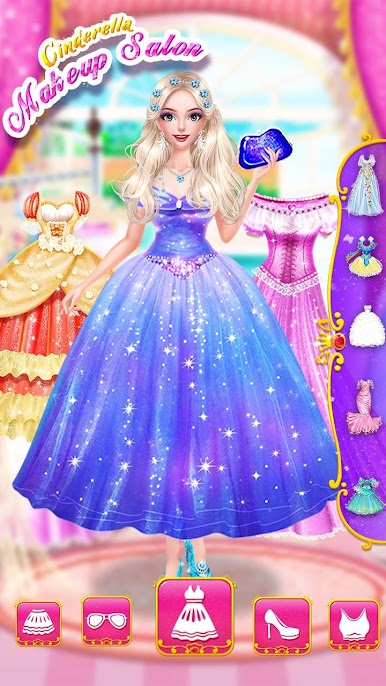
Step into the classic fairy tale with Cinderella Princess Dress Up by Tap Plays, a Casual game made for anyone who loves a little magic and a lot of dress-up. Ever wondered what it’s like to transform from rags to royalty? Here’s your chance to give Cinderella the royal glow-up she deserves, all with a sprinkle of your own style and imagination.
Game Features
-
Magical Transformations
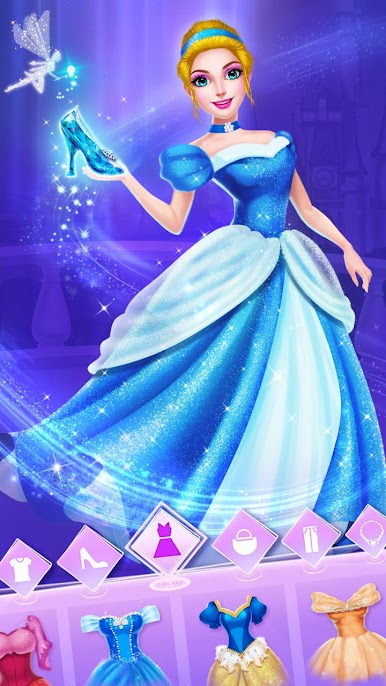
Get hands-on and help turn everyday pumpkins into sparkling carriages and cute little mice into loyal helpers—just like in the story. -
Creative Makeup Options
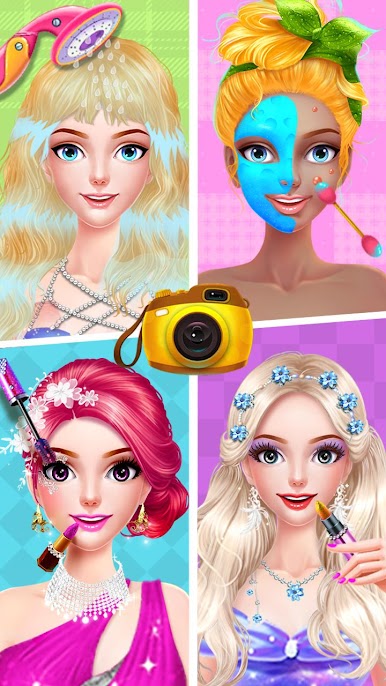
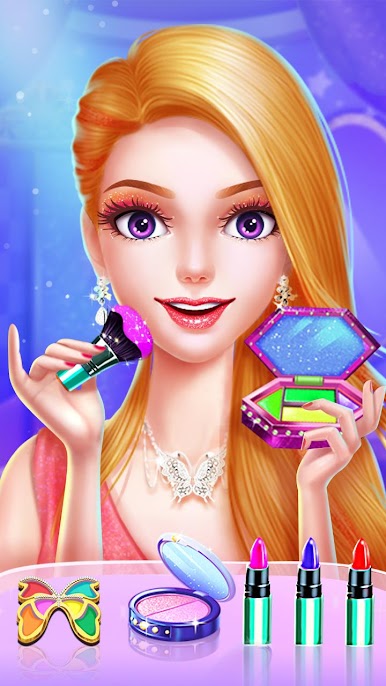
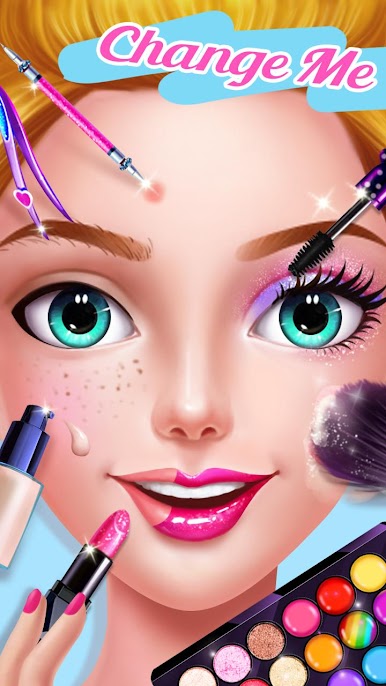
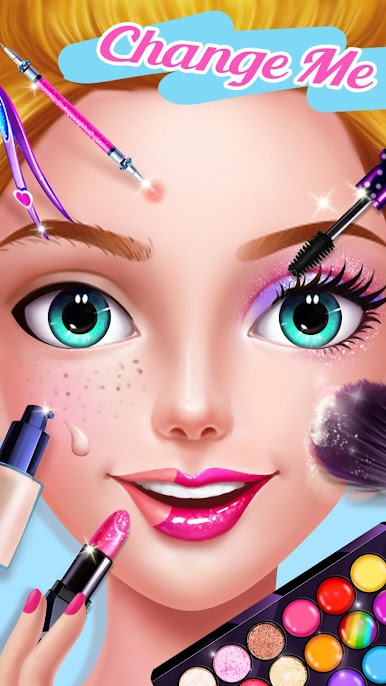
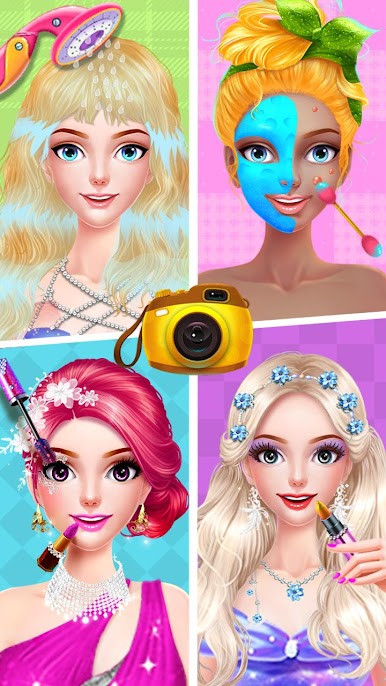
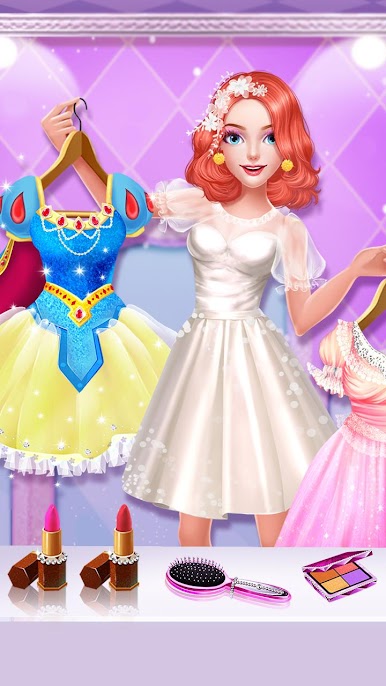
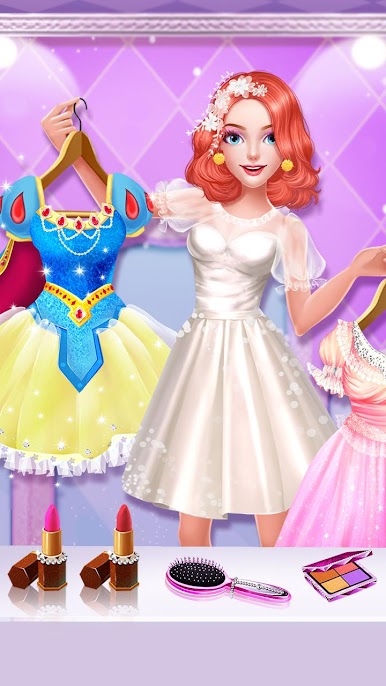
Explore a wide selection of makeup to make sure Cinderella looks her absolute best for the ball. Go subtle or go bold—the choice is all yours. -
Fairy Tale Fashions
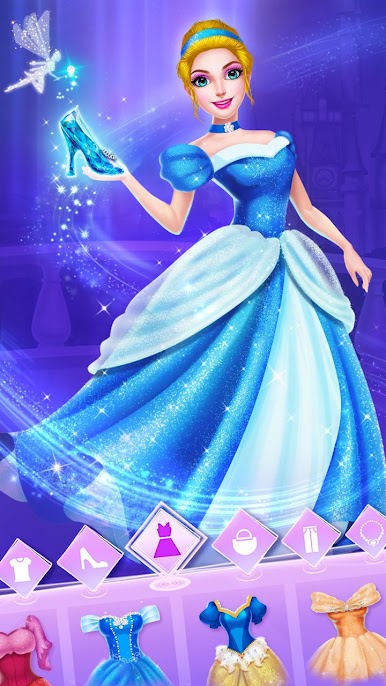
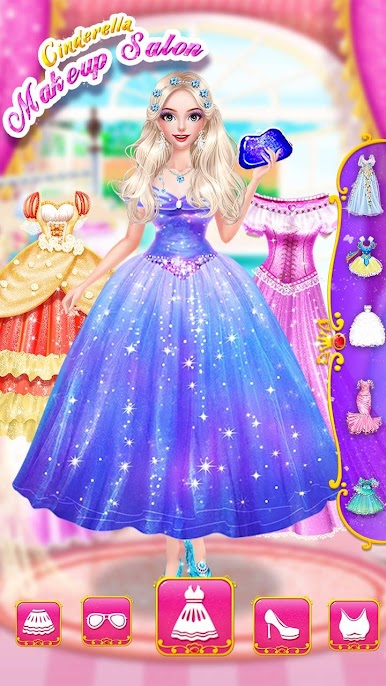
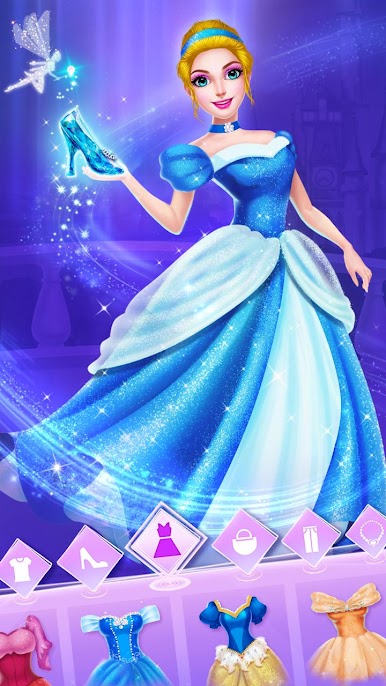
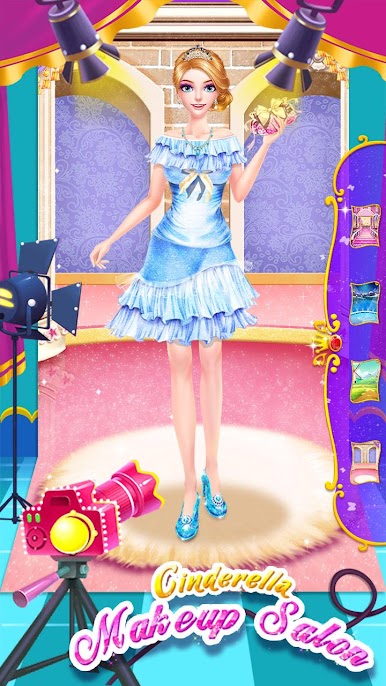
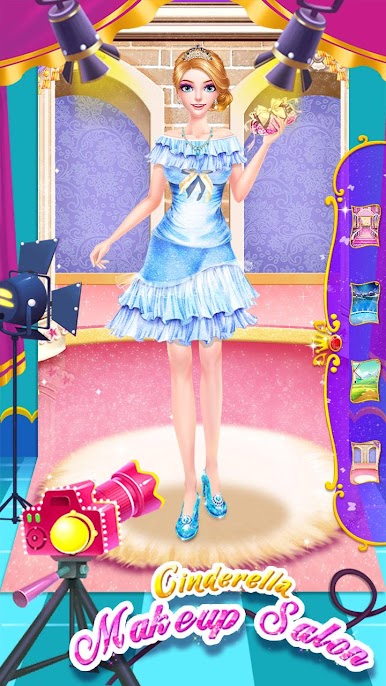
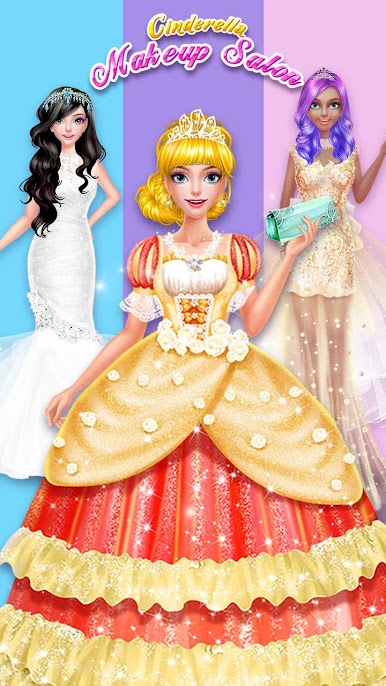
Pick out stunning dresses and, of course, that twinkling pair of glass slippers—the perfect touch to catch Prince Charming’s eye. -
Interactive Story Moments
Play through moments where you can shape Cinderella’s look and confidence. Watch as she transforms from shy and simple to graceful and ready for the ball. -
Dance with Prince Charming
After your magical makeover, see Cinderella waltz with Prince Charming—maybe even win his heart! -
Easy Sharing
Happy with your creation? Snap a picture and share Cinderella’s new look with friends through social media.
For an extra smooth experience, you can try playing Cinderella Princess Dress Up using BlueStacks. It adds a little extra shine to your dress-up sessions.
Get ready for a buttery smooth, high-performance gaming action only on BlueStacks.





Играйте в игру Золушка макияж салон на ПК. Это легко и просто.
-
Скачайте и установите BlueStacks на ПК.
-
Войдите в аккаунт Google, чтобы получить доступ к Google Play, или сделайте это позже.
-
В поле поиска, которое находится в правой части экрана, введите название игры – Золушка макияж салон.
-
Среди результатов поиска найдите игру Золушка макияж салон и нажмите на кнопку "Установить".
-
Завершите авторизацию в Google (если вы пропустили этот шаг в начале) и установите игру Золушка макияж салон.
-
Нажмите на ярлык игры Золушка макияж салон на главном экране, чтобы начать играть.

